This thread is resolved. Here is a description of the problem and solution.
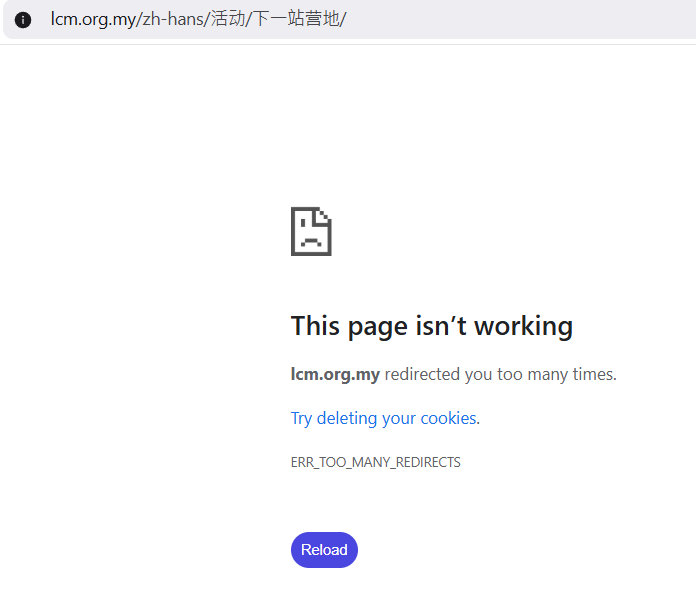
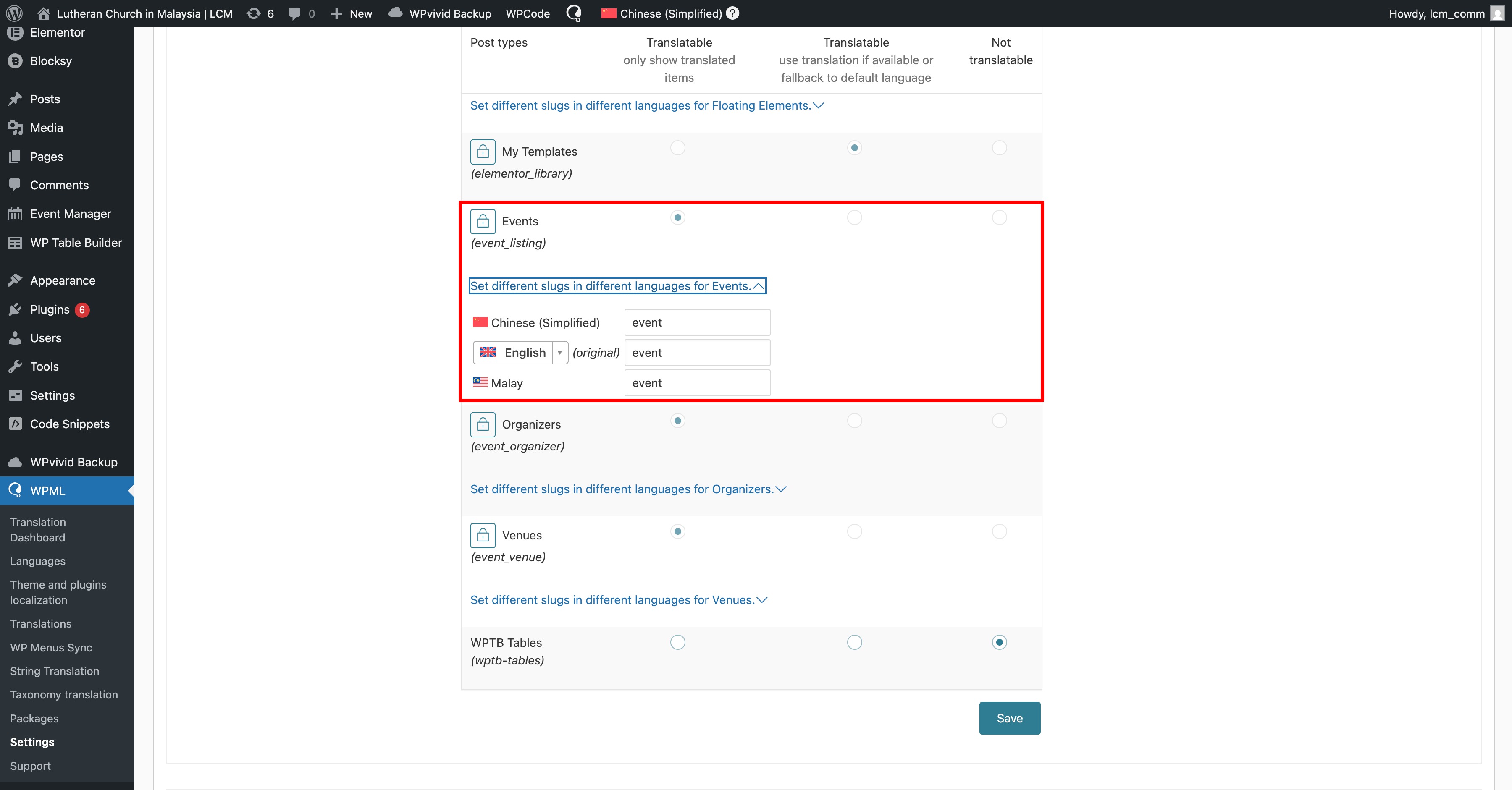
Problem: The client was experiencing ERR_TOO_MANY_REDIRECTS errors and issues with translations not appearing correctly on the Events page after changing languages. Solution: Firstly, we resolved the redirection issue by updating the URL slug translations. We navigated to WPML → Settings → Post Type Translations and set the event slug to "event". We also recommended translating the slug from the same location. For more details on translating page slugs, visit Translating Page Slugs Documentation.
For the translation issue on the Events page, we suggested making a small change on the original Events page and then completing the translations.
Additionally, our compatibility team provided a code snippet to address further issues with WPML on the Events page. The client should add the following code at the end of the file located at
If these solutions do not resolve the issue or seem outdated, we highly recommend checking related known issues at https://wpml.org/known-issues/, verifying the version of the permanent fix, and confirming that you have installed the latest versions of themes and plugins. If the problem persists, please open a new support ticket.
This is the technical support forum for WPML - the multilingual WordPress plugin.
Everyone can read, but only WPML clients can post here. WPML team is replying on the forum 6 days per week, 22 hours per day.
Thank you for contacting WPML support. While you are waiting for one of my colleagues to take this ticket and work on it, let me provide you with first debugging steps or if I can perhaps help with the issue quickly.
Thank you for contacting WPML support. I'd be happy to assist you on this issue.
To debug this issue further, I would need to check your site settings once, for this I would need temporary access (wp-admin and ftp) to your site.
So could you please provide me with those details, you will find the needed fields for this below the comment area when you log in to leave your next reply. hidden link
Regarding the redirection issue, the URL slug translations were configured elsewhere, which caused the problem. I updated the setting by going to WPML → Settings → Post Type Translations and set the event slug to "event", and it’s now working correctly. Could you please check on your end? I recommend translating the slug from the same location as well:(https://wpml.org/documentation/getting-started-guide/translating-page-slugs/)
As for the text issue, please make a small change on the original Events page and then complete the translations. This should resolve the problem.
Thanks, the page is able to load now and the error message is no longer displayed.
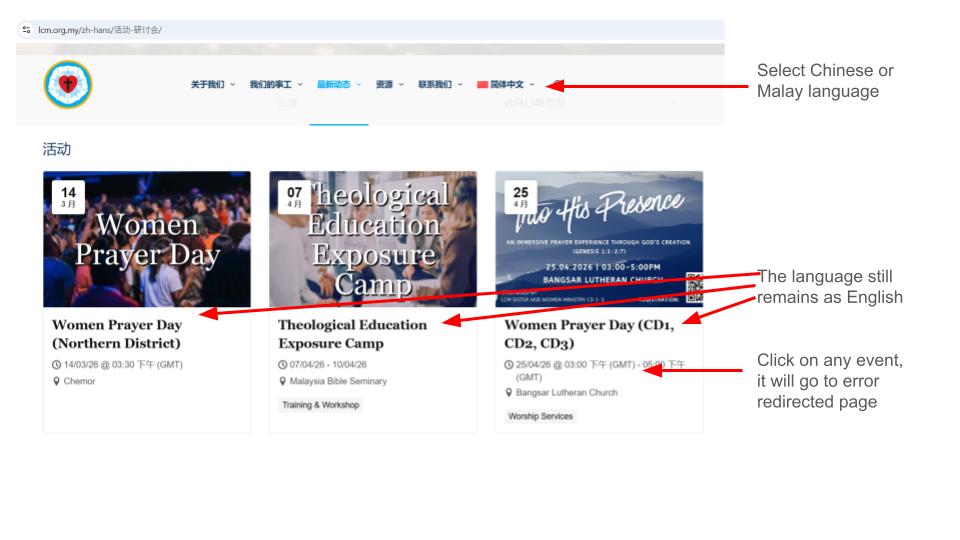
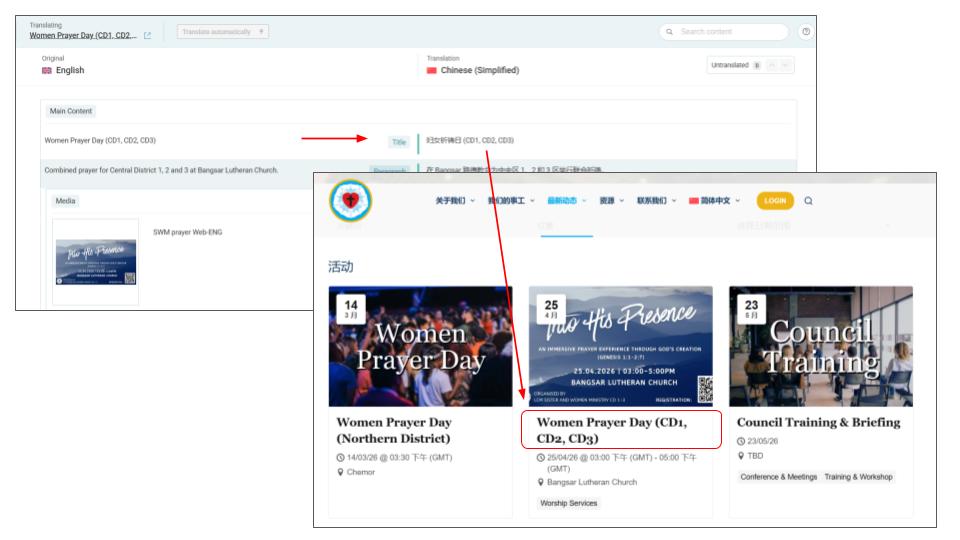
However, I am still only seeing English on the Events page after I select a different language. I have changed the translation on the events, but the issue remains.
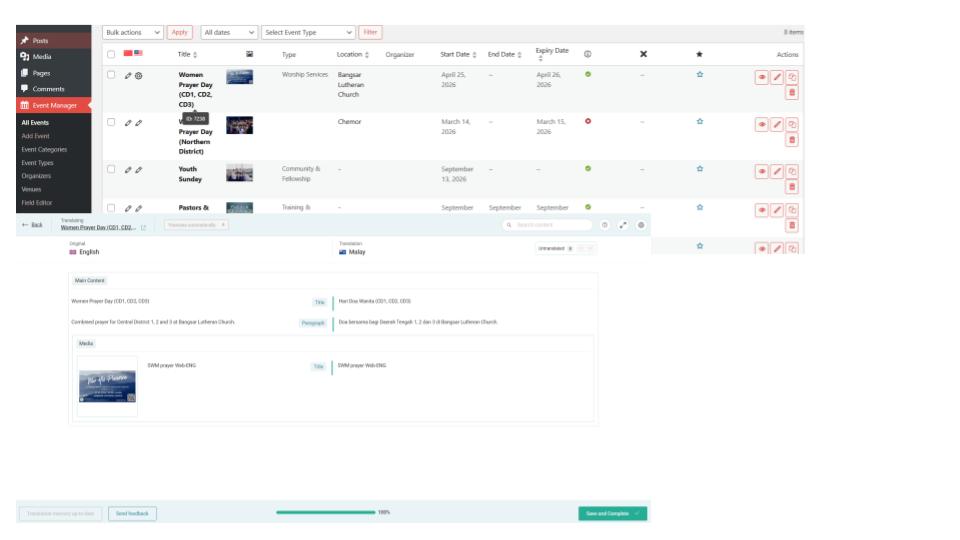
It doesn't seem to reflect? It is correct on the Advanced Translation Editor, but the title doesn't change when I switch language. Please see image attached.
That’s a bit unusual—since both plugins are developed by the same author as WP Event Manager, they should ideally work together.
It seems like this might be a compatibility issue. I’ve set up a public demo site—could you please install WP Event Manager there and create a sample event? This will help us investigate the issue more effectively.
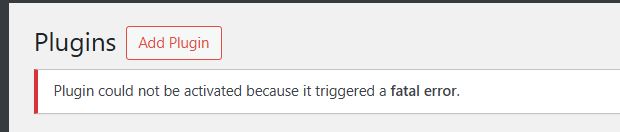
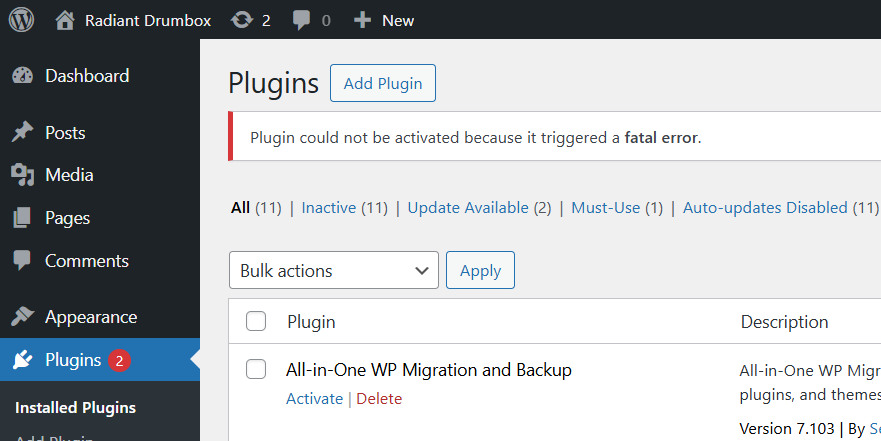
For now, please skip that plugin and install **WP Event Manager** instead. After installing, kindly create a sample event so we can investigate the issue more effectively.
Let’s proceed without that plugin for the time being.