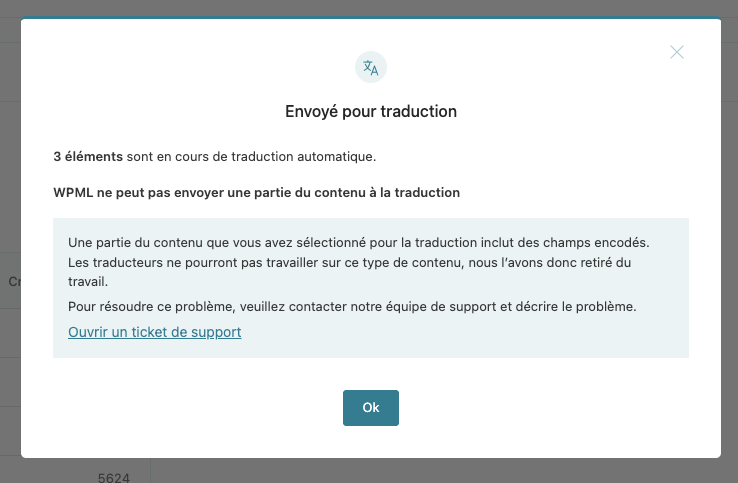
This is Ashraf from the WPML Dev team, I'm here to help you solve your issue.
First of all, I'd like to inform you that our team is aware of this issue and we're actively working on providing a fix for it in our upcoming releases.
As for now, you can apply a workaround by disabeling the Base64 content validation when sending content to translation as it seems to be blocking for you, to do that you need to:
1. Access the WPML plugin files inside "sitepress-multilingual-cms" directory ➡ find it inside your installed plugins directory.
2. Navigate to "sitepress-multilingual-cms/vendor/wpml/wpml/src/config-class-definitions.php"
3. Search for "new Base64Validator()"
4. Comment out the line that contains "new Base64Validator()" so it becomes "// new Base64Validator()"
5. Maybe Clear caches on your site
6. Reload the WPML's Translation Dashboard page
7. Re-send the affected content
This way the validator is disabled and then you can re-send any elements that got skipped.
If you need help with this, then I'd like to ask you for FTP access to your site to apply the change and get back to you ➡ For that I've set your next reply to be "private" to protect any credentials you're going to share.