This thread is resolved. Here is a description of the problem and solution.
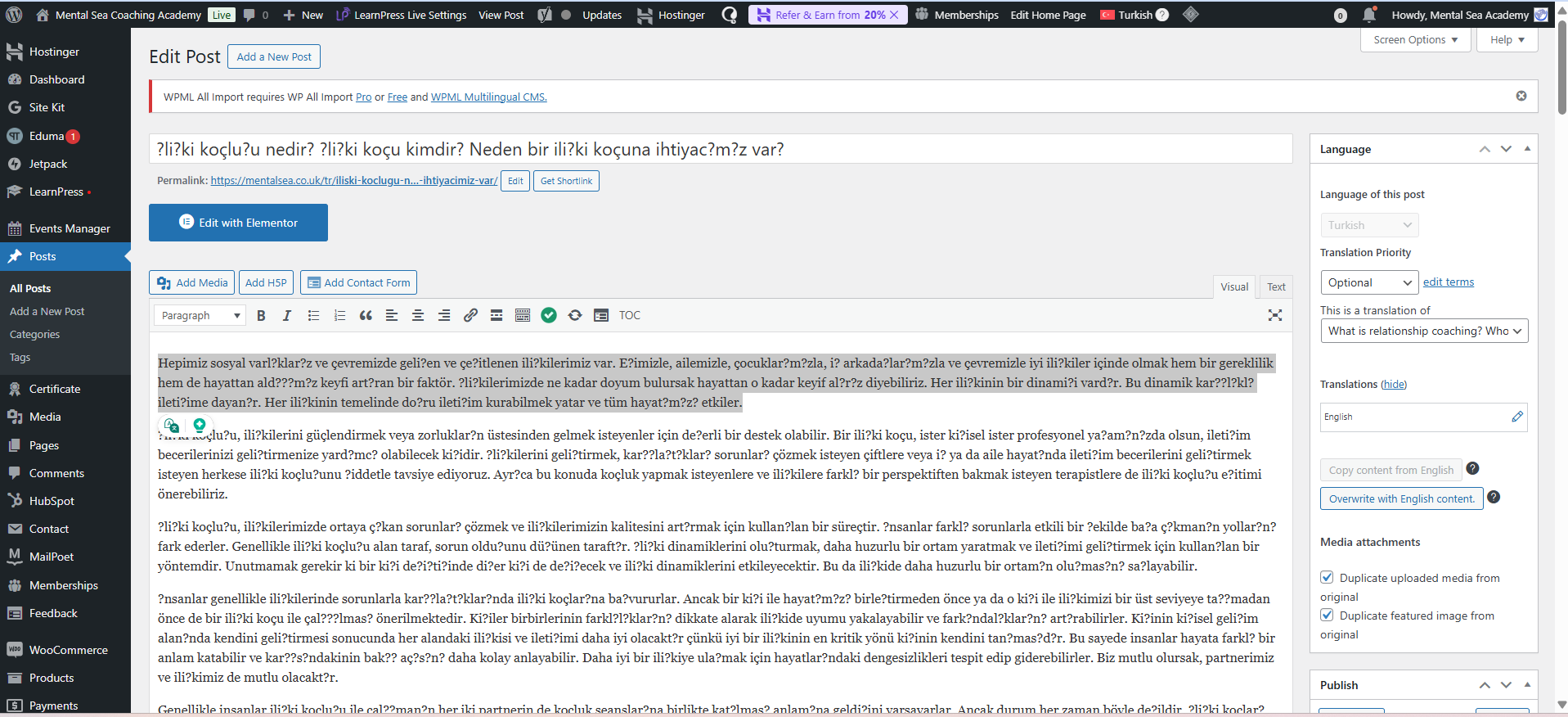
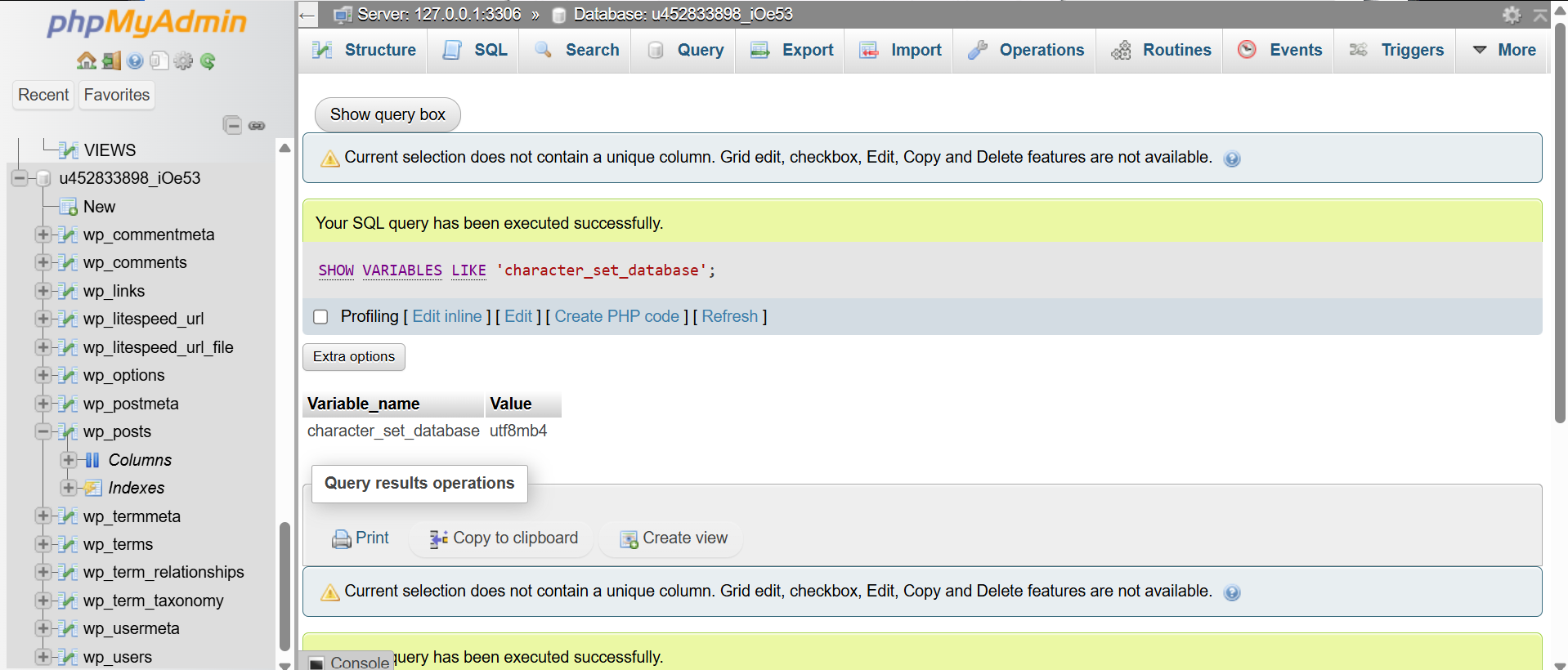
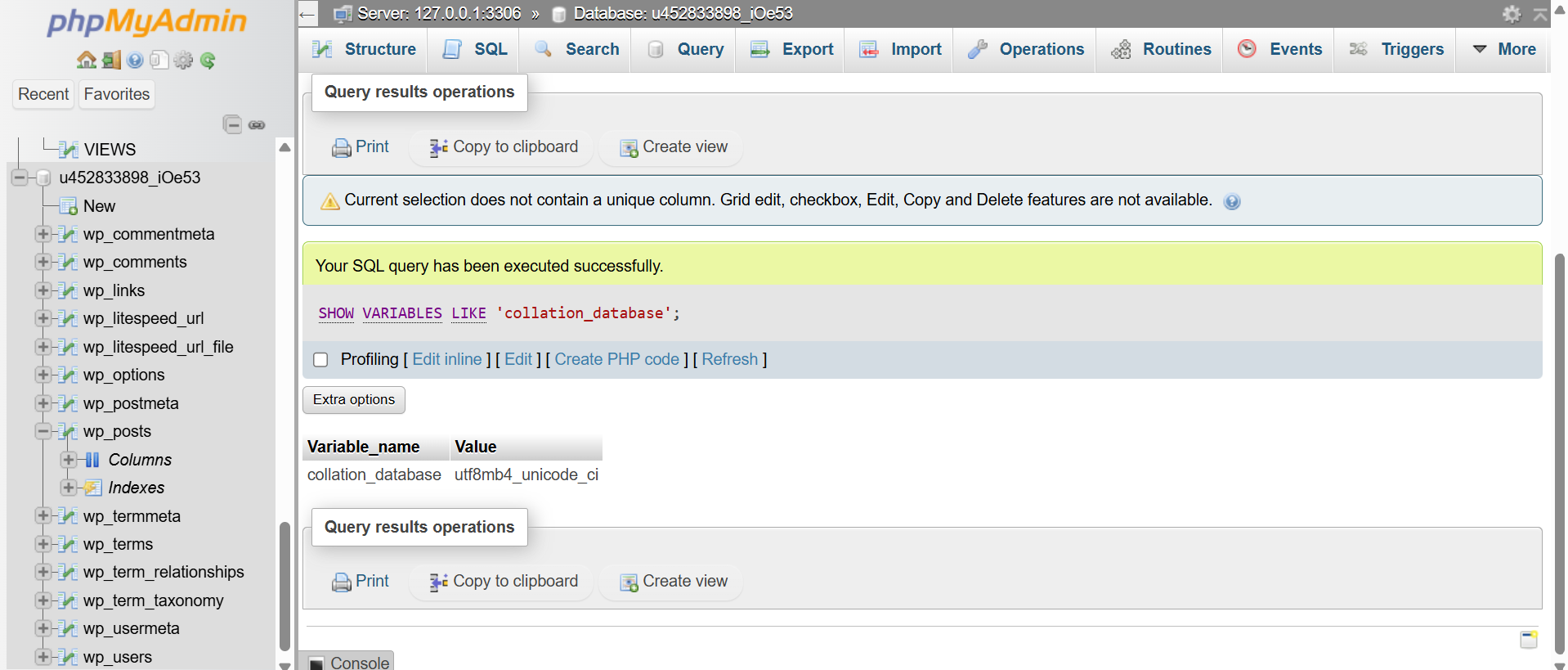
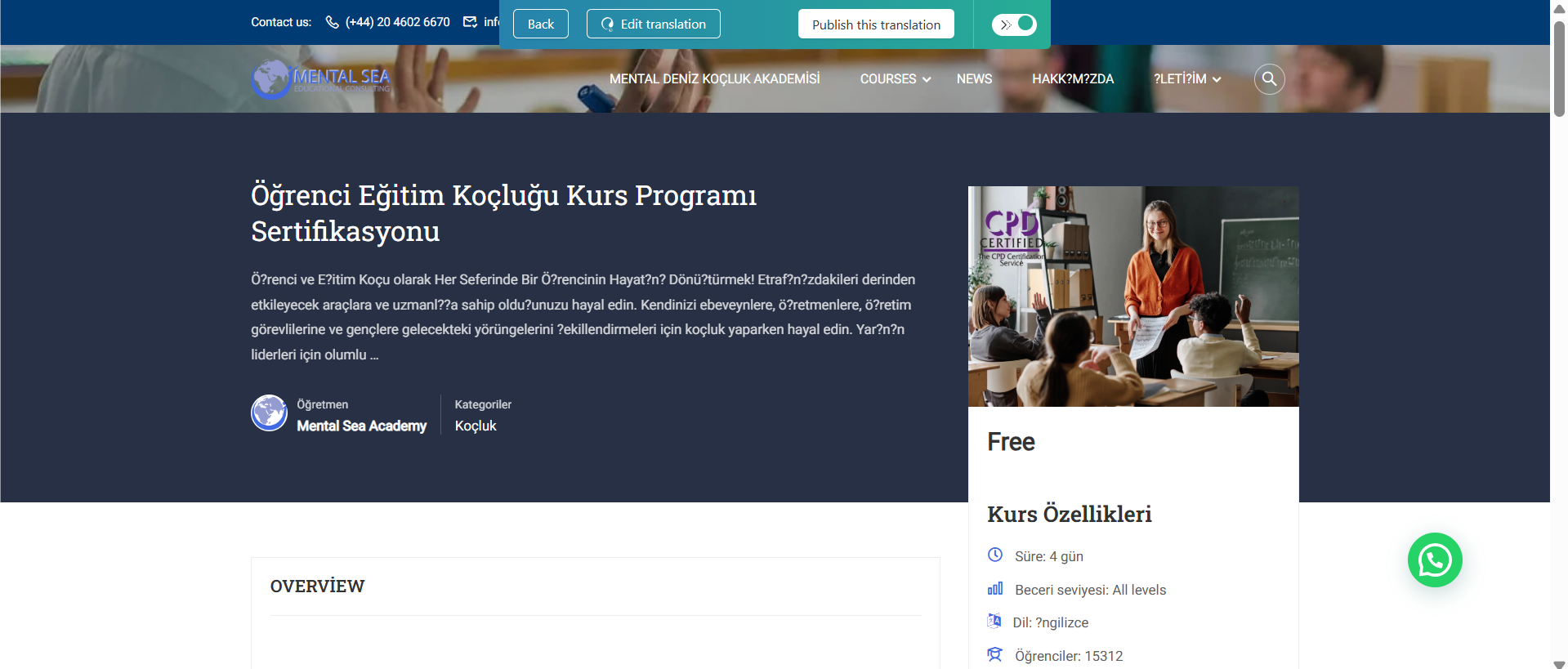
Problem: If you're experiencing issues with Turkish characters such as 'şçöğü' displaying as '?' after using automatic translation with WPML on your site, the issue might be related to the database character set. Solution: We recommend checking if your database character set is set to UTF-8. You can find instructions on how to retrieve this information here.
If this solution does not apply to your case, or if it seems outdated, please open a new support ticket. We also highly recommend checking related known issues at https://wpml.org/known-issues/, verifying the version of the permanent fix, and confirming that you have installed the latest versions of themes and plugins.
This is the technical support forum for WPML - the multilingual WordPress plugin.
Everyone can read, but only WPML clients can post here. WPML team is replying on the forum 6 days per week, 22 hours per day.
Background of the issue:
I've used the automatic translation with WPML on my site hidden link to translate content into Turkish.
Symptoms:
The Turkish characters such as 'şçöğü' are showing as '?'.
Questions:
How can I solve the problem with Turkish characters displaying incorrectly?
Is there a way to recover or reuse the translation credits spent on incorrect translations?
Languages: English (English )Spanish (Español )German (Deutsch )
Timezone: Europe/Vienna (GMT+02:00)
Hi,
before your ticket is assigned to one of my colleagues, please allow me to walk you through some initial debugging steps. This will help speed up the support process.
This will allow me to duplicate your site locally and investigate the issue.
I set your next reply as private, which means only you and I can see and have access to it. You can share the download link safely (there is no need to share the credentials).
Once the problem is resolved, I will delete the local site.
In any case, before providing us with access to your site you'll need to have a backup :). You may know another tool that works faster, but you'll need to be able to restore it if something goes wrong.
I would like to request temporary access (wp-admin and FTP) to your site to take a better look at the issue.
It would be better to a testing site where the issue is replicated.
The information you will enter is private, which means only you and I can see and have access to it.
Maybe I'll need to replicate your site locally. For this, I'll need to temporarily install a plugin called “Duplicator” or "All in One WP Migration" on your site.
This will allow me to create a copy of your site and your content.
Once the problem is resolved I will delete the local site.
**IMPORTANT**
- Please make a backup of site files and database before providing us access.
- If you do not see the wp-admin/FTP fields this means your post & website login details will be made PUBLIC. DO NOT post your website details unless you see the required wp-admin/FTP fields.
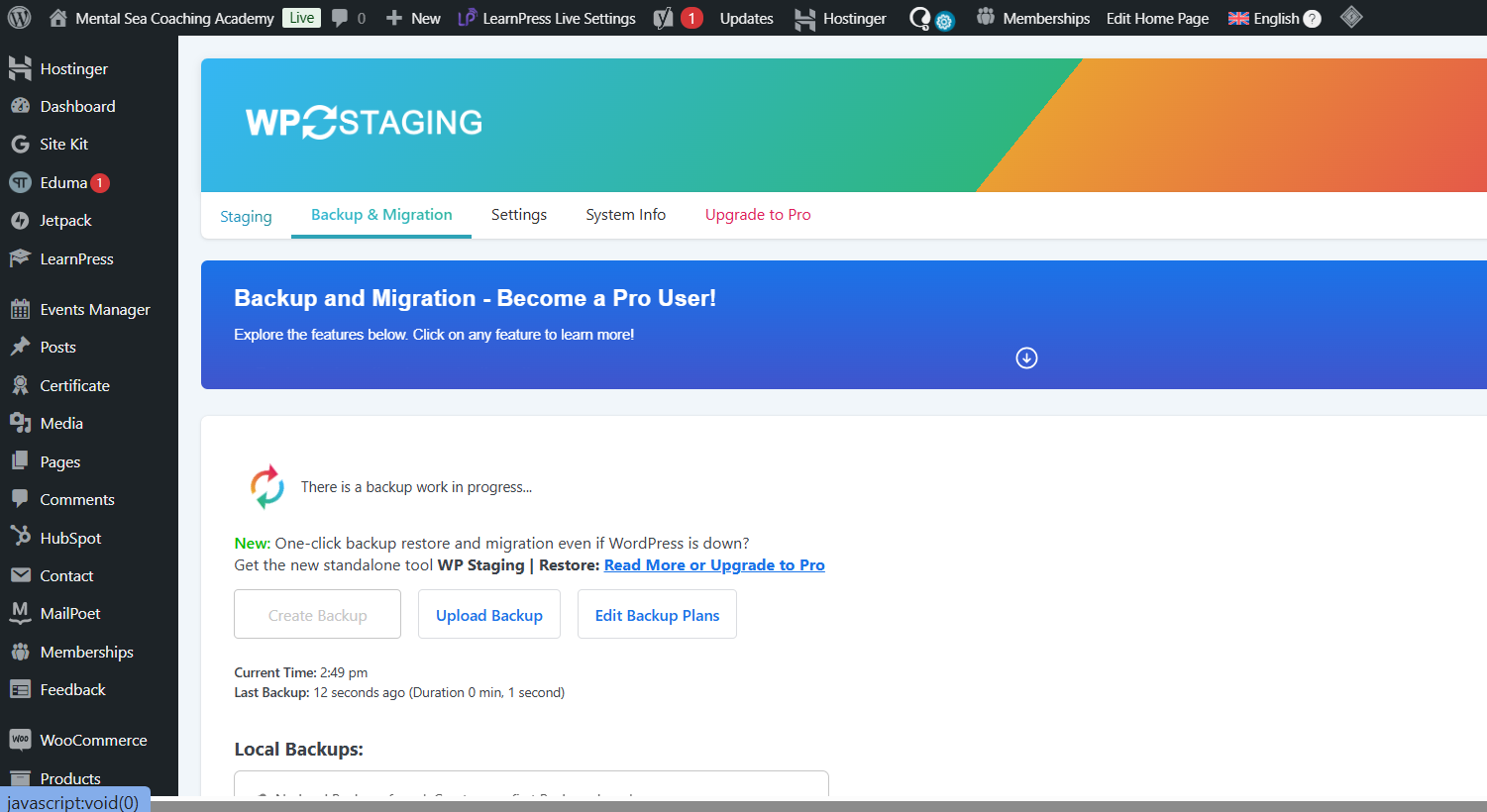
I managed to get the DB (with WP Staging) and check it.
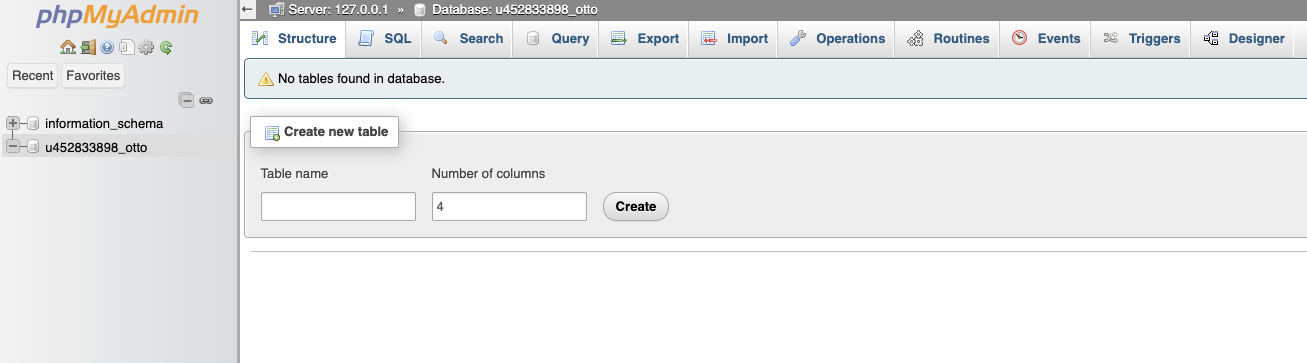
Although your database and tables are fully set to utf8mb4, individual tables or columns may still be set differently. In phpMyAdmin, open the structure of key tables like _posts, _postmeta, _terms, _term_taxonomy, and verify each table and column’s collation. As far as I can see wp_posts has latin1_swedish_ci, and there are many more with this collation.
Also, even if your database is configured for UTF-8, data might have been saved incorrectly in the past. After fixing the collation, check a problematic post directly in the database via phpMyAdmin to see if it displays Turkish characters correctly in the content fields. If it’s already stored incorrectly, you may need to re-enter or update that text in WordPress so it’s saved properly.
Hello Otto, thank you for addressing the situation.
I've created a PHP my admin user for you. Can I please share it so we can fix this problem once and for all.
1- Can you please adjust the chat so I can reply privately to share your details?
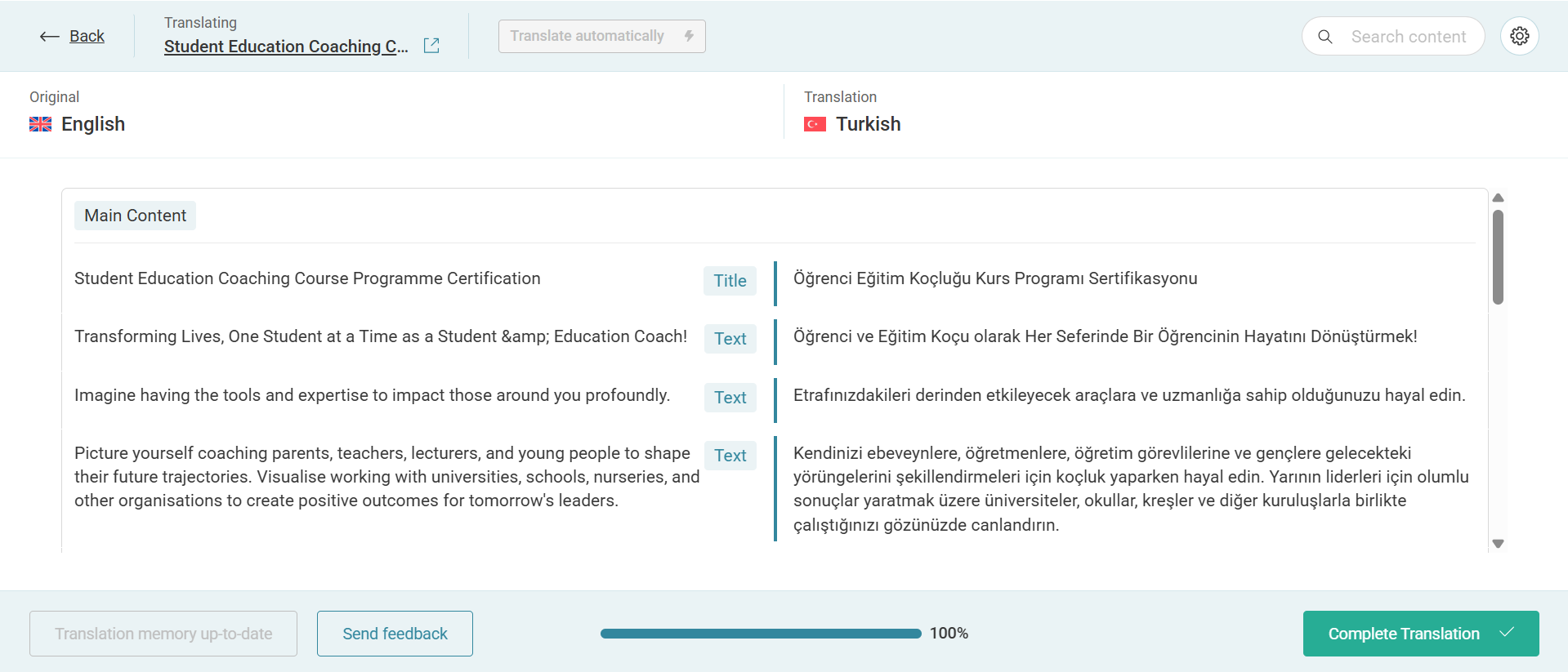
2- I've also used almost all my credit to translate, and all of the translations are wrong. Are we going to be able to use the lost credits again, or do you think it's translated correctly but is just showing wrong on the WordPress side?
Also, I tried changing the name of the title of the courses, but the previous translations did not come back from memory, and all my automatic translation credit is finished.
This is very frustrating! I thought using WPML Pro would make this process much more easier. Please help me fix this problem!