This thread is resolved. Here is a description of the problem and solution.
Problem:
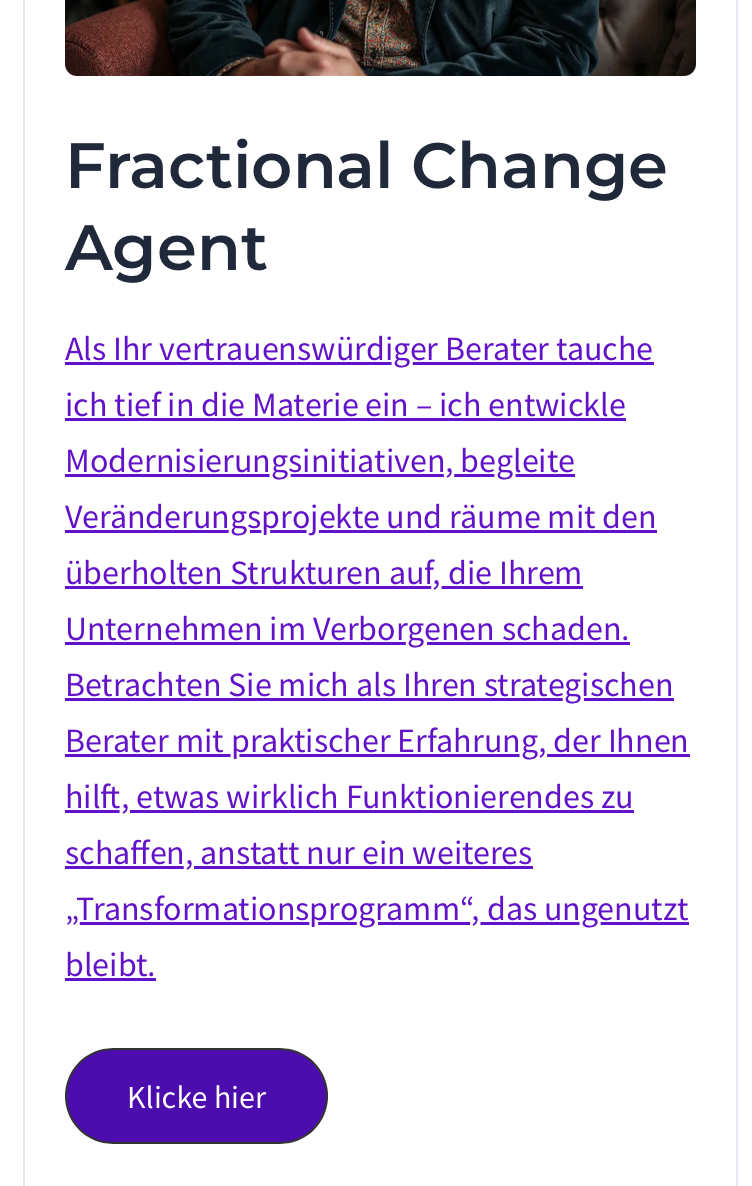
You are trying to translate a specific block from English to German on your site, but the section below the pictures remains in English and refers to English language pages. Additionally, the German version of the homepage differs significantly from the English version.
Solution:
We suspect that the emojis at the beginning of each heading might be causing the translation issues. We recommend removing the emojis from the headings and attempting the translation again. For example, we duplicated the page on your site as a new draft without the emojis, and the translations worked correctly. If removing emojis is not an option for you, please let us know so we can further investigate and possibly escalate the issue.
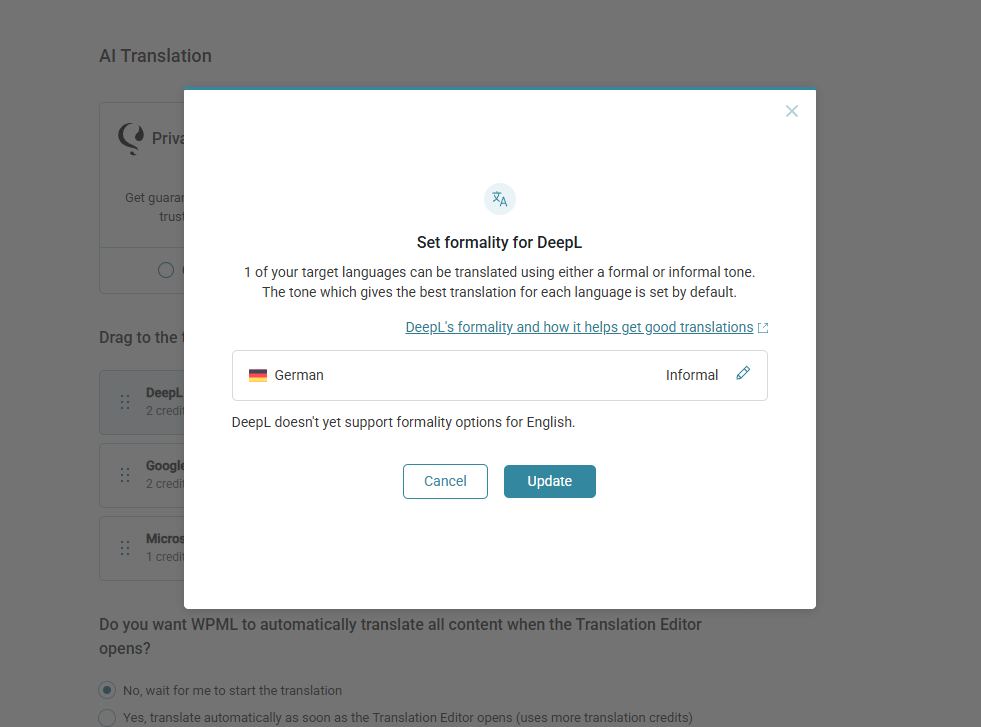
Regarding the use of formal German, not all translation engines support it. If you are using DeepL, you can set up WPML to use formal German by navigating to WPML > Settings. Here is the documentation on how to change automatic translation engines: https://wpml.org/documentation/automatic-translation/how-to-change-automatic-translation-engines/
Please note that this solution might be outdated or not applicable to your specific case. We highly recommend checking related known issues at https://wpml.org/known-issues/, verifying the version of the permanent fix, and confirming that you have installed the latest versions of themes and plugins. If the issue persists, please open a new support ticket at WPML support forum.
This is the technical support forum for WPML - the multilingual WordPress plugin.
Everyone can read, but only WPML clients can post here. WPML team is replying on the forum 6 days per week, 22 hours per day.
This topic contains 17 replies, has 1 voice.
Last updated by 4 months, 2 weeks ago.
Assisted by: Andreas W..