Background of the issue:
I am trying to translate texts in Dutch and English on two pages of my website. Here are the links to the pages: hidden link, hidden link, hidden link, hidden link. The issue can be seen on this page: hidden link.
Symptoms:
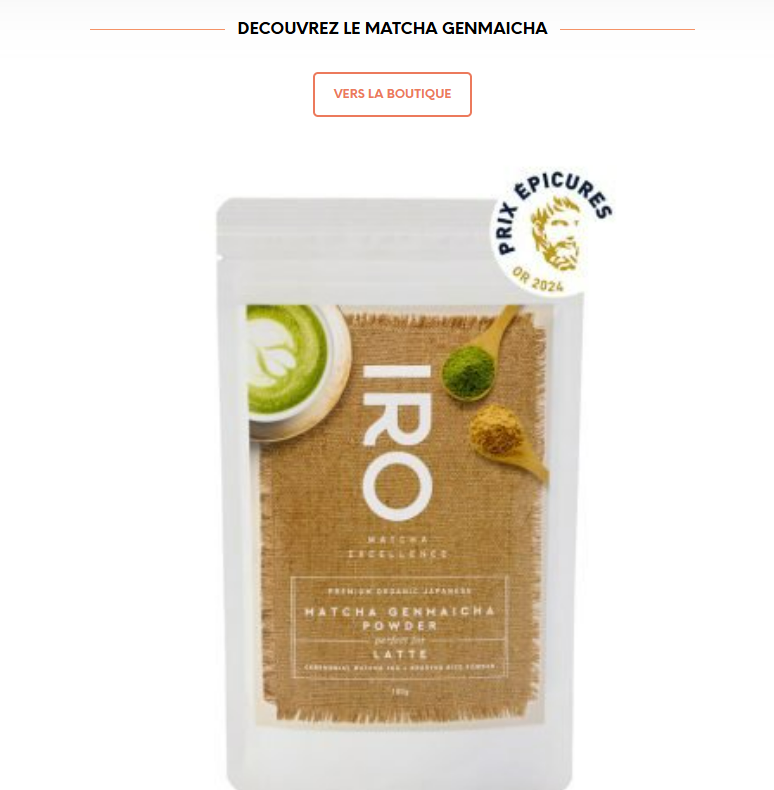
Some texts and buttons are not translated on the front-end, whereas they are translated in WPML. The translations of the following texts and buttons do not appear in Dutch and English on the website: - DÉCOUVREZ LE MATCHA GENMAICHA - DÉCOUVREZ LE HOJICHA - VERS LA BOUTIQUE (buttons with a text and a link that need to be translated) - TOUTES LES RECETTES (buttons with a text and a link that need to be translated).
Questions:
Why are some texts and buttons not appearing translated on the front-end?
How can I make the translations visible on the website?
Thank you for contacting us. I understand that you've tried searching and translating the string using the String Translation feature, but it still isn't working.
I will need to closely examine your website. Therefore, I will require temporary access (WP-Admin and FTP) to a test site where the problem has been replicated, if possible. This will enable me to provide better assistance and determine if any configurations need to be modified.
Please note that it is important to have a backup for security purposes and to prevent any potential data loss. You can use the UpdraftPlus plugin (https://wordpress.org/plugins/updraftplus/) to fulfill your backup requirements.
Your upcoming reply will be treated with confidentiality and will only be visible to you and me.
✙ To resolve the issue, I may need your consent to deactivate and reactivate plugins and the theme, as well as make configuration changes on the site if necessary. This emphasizes the significance of having a backup.
I've tried everything but I still cannot translate the strings that you mentioned.
I kindly ask for a snapshot of the site. Alternatively, with your permission, I can create one myself. For this purpose, I typically recommend using the free plugin "Duplicator." If you're already familiar with Duplicator (https://wordpress.org/plugins/duplicator/), please skip the following steps and simply send me the archive file you downloaded.
To guide you further, please adhere to these instructions:
1. View the Duplicator instructions video: hidden link
3. If the archive file exceeds 400MB, please use Duplicator's file filters to exclude cache, wp-uploads directory, media, and archive files.
Once you have the archive file ready, kindly share the link with us. You can utilize platforms like Google Drive, Dropbox, or similar for file sharing, as the snapshot file might be large.
Please note that your next reply will be private, visible only to you and me. You can paste the file link there. Rest assured that once the issue is resolved, I will delete the local site.
You can create the snapshot of the site yourself.
I am not sure what a "snapshot" is but I suppose that it is a "duplicate/copy" of the website.
However, I don't really understand why you need a copy of the website since you have access to the backend of the website?
Thanks for your patience. I cannot find a solution for this and I will have to escalate this further to our 2nd Tier Support for further investigation. I will come back to you once I've feedback.
Thank you for your response, and my apologies for overlooking this ticket earlier. I've reviewed the issue you reported and we do have a solution.
The problem appears to be caused by Divi modules on the primary language page being wrapped in Gutenberg block tags, which interferes with the translation process.
Could you please update the credentials to your staging site so I can demonstrate the fix for you?
Thank you for this solution.
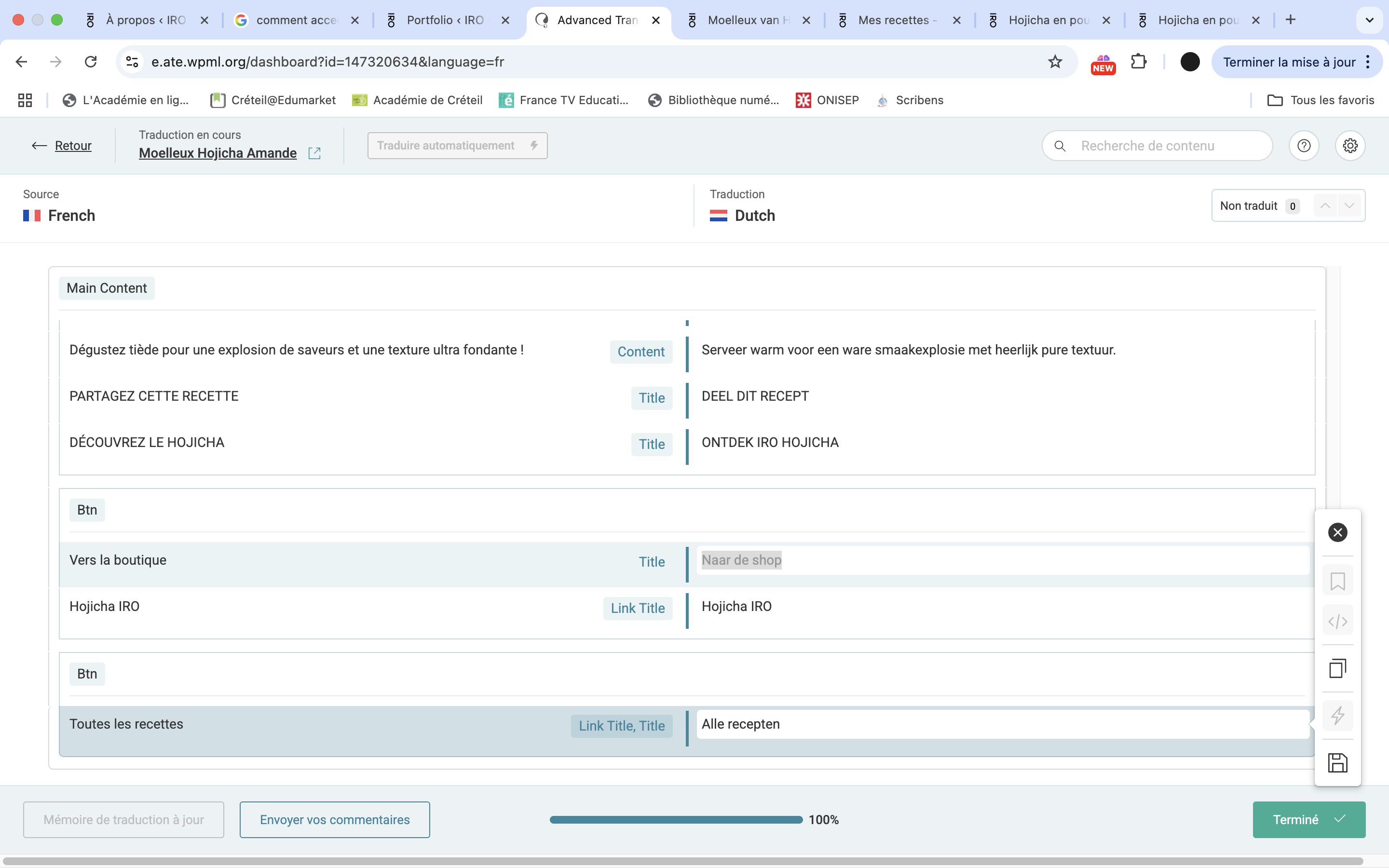
It works except for the links (URL) of the buttons that still cannot be translated (see the attached screenshot, I can only translate the button text and the link title but I can't see a link (URL) to translate for the button(s).
Also, I can't find how to translate the link (URL) to the product at the bottom of the page.
Other question: I am now on an "Advanced Translation Editor" (not the translation editor that I usually use). Did you change a setting so that the translation are now done in an "Advanced translation editor"? How did you do it? And is there an advantage compared to the "standard" translation editor?
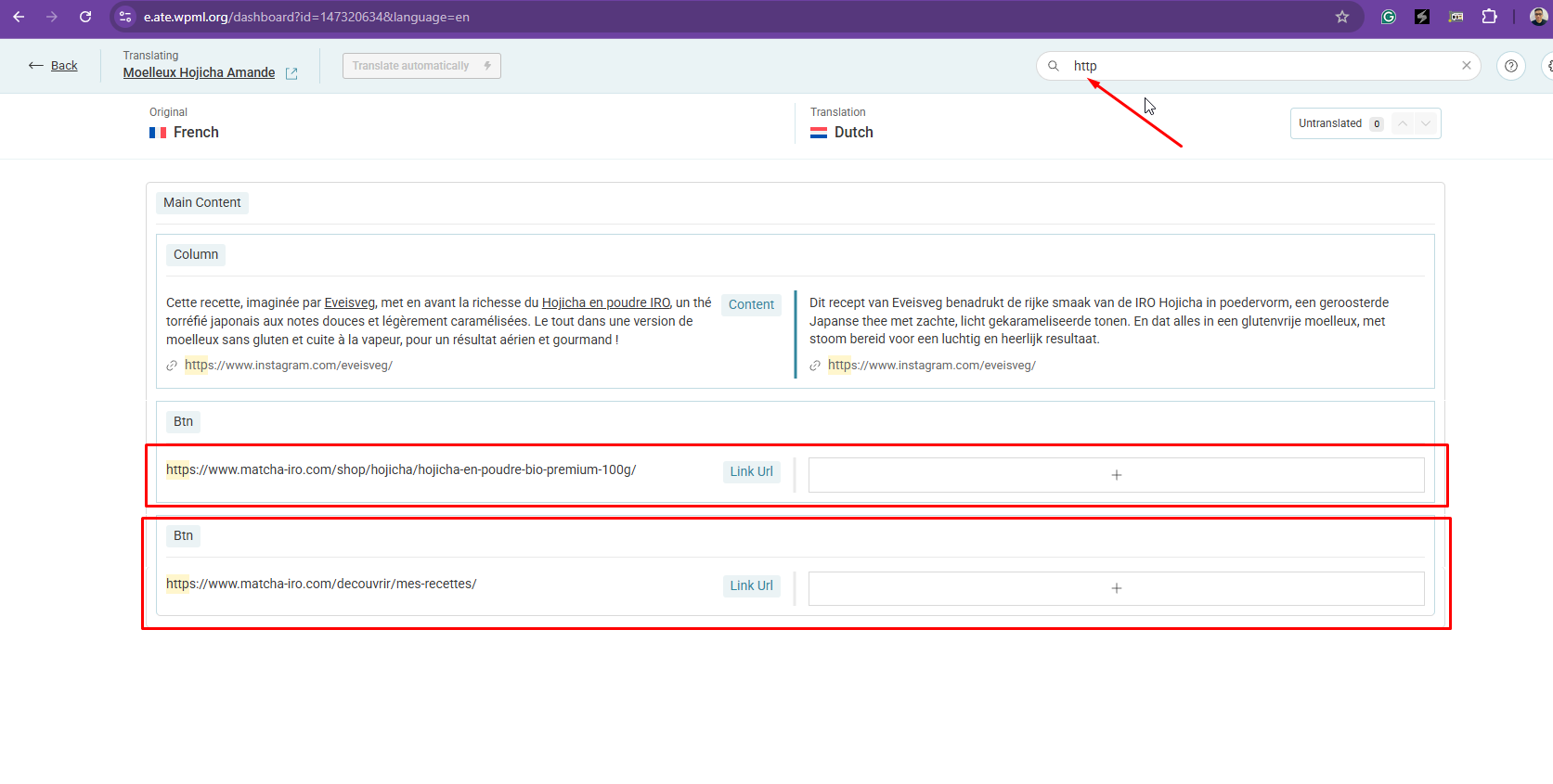
Ok, I found them.
Why can't I see the links if I don't search for "http"? This is not very practical and it implies the risk of forgetting about translating the links on the page.
Other question: concerning the initial issue, you said "The problem appears to be caused by Divi modules on the primary language page being wrapped in Gutenberg block tags, which interferes with the translation process.".
What are those "Gutenberg block tags" and why did they appear in the code of my page? I never had this before and I want to avoid that in future pages.
Thank you for your response. Unfortunately, this is the expected behavior for how custom links are translated. That said, we truly value your feedback, and I’ll make sure to share it with the relevant team.
As for the presence of the "Gutenberg block tags" on your pages, we’re not sure why they appear. Ideally, a page should not contain code from two different page builders at the same time.
The topic ‘[Closed] Some texts and buttons are not translated on the front-end whereas they are translated in WPML’ is closed to new replies.