This thread is resolved. Here is a description of the problem and solution.
Problema:
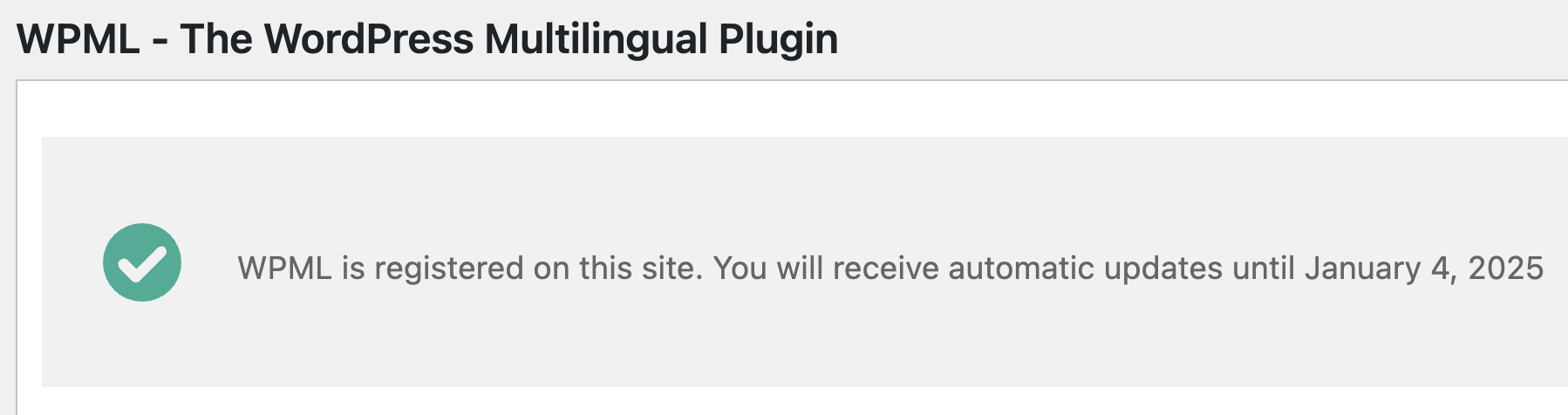
El cliente recibe un mensaje indicando que WPML ya está registrado y tiene dudas sobre si al seguir los pasos necesitará configurar WPML de nuevo para su sitio.
Solución:
Si estás experimentando este problema, te recomendamos seguir estos pasos:
1) Desregistra WPML de tu sitio web siguiendo las instrucciones proporcionadas en https://wpml.org/faq/how-to-remove-the-this-site-is-registered-on-wpml-org-as-a-development-site-notice/#what-if-the-notice-still-appears-after-moving-to-production.
2) Genera una nueva clave de sitio en https://wpml.org/faq/install-wpml/#register.
3) Registra WPML nuevamente utilizando la nueva clave de sitio.
No necesitarás configurar WPML de nuevo para tu sitio, ya que la clave del sitio es solo para recibir actualizaciones automáticas.
Es posible que esta solución sea irrelevante si está desactualizada o no se aplica a tu caso. Si después de seguir estos pasos el problema persiste, te recomendamos abrir un nuevo ticket de soporte. También te sugerimos revisar los problemas conocidos en https://wpml.org/known-issues/, verificar la versión de la solución permanente y confirmar que has instalado las últimas versiones de temas y plugins. Si necesitas asistencia adicional, por favor, contacta con nosotros en el foro de soporte de WPML.
This is the technical support forum for WPML - the multilingual WordPress plugin.
Everyone can read, but only WPML clients can post here. WPML team is replying on the forum 6 days per week, 22 hours per day.
This topic is split from https://wpml.org/forums/topic/string-translation-plugin-deactivated-due-to-internal-server-error/
This topic contains 5 replies, has 2 voices.
Last updated by 1 year, 11 months ago.
Assisted by: Andrey.