This thread is resolved. Here is a description of the problem and solution.
Problem: The client needed to set a different logo for different languages in both the Header and Footer. Solution: We reviewed the theme documentation and identified the relevant text domain and option name for the logo settings. Here are the steps we followed: 1. Located the text domain
admin_texts_xts-woodmart-options
and the option name
[xts-woodmart-options]default_header
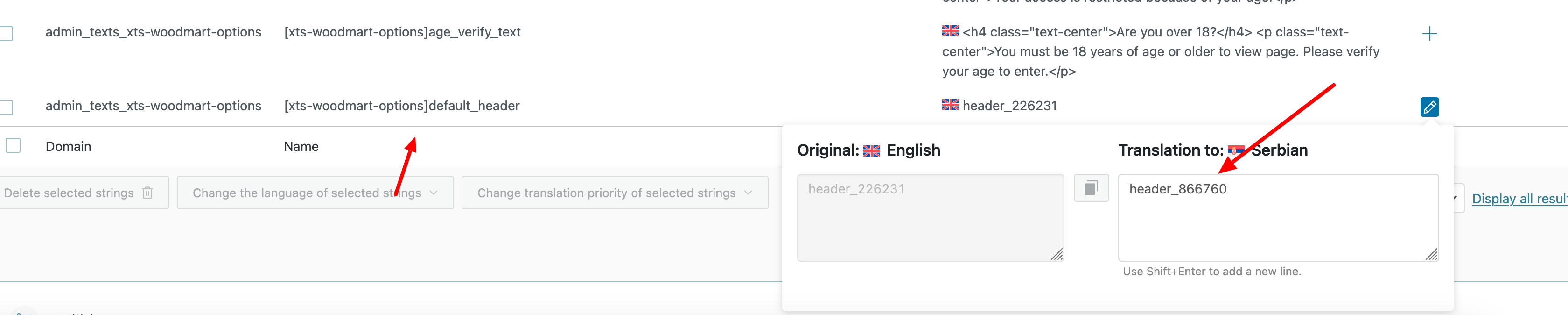
. 2. Navigated to WPML → String Translation. 3. Added the translation for the Serbian header from
header_866760
to
header_226231
. This change successfully updated the logos for different languages in the header and footer.
Please note that this solution might be outdated or not applicable to your specific case. We highly recommend checking the related known issues, verifying the version of the permanent fix, and confirming that you have installed the latest versions of themes and plugins. If the issue persists, please open a new support ticket.
This is the technical support forum for WPML - the multilingual WordPress plugin.
Everyone can read, but only WPML clients can post here. WPML team is replying on the forum 6 days per week, 22 hours per day.
To set a different logo for each language using WPML, you can make the logo field translatable and assign a different logo ID or URL per language. This is done through WPML → String Translation.
Step 1: Add the logo string to WPML String Translation
1. Go to WPML → String Translation.
2. Scroll to “Not seeing strings that you are looking for?” and go to Admin Texts Translation.
3. In the search field, type “logo”. Depending on your theme, the logo may appear as a URL, an attachment ID, or part of a theme option.
4. Select the correct string(s) and click “Add to String Translation”.
Step 2: Translate the logo string
1. Click “« Return to String Translation” to go back to the main translation table.
2. Locate the logo string(s) you just added.
3. For each language, enter the correct media ID or logo URL in the translation field.
4. Save your translations.
5. Clear any site or theme cache to ensure the new logos appear on the frontend.
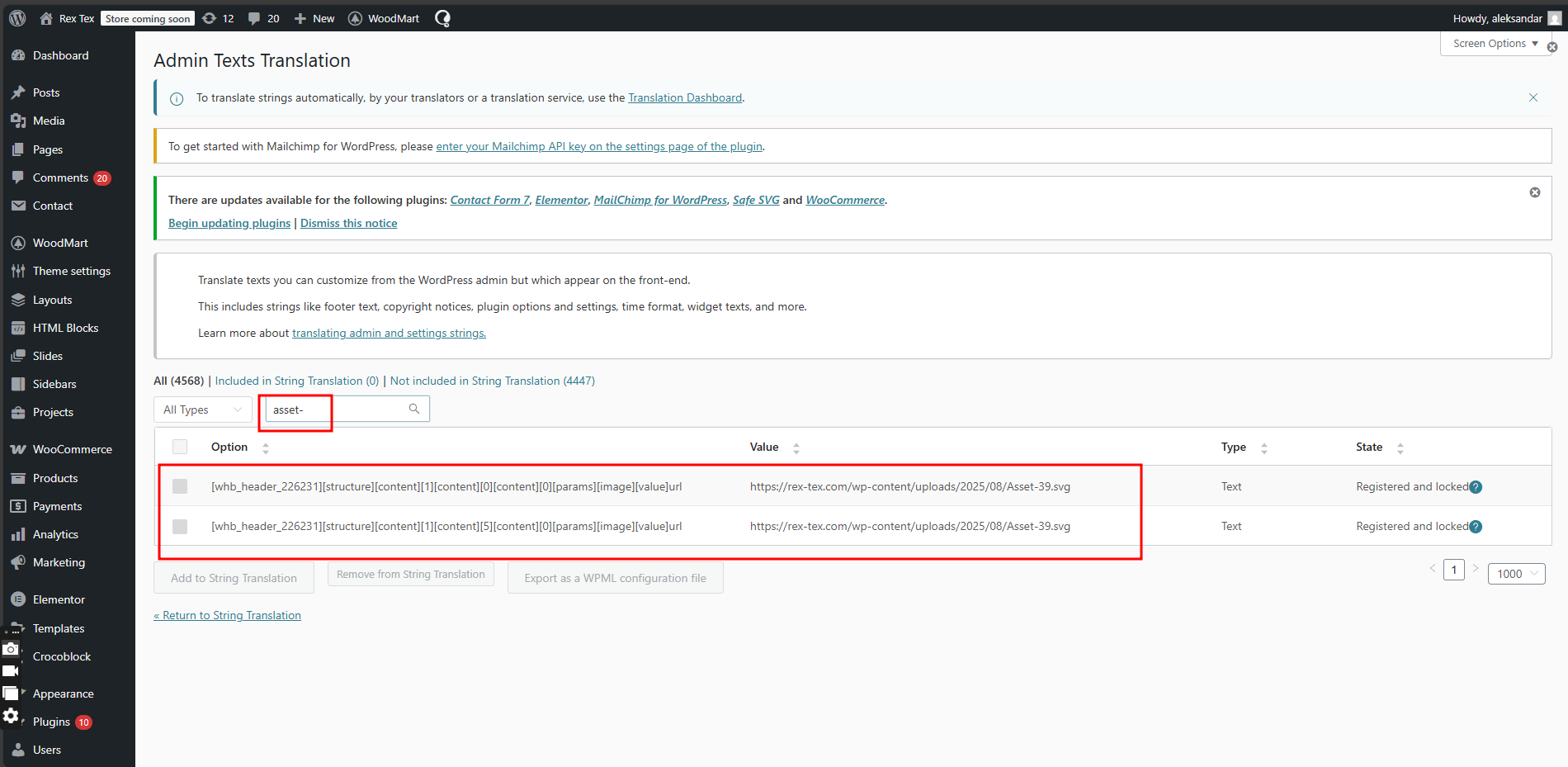
Unfortunately, I cannot find these two logos that I need to register. When I type the name of the logo it just doesn't find anything.
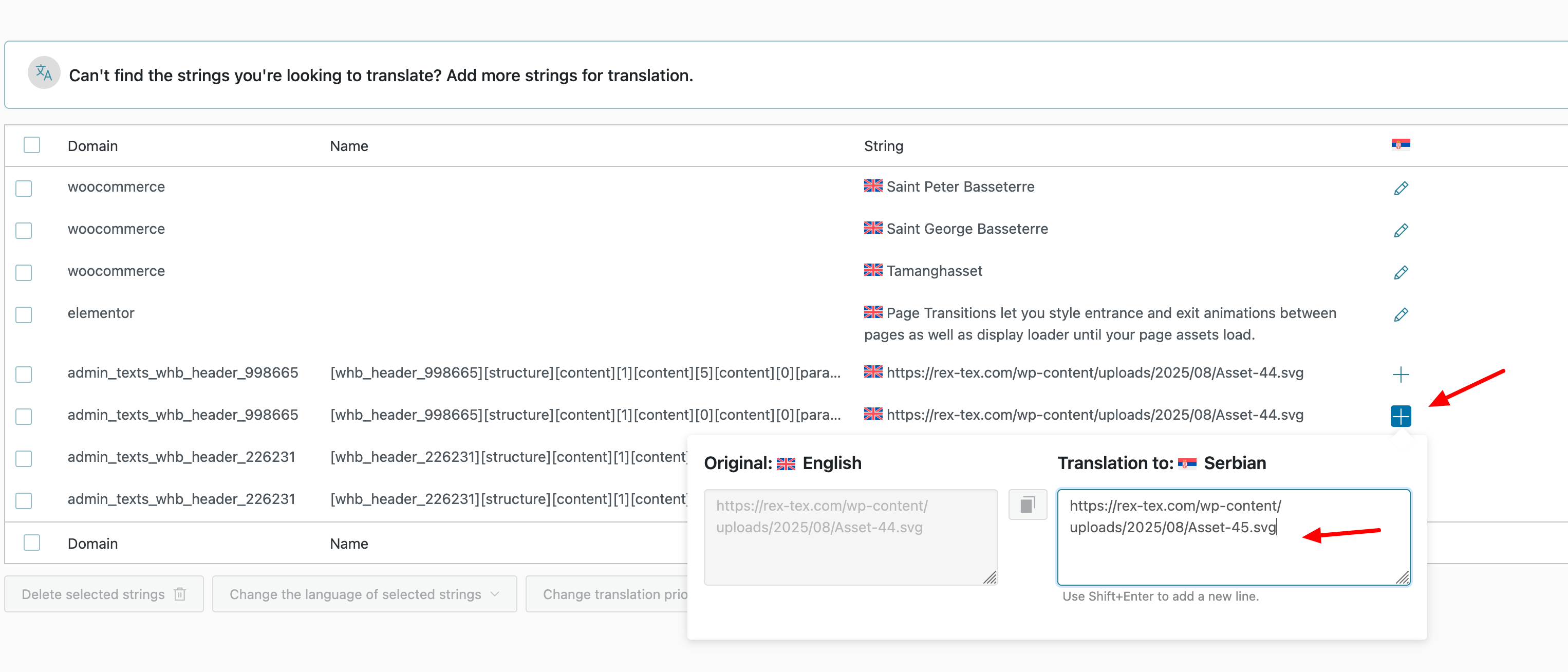
From your screenshot, I can see that you searched by logo name and received several URL results marked as “Registered and locked.”
This means those URLs are already registered in WPML → String Translation.
Please try the following:
1. Go to WPML → String Translation.
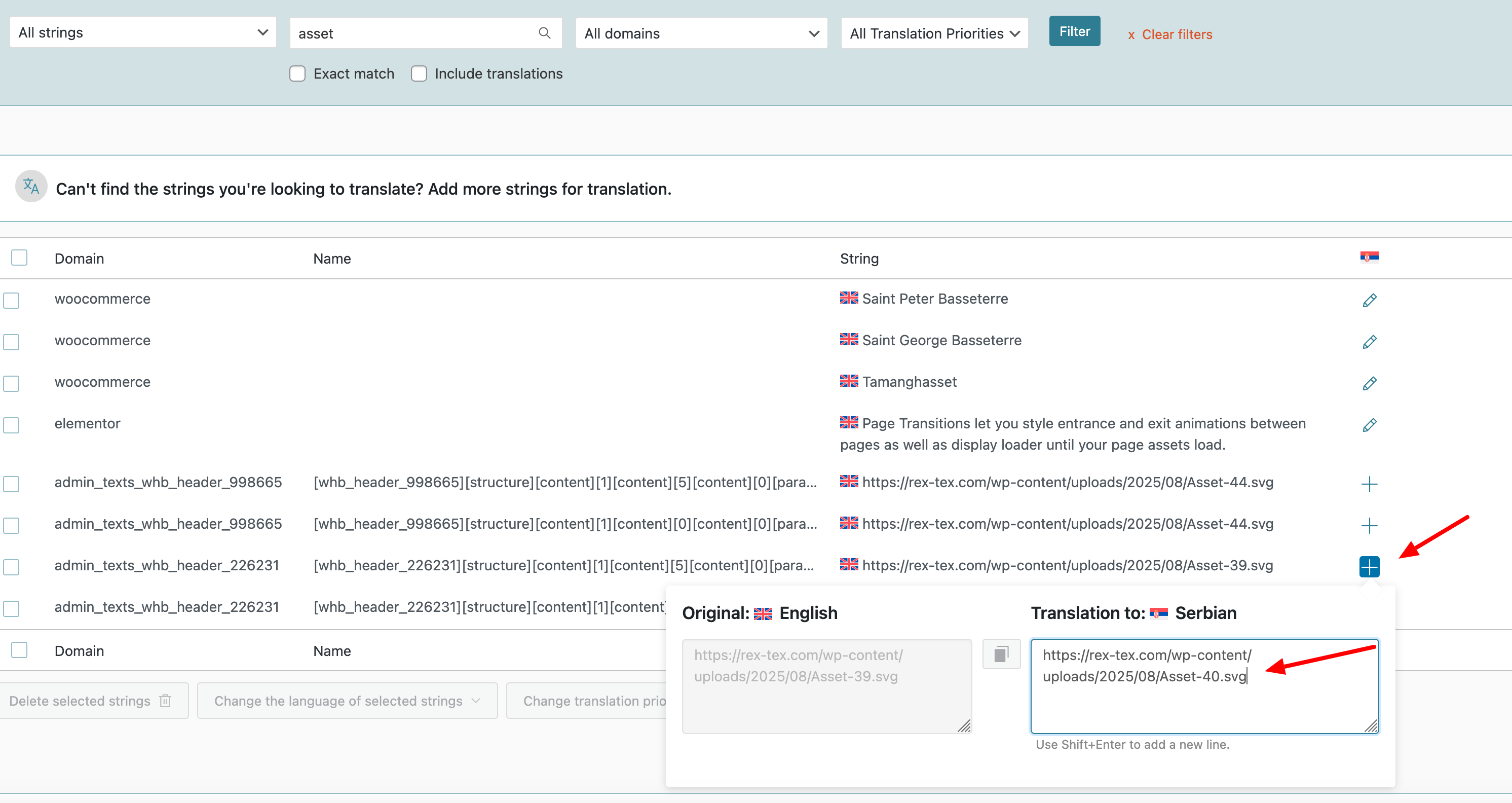
2. Search for the URLs shown as “Registered and locked.”
3. Update the translations of those URLs in the secondary language to the ones you want to display.
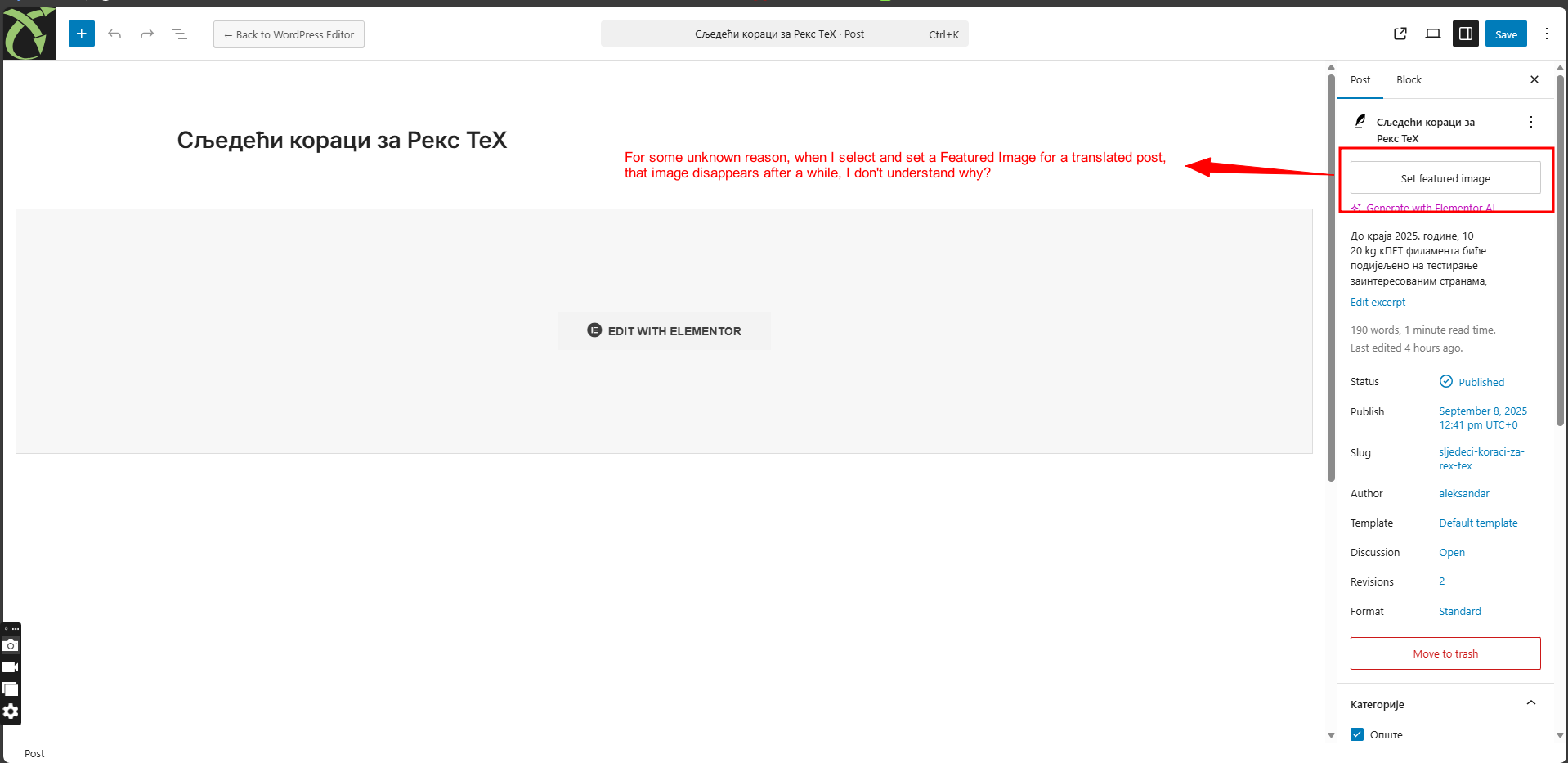
Another problem with Post translations:
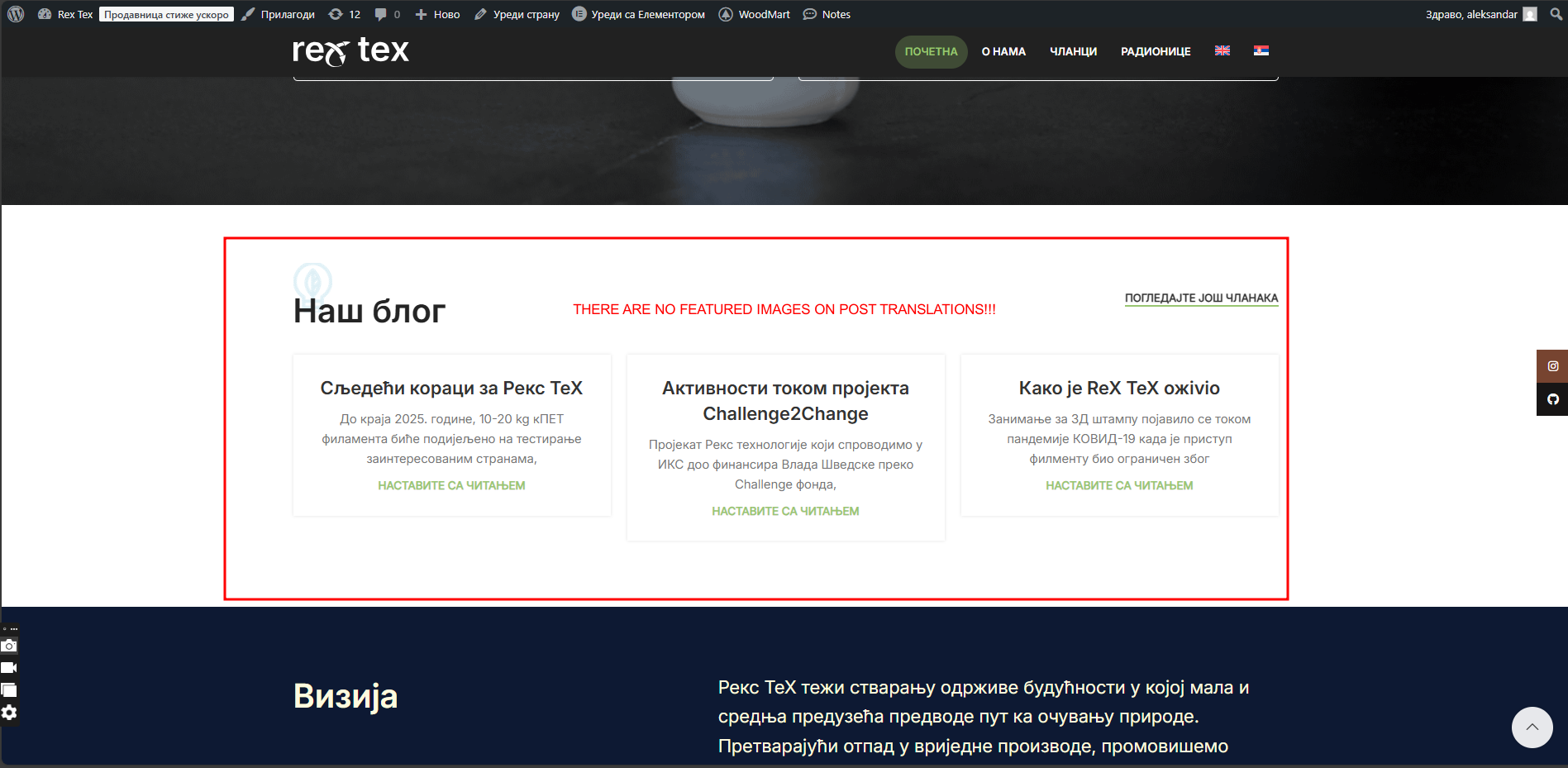
For some unknown reason, when I select and set a Featured Image for a translated post, that image disappears after a while, I don't understand why?
The featured image appears in the original language (English) of the post...
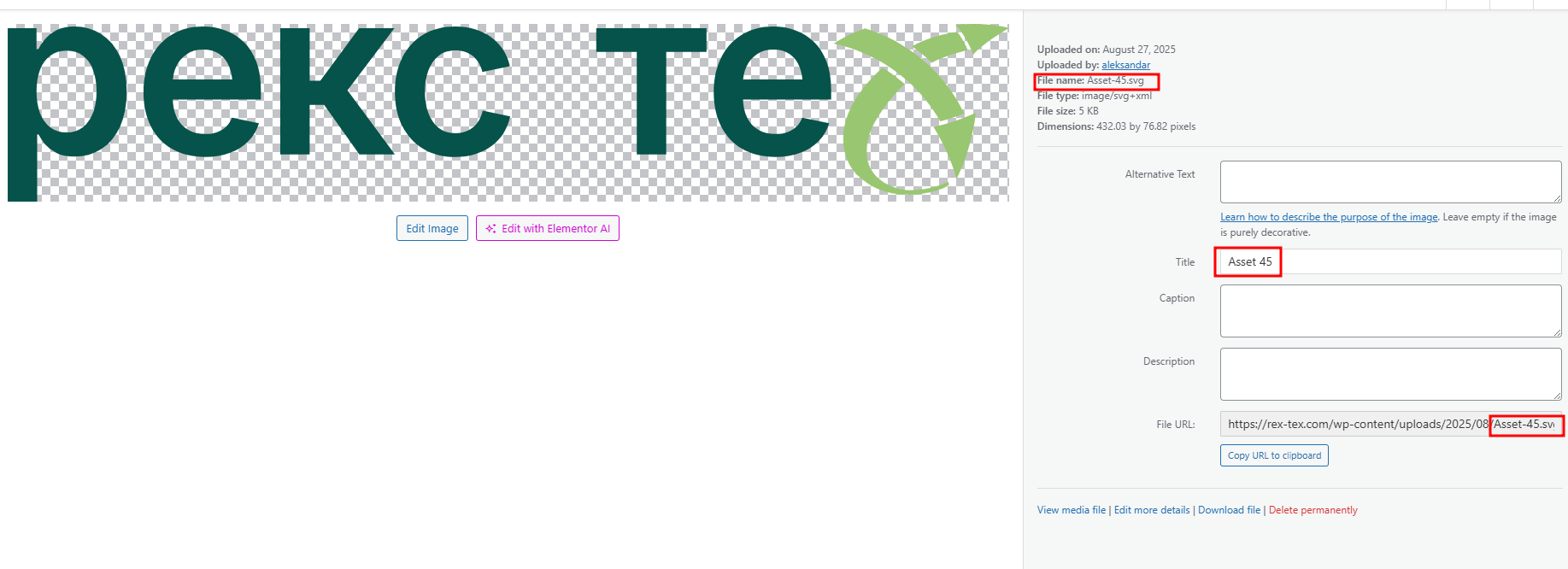
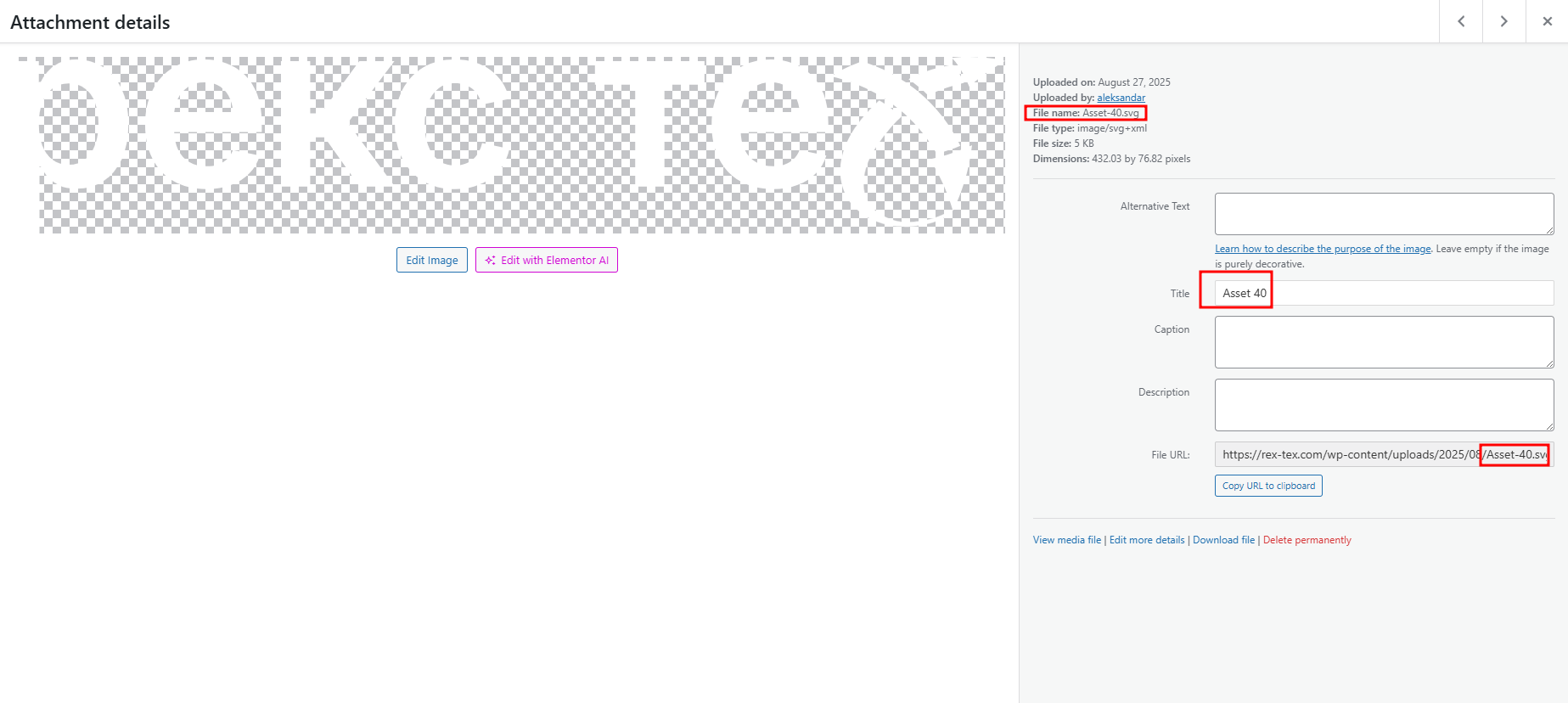
Yes, but that file that is kept as registered is not the one I need. The registered file is Asset 39 and I need files Asset 40 and 45.
YOUR ANSWER:
Please try the following:
1. Go to WPML → String Translation.
2. Search for the URLs shown as “Registered and locked.”
3. Update the translations of those URLs in the secondary language to the ones you want to display.
I need to request temporary access (wp-admin and FTP) to your site—preferably to a test site where the problem has been replicated if possible—in order to be of better help. When you log in to leave your next reply, you will find the needed fields below the comment area. The information you will enter is private, meaning only you and I can see and access it.
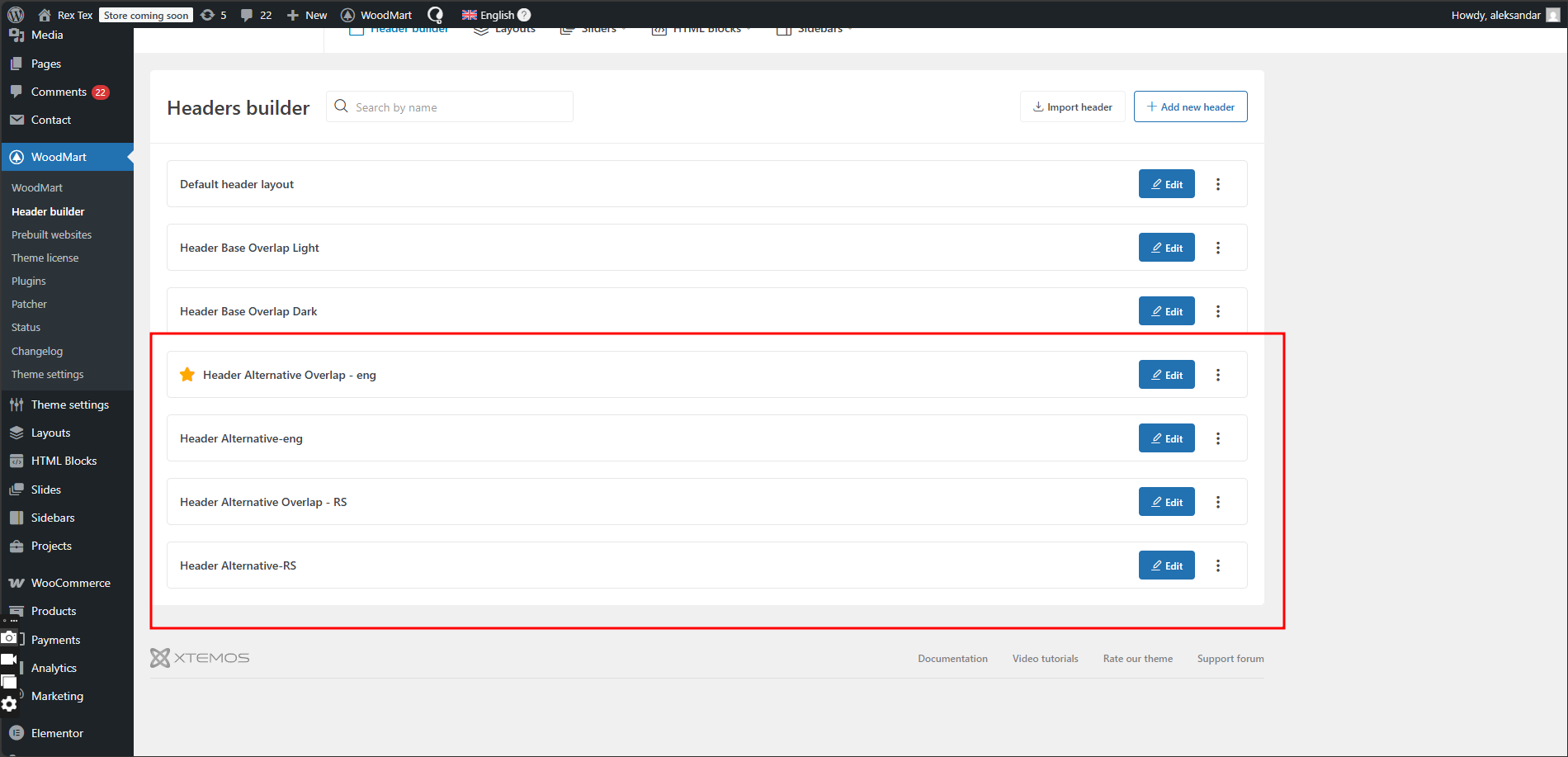
I looked into this further. For the header, the theme author explains that you must create a separate header for each language, where you can upload the appropriate logo and adjust other elements as needed. After creating the additional headers, you should add the new header ID to the translations in WPML → String Translation.
You can find their instructions here: hidden link
And here is the relevant note from the theme author: hidden link
Let me know if you need help applying this on your site.
I have further looked into the theme docs and noticed that they mentioned the textdomain admin_texts_xts-woodmart-options with the option name [xts-woodmart-options]default_header.
I went to WPML → String Translation and added header_866760 for Serbian to header_226231.
Great, thank you for helping me with the default header, but the point is that I have another Header that appears on all other pages except the Home page.
header_164179 with Cyrillic logo
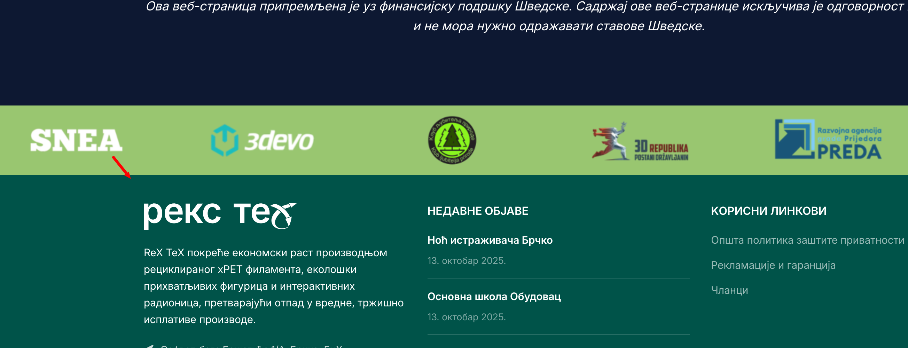
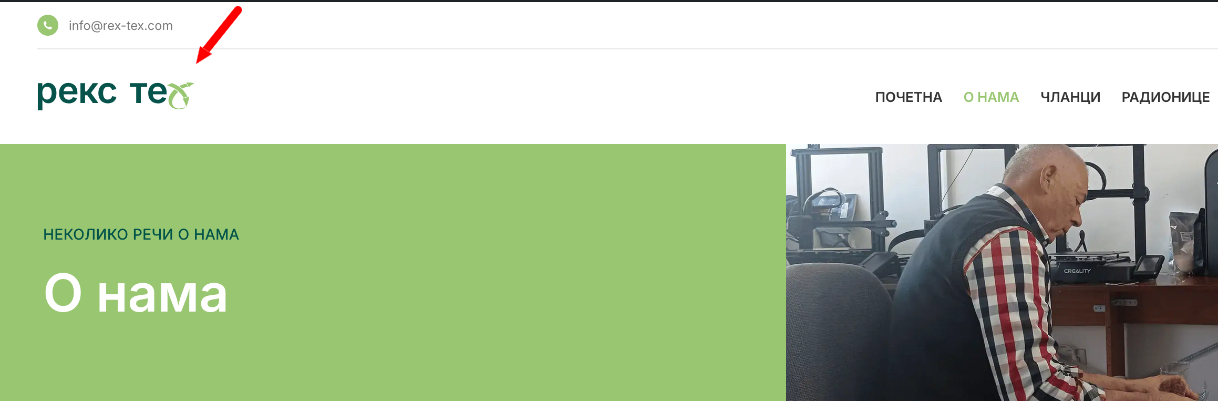
So, you have solved the default header that appears only on the Home page, however, if you click on the About us button, you will see that another Header appears and you also need to place a Cyrillic logo on it, but in color.
I’ve checked, and it appears the theme does not provide an option to register the alternative header in WPML → String Translation as the default header. Because of this, WPML cannot automatically apply the alternative header across languages.
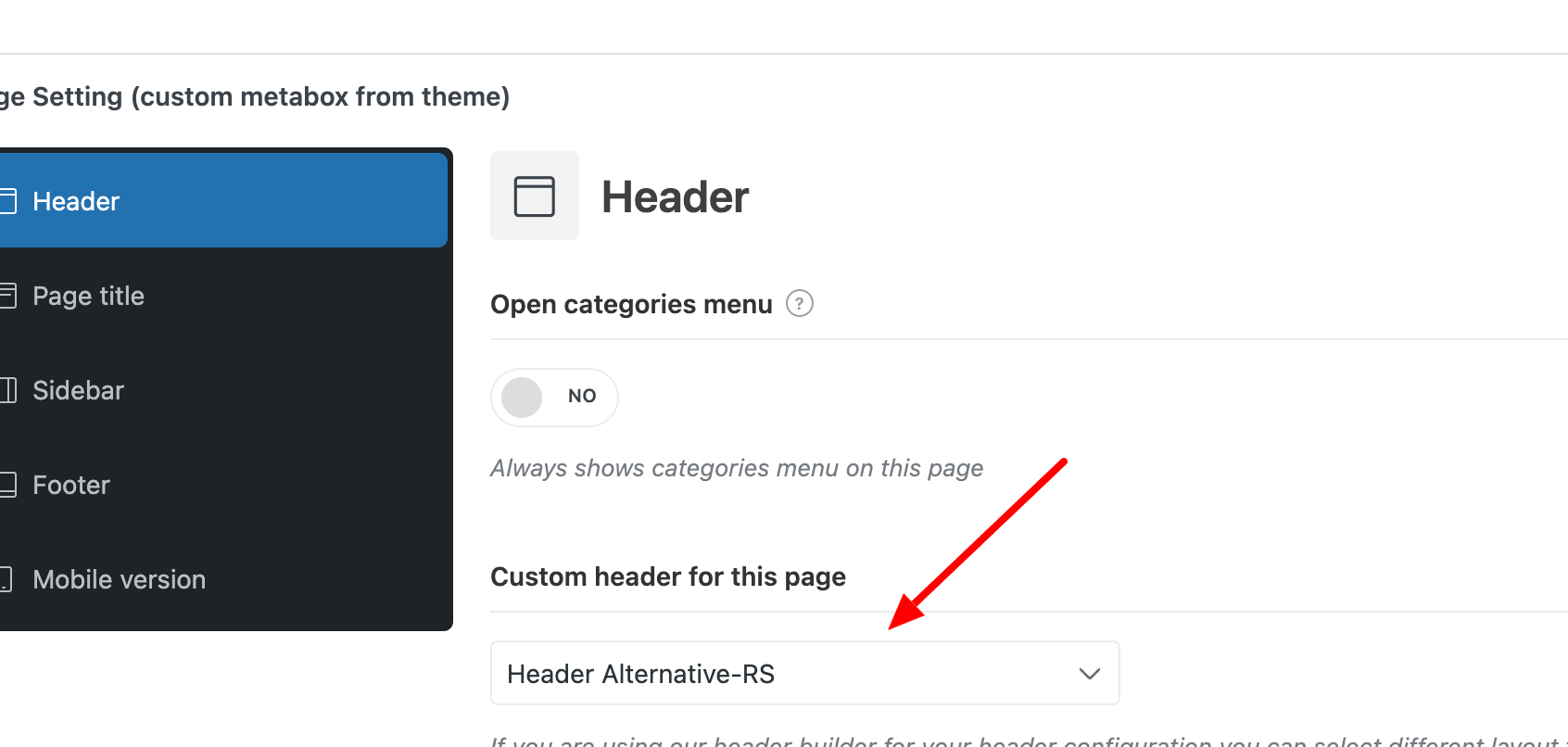
As a workaround, since you are assigning the alternative header directly on specific pages (for example, the About Us page), you’ll need to do the same for the translated version of each page. To do this, edit the page in the secondary language using the WordPress editor and select the corresponding alternative header there as well. I’ve attached screenshots to guide you through the process.
As an additional suggestion to simplify this setup:
Since you’re using the default header only on the homepage and the alternative header on all other pages, you could reverse this logic. Set the alternative header only on the homepage, and use the default header for all other pages.
With this approach:
- You would only need to manually assign the alternative header on one page (the homepage) in the secondary language.
- The default header can then be translated once in WPML → String Translation, avoiding the need to repeat the process for multiple pages.
This should reduce the amount of manual work required and make the setup more straightforward to maintain.