[Resolved] Status «pending review» never stops showing
This thread is resolved. Here is a description of the problem and solution.
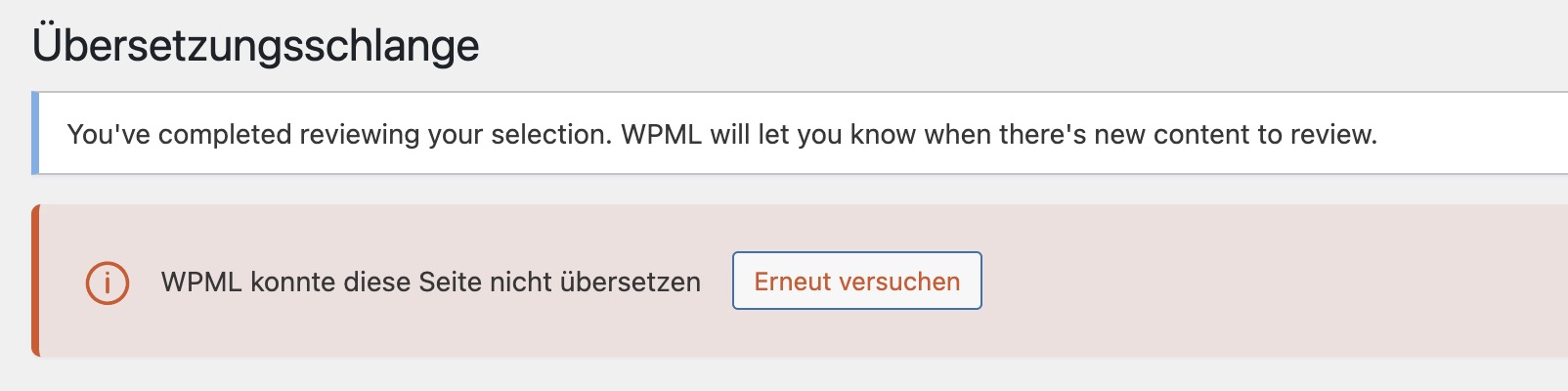
Problem: The client is facing two issues: first, two items in the translation queue are marked as 'status: pending review' and display an endlessly spinning icon. Second, French links are not correctly translated, leading to pages with URLs that remain untranslated. Solution: 1) To resolve the endlessly spinning icon in the translation queue: - Navigate to WPML-> Translation Dashboard. - Turn off the 'translate everything automatically' option. - Refresh the page. - Check the Translation Jobs tab to ensure no jobs are stuck.
2) To fix the untranslated French URLs: - The URLs were not translated inside ATE; we have now translated them. Please verify if they now correctly redirect on the translated home page.
Additionally, check the WPML-> Translations page to confirm that no pages are stuck in the pending review status. If issues persist, it might be due to outdated solutions or specific configurations that differ from your setup. We recommend visiting related known issues, verifying the version of the permanent fix, and confirming that you have installed the latest versions of themes and plugins. If the problem continues, please open a new support ticket.
This is the technical support forum for WPML - the multilingual WordPress plugin.
Everyone can read, but only WPML clients can post here. WPML team is replying on the forum 6 days per week, 22 hours per day.
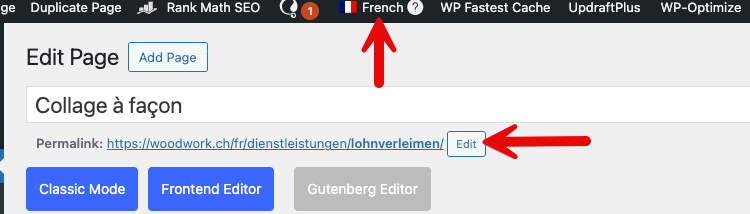
1) The slugs are translated. Please check this hidden link">page in both languages.
The issue is that it's not translated in the translation editor. (Kindly check this hidden link">screenshot)
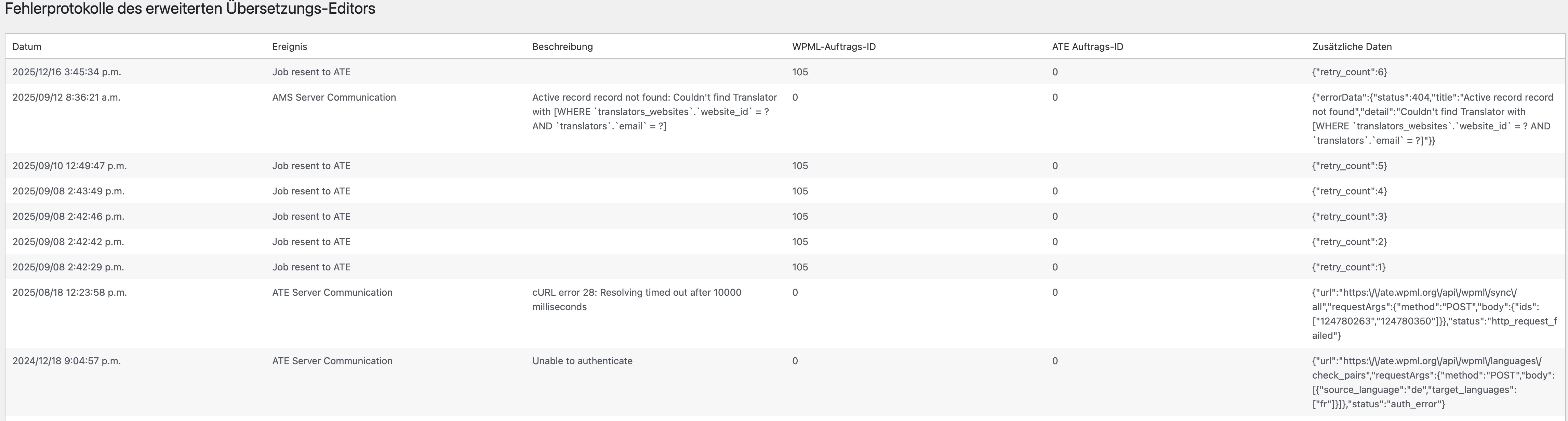
2) The recent error says that a job is resent to ATE, and I checked the job ID on our ATE internal system, and there is no issue inside the job. If you send a page for translation and the process doesn't work as expected, please let me know the page URL so I can review it.
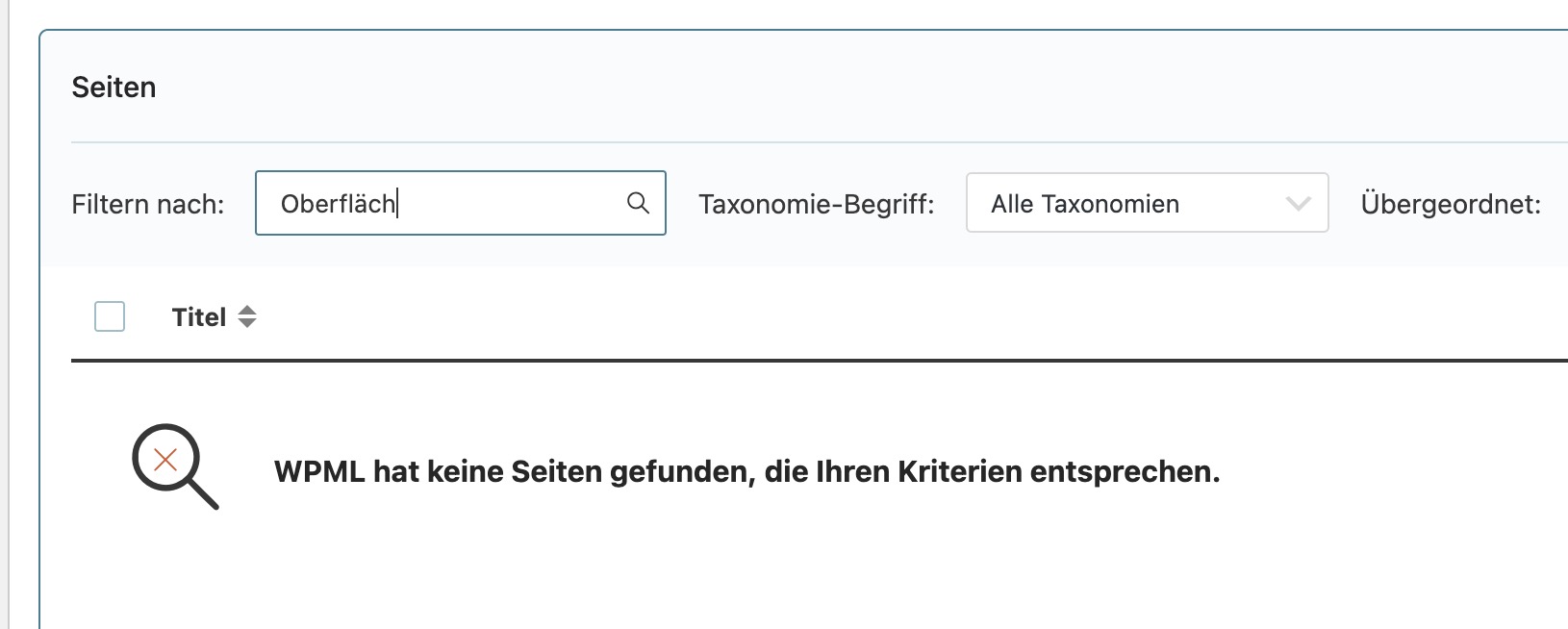
1) Please check the filter on the Translation Dashboard page when you search for a page. (Kindly check this hidden link">screenshot)
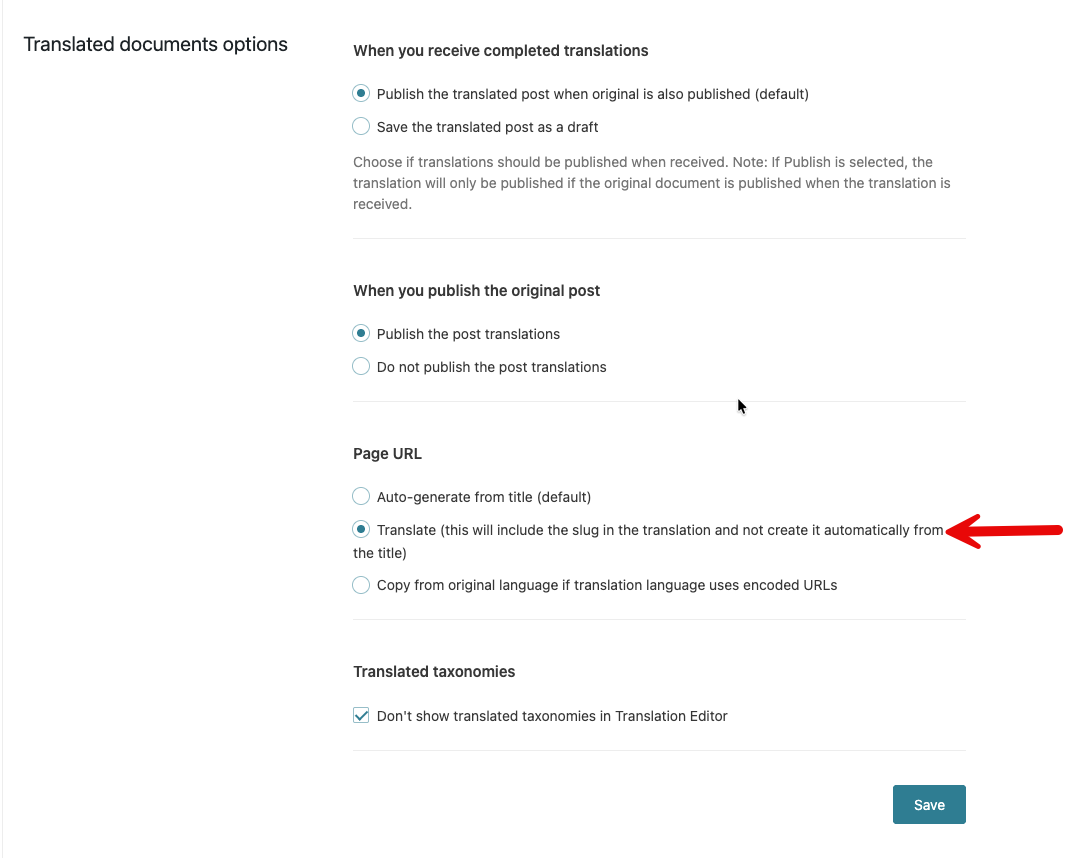
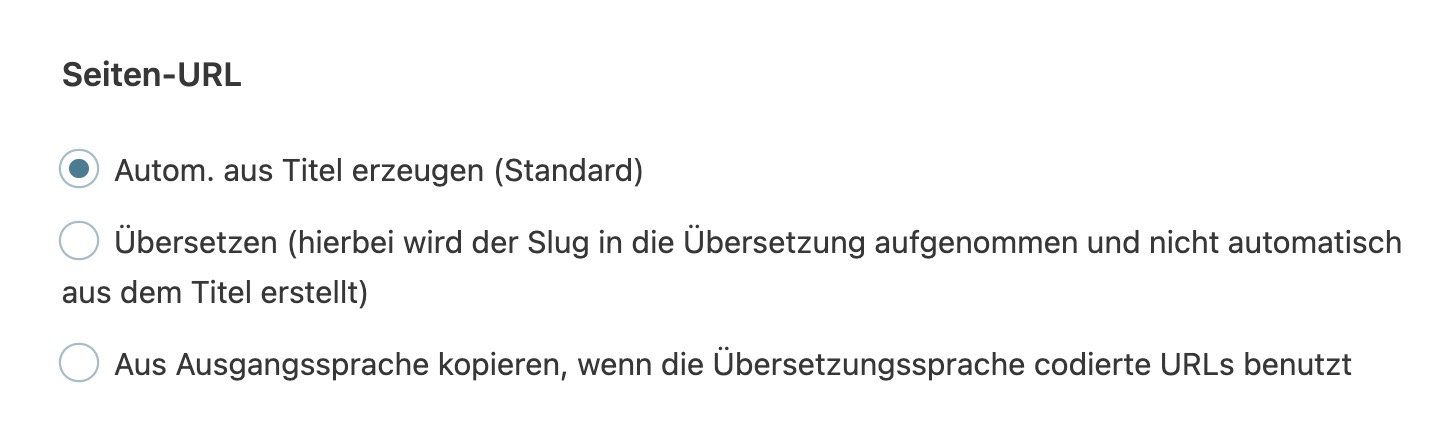
2) Please go to WPML-> Settings-> Page URL, you will see that the "Translate (this will include the slug in the translation and not create it automatically from the title)" option is selected, which means that you need to translate the slug in the translation editor. (Kindly check the attached screenshots)
After translating the page slug, you would need to translate the page that contains the button to add the correct slug there.
Thank you, Osman, I understand what you mean. I have switched to standard/automatic translation for URLs.
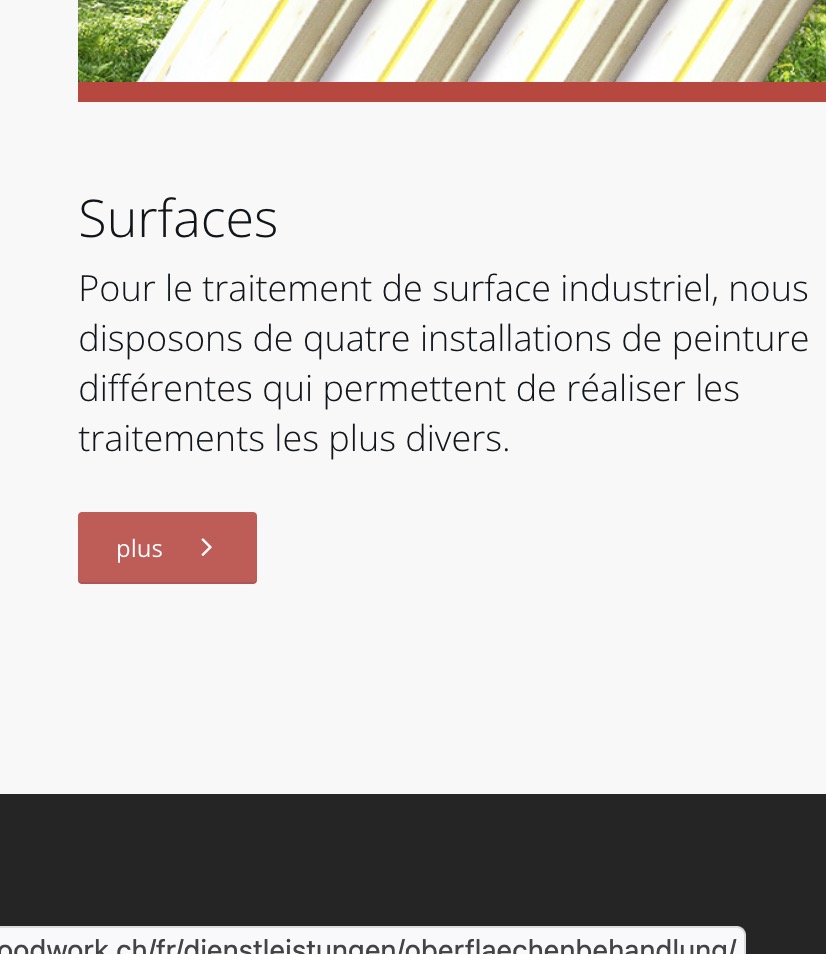
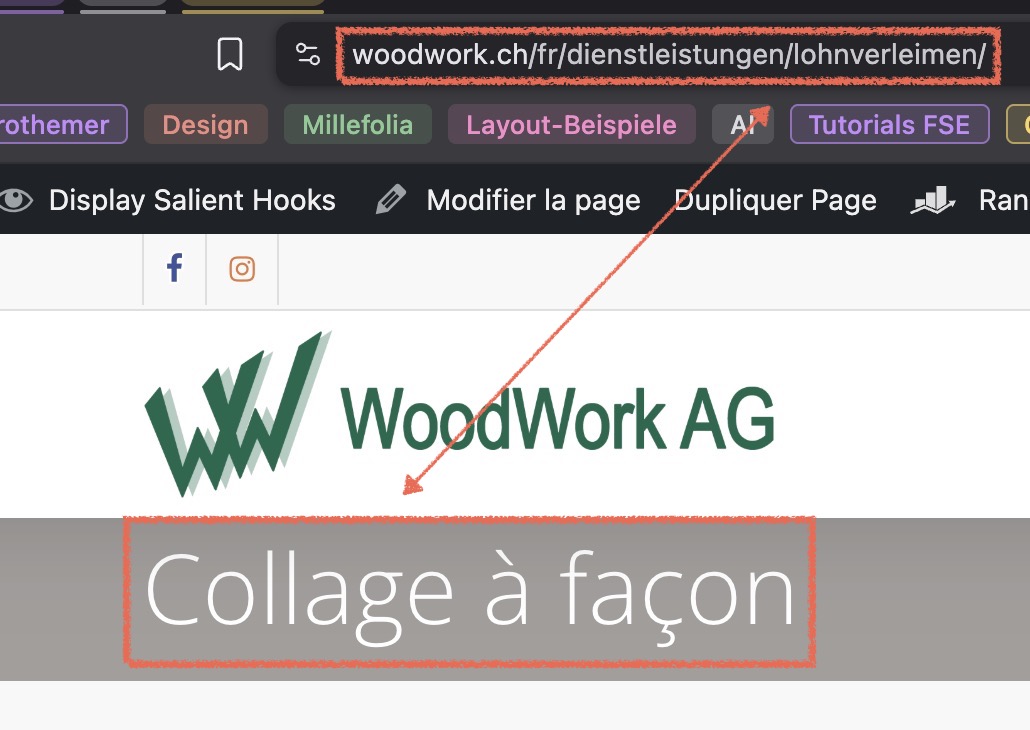
The links in French lead to the translated content, all right. But the URLs are not translated into French. I need this to be done; otherwise, it's awkward for French users.