After adding this configuration, please navigate to WPML >> String Translation and translate the newly registered strings into your secondary language. Finally, clear all caches and verify if the issue is resolved.
If this solution does not apply to your case, or if it seems outdated, we highly recommend checking related known issues at https://wpml.org/known-issues/, verifying the version of the permanent fix, and confirming that you have installed the latest versions of themes and plugins. If the problem persists, please do not hesitate to open a new support ticket with us for further assistance at WPML support forum.
This is the technical support forum for WPML - the multilingual WordPress plugin.
Everyone can read, but only WPML clients can post here. WPML team is replying on the forum 6 days per week, 22 hours per day.
Welcome to the WPML support forum. I will do my best to assist you in resolving the issue.
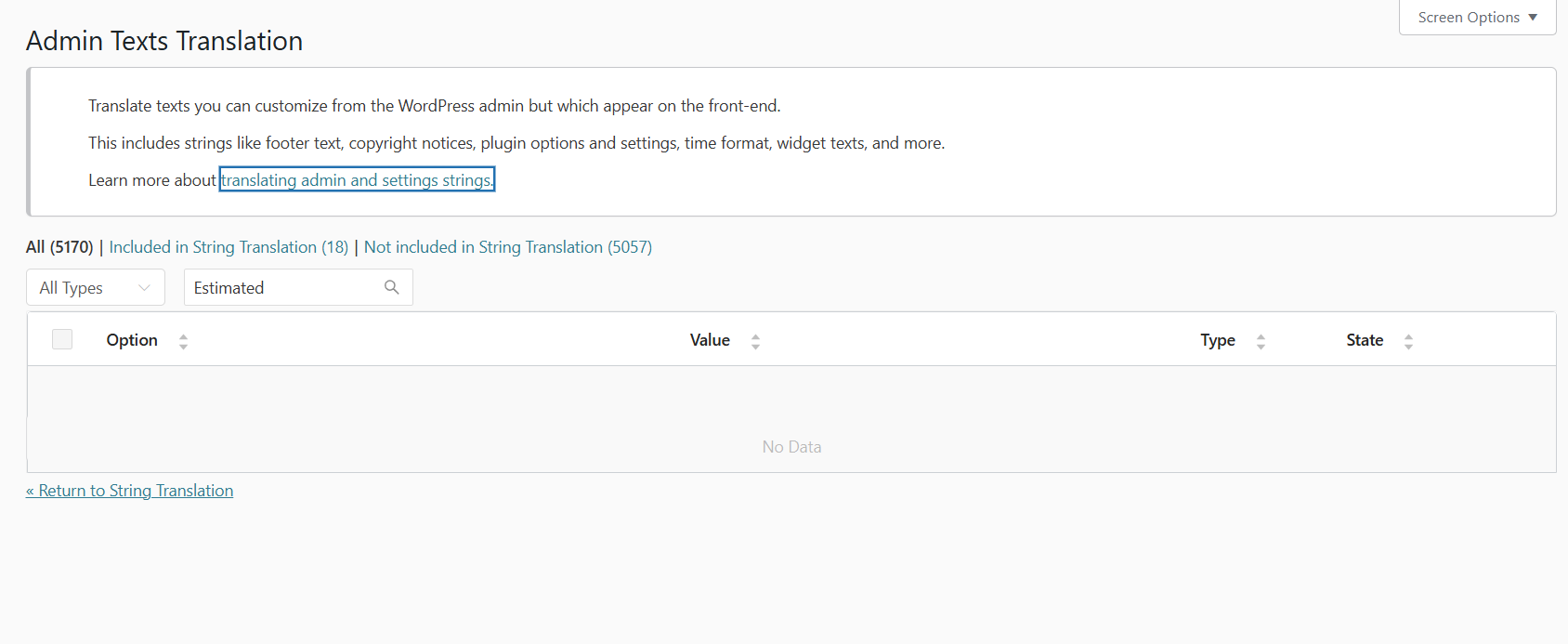
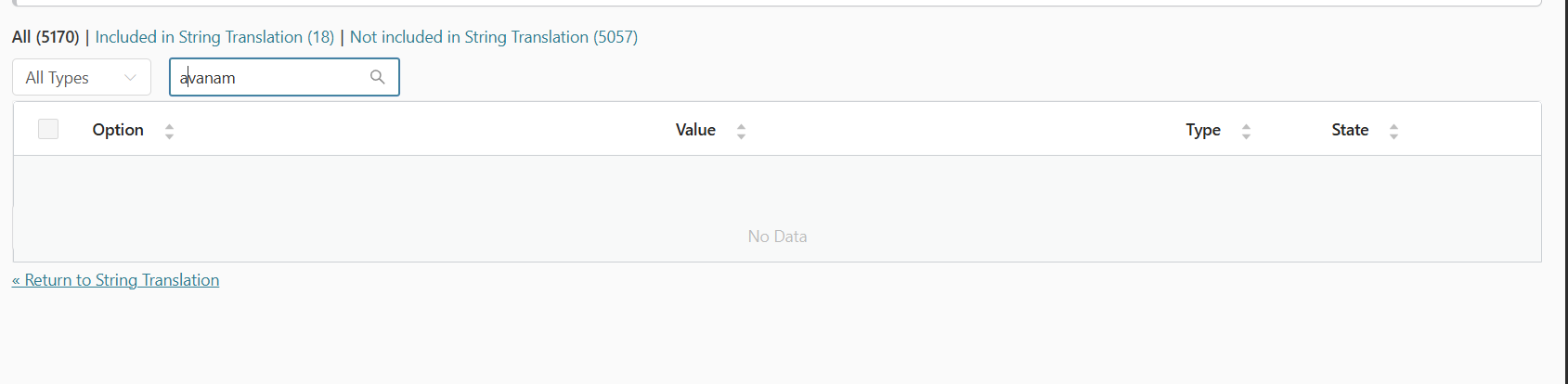
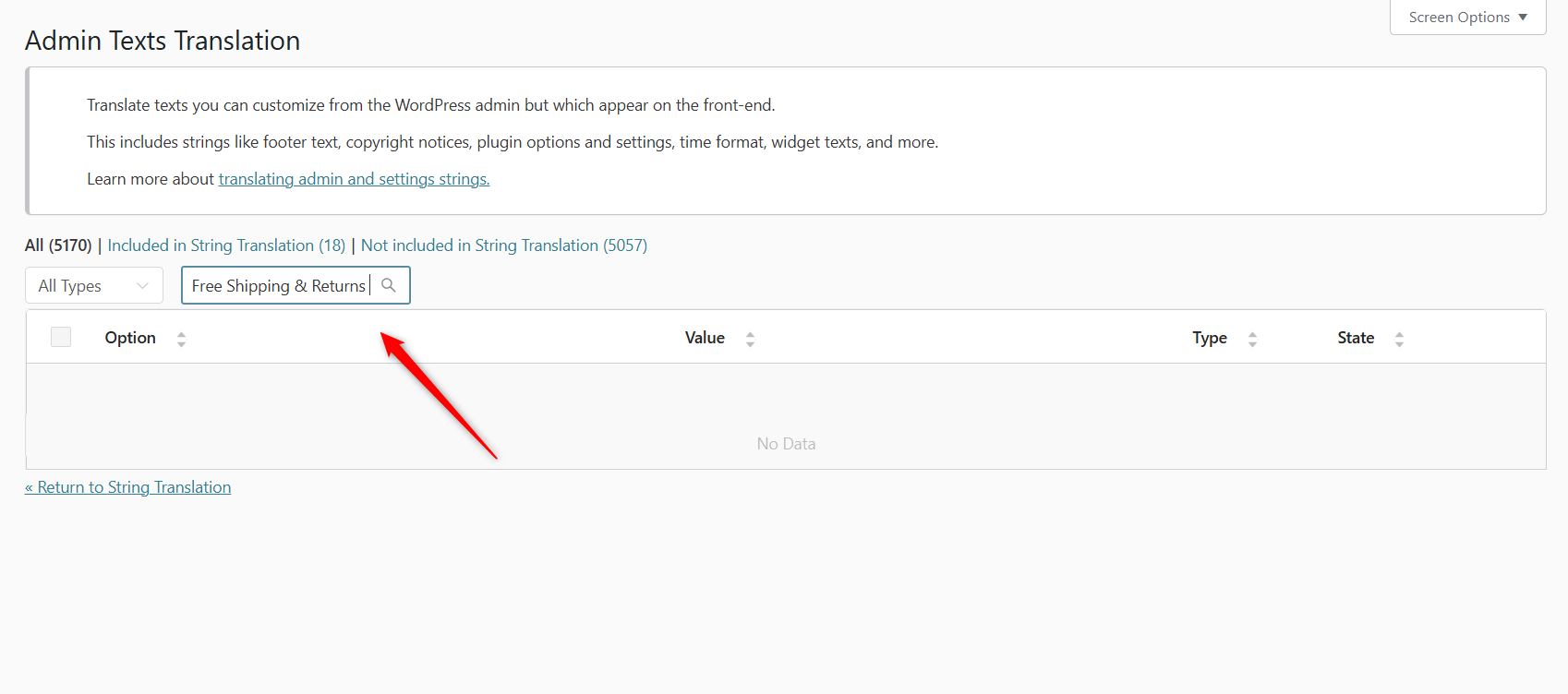
Normally, strings added via the theme options and theme customizer can be translated using WPML’s String Translation. These strings can be registered for translation by navigating to: WPML >> String Translation >> Utilities >> Not seeing strings that you are looking for? >> Admin Texts Translation, or by using a WPML language configuration file.
Please refer to the attached images and the following documentation for more details:
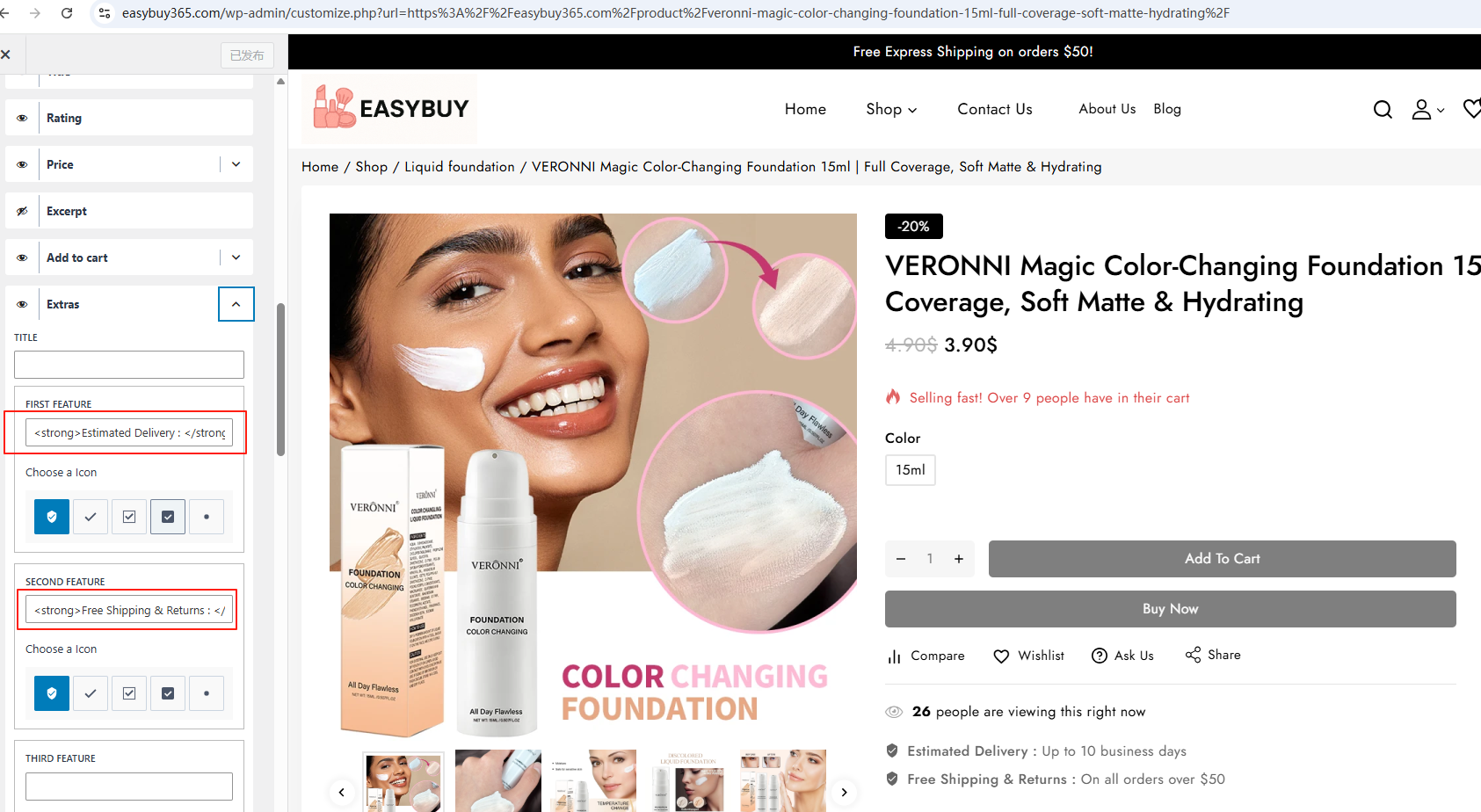
However, the strings added via the Avanam theme customizer are not appearing in Admin Texts Translation. This appears to be a compatibility issue, as the Avanam theme is currently not listed in our WPML-compatible themes directory: https://wpml.org/theme/
This can only be achieved by modifying the theme’s code, as these strings are handled directly within the theme. To make them translatable and display the translations correctly, the theme code must be adjusted to register those strings with WPML.
However, it is important to note that directly editing the original theme files is not recommended. In WordPress, the best practice is to avoid altering the parent theme code because any changes will be overwritten during future theme updates. Due to this limitation, our ability to support these translations is restricted.
It may be possible to achieve this through custom code in your child theme. You can use the following WPML hooks to register and display the strings for translation:
The theme author responded that they are compatible with wpml, and here is their response:
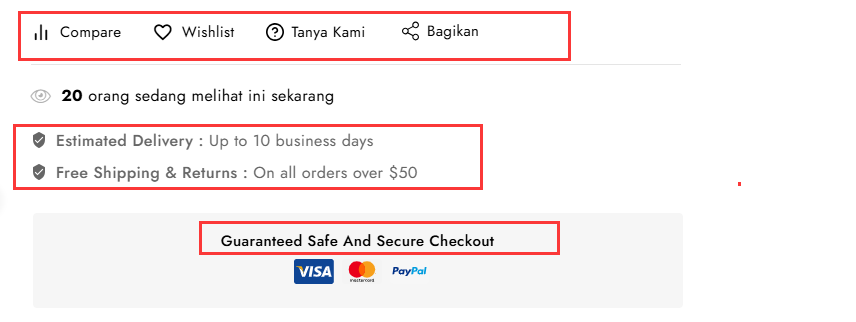
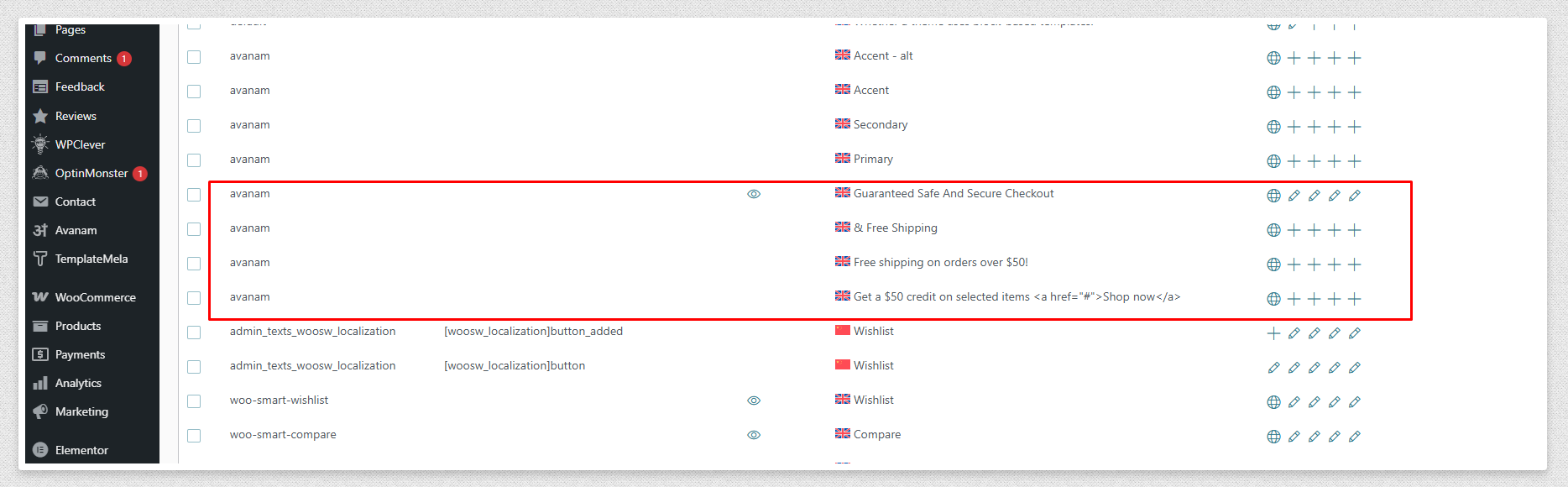
As mentioned in your response by WPML support team, the customizer text from the Avanam theme is not appearing in WPML String Translation. However, we would like to clarify that in the Avanam theme, all translatable strings are written using the correct WPML-compatible format, such as: __( 'Guaranteed Safe And Secure Checkout', 'avanam' )
This ensures compatibility with WPML string translation.
You can find this specific string 'Guaranteed Safe And Secure Checkout' and others under WPML > String Translation, as shown in the screenshot below. We have already marked and translated the string related to the product page.
Screenshot - hidden link
If you have cache enabled on your server side then clear cache and you may check translation or contact WPML support team with this message.
Thank you for the updates. I am unable to access the following link, it redirects to a login page, and the other link is showing an "Access Denied" message:
hidden link
So, could you please share the details as screenshots here instead?
In the meantime, please try the following workaround after taking a full site backup, and check if the missing strings are now available for translation:
- Switch to the Avanam parent theme.
- Go to WPML >> Theme and Plugins Localization.
- Scroll down to the “Scan strings in themes, plugins, and WordPress” section.
- Run a scan for the Avanam theme.
- Then go to WPML >> String Translation and check if the missing strings are now visible.
Thank you for the updates. The strings like __( 'Guaranteed Safe And Secure Checkout', 'avanam') are hardcoded in the theme, so scanning the theme for strings will correctly detect it and make it available for translation.
However, the strings shown in the following screenshot appear to be managed dynamically via the theme options. These are typically stored in the database, most likely in the wp_options table. As a result, they should be available for translation under WPML >> String Translation >> Admin Texts Translation.
hidden link
hidden link
If the strings are not listed there, it sounds like a compatibility issue. In that case, it may be modified in the theme code for full compatibility with WPML.
Could you please verify this behavior with the theme developer and confirm how those strings are handled? Refer to the following documentation for more details.
Thank you for the updates. For your kind information, this appears to be a clear compatibility conflict with the Avanam theme. As mentioned earlier, this theme is not officially compatible with WPML. With officially compatible themes or popular WordPress themes, it is possible to translate theme option strings by adding them through WPML >> String Translation >> Admin Texts Translation.
However, we will do our best to assist you within our support limits. To investigate the issue further without affecting your live site, please allow me to create a copy of your site using the Duplicator plugin. This will help us debug the problem safely on our local server.
Thank you for the permission. I have made a copy of the site and am currently looking into possible workarounds for this case. We will get back to you as soon as possible with further updates. Please wait.