This thread is resolved. Here is a description of the problem and solution.
Problem:
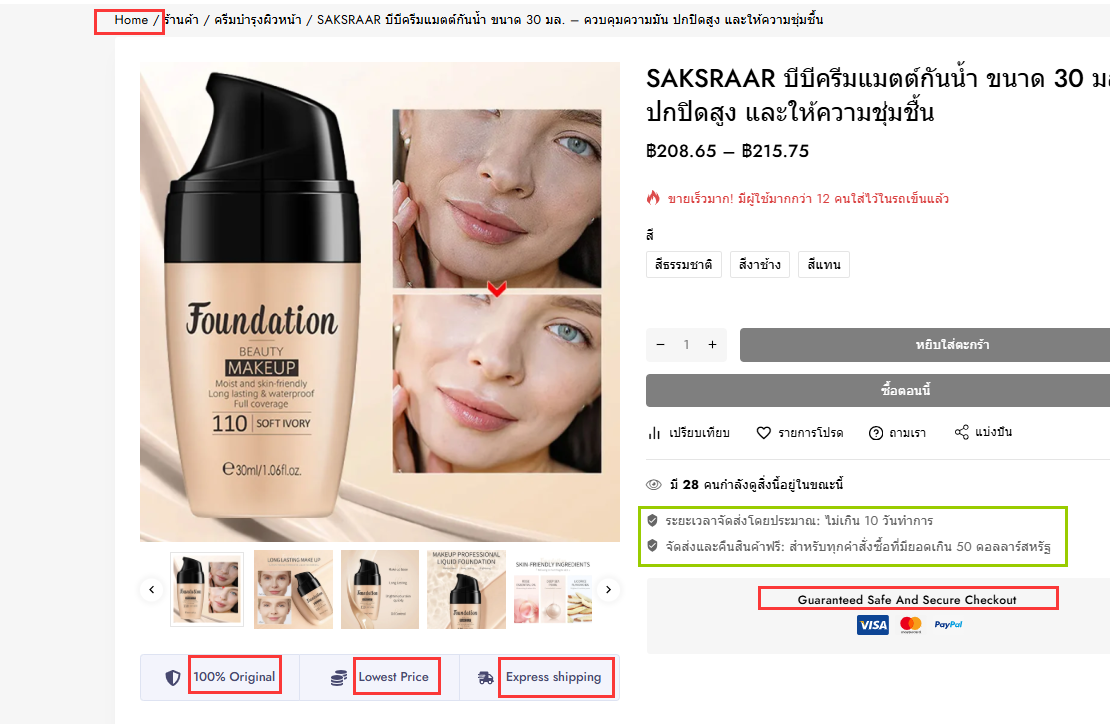
If you're experiencing issues with missing strings for translation in your custom theme, it might be due to a compatibility conflict.
Solution:
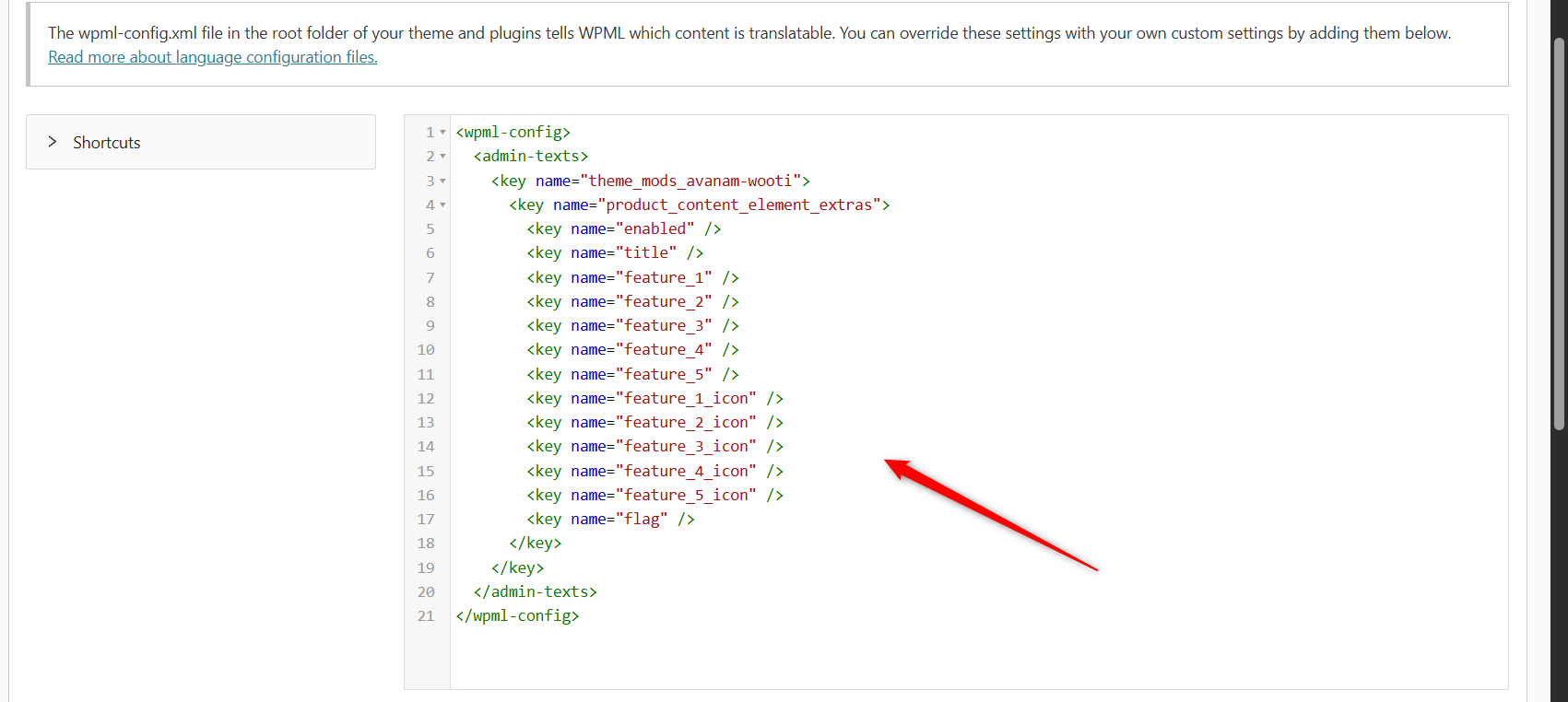
We recommend adding the following language configuration in WPML >> Settings >> Custom XML Configuration. You can create this using our Multilingual Tools plugin: https://wpml.org/documentation/support/multilingual-tools/
<wpml-config>
  <admin-texts>
    <key name="theme_mods_avanam-wooti">
      </key><key name="product_content_element_extras">
        <key name="enabled"></key>
        <key name="title"></key>
        <key name="feature_1"></key>
        <key name="feature_2"></key>
        <key name="feature_3"></key>
        <key name="feature_4"></key>
        <key name="feature_5"></key>
        <key name="feature_1_icon"></key>
        <key name="feature_2_icon"></key>
        <key name="feature_3_icon"></key>
        <key name="feature_4_icon"></key>
        <key name="feature_5_icon"></key>
        <key name="flag"></key>
      </key>

  </admin-texts>
</wpml-config>
After adding this configuration, please navigate to WPML >> String Translation and translate the newly registered strings into your secondary language. Finally, clear all caches and verify if the issue is resolved.
If this solution does not apply to your case, or if it seems outdated, we highly recommend checking related known issues at https://wpml.org/known-issues/, verifying the version of the permanent fix, and confirming that you have installed the latest versions of themes and plugins. If the problem persists, please do not hesitate to open a new support ticket with us for further assistance at WPML support forum.
This is the technical support forum for WPML - the multilingual WordPress plugin.
Everyone can read, but only WPML clients can post here. WPML team is replying on the forum 6 days per week, 22 hours per day.
This topic is split from https://wpml.org/forums/topic/string-translation-98/
This topic contains 21 replies, has 0 voices.
Last updated by 8 months, 2 weeks ago.
Assisted by: Bigul.