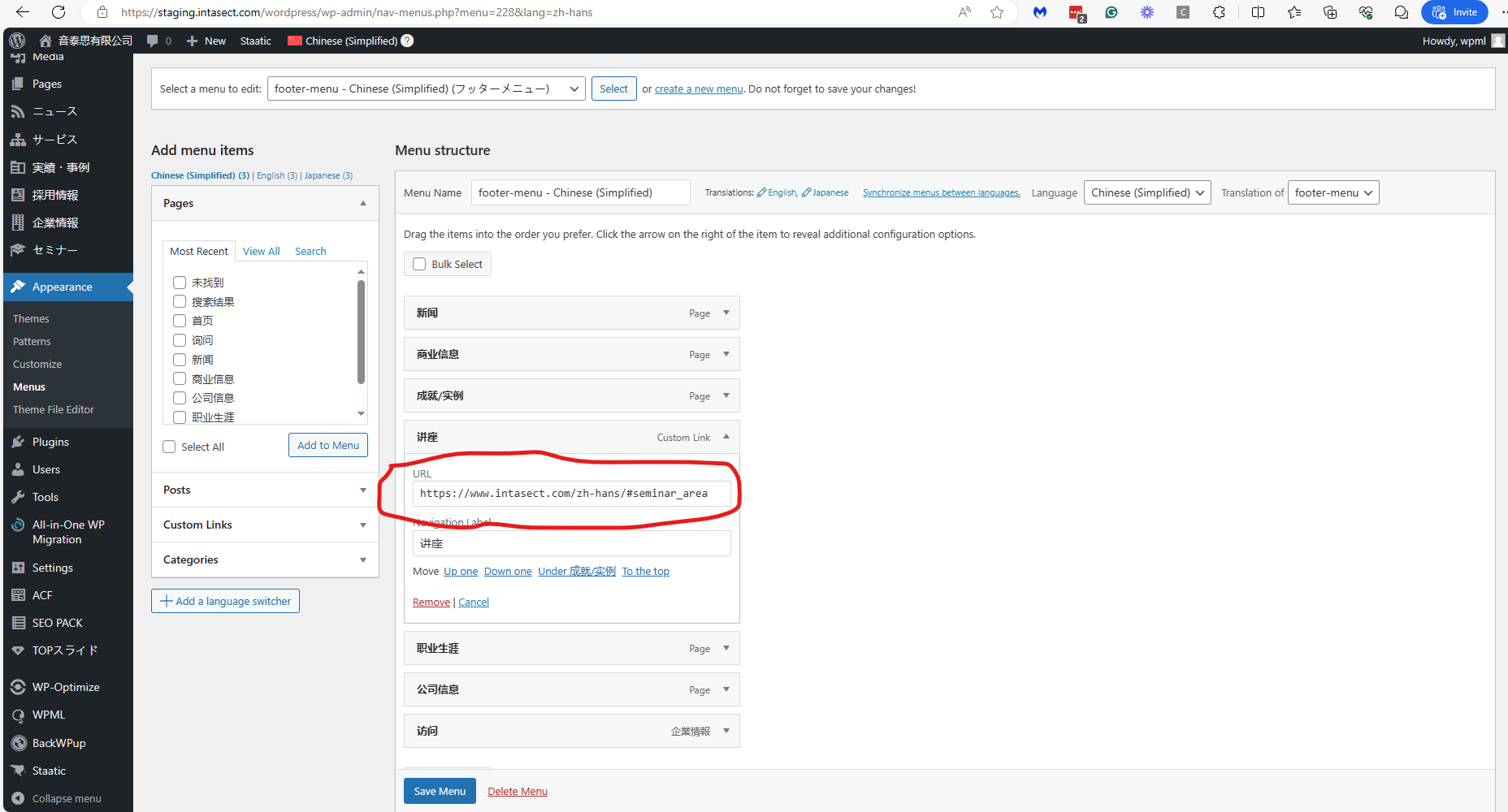
I was wondering if this could possibly be due to WP Menus Sync not functioning properly? I want to translate Japanese custom links into Chinese and English, but for some reason the Chinese translation is assigned to the English menu as well.
Yesterday, I installed the All In One migration plugin on your site and tried to download a package for it. The package was about 4GB, and it was downloaded for hours. Eventually, the download failed.
I thought about this issue, and another idea came to mind. Instead of doing all this work of taking a copy of your site and inspecting it, the following will be easier and less time-consuming, and I hope I will solve the problem.
Please delete the problematic menu item from the footer-menu and hbg-menu menus and recreate it. This will recreate a new DB entry for this menu item, and I hope it will solve the issue.
I have already tried that you suggested.
But the problem has not been solved.
It is not impossible to rewrite it manually, so I will leave it as it is for the time being, but if you have a solution, I would appreciate being informed.
I deleted the corresponding custom link menu from all menus as you suggest and recreated it, but it did not work correctly.
I don't think it matters that /wordpress/ is not included in the links, but I added it and tried the same thing.
I also tried creating a new menu and it did not work correctly.
The hamburger menu is on the far right of the header menu.
When I deleted the Chinese custom link menu in the menu edit screen, the English custom link menu was deleted as well.
As I thought, the Chinese menu is reflected in the English menu only for the custom link menu.
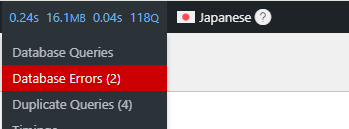
I installed a plugin called Query Monitor and it showed database errors and duplicate queries.
Please check the details of the errors on the admin page.
When I view the WP Menu Sync screen, the duplicate queries spike.
I don't know how to solve this, but I thought it would be helpful to let you know.
Our second-tier supporter has debugged this issue and provided a workaround.
1. Go to WPML -> Strings Translation.
2. Scroll down to the 'Auto register strings for translation' section.
3. Select the 'Look for strings while pages are rendered' option.
4. Go to WPML -> WP Menu Sync.
5. Press the Sync button and proceed with syncing the custom menu items.
This will fix the issue.
6. Return to WPML -> Strings Translation, and deselect the 'Look for strings while pages are rendered' option.
Important! You need to proceed with this workaround only if the problem with the custom menu items is shown on the front end. Otherwise, you don't need to sync the menus.
Our second-tier supporter has escalated this issue to our developers. When I have news about this issue, I'll update you here.