Skip to content Skip to sidebar

This thread is resolved. Here is a description of the problem and solution.

Problem:
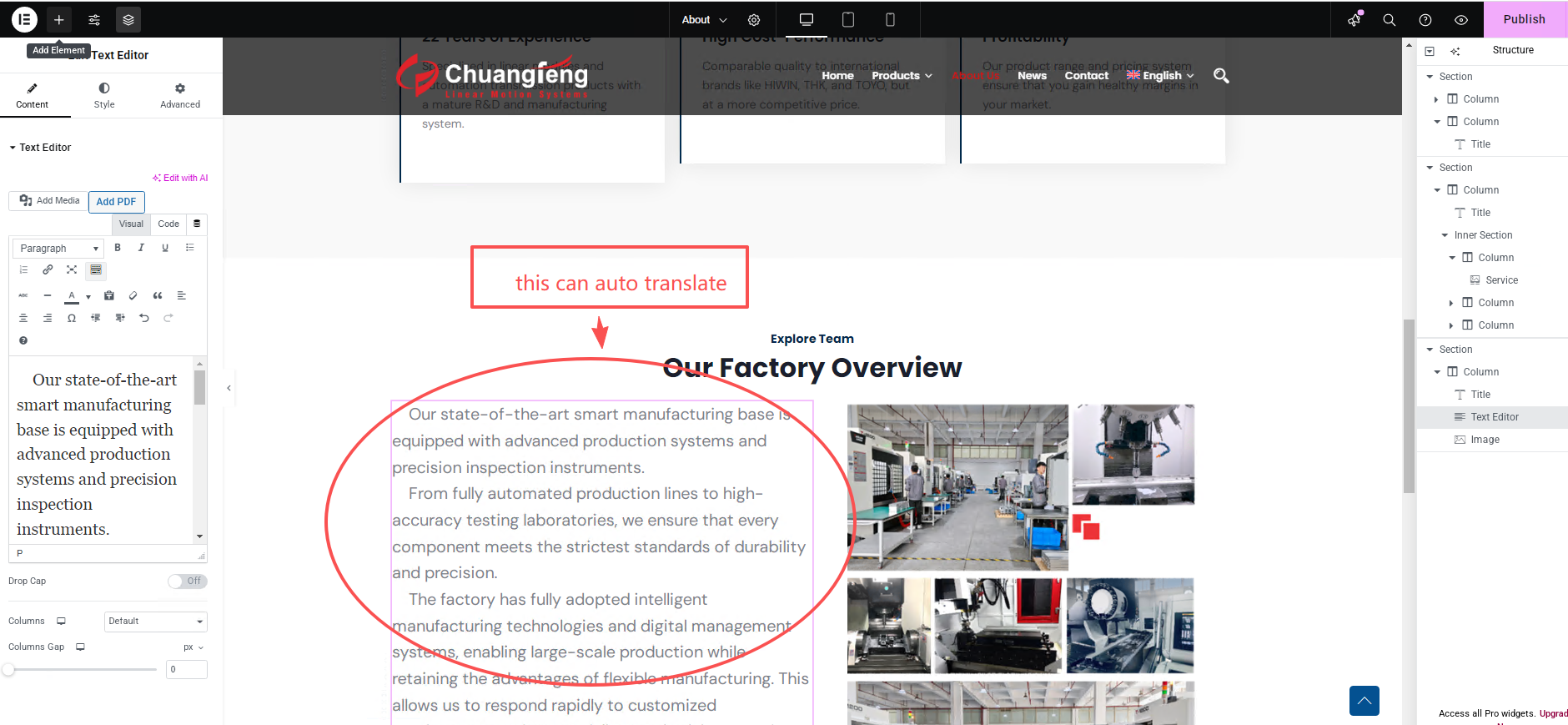
The client is experiencing issues with incomplete translations of pages edited with Elementor despite having completed translations in WPML.
Solution:
We found that the website does not meet the minimum memory requirements for WPML, which could be causing the issue. We recommend increasing the WordPress memory limit. You can do this by adding the following lines to your wp-config.php file:

define('WP_MEMORY_LIMIT', '256M');

define('WP_MAX_MEMORY_LIMIT', '512M');

Please insert these lines just before the "/* That's all, stop editing! Happy publishing. */" line. For more details, visit Increasing memory allocated to PHP.
After adjusting the memory limit, please:
1. Update the pages that were not fully translated by making a minor text edit in Elementor and saving.
2. Go to WPML > Translation Dashboard and resend those pages for auto-translation.

If this solution does not resolve your issue, or if it seems outdated or irrelevant to your case, we highly recommend checking related known issues, verifying the version of the permanent fix, and confirming that you have installed the latest versions of themes and plugins. If problems persist, please open a new support ticket.

This is the technical support forum for WPML - the multilingual WordPress plugin.

Everyone can read, but only WPML clients can post here. WPML team is replying on the forum 6 days per week, 22 hours per day.

Tagged: 

This topic contains 1 replies, has 0 voices.

Last updated by Lucas Vidal de Andrade 7 months, 1 week ago.

Assisted by: Lucas Vidal de Andrade.

Author Posts
September 30, 2025 at 11:05 am

qinglinW

Background of the issue:
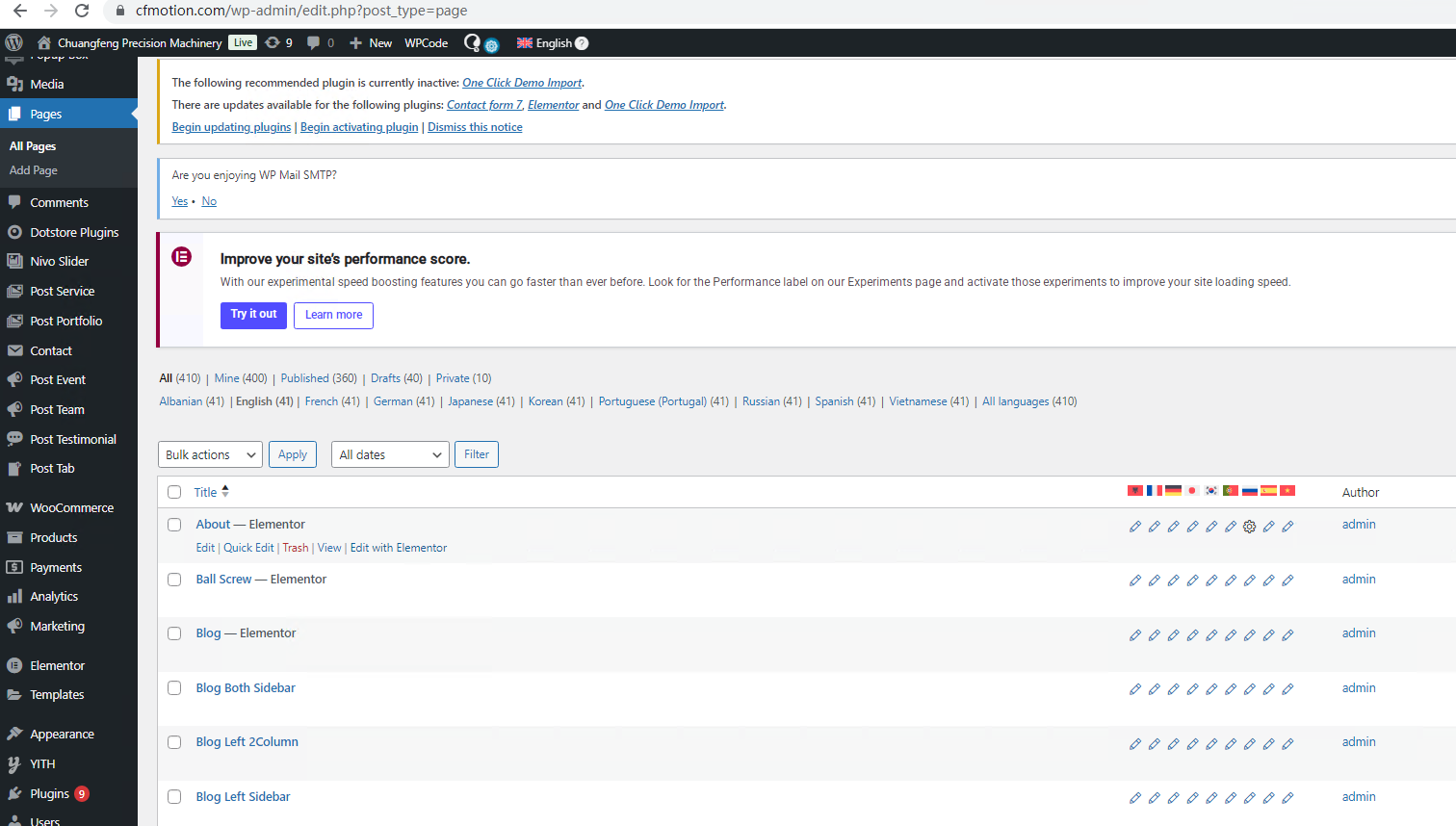
I am trying to translate all the content on my website, hidden link, using WPML. I have selected all the content displayed in the 'WPML' - 'Translation Dashboard' for translation, and the translation is completed.

Symptoms:
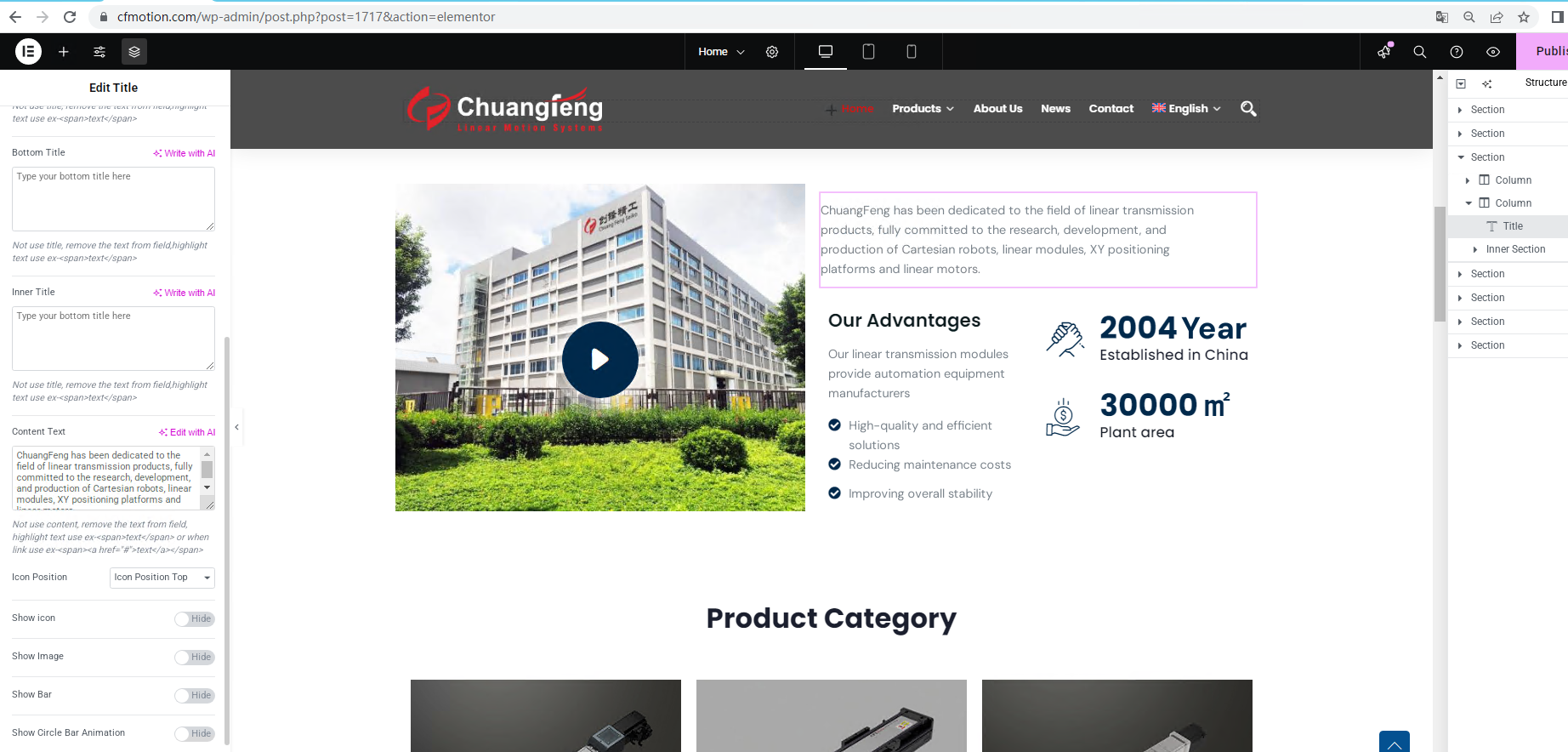
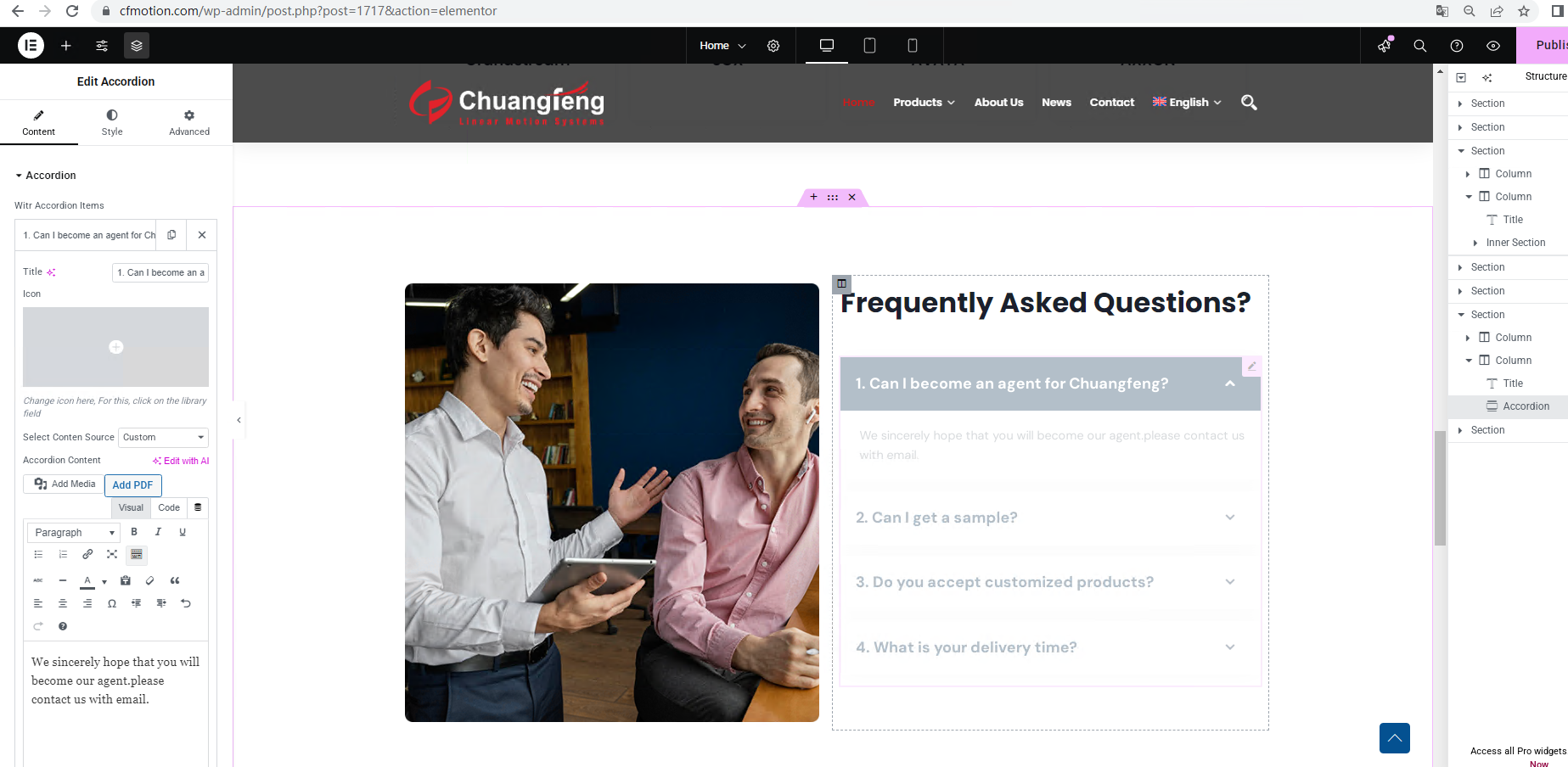
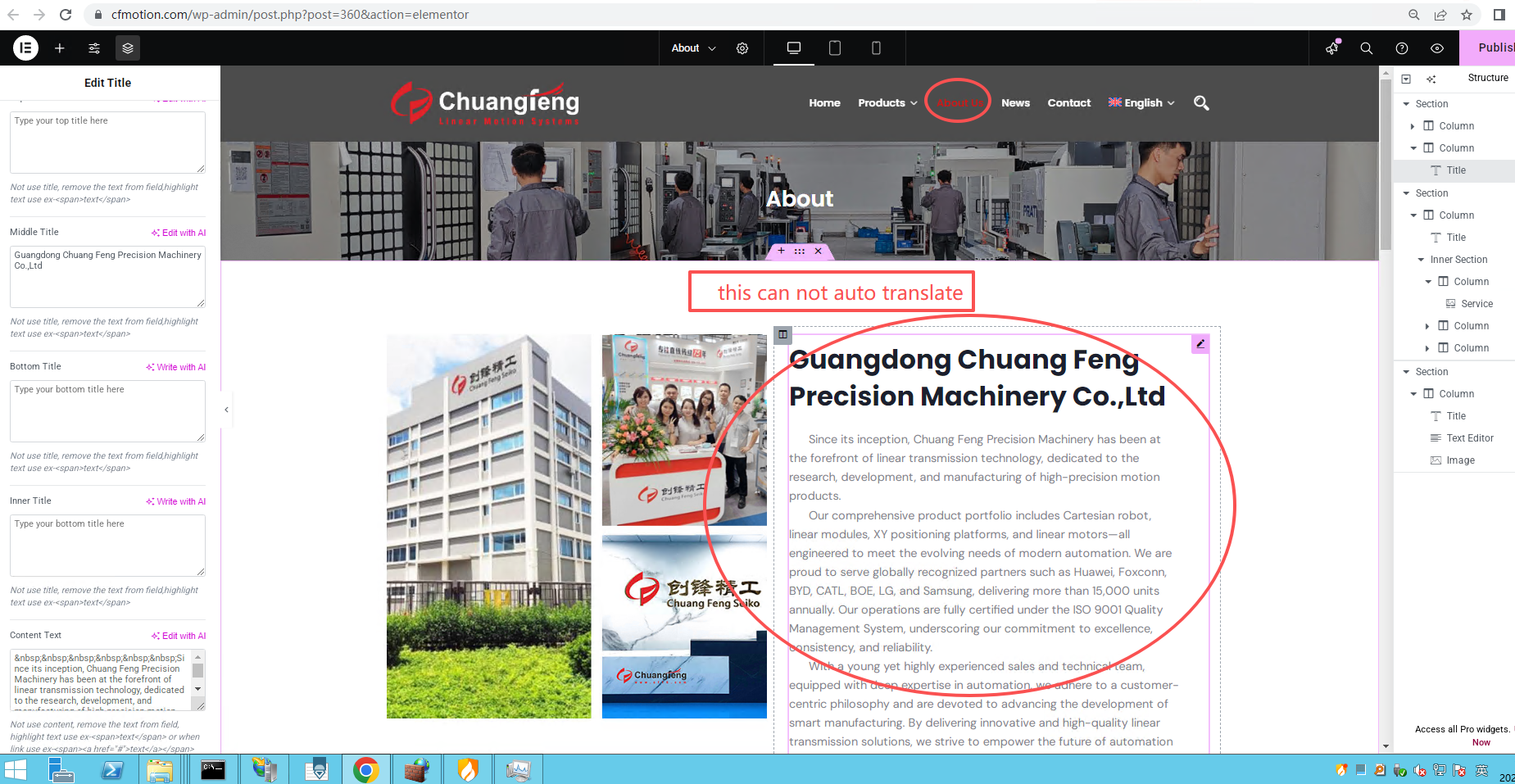
The pages I edited with Elementor, such as the homepage, contact, and about pages, were not fully translated.

Questions:
Why were the pages edited with Elementor not fully translated despite completing the translation in WPML?

September 30, 2025 at 1:45 pm #17445274

Lucas Vidal de Andrade
WPML Supporter since 11/2023

Languages: English (English ) Spanish (Español ) German (Deutsch ) Portuguese (Brazil) (Português )

Timezone: Europe/Vienna (GMT+02:00)

Hey there,

I checked your debug info and noticed that your website doesn't have the minimum memory required for WPML to work. WPML requires a memory limit of at least 128MB while 256MB is recommended. See https://wpml.org/home/minimum-requirements/ for detailed information. Make sure to have a website backup before proceeding. You can set WP Memory Limit in your wp-config.php file by adding the following code:

define( 'WP_MEMORY_LIMIT', '256M' );
define( 'WP_MAX_MEMORY_LIMIT', '512M' );

See:

https://wordpress.org/support/article/editing-wp-config-php/#increasing-memory-allocated-to-php

for details.

Make sure to add the above code right before the "/* That's all, stop editing! Happy publishing. */” line.

After that, follow these steps:

1. Update the pages that are not translated. You can open Elementor, and make a small text edit. Save;
2. Go to WPML > Translation Dashboard and send those pages to auto-translation;