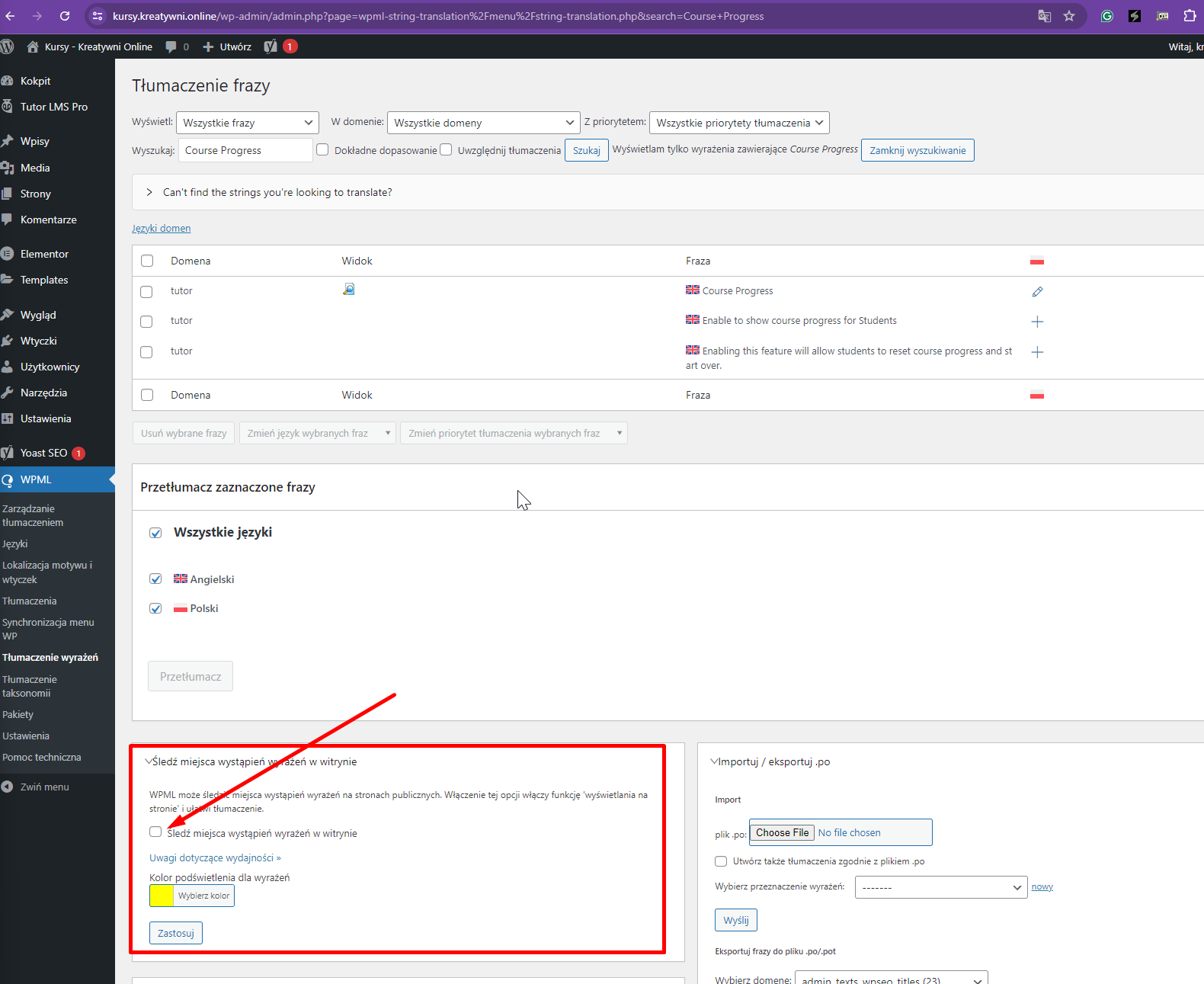
This thread is resolved. Here is a description of the problem and solution.
Problem: The client is attempting to translate specific strings from Tutor LMS, such as 'enroll now' and 'course progress', from English to Polish using WPML. Despite marking these strings as translatable and translating them in the WPML String Translation interface, the changes are not reflected on the site. Solution: We recommended the client to verify the translation settings and ensure that the strings are correctly saved and assigned in WPML. Additionally, we provided a screen recording to demonstrate the correct process for translating strings using WPML. If the strings still do not appear in Polish on the frontend after following these steps, it might be due to a caching issue or a conflict with another plugin. We suggest clearing the site's cache and temporarily disabling other plugins to check if there is an interference.
If this solution does not resolve the issue or seems outdated, we recommend opening a new support ticket. It's also advisable to check related known issues at https://wpml.org/known-issues/, verify the version of the permanent fix, and confirm that you have installed the latest versions of themes and plugins. For further assistance, please visit our support forum at WPML support forum.
This is the technical support forum for WPML - the multilingual WordPress plugin.
Everyone can read, but only WPML clients can post here. WPML team is replying on the forum 6 days per week, 22 hours per day.
Background of the issue:
I am trying to translate strings from Tutor LMS like 'enroll now' and 'course progress' from English to Polish on my site hidden link. I am using WPML for this purpose.
Symptoms:
I can find these strings in string translation, but after translating them, nothing happens. They are still in English.
Questions:
Why are the translated strings from Tutor LMS not appearing on my site?
Did you utilize a different plugin for the translation? I previously deleted the kursy_kreatywni_online/wp-content/languages/plugins folder, but it reappeared.
The language file within that folder is causing the translations to overwrite. I've removed the folder again, so it should be resolved now. Could you please verify?
At the begining when I had a problem with translation I was trying to use diffrent plugin (Loco or Polyland but the plugin couldn't find important strings so I've uninstalled it).
Since I've started conversation with you I didn't install any plugin.
I've removed it again as shown in the attached screenshot hidden link and could you please try again? If the issue persists, I will have to escalate this to our 2nd Tier Support for further investigation.
I regret any inconvenience caused, but to proceed with troubleshooting, I kindly ask for a snapshot of the site. Alternatively, with your permission, I can create one myself. For this purpose, I typically recommend using the free plugin "Duplicator." If you're already familiar with Duplicator (https://wordpress.org/plugins/duplicator/), please skip the following steps and simply send me the archive file you downloaded.
To guide you further, please adhere to these instructions:
1. View the Duplicator instructions video: hidden link
3. If the archive file exceeds 400MB, please use Duplicator's file filters to exclude cache, wp-uploads directory, media, and archive files.
Once you have the archive file ready, kindly share the link with us. You can utilize platforms like Google Drive, Dropbox, or similar for file sharing, as the snapshot file might be large.
Please note that your next reply will be private, visible only to you and me. You can paste the file link there. Rest assured that once the issue is resolved, I will delete the local site.