This thread is resolved. Here is a description of the problem and solution.
Problem: The client was experiencing persistent loading and sporadic 404 errors on translated pages of their website after using WPML. The issues included pages not displaying after translation and random 404 errors when switching languages. Solution: We recommended the following steps to troubleshoot and resolve the issues: 1. Ensure all pages are correctly translated by making a minor edit in the original language, saving it, and then updating the translation. 2. Check and flush cache settings, as stale cache data might lead to pages not loading correctly. 3. Deactivate and reactivate plugins to identify any that might be causing conflicts, particularly focusing on the 'Razorpay for WooCommerce' and 'Categories Images' plugins, which were found to be problematic. 4. Switch the language URL format settings in WPML to see if this affects the 404 errors. 5. Increase the WordPress memory limit to ensure sufficient resources are available for operations. 6. If issues persist, especially with specific plugins like 'WooCommerce PayPal Payments', deactivate them to check if the problem resolves.
If these steps do not resolve the issues, or if the solution seems outdated or not applicable to your case, we highly recommend checking related known issues at https://wpml.org/known-issues/, verifying the version of the permanent fix, and confirming that you have installed the latest versions of themes and plugins. For further assistance, please open a new support ticket at WPML support forum.
This is the technical support forum for WPML - the multilingual WordPress plugin.
Everyone can read, but only WPML clients can post here. WPML team is replying on the forum 6 days per week, 22 hours per day.
I have enabled the Debug but nothing capture in log file as WordPress’s WP_DEBUG_LOG only records PHP notices, warnings, and fatal errors. A normal 404 is just a template render (404.php), not a PHP error — so it will not be logged automatically. To capture 404 error too, i have added below to function.php
add_action( 'template_redirect', function() {
if ( is_404() ) {
error_log( '404 error: ' . $_SERVER['REQUEST_URI'] . ' | Referer: ' . ($_SERVER['HTTP_REFERER'] ?? 'none') );
}
});
I tried re-producing 404 error but still it doesn't record. Again i tried producing 404 error by entering wrong URL, the 404 theme template file fired and also recorded into log file.
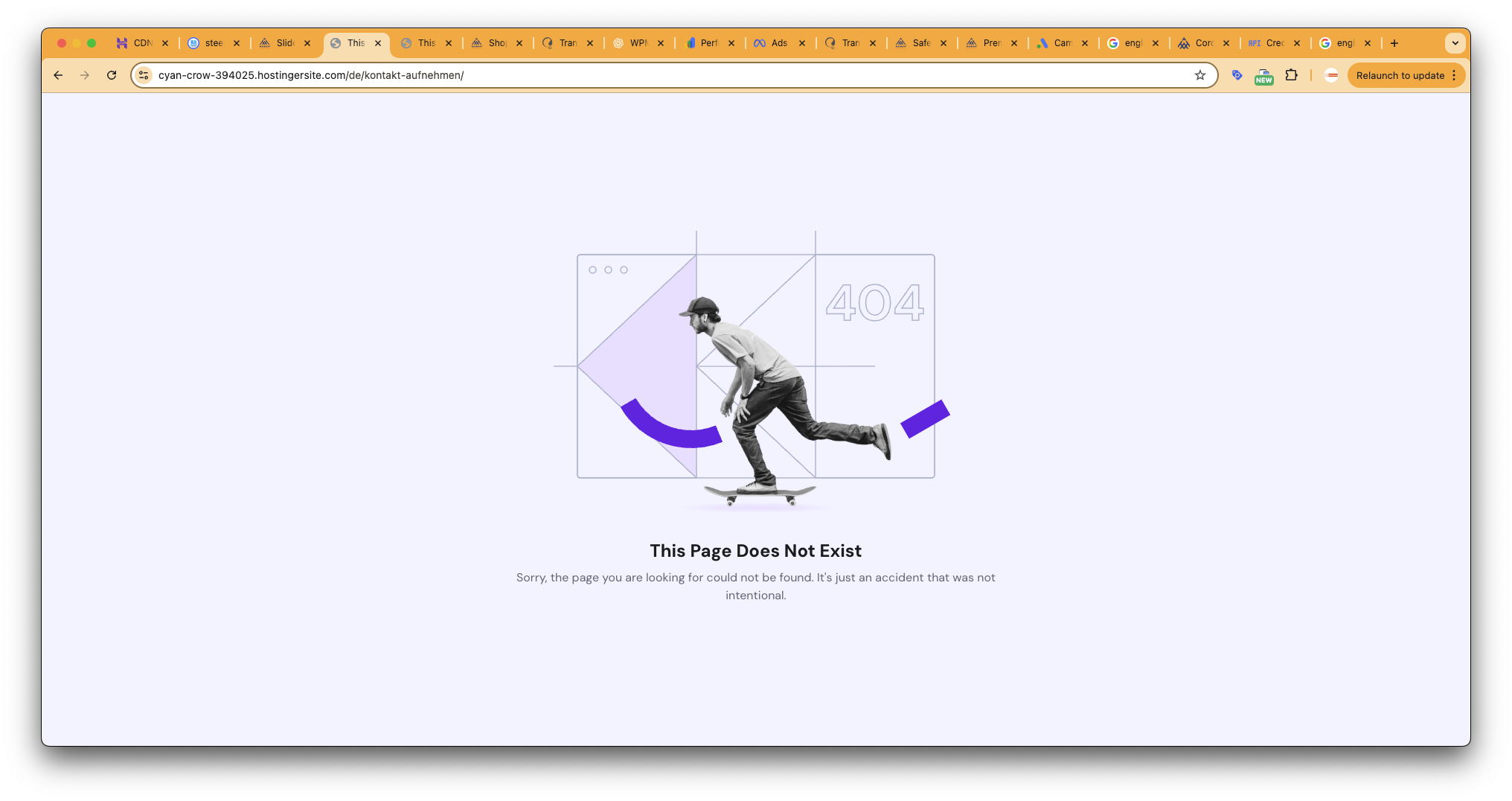
I think, when i switch between languages, the cache might get “stuck” on the old URL, and when the request is made again, it cannot be found. As a result, the site falls back to Hostinger’s default 404 page instead of the 404 template from the theme.
Hi,
I have ported the entire site to another server and same issue on that server too.
I have checked the duplicate slug but didn't find any.
Can you pls check the issue on website as i have shared admin credential as well as FTP access
I have tested the Contact page and updated the translations; now I can see all the languages showing correctly. If you find the same 404 error in other pages, please follow these steps:
- Edit the page in the original language
- Make a small change in the content, like adding a final space to a paragraph
- Save the changes and update the translations
- Then double-check if the 404 has disappeared
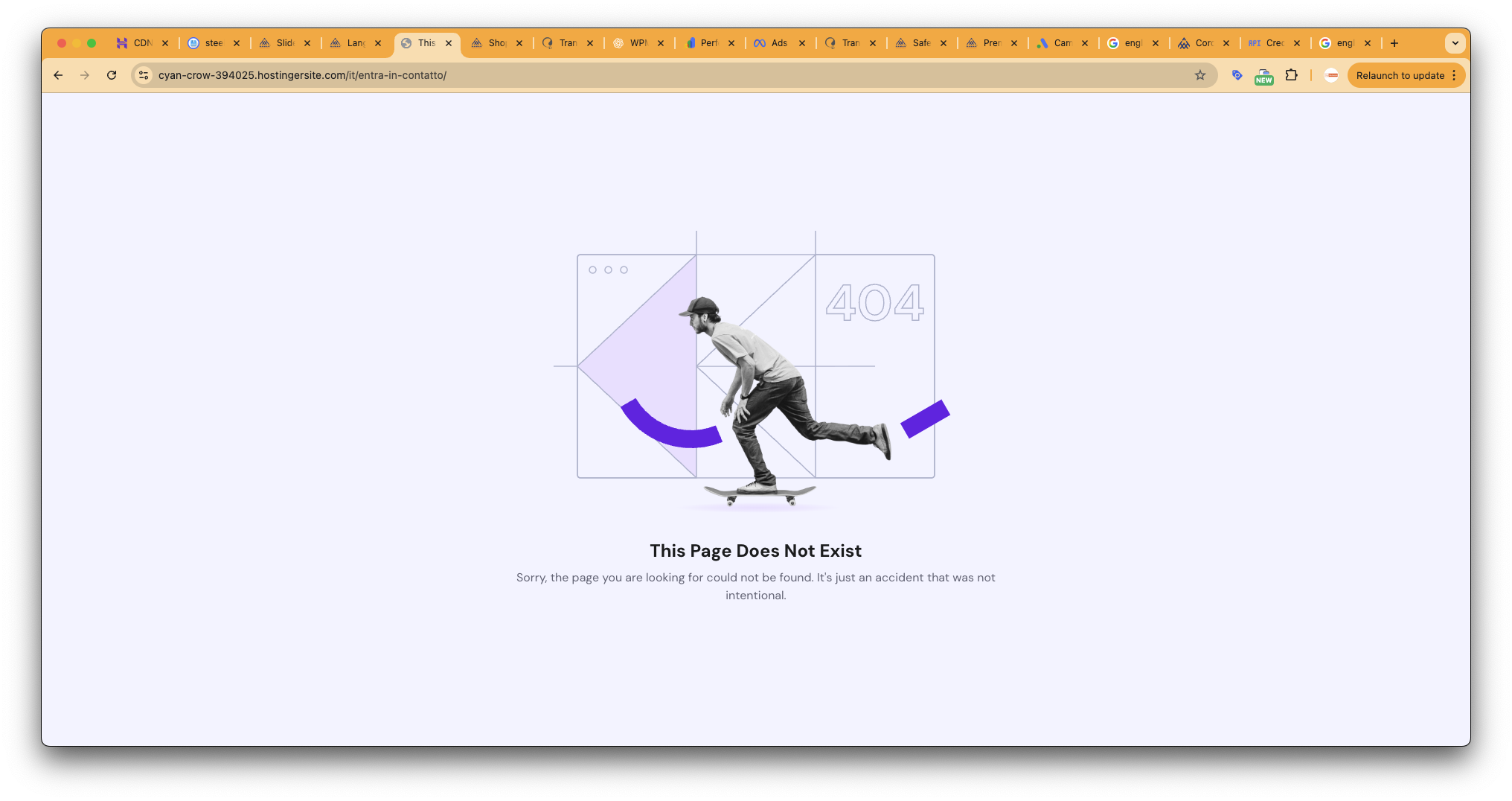
Thats is the problem. Sometime, page open and sometime, it return 404. Try navigated 2-3 times switching between language for same page. you will encounter 404 error.
You are right, after switching to the contact page in the original language hidden link the 404 appeared again. However, WPML plugins make no changes in the content of the original language, so this is not a translation problem.
I recommend you contact your hosting providers and ask them to check the logs on the server side to see if there is any information related to this behavior.
Hi Carlos,
There is not any issue with hosting provider. I have tested this with 3 hosting provider (Hostinger, SiteGroud & Rocket.net). If i switch to "Language name added as a parameter", it work smoothly. If i hide language pages, i don't see any 404 error. So the problem is with WPML and / or routing issue.
We can't isolate the cause of a random issue; we need clear steps to reproduce it.
If you authorize me, I can deactivate all plugins, except the WPML ones, then activate a default WordPress theme and start checking from that minimal setup.








![FireShot Capture 153 - Dettagli di contatto dei fornitori di attrezzature di sicurezza di _ - [cyan-crow-394025.hostingersite.com].png](https://cdn.wpml.org/wp-content/uploads/2025/08/17348180-FireShot_Capture_153_Dettagli_di_contatto_dei_fornitori_di_attrezzature_di_sicurezza_di___cyan_crow_394025.hostingersite.com_.png "17348180-FireShot_Capture_153_Dettagli_di_contatto_dei_fornitori_di_attrezzature_di_sicurezza_di___cyan_crow_394025.hostingersite.com_.png")