I had to change my hosting plan to get mysql 8. I have changed php to the version 8.
Here is a new video : hidden link
Once again, I had to record it twice. At the first translation change, everything worked perfectly. But I did a new change and then impossible to make it display.
After writing this message. The modifications finally display.
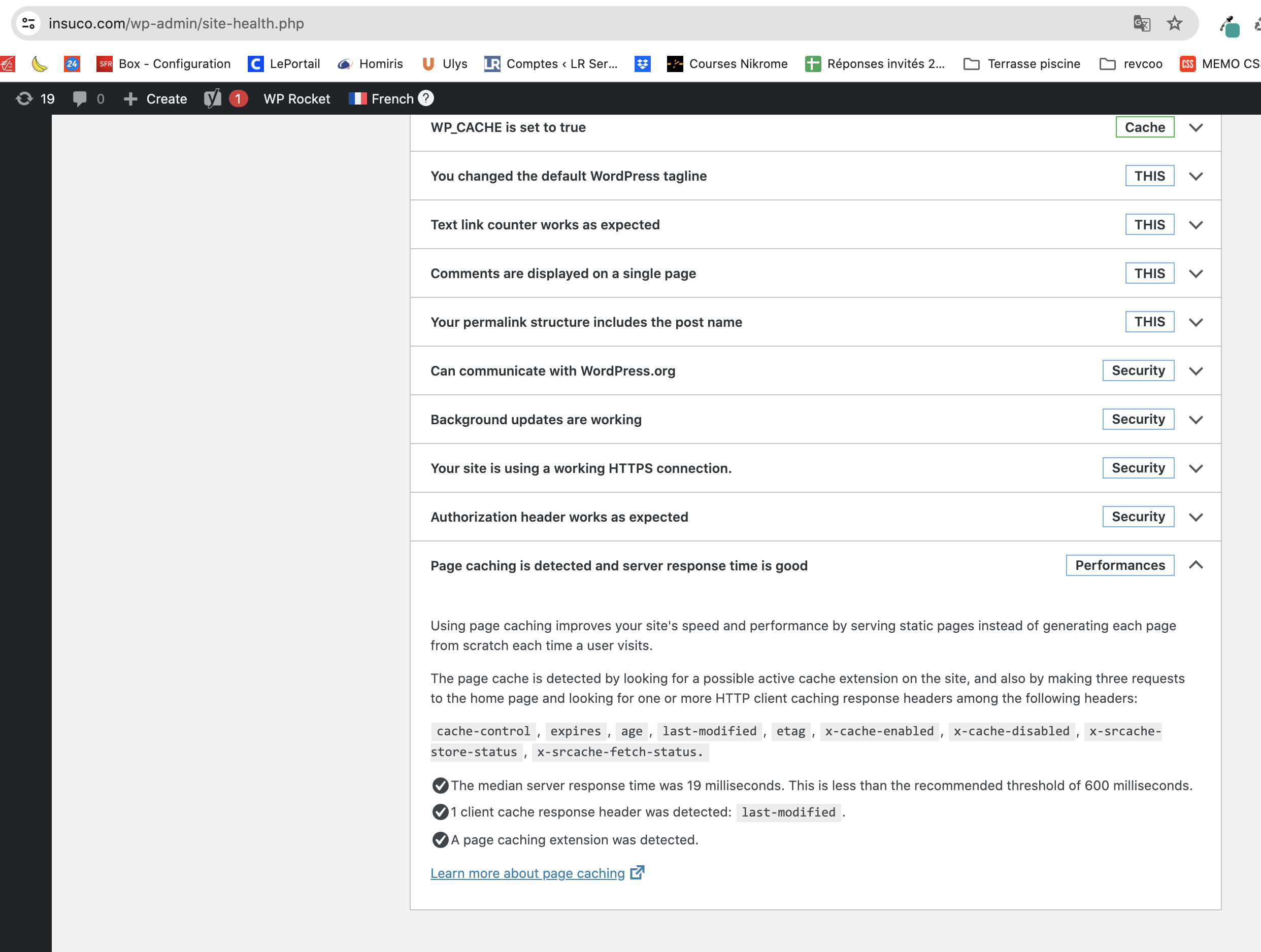
Also, you pointed out a critical issue, it's because it's not the same hosting plan than the original site, but the original site (hidden link) doesn't show such critical issue (see screenshot).
Feel free to make tests again, even if it leads to a crash of the site. It's a test copy of the website. No risks.
Upon checking your CW installation again, to check the issue you mentioned, I found a database error. Can you please provide me with a copy of your live website?
After a more thorough investigation, we found that the issue is happening with this post, due to the size of it.
I ran a quick test:
1. Logged in to the dev site
2. Made an edit on the original page "Equipe" and updated the page.
3. Opened the English translation in ATE.
4. I completed the translation for the segments that were edited on the original content.
5. The status is 100%
6. I click "Complete" and the translation is saved.
Updated texts and images are getting translated as expected on my test.
Remaining issue: The original page takes 2-3 times longer to save, once WPML is enabled. Take note, that Divi 4.24.0 is not the latest version - there is an update for version 4.26.1 available. Please update the theme, which has not been updated since April 2024, and then test again if the load time issue persists.
The topic ‘[Closed] Translation change with advanced editor not displaying on frontend’ is closed to new replies.