iroM
|
Hi,
I changed to the default theme and the whole site "broke". I mean the appearance and the layouts. Therefore, the products pages too were not correct.
I also brought back the yesterday's backup because when I switched back to the previous theme, the site remained "broke".
|

Paola Mendiburu
WPML Supporter since 11/2020
Languages:
English (English )
Spanish (Español )
Italian (Italiano )
Timezone:
Europe/Madrid (GMT+02:00)
|
Would you give me permission to download a copy of your site using Duplicator?
This will allow me to investigate the issue without affecting your site.
|
iroM
|
Yes of course.
Thank you!
|
Paola Mendiburu
WPML Supporter since 11/2020
Languages:
English (English )
Spanish (Español )
Italian (Italiano )
Timezone:
Europe/Madrid (GMT+02:00)
|
I can confirm that the issue appears to be related to the theme. When switching to a default theme, everything works as expected.
As a workaround, please go to the English version of the product, click on Edit Product, and then click Update without making any changes. After that, the product title should appear correctly.
|
iroM
|
Hello again,
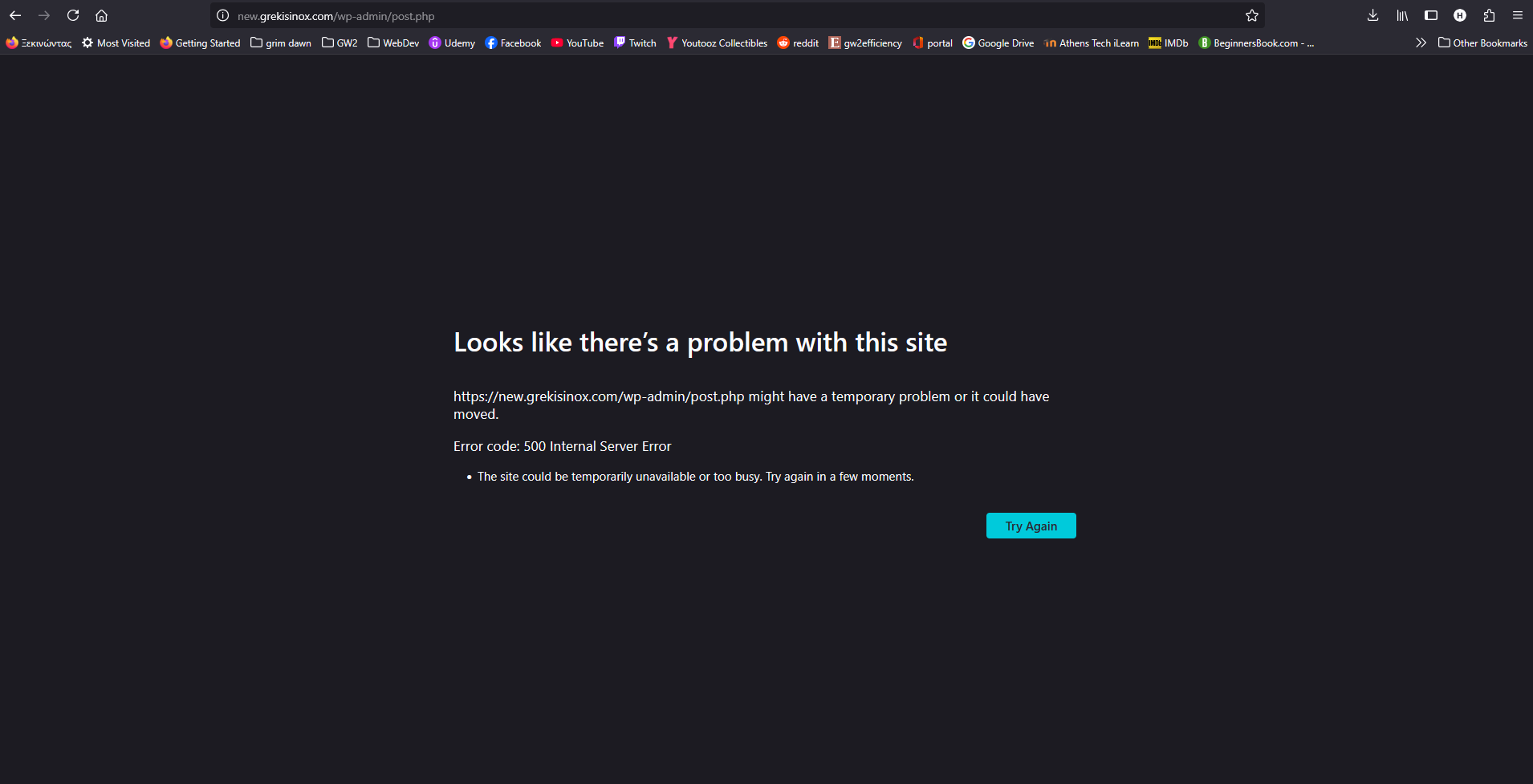
When I go at the edit page of the translated product and click Update then this error appears (screenshot). This only happens on the translated product page, on the original language the update works fine.
|
Paola Mendiburu
WPML Supporter since 11/2020
Languages:
English (English )
Spanish (Español )
Italian (Italiano )
Timezone:
Europe/Madrid (GMT+02:00)
|
When I deactivate the plugins of CMSMasters it is working properly.
Could you also try on your end?
|
iroM
|
These CMSMasters plugins are necessary for the theme to work properly. I mean we can't have them deactivated otherwise the layouts breaks.
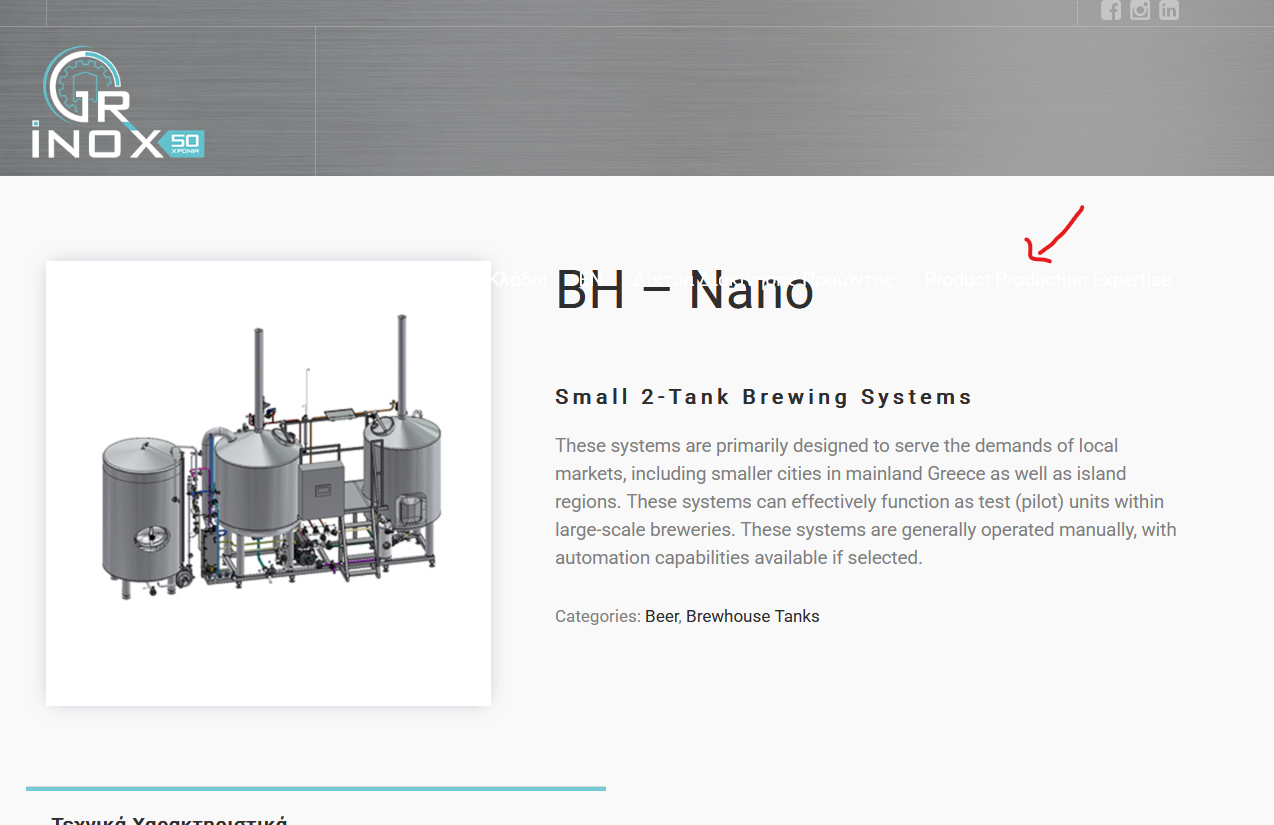
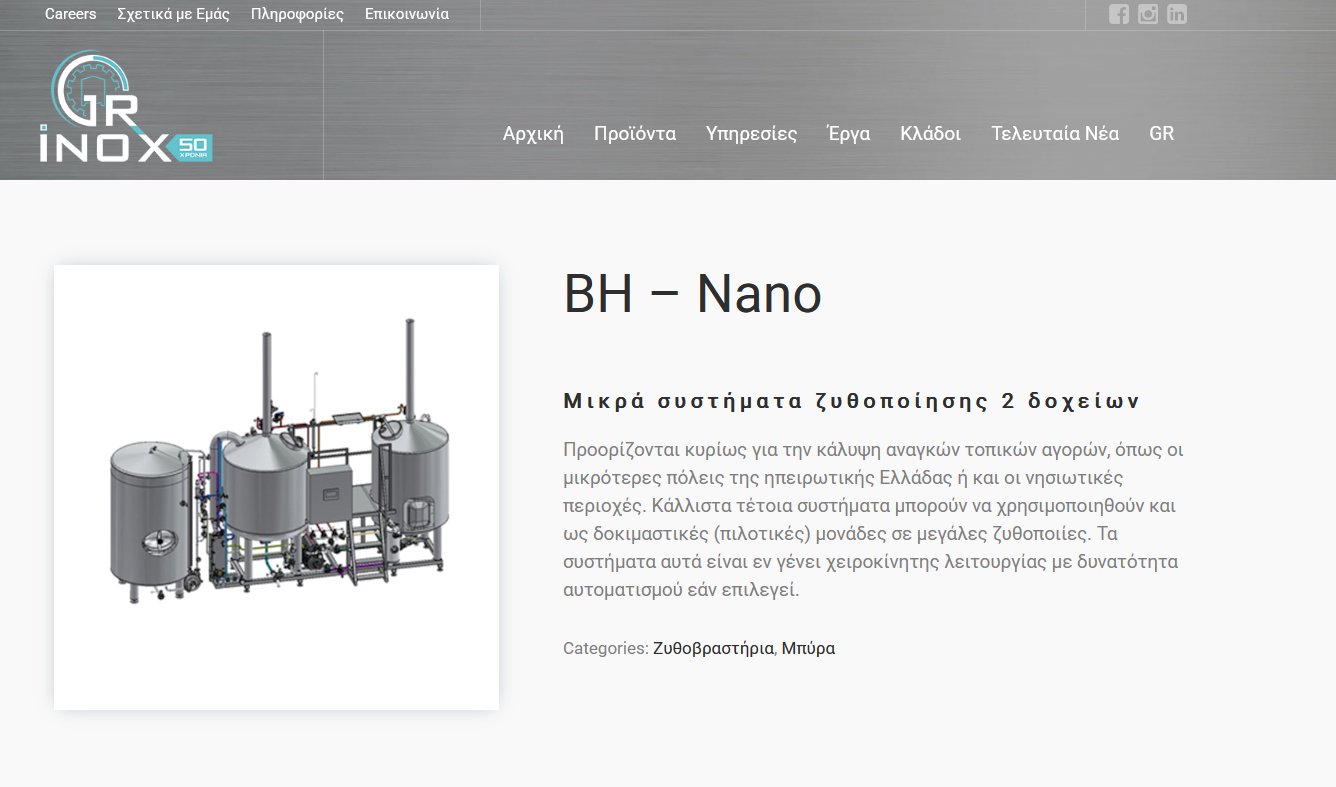
Also when I deactivated them, then I went to the edit page of the translated product and Update, as you said, the title was indeed fixed, but the menu went down at the title (see screenshots).
|
iroM
|
Hello,
Have you maybe found any solution concerning our issue?
Thanks
|
Paola Mendiburu
WPML Supporter since 11/2020
Languages:
English (English )
Spanish (Español )
Italian (Italiano )
Timezone:
Europe/Madrid (GMT+02:00)
|
Hi there!
The issue appears to be related to the CMS Masters Importer plugin.
When I deactivate this plugin, everything works correctly.
As shown in this ticket https://wpml.org/forums/topic/ive-got-3-translations-that-take-a-lot-of-time/ the problem seems to be the same.
This plugin is mainly used for importing demo content, so unless you specifically need to import demo data, I recommend keeping it deactivated. You can always activate it temporarily if you need to import content again.
|
iroM
|
Alright, I have this plugin deactivated and tried to translate a new product. Now the translation works fine but another issue remains I mentioned before.
Look at this product for example
hidden link
and the translated:
hidden link
On the translated product page the menu re positions inside the title section.
|
Paola Mendiburu
WPML Supporter since 11/2020
Languages:
English (English )
Spanish (Español )
Italian (Italiano )
Timezone:
Europe/Madrid (GMT+02:00)
|
Could you please let me know from where are the settings for the menu position?
Before, I see it properly.
|
iroM
|
I think there is no specific setting for the menu position. I mean it's already the default position we have not made any custom change.
Don't know if this theme settings page would help you
hidden link
or maybe it has to do with wpml menu sync here?
hidden link
|
Paola Mendiburu
WPML Supporter since 11/2020
Languages:
English (English )
Spanish (Español )
Italian (Italiano )
Timezone:
Europe/Madrid (GMT+02:00)
|
This is because you need to remove margin-right of the logo on this css:
.header_mid .logo_wrap {
    height: 100%;
    margin-right: 60px;
    position: relative;
    float: left;
}
if you change it to 20px you will see it correctly
.header_mid .logo_wrap {
    height: 100%;
    margin-right: 20px;
    position: relative;
    float: left;
}
But this is a problem not related to WPML, it is related to your css.
Also you need to translate the menu:
https://wpml.org/documentation/getting-started-guide/translating-menus/
|