[Resolved] Trying to translate menus, but submenu not working
This thread is resolved. Here is a description of the problem and solution.
Problem: You are trying to translate menus using WPML's string translation method, but only the first menus are translated while the submenus remain unchanged. Additionally, when filtering strings for translation, not all selected strings appear, and some that do are not translated. Solution: First, ensure that all your pages are translated. You can do this by following the detailed guide on translating pages with WPML: Translating pages guide or using the automatic translation feature: Automatic translation guide. Next, proceed to translate the menu by following the instructions provided here: Translating menus guide.
If this solution does not resolve your issue or seems outdated, we recommend checking related known issues at https://wpml.org/known-issues/, verifying the version of the permanent fix, and confirming that you have installed the latest versions of themes and plugins. If the problem persists, please open a new support ticket at WPML support forum for further assistance.
This is the technical support forum for WPML - the multilingual WordPress plugin.
Everyone can read, but only WPML clients can post here. WPML team is replying on the forum 6 days per week, 22 hours per day.
Background of the issue:
I am trying to translate the menus on my site hidden link using WPML. I prefer using the string translation method because it seems easier and avoids the need to create new menus for each translation.
Symptoms:
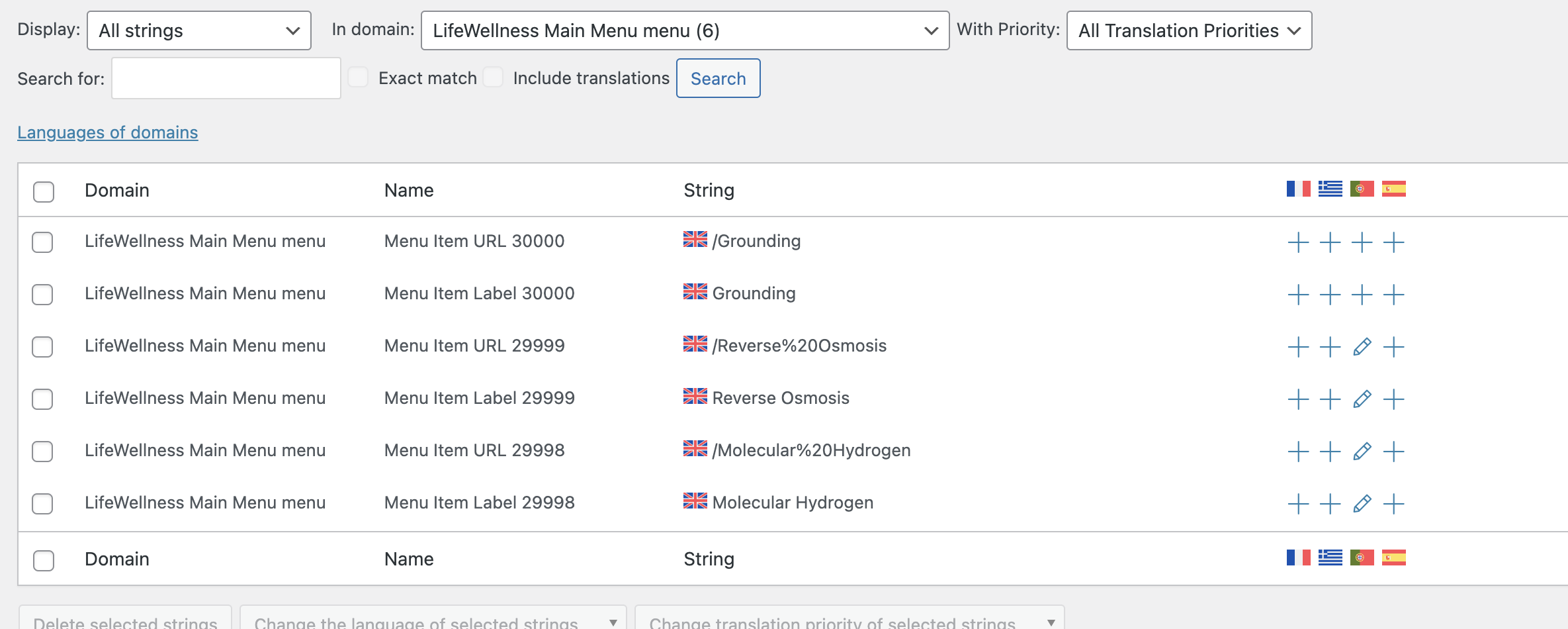
Only the first menus are translated, but the submenus do not change. When I try to filter the strings for translation, not all the strings I previously chose appear, and some that do appear are not translated.
Questions:
What am I missing in the process of translating submenu strings?
Why do some strings not appear when I filter them for translation?
Is there a step I am missing that causes some strings to not be translated?
Hello Andrey!
Thank you for your reply, but I think is not helping on my issue.
1. Not all pages are translated, because I don't want/need them to be.
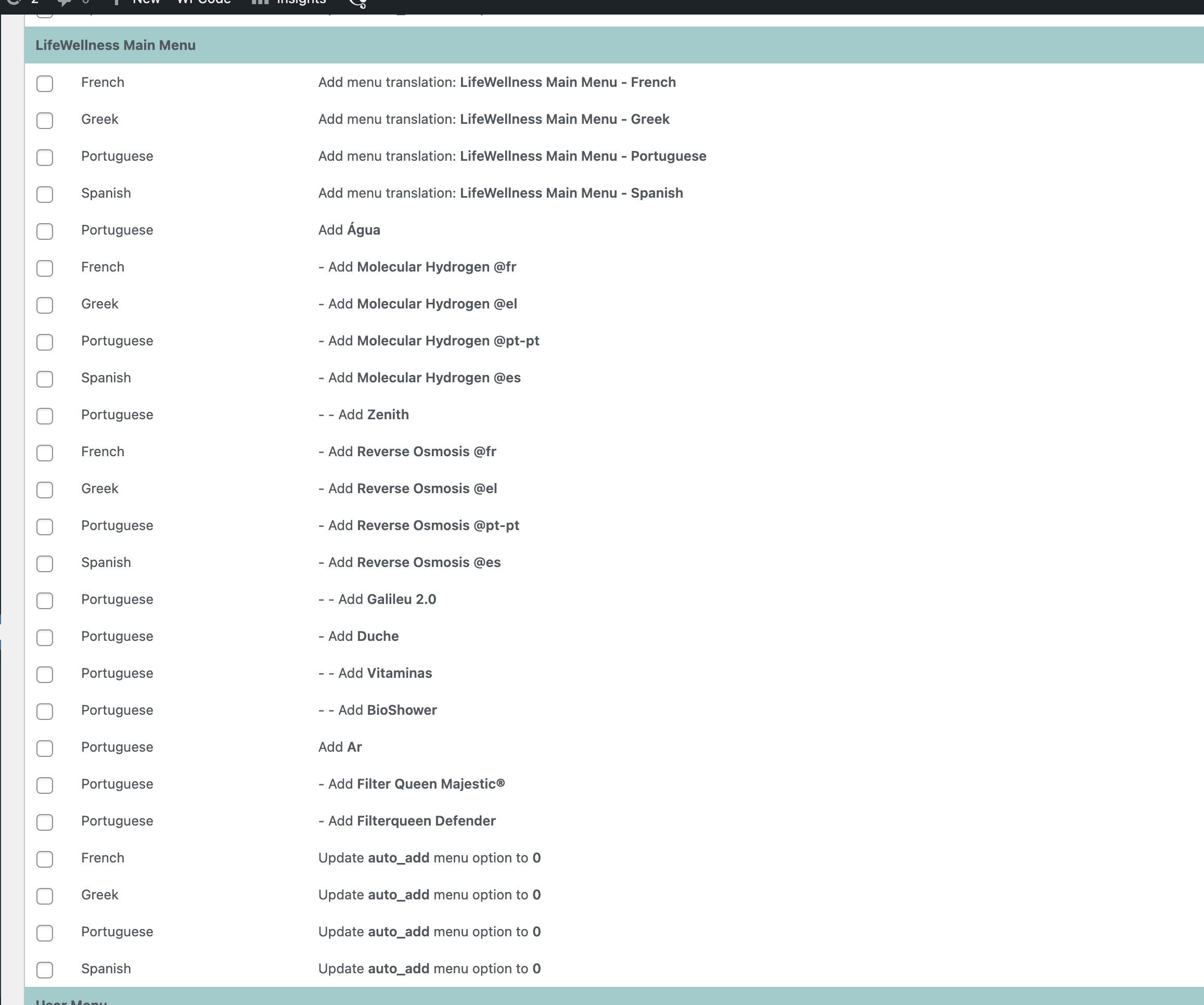
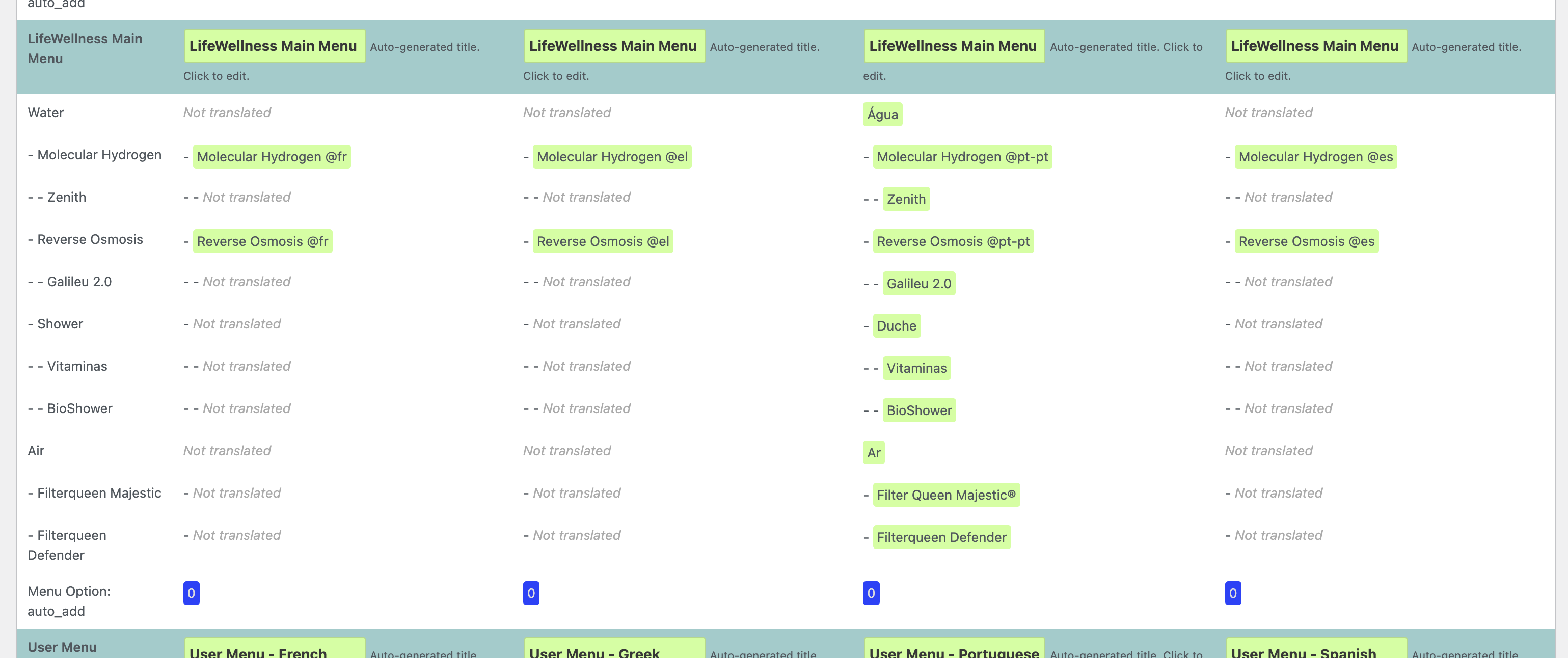
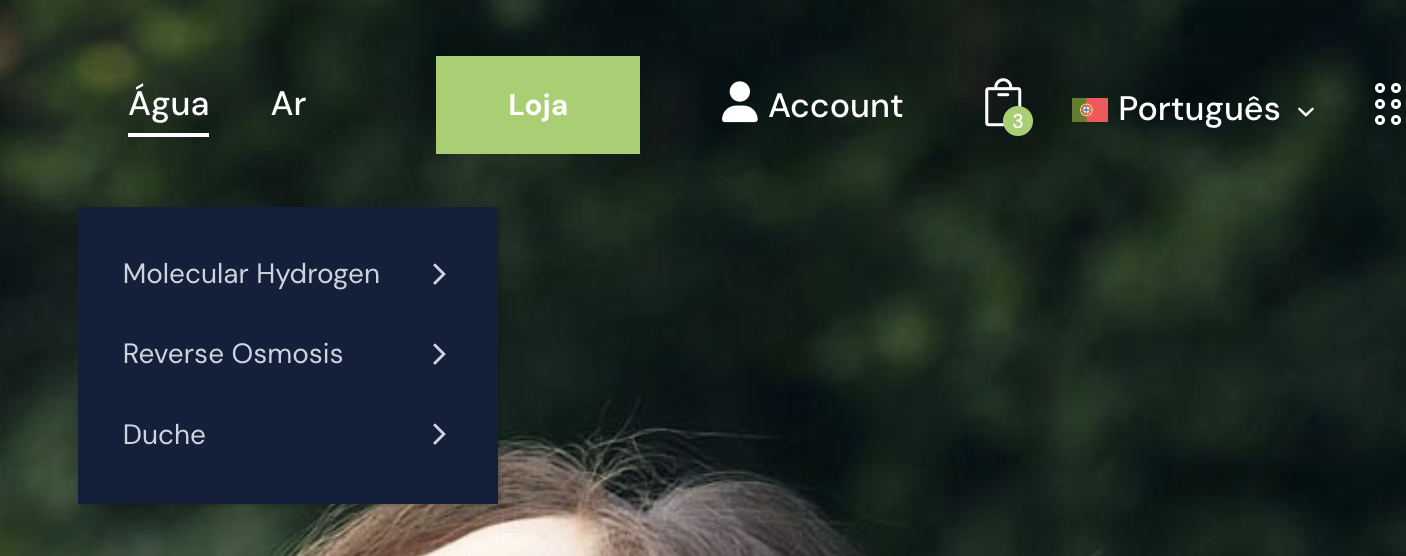
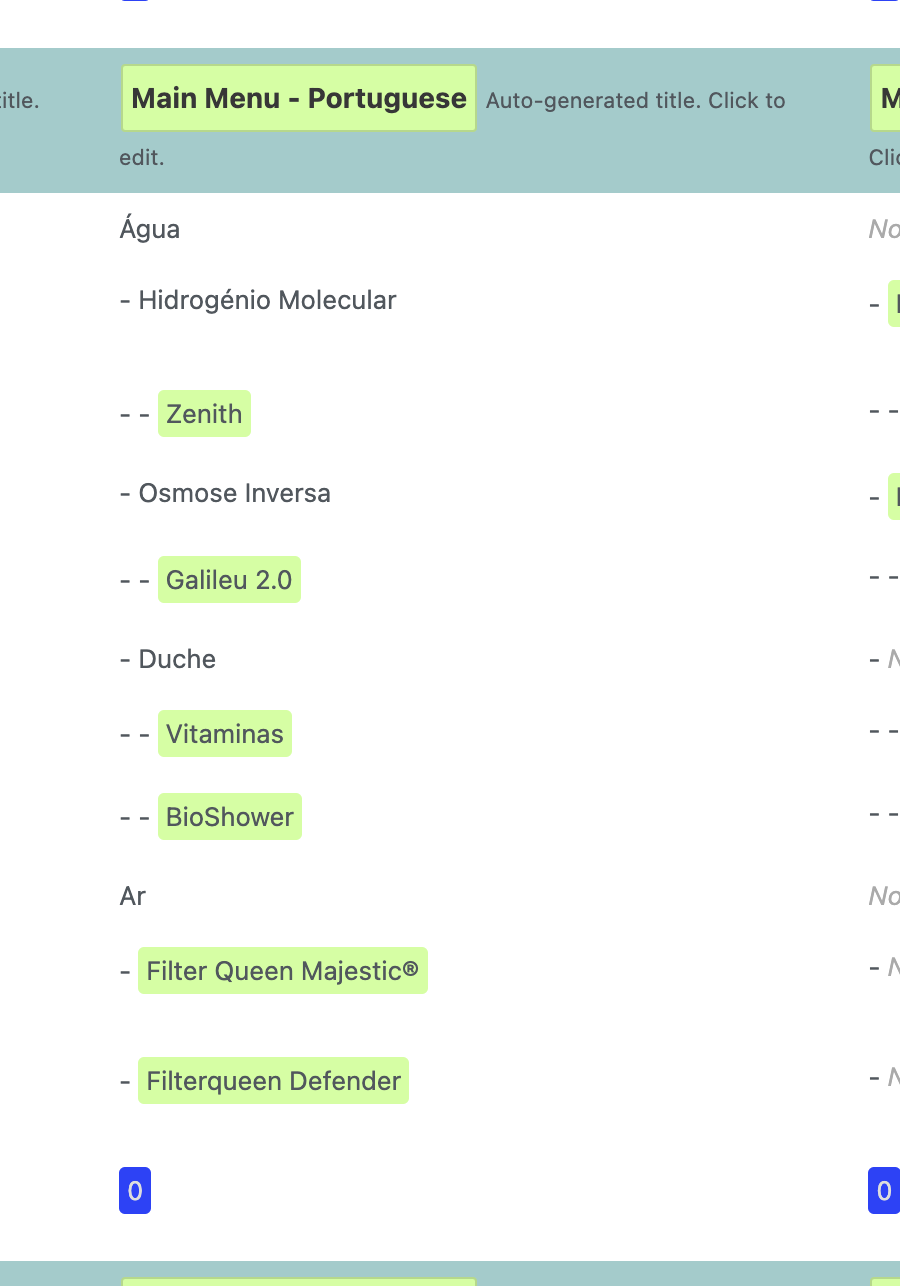
2. You're basically telling me to "translate the menu". Andrey, that's where I'm having issue. Did you read my issue? Some submenus are not working and some are. Look at the screenshots. Some of the translated to Portuguese words are "Água" - working, "Duche" - working, but some not "Hidrogénio Molecular" and "Osmose Inversa" - not working.
Thank you for your feedback. Does the same issue occur after the menu synchronization and subsequent correction of the menu elements in WPML → String Translation if needed?
Yes. It's very strange because the Interface Design is very clear with the colours around the strings. As you can see on my last printscreen, you can see the menu "Água" and then the submenu "Hidrogénio Molecular" that does not have any color around it that means that is already translated... Is not a cache problem whatsoever. "Água" works, but "Hidrogénio Molecular" don't. Don't make any sense.
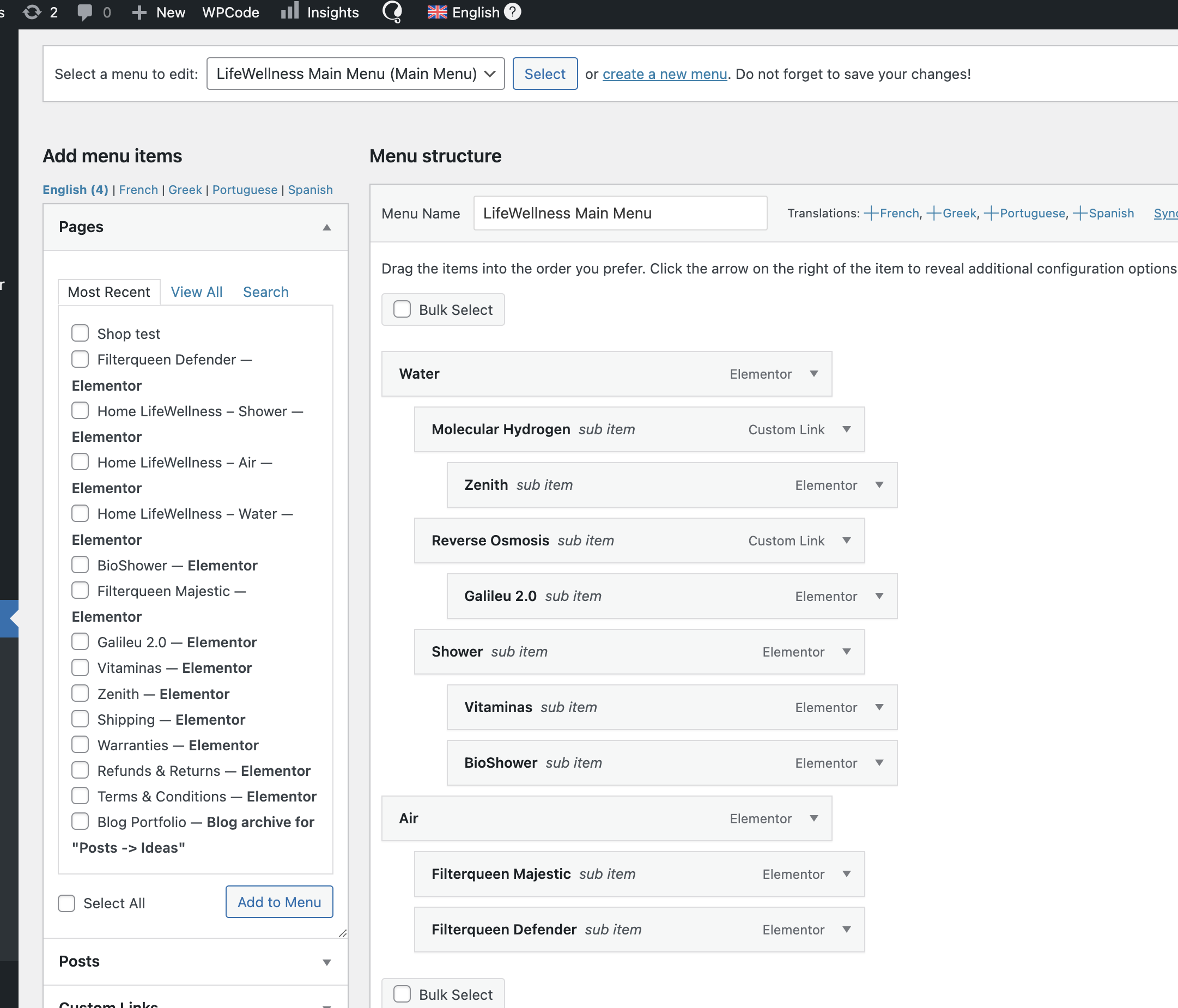
I saw in the wpml tutorial that are other ways of doing this, but this is the considered easy and better one, and thats the one I want to use. The 2º option is to translate by "duplicate the menu". For what I could see, that option works, but its not an option because this website will have 5 languages, every time I need to change one menu I need to go manually on each menu to change the item. Totally impossible option. This one of just synchronizing menus and then translating strings should work, but something is not correct here...
I need to request temporary access (wp-admin and FTP) to your site—preferably to a test site where the problem has been replicated if possible—in order to be of better help. When you log in to leave your next reply, you will find the needed fields below the comment area. The information you will enter is private, meaning only you and I can see and access it.