Home›Support›English Support›[Escalated to WPML Developers team] When automatic translation is applied, the translation of text with line breaks is not reflected.
[Escalated to WPML Developers team] When automatic translation is applied, the translation of text with line breaks is not reflected.
This is the technical support forum for WPML - the multilingual WordPress plugin.
Everyone can read, but only WPML clients can post here. WPML team is replying on the forum 6 days per week, 22 hours per day.
Languages: English (English )German (Deutsch )French (Français )
Timezone: Europe/Zagreb (GMT+02:00)
Ok, I was able to get in, but I don't see this on the homepage.
Can you send me the URL on which page this occurs? Also please send me some screenshots to show me where line breaks don't work properly, because I'm having trouble figuring this out on the original Japanese language.
Languages: English (English )German (Deutsch )French (Français )
Timezone: Europe/Zagreb (GMT+02:00)
Is this correct now? hidden link
Not sure I've seen difference, was it with the subtitle?
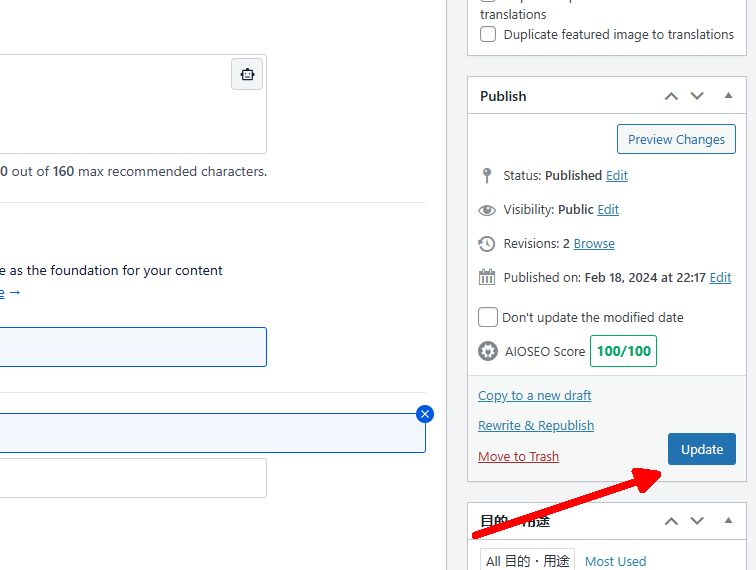
Please disable the option to prefer larger segments, then close the translation editor. After that, resave the original page, reopen the translation and the translation editor, and simply resave. This process will apply all changes, as the segments will now be set to their updated sizes.
The operations you instructed have been carried out, but the issue remains unresolved.
However, I did notice some changes in the untranslated sections. I will attach screenshots before and after retranslation.
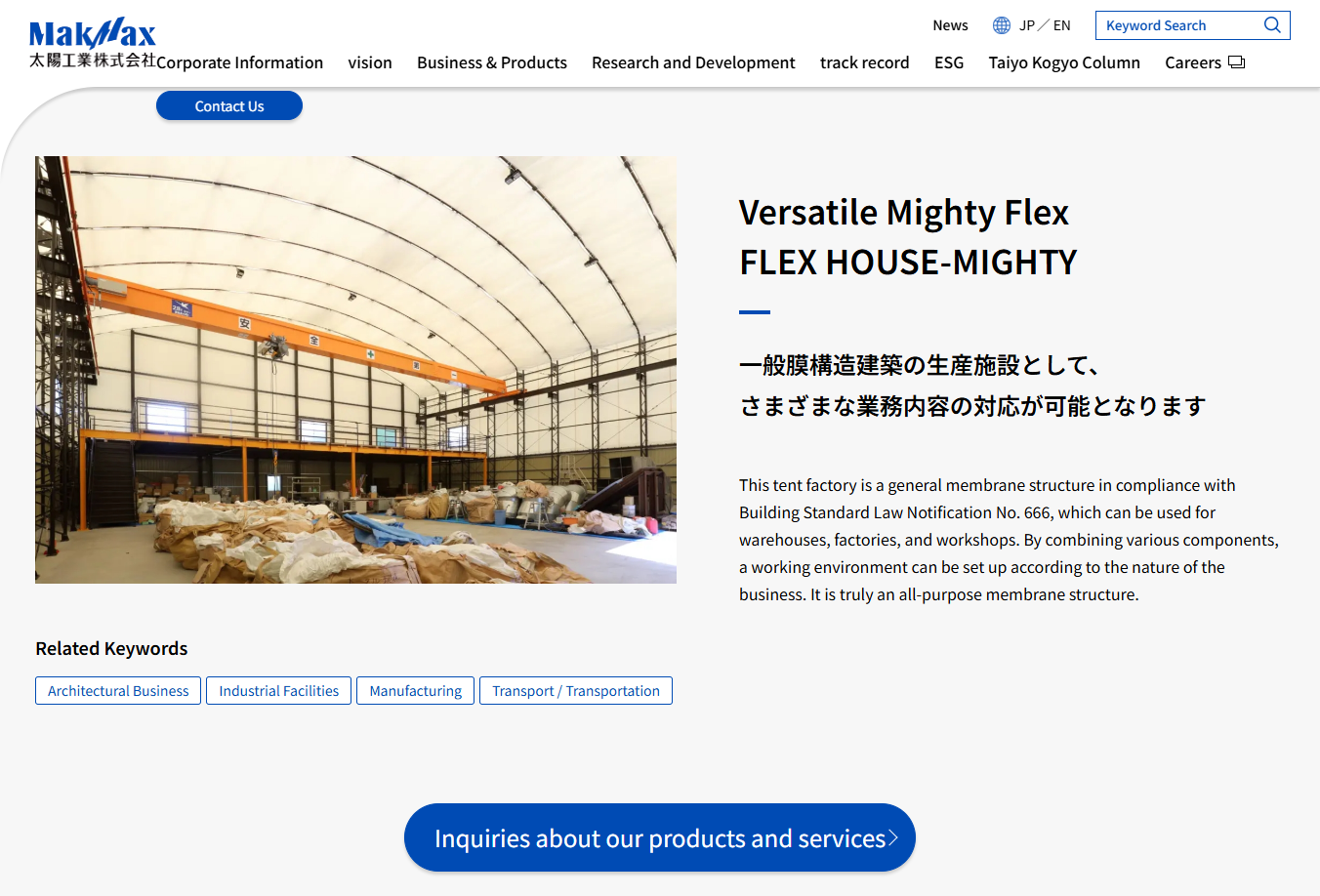
The article can be found on the page below.
These are the before-and-after images. There were differences in sections where translation was completed and where it was not, aside from the attached areas.
Languages: English (English )German (Deutsch )French (Français )
Timezone: Europe/Zagreb (GMT+02:00)
Can you tell me which one is correct? I am not sure I follow, was it not the issue that line breaks were not appearing in the translated versions?
But in your case I see that line breaks are applied, on the right part of the screen.
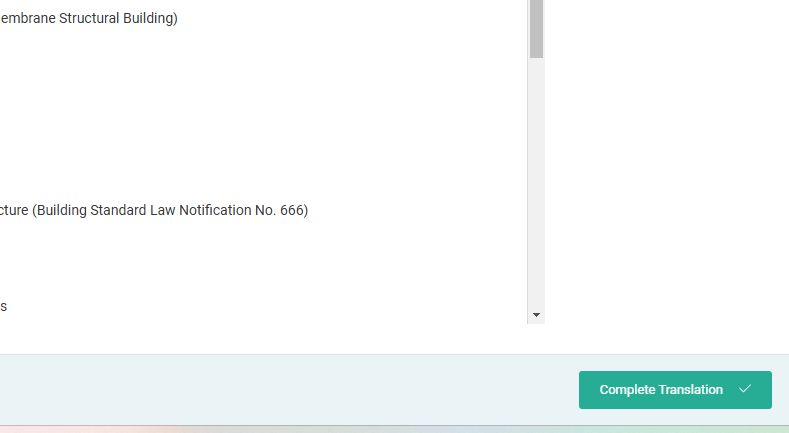
Can you send me a comparison between the original and the translation, after my fix has been applied, in regards to line breaks that are not correct? However note that you need to translate to 100% and then mark the job as completed.
The left side is before retranslation and the right side is after retranslation.
The right side has line breaks, but the text is not translated.
The original text has not been edited before and after the retranslation.
How can I send a comparison between the original and the translation?
Should I copy and paste the untranslated original text on the right side of the capture?
We are sending you excerpts of text that could not be translated.
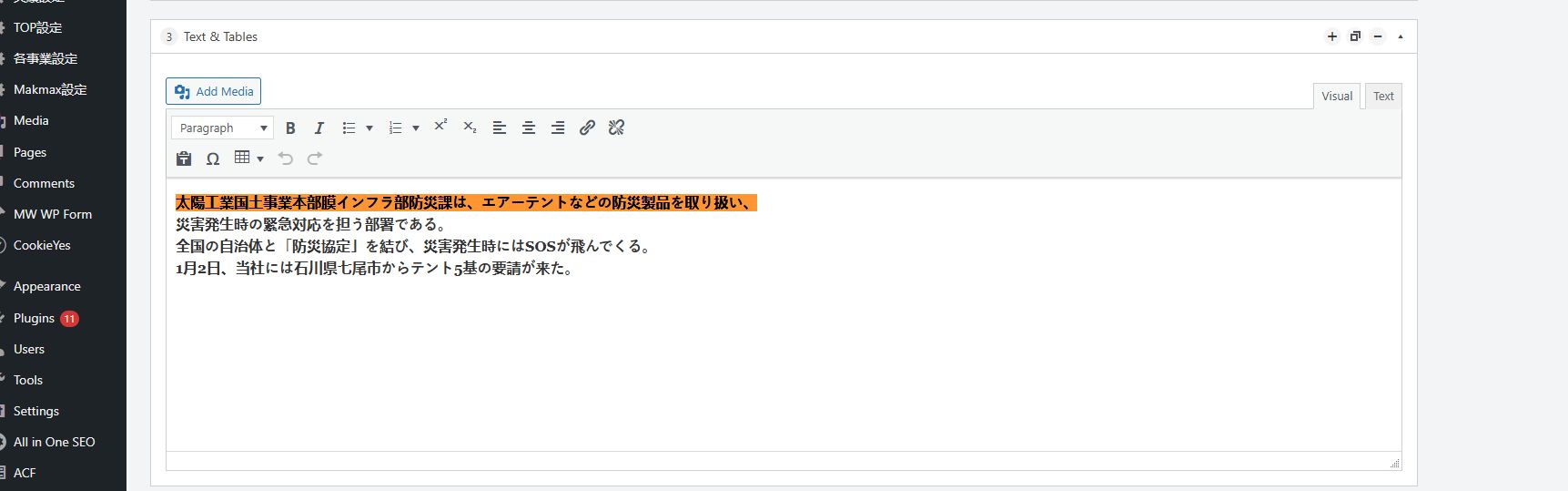
This is the text in the CMS “(3) text&table” that I sent you on October 28, 2024 at 4:11 pm.
The field group is “ MakmaxPlus ” and it is correct.
The rich editor for flexible content (con) -> text/table (txt) in the field group is not translatable or not translatable. The same problem is happening with other fields than the ones mentioned above.