[Resolved] Wordpress mulitiste, cannot get the site to go to production
This thread is resolved. Here is a description of the problem and solution.
Problem: The client was unable to register their WordPress multisite site with a new production URL and remove the WPML development banner after changing the site URL. Solution: We resolved the issue by registering the site with the same site key, which removed the WPML development banner from the live site. If you're experiencing similar issues, we recommend checking if the site is correctly registered with the WPML plugin and that the site key is correctly applied.
Please note that this solution might be outdated or not applicable to your specific case. We highly recommend checking related known issues at https://wpml.org/known-issues/, verifying the version of the permanent fix, and confirming that you have installed the latest versions of themes and plugins. If the problem persists, please open a new support ticket.
This is the technical support forum for WPML - the multilingual WordPress plugin.
Everyone can read, but only WPML clients can post here. WPML team is replying on the forum 6 days per week, 22 hours per day.
Background of the issue:
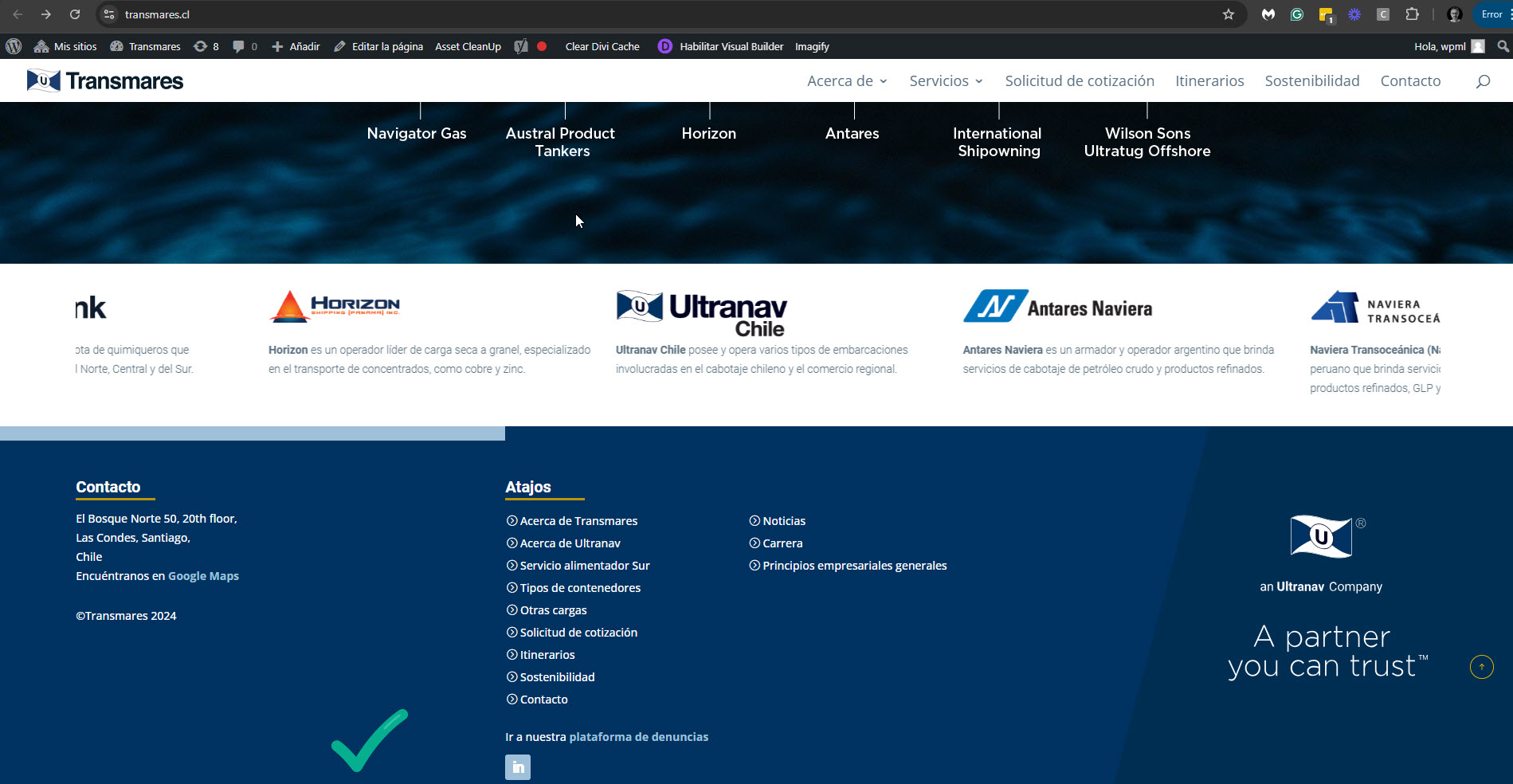
I am working with a WordPress multisite setup and have changed my site from the production URL ultranavshipping.dk/transmare to the production URL transmares.cl. It is part of a multisite setup with multiple domains. I need to register the transmare site as it is now live.
Symptoms:
I cannot get the site to go to production. I tried to deactivate and activate the WPML plugin, and attempted to unregister, but nothing seems to happen. The WPML development banner is still on my live site.
Questions:
How can I register the transmare site with the new production URL?
How do I remove the WPML development banner from my live site?
I know registered the main site ultranavshipping.dk as a WPML site. This means that now there is a unregistered banner on that site, as well as the transmare.cl (Subsite) of the network.
I really need to get that WPML banner off - since it is a live site, and my client is not being happy about it.
I want to check this problem on your site. Please give me access to your multisite installation as a super admin so I can see the main site. I'm enabling a private message for the following reply. Privacy and Security Policy
We have strict policies regarding privacy and access to your information. Please see: https://wpml.org/purchase/support-policy/privacy-and-security-when-providing-debug-information-for-support/ **IMPORTANT**
- - Please backup the site files and database before providing us access. --
-- If you have a staging site where the problem can be reproduced, it is better to share access to the staging site.--
I fixed this issue on your site. The development banner is no longer showing on hidden link and on your main site in the multilingual installation, hidden link. I did it by registering the site with the same site key.