Home›Support›English Support›[Resolved] WPML + Elementor not entirely compatible, despite both plugin developers stating so
[Resolved] WPML + Elementor not entirely compatible, despite both plugin developers stating so
This thread is resolved. Here is a description of the problem and solution.
Problem: The client reported a fatal error related to Elementor's Global Widgets when WPML is active. The error message indicated a problem with calling a function on a null object within the Elementor Pro plugin. This issue was causing the client's website to break on specific pages. Solution: We resolved the issue by updating to the latest version of WPML (4.9.0) and the Strings Translation plugin (3.5.0). We advised the client to check for updates at your-domain.com/wp-admin/plugin-install.php?tab=commercial and click the 'Check for updates' button. It is crucial to make a full backup of the site before proceeding with the update.
If this solution does not resolve your issue, or if it seems outdated or irrelevant to your case, please open a new support ticket. We highly recommend checking related known issues at https://wpml.org/known-issues/, verifying the version of the permanent fix, and confirming that you have installed the latest versions of themes and plugins. For further assistance, you can also contact us directly at the WPML support forum.
This is the technical support forum for WPML - the multilingual WordPress plugin.
Everyone can read, but only WPML clients can post here. WPML team is replying on the forum 6 days per week, 22 hours per day.
Some fucked up issue with long deleted items keeps happening that just breaks shit anywhere.
Been in touch with Elementor support for 3 weeks, 80 emails, 5 people took a look at it and nobody could solve it. Ultimately, they said when the turn off WPML, the issue is gone. Elementor ha a functionality called Global Widgets that cuases the issue, despite all of them having been deleted. Elementor support had access to each and every last file, FTP, PHPMyAdmin and said maybe the WPML databases are the issue, but they could not fix it, because they do apparently not even know their own plugin well enough.
Our second-tier supporter has identified the root of the problem and provided the following workaround.
1. Edit this file with a code editor:
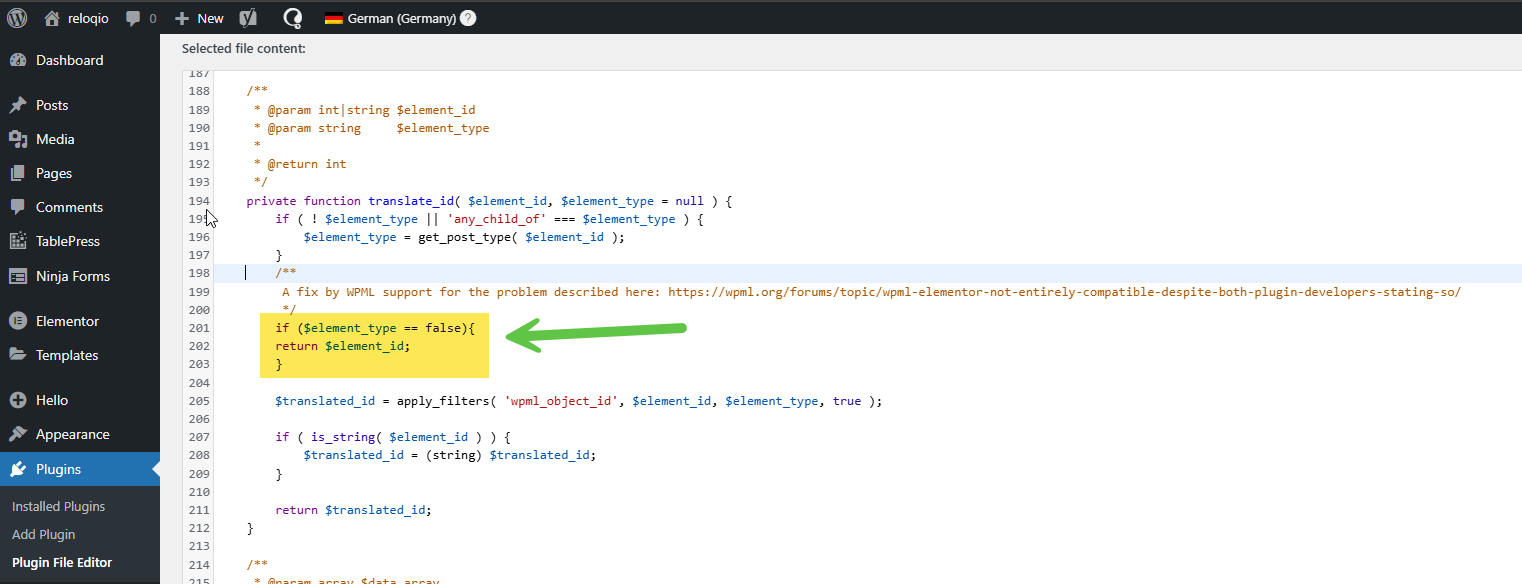
/wp-content/plugins/sitepress-multilingual-cms/addons/wpml-page-builders/classes/Integrations/Elementor/class-wpml-elementor-translate-ids.php
2. Look for this code, which should be around line number 194.
if ($element_type == false){
return $element_id;
}
3. Save the file.
4. Check the page, and it should be fixed.
**** Important! Please make a full site backup (files and DB) before you proceed with those steps****
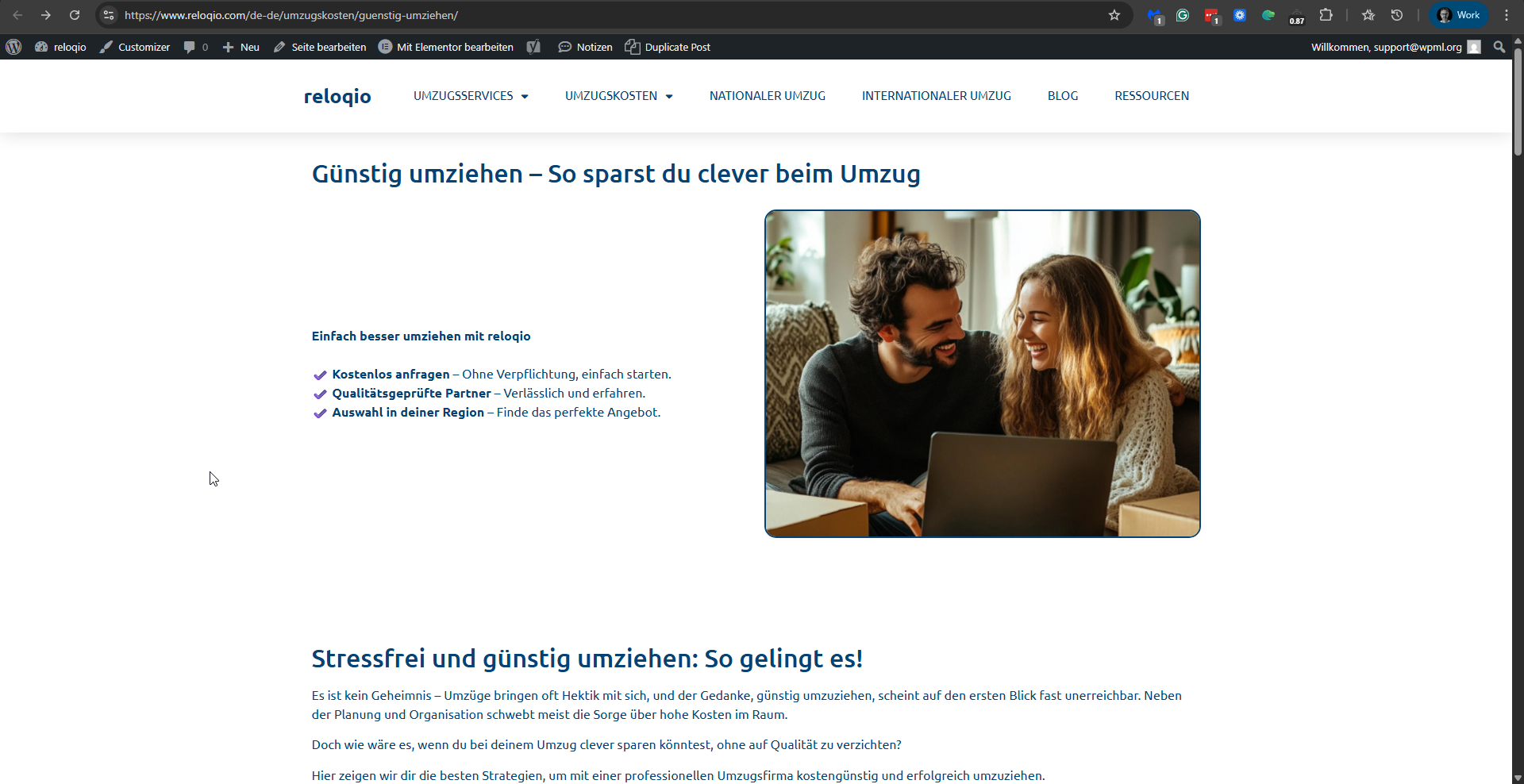
I already applied this to your site. See the change in the file in the screenshot fix-in-file.png. And if you check this page, for example, hidden link, you will see that the problem is fixed. Please see the attached screenshot problem-fixed.png.
The issue has been escalated to our developers, and they will fix it in future versions of WPML. We will update you here when it is released. Meanwhile, you might need to reapply this fix when there is an update to WPML that does not include it.
thanks seems to have solved it, do I hae to move this into the child theme so it does not get overvwritten in the next update or will it be included in the next update anyway?
I have an update.
This issue is solved with the latest version of WPML: 4.9.0.
Please also note that we have a new versions Strings Translation (3.5.0). If you don't see the new versions on your site, please go to hidden link, and click the Check for updates button.
Before updating our plugins, please take a backup of your site.
**** Important! Please make a full site backup (files and DB) before you proceed with those steps****
I'm closing this ticket.
Please don't hesitate to contact us again with any WPML-related issues or questions.