
This is the technical support forum for WPML - the multilingual WordPress plugin.
Everyone can read, but only WPML clients can post here. WPML team is replying on the forum 6 days per week, 22 hours per day.
Tagged: Documentation request
This topic contains 6 replies, has 0 voices.
Last updated by Itamar 7 months ago.
Assisted by: Itamar.
| Author | Posts |
|---|---|
| August 5, 2025 at 9:37 am #17295770 | |
 alessandroD-4 |
Background of the issue: Symptoms: Questions: 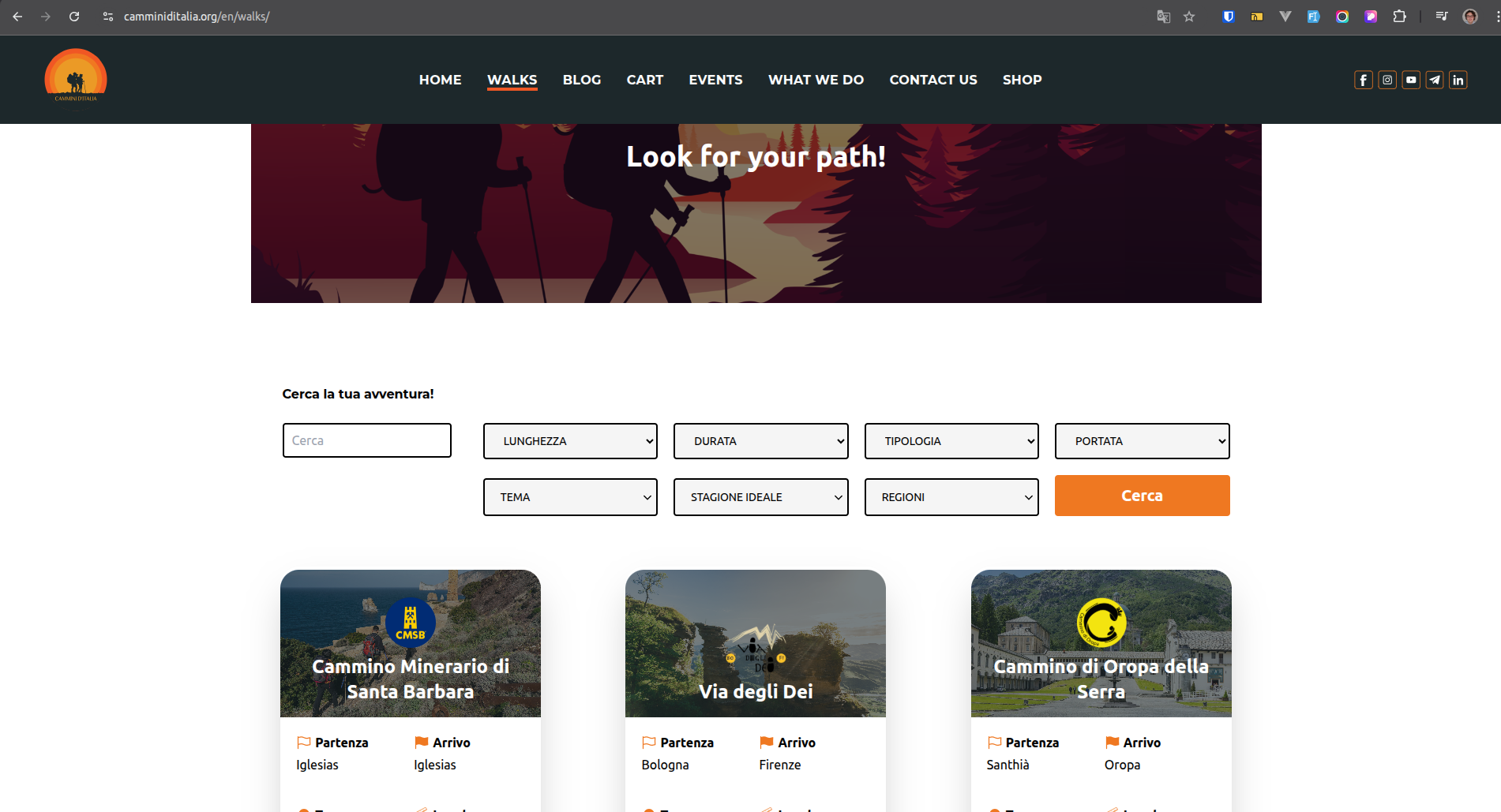 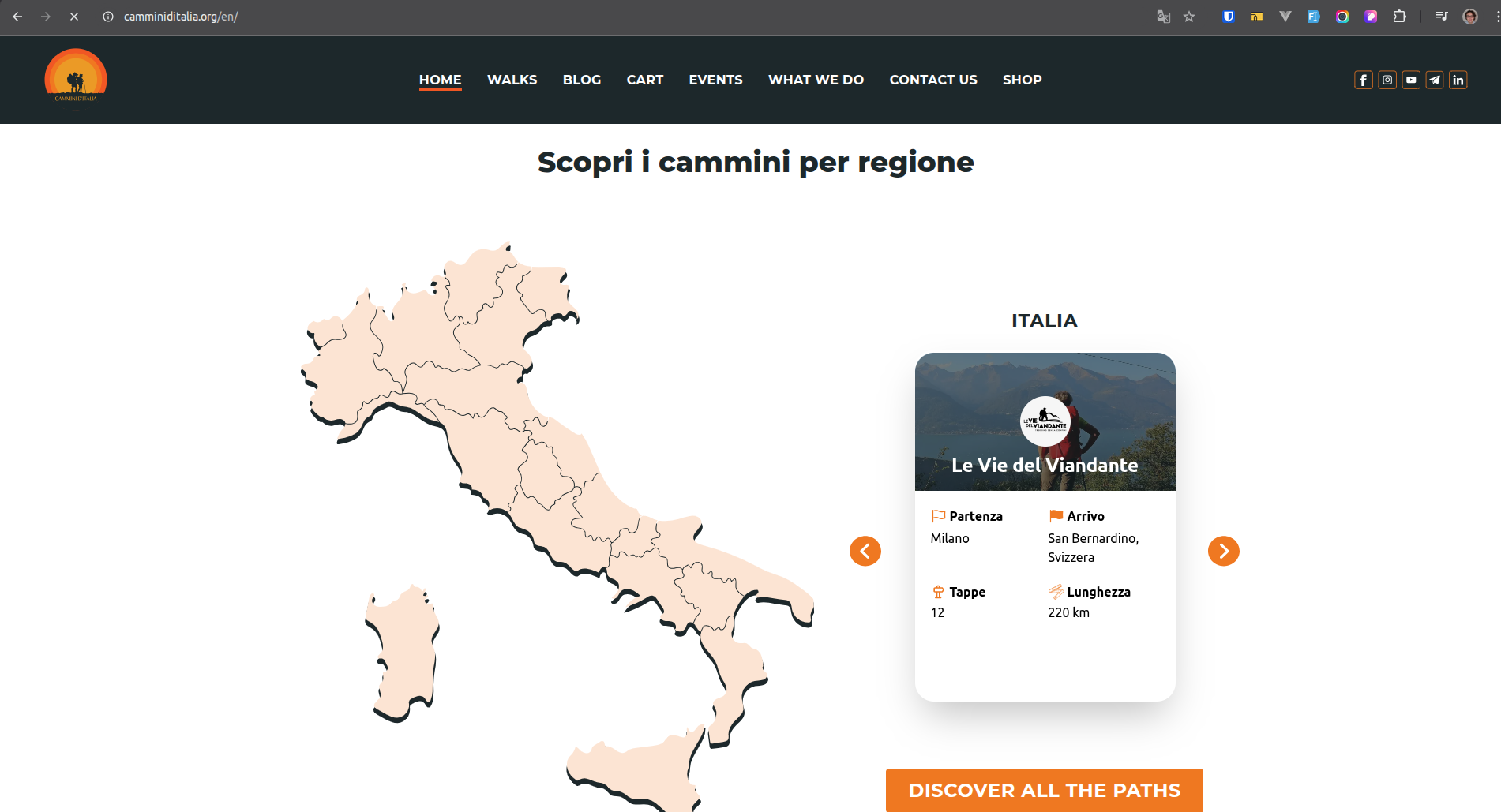 |
| August 6, 2025 at 11:35 am #17299276 | |
 Itamar WPML Supporter since 02/2016 Languages: Hebrew (עברית ) Timezone: Asia/Jerusalem (GMT+02:00) |
Hi, I can see the problem with the strings in the English language on your site. Can you please tell me where those strings come from? Regards, |
| August 6, 2025 at 3:06 pm #17300129 | |
|
alessandroD-4 |
Hi, Thank you for your reply. The strings in question come from the custom theme and are registered in the code using the standard WordPress function: __('Original string', 'cammini') The issue is that these strings are not showing their translations on the frontend, even though the translations exist in WPML and are correctly saved. They were displaying correctly until a few days ago, and no changes have been made to WPML settings or to the theme code related to those strings. I've already tried removing and re-adding some of the strings, rescanning the domain, enabling the “Track where strings appear on the site” option, and clearing all caches — but the problem persists. Only the original language appears on the frontend. Please let me know how I can further troubleshoot this. Best regards |
| August 11, 2025 at 12:53 pm #17309886 | |
|
alessandroD-4 |
Any updates? |
| August 11, 2025 at 2:19 pm #17310346 | |
|
Itamar WPML Supporter since 02/2016 Languages: Hebrew (עברית ) Timezone: Asia/Jerusalem (GMT+02:00) |
Hi, I'm sorry for the late reply here. This might be a caching issue. Please clear the cache to see if it helps. And also, please refer to the following known issue that started with WPML 4.7. https://wpml.org/errata/wpml-4-7-missing-strings-on-front-end/ Otherwise, please consider using the _e() gettext function instead of the __() function—more about using the GETTEXT function in our following guide. https://wpml.org/documentation/support/how-to-use-gettext/ In this regard, I need to mention that supporting custom themes or plugins is out of the scope of our support forum. However, if you have a specific question about how to achieve something or want to show us a piece of code that you are using and ask questions about, we will do our best to answer them (regarding WPML of course.) Regards, |
| August 12, 2025 at 3:16 pm #17314126 | |
|
alessandroD-4 |
Hi Itamar, thanks for your reply. Just to clarify: the __() function has always worked fine for me across other themes, and it was working on this site as well up until about a month ago. I’ve already tried clearing all caches (server-side and plugin), but the problem persists. All strings are registered in String Translation and translated, yet on the front end the translations don’t appear (the original language is shown). I’ve read the errata you linked for WPML 4.7. Is there a patch or a specific step I should follow to refresh/rehash string packages for theme files? I’d prefer not to switch to _e() since __() has been reliable so far. |
| August 14, 2025 at 1:49 pm #17321221 | |
|
Itamar WPML Supporter since 02/2016 Languages: Hebrew (עברית ) Timezone: Asia/Jerusalem (GMT+02:00) |
Hi, You asked: "Is there a patch or a specific step I should follow to refresh/rehash string packages for theme files?" Yes, you can rescan the theme's files in WPML -> Theme and plugins localization. Please read about it here: https://wpml.org/documentation/getting-started-guide/string-translation/finding-strings-that-dont-appear-on-the-string-translation-page/#scan-theme-or-plugin-to-update-translations Please let me know if you have any further questions. Regards, |






