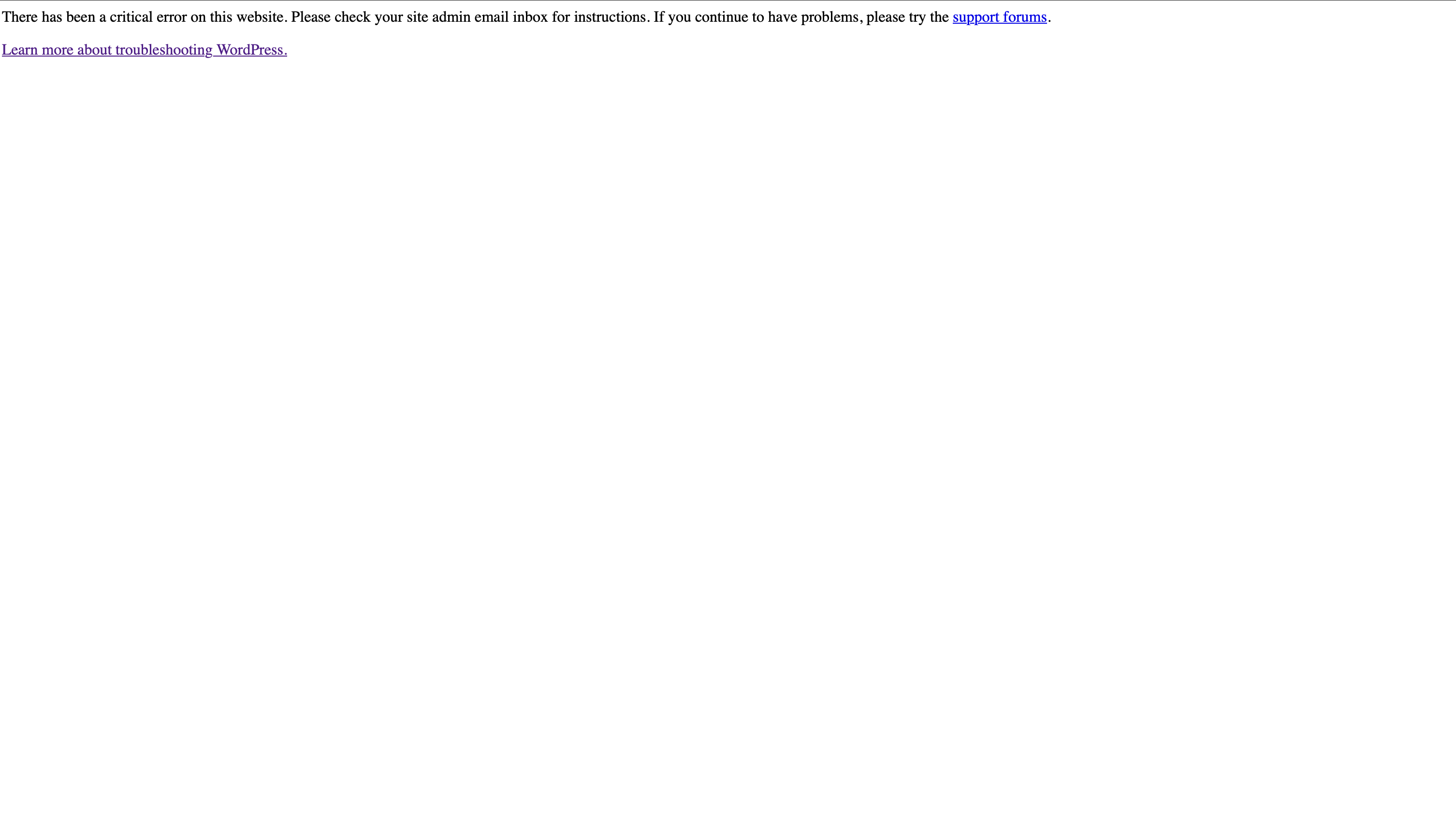
This thread is resolved. Here is a description of the problem and solution.
Problem:
If you're experiencing a critical issue with WordPress after enabling the WPML Multilingual CMS plugin, it might be due to an insufficient WP Memory Limit set on your server.
Solution:
We recommend increasing the WP Memory Limit to at least 128MB, ideally 256MB. You can do this by modifying the
wp-config.php
file in your WordPress installation. Insert the following code before the line that says '/* That's all, stop editing! Happy blogging. */':
/** Memory Limit */<br />define('WP_MEMORY_LIMIT', '256M');<br />define('WP_MAX_MEMORY_LIMIT', '256M');For more detailed information, please visit our documentation on minimum requirements at https://wpml.org/home/minimum-requirements/.
If this solution does not resolve the issue or seems irrelevant due to being outdated or not applicable to your case, we highly recommend checking related known issues at https://wpml.org/known-issues/, verifying the version of the permanent fix, and confirming that you have installed the latest versions of themes and plugins. If further assistance is needed, please open a new support ticket at WPML support forum.
This is the technical support forum for WPML - the multilingual WordPress plugin.
Everyone can read, but only WPML clients can post here. WPML team is replying on the forum 6 days per week, 22 hours per day.
This topic contains 3 replies, has 0 voices.
Last updated by 1 day, 2 hours ago.
Assisted by: Itamar.