Background of the issue:
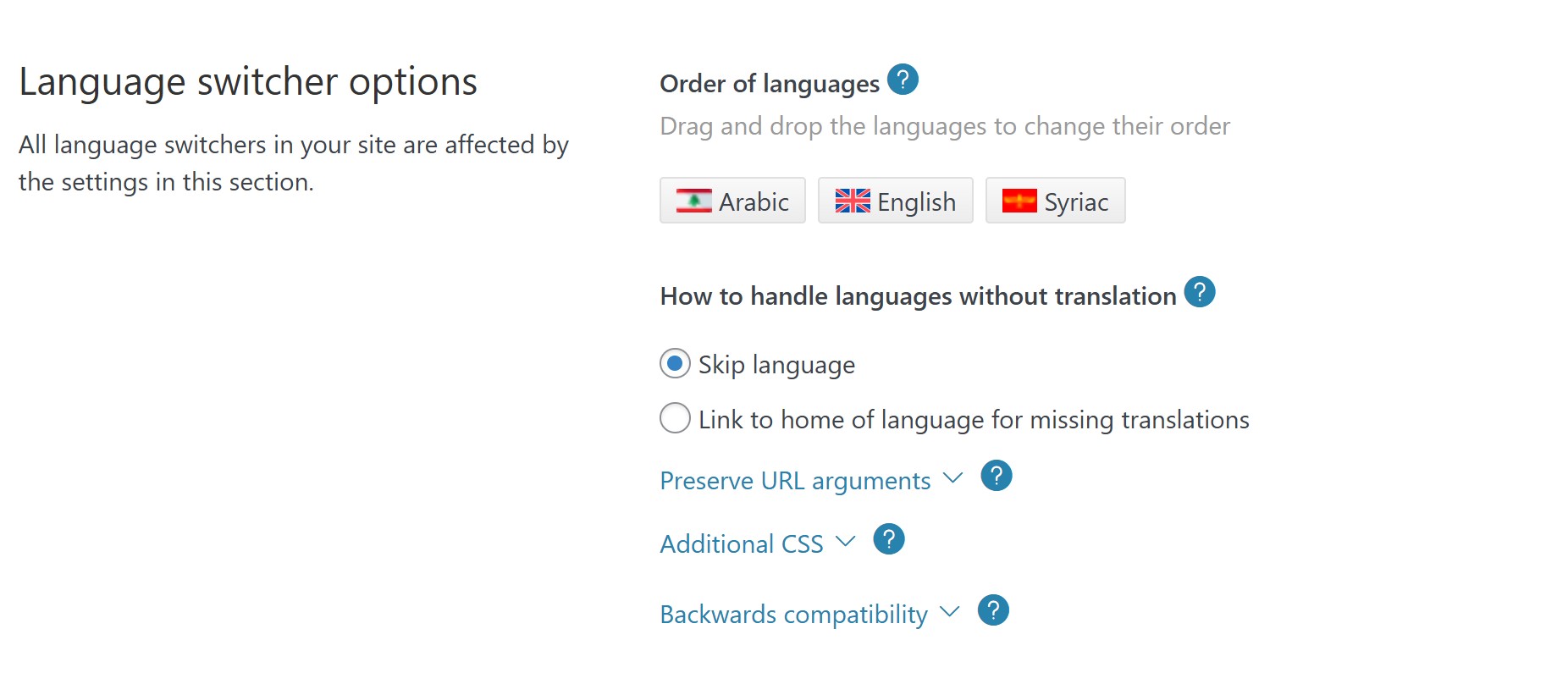
I am trying to ensure that when I access a page that has not been translated into any language, the page and its header revert to the default language. I have already clicked on the language switcher option.
Symptoms:
The page header appears in a different language (either English or Syriac) instead of reverting to the default language when accessing a non-translated page.
Questions:
How can I ensure that non-translated pages and their headers revert to the default language?
Is there a specific setting I need to adjust in the language switcher to achieve this?
To clarify my question, if I change the language of my website to English and then access a page that has not been translated, I would like that page to revert to the default language, which in my case is Arabic.
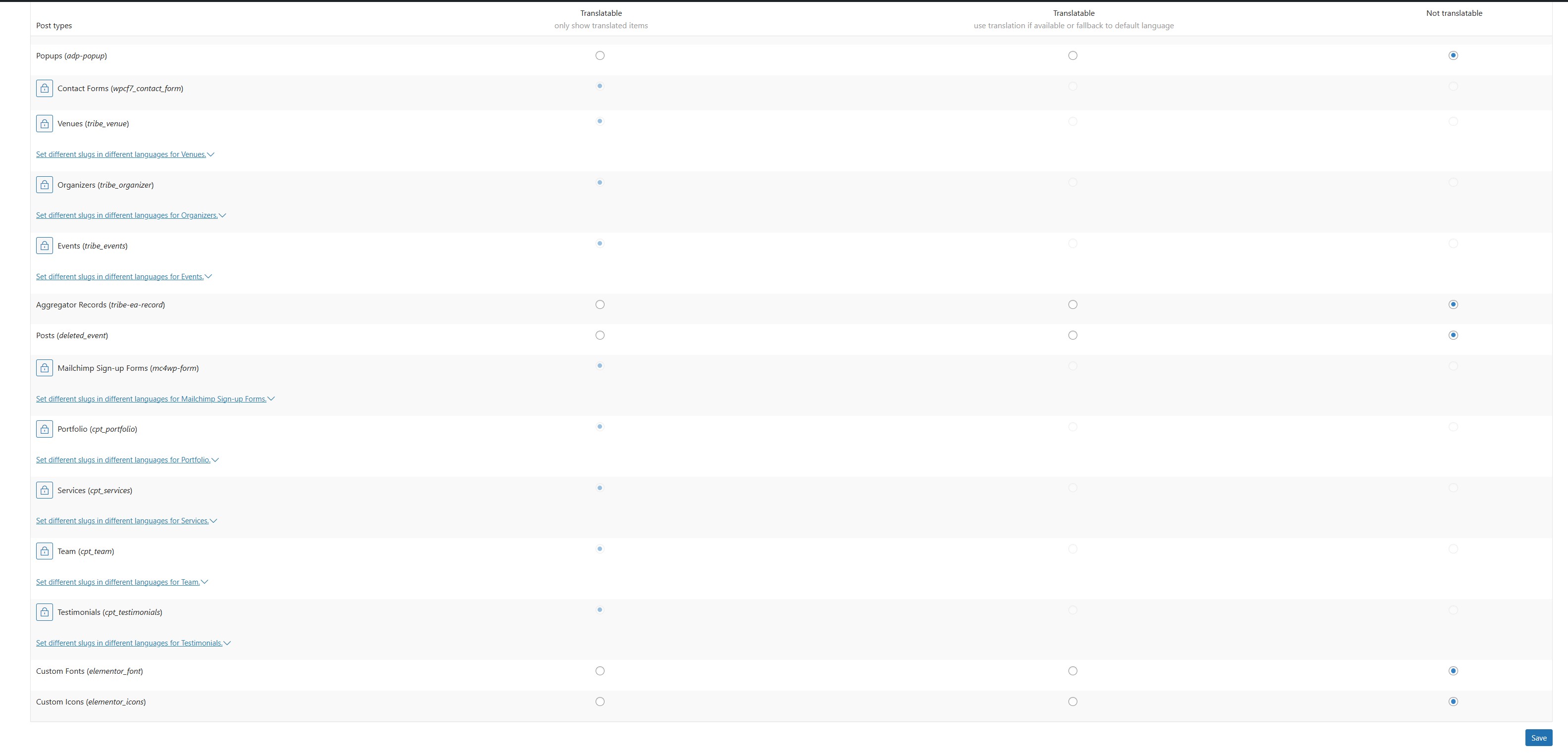
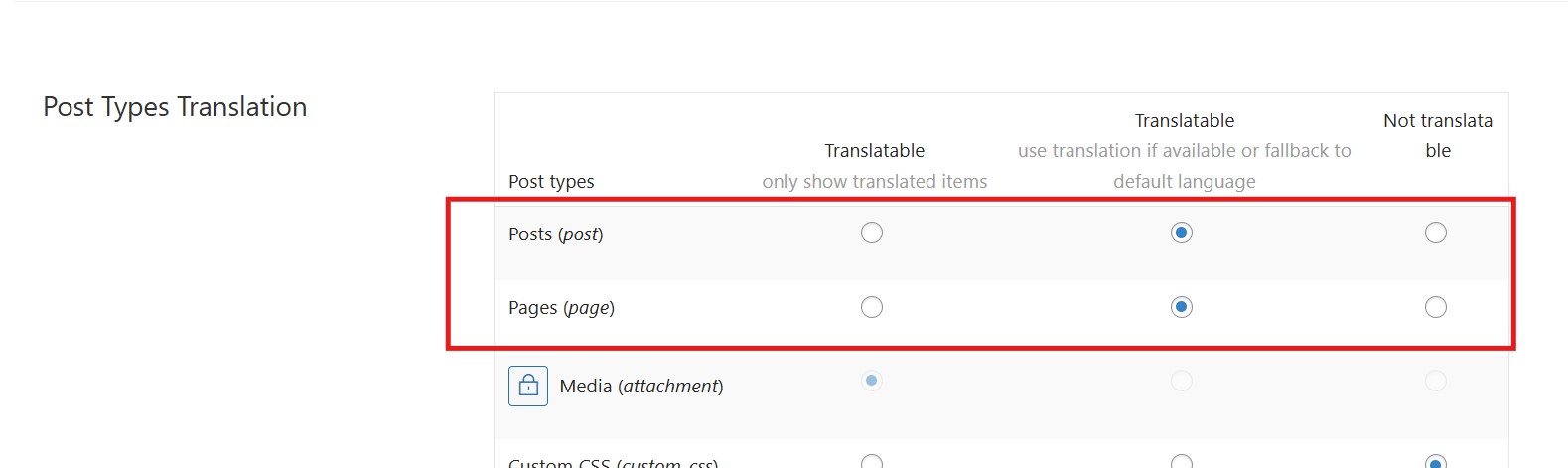
I followed the instructions you provided in the screenshot from our initial communication. However, when I attempt to access the untranslated page, I got a 404 error. This is normal, as I have activated the setting for pages and posts to display only translated items.
I am not able to send video here. its not supported
I assume you read Arabic 🙂
For example if you go to this page hidden link
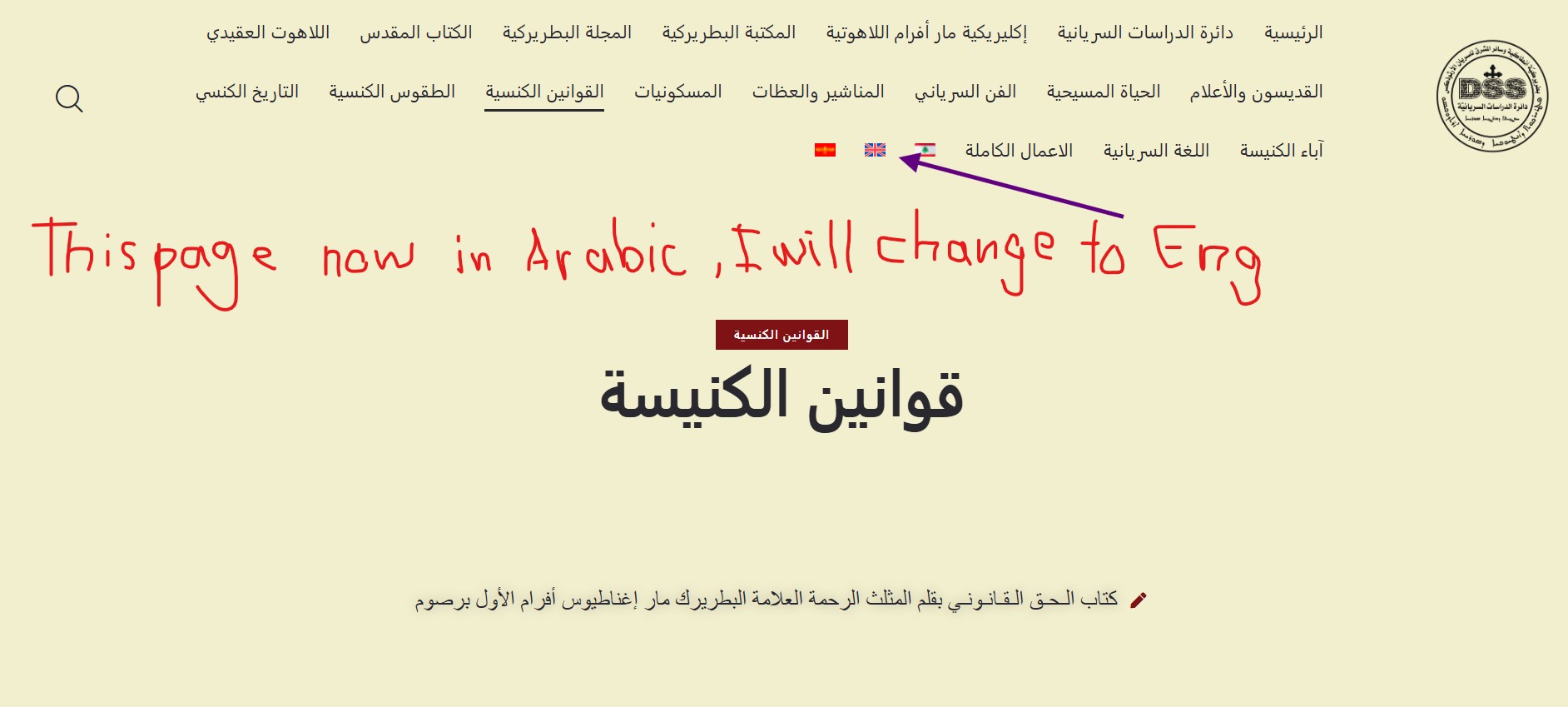
(قوانين الكنيسة) in this page i change the language to (either English or Syriac) and it changed because the page is translated. which is normal.
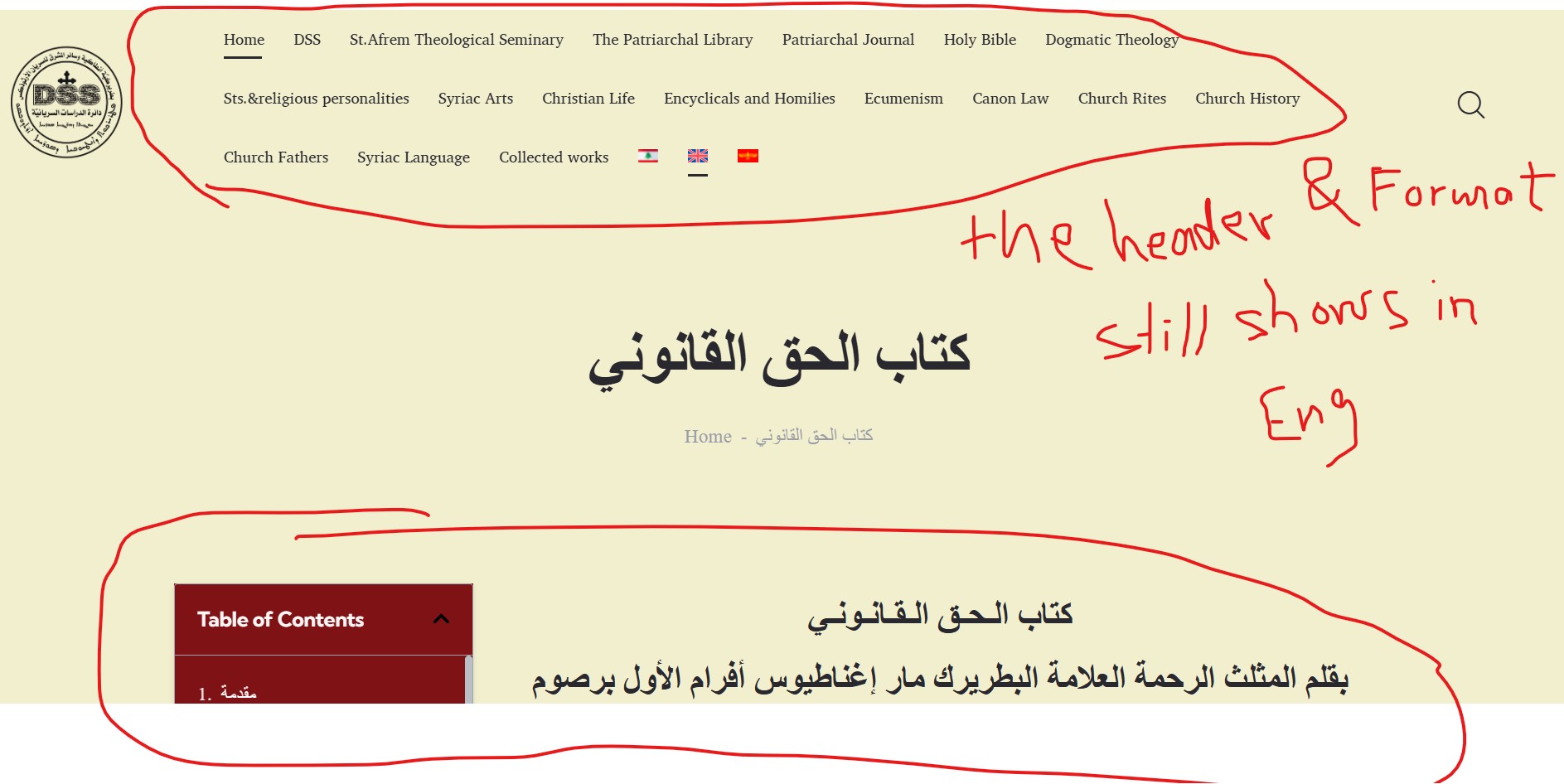
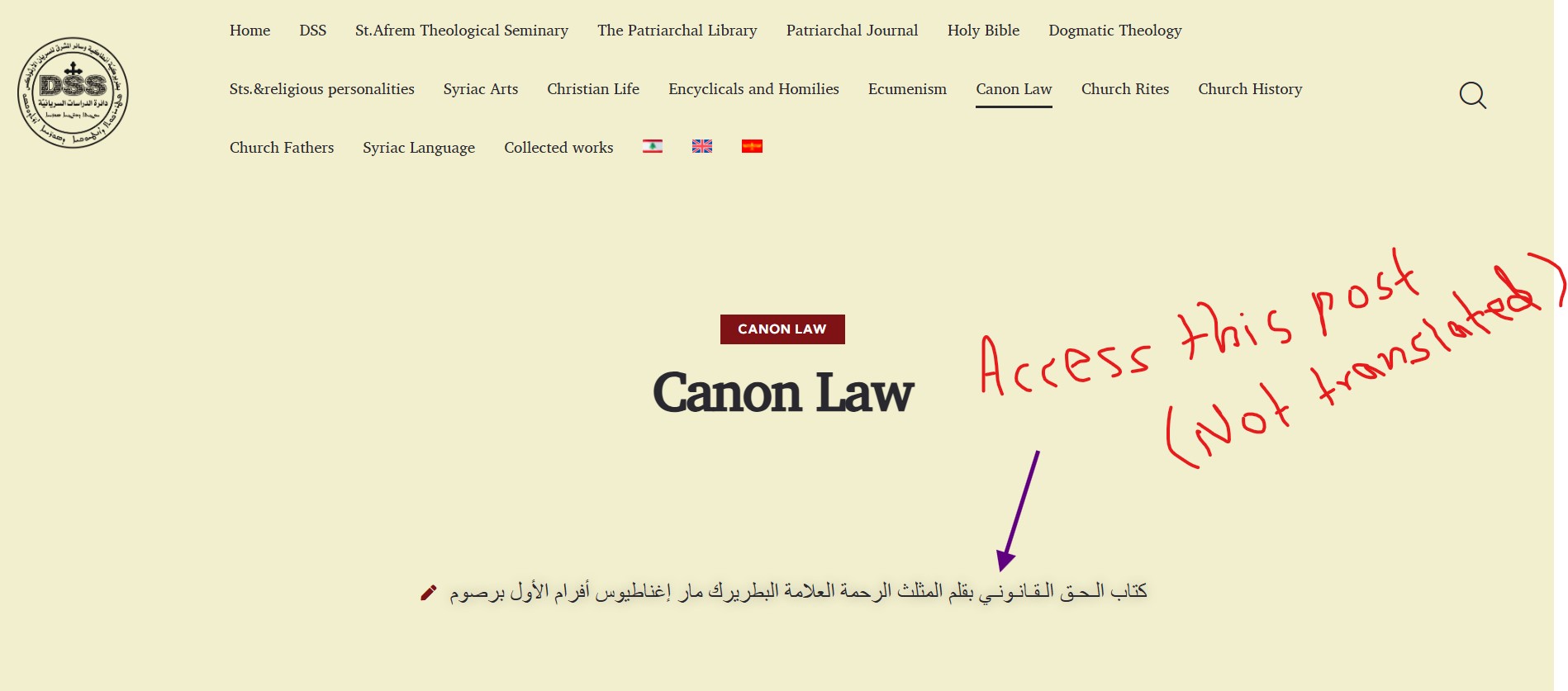
but when i access the post (كتاب الـحـق الـقـانـونـي ) within this page and this post is not translated. the header and page setup still shows in English/Syriac. its does not revert back to Arabic!
Thanks for your reply. This is the expected behavior: The Fallback option will show the Arabic content of the untranslated page but will not change the language itself, so the header and footer will stay in the visited language.
Please check this guide to know more about showing untranslated content.
In your case, there are three options:
1- The fallback, which is what you have now.
2- The language switcher redirects to the home page of the visiting language.
3- Delete the language switcher for the untranslated languages.
Maybe i was not clear enough with my question. this is why you didn't see an issue on my site!!
I have a second website that utilizes WPML; however, it is working fine.
check my second website please you will see what i am talking about
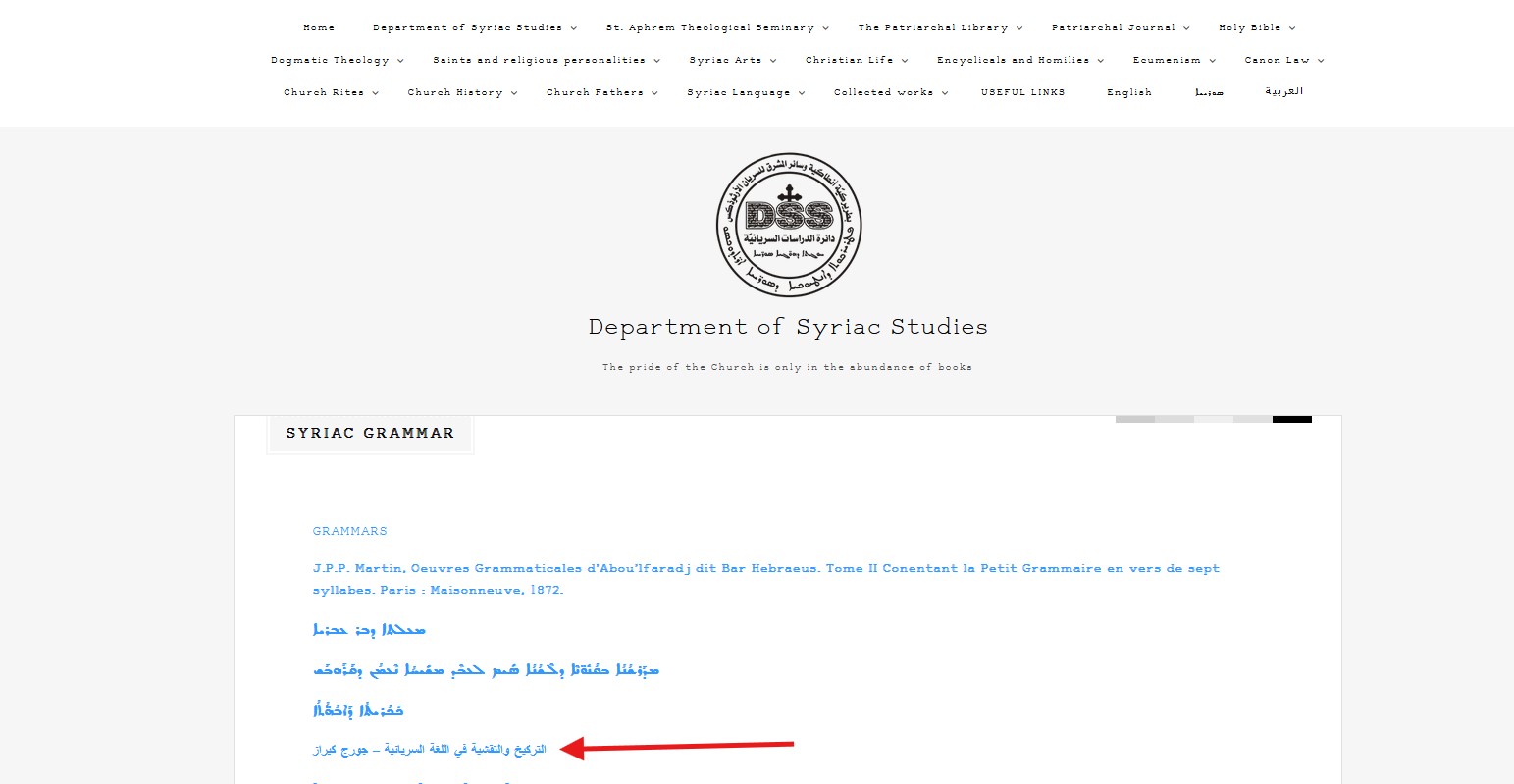
hidden link
Then click on (example, التركيخ والتقشية في اللغة السريانية – جورج كيراز) you will see how the full post go back as you open it in Arabic. regardless what language you were at before accessing this post.
on my current website Ex. if i open a page let say in English then i accessed one of the untranslated posts within this page. the full post must fallback into Arabic (Header and contents...everything) like it takes me back to default language because its not translated.. but this is not happening....
if i switch the language into English and access the untranslated post. the header remains in English and language format shows From left to right.
i understand the language wont change because i did not translated. but the whole post should shows fully in Arabic ( header, language format..etc) as i access it with an Language.
it seems complicated it but its not. i believe maybe we need to change some setting and its going to work..
1) Thanks for the example. Please compare your two sites' WPML-> Settings and WPML-> Languages settings.
After that, match the problematic site with the working site.
2) I checked the working site. When you visit an untranslated page, you don't see the language switcher, so it seems it uses the "Translatable — Show Only" option.
I HAVE LITERALLY DONE EVERYTHING. We have been communicating back and forth for the last 7 days and you still not able to fix the issue.
Please i need someone else to look into this. THIS IS NOT ACCEPTABLE!! I am not happy at all with your troubleshooting. AGAIN Please i want some one to look into this issue.
Hello,
My name is Carlos and I will continue working on this ticket.
I have read the full post and my colleague Osama is correct. In the example you provided in hidden link the link to التركيخ والتقشية في اللغة السريانية – جورج كيراز gets you back to Arabic because it is pointing specifically to the Arabic version and this behavior only happens when the post type uses the "Translatable — Show Only" option.
I will be more than happy to take a deeper look at the configuration of your site, but you must keep in mind that the only way this will work as you desire is to set the post type (post, page, etc) to the "Translatable — Show Only" option in WPML -> Settings -> Post type translation, and make sure to use links to the untranslated content, that way the link (not WPML) will take you to the Arabic (untranslated) version.
I have set your next message private so you can securely share the access credentials to the site. Please confirm you created a full site backup before sharing the credentials, so you can restore the site if necessary.
Looking forward to your message.
Regards,
Carlos
The topic ‘[Closed] Skip the language’ is closed to new replies.