This thread is resolved. Here is a description of the problem and solution.
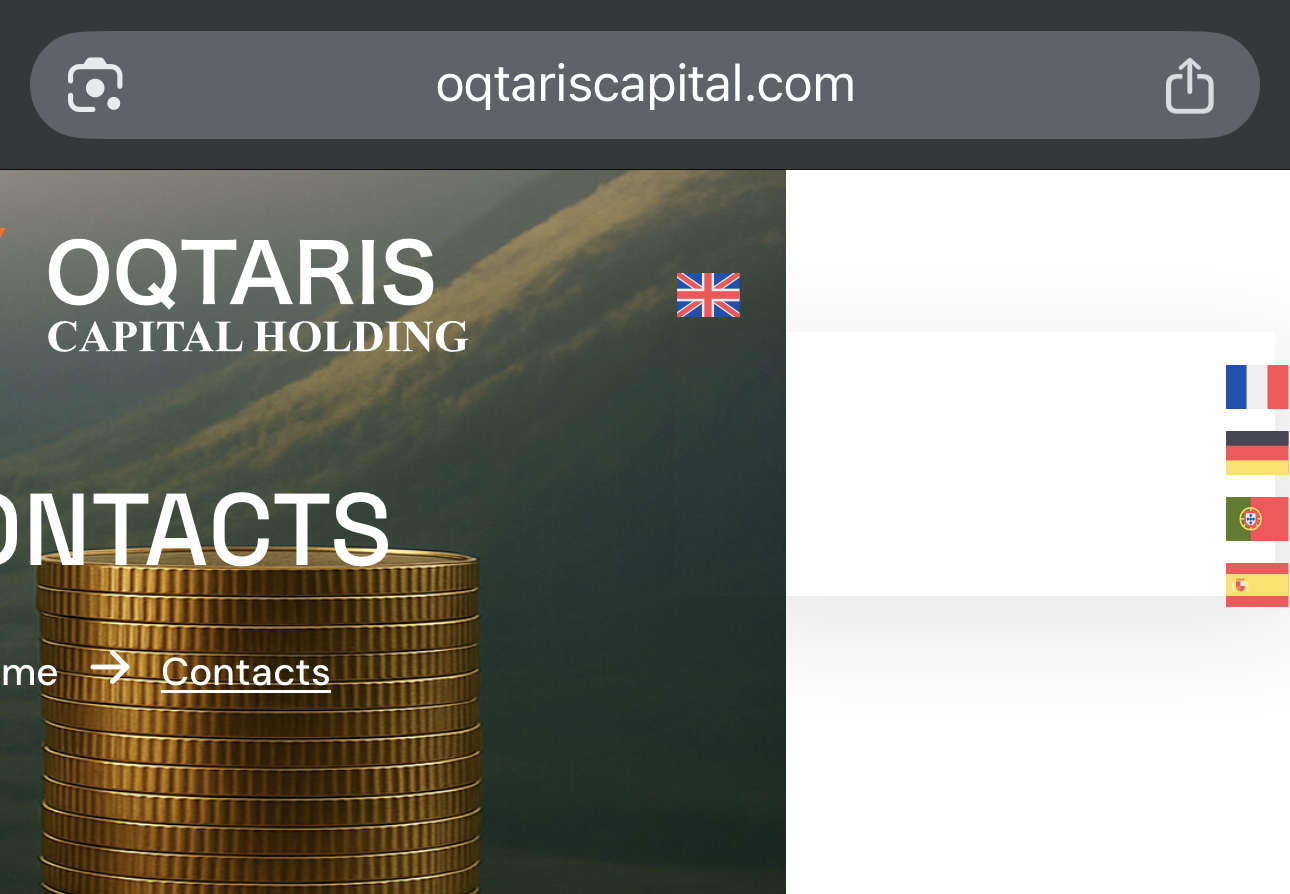
Problem: The client reported issues with incorrect translations in the menu across all languages and problems with the placement and visibility of the language switcher, especially on mobile devices. Additionally, the flags added to the menu were causing the header to shift, and there were discrepancies in media visibility across different languages. Solution: 1) We corrected the menu translations. The client needs to manually edit the translated menus to include translations for specific strings like 'About Us'. 2) For the language switcher issues, we recommended checking the guide on language switchers to learn about adding them in different locations. 3) To address the footer not being translated, the client should navigate to Footer-> All Footers in their site's admin area and translate the footer. 4) For media not appearing correctly in other languages, we advised going to WPML-> Media Translation and referred the client to the media translation guide.
If this solution does not resolve your issues or seems outdated, we highly recommend checking related known issues, verifying the version of the permanent fix, and confirming that you have installed the latest versions of themes and plugins. If problems persist, please open a new support ticket.
This is the technical support forum for WPML - the multilingual WordPress plugin.
Everyone can read, but only WPML clients can post here. WPML team is replying on the forum 6 days per week, 22 hours per day.
Thanks for contacting WPML forums support. I'll be glad to help you today.
First, apologies for the delayed response; it was due to a higher workload.
I would need to look closely at your site, so I would need to request temporary access (WP-Admin and FTP) Preferably to a test site where the problem has been replicated.
Your answer will be private, meaning only you and I can access it.
❌ Please back up your database and website ❌
✙ I need your permission to deactivate and reactivate plugins and themes, and to change site configurations. This is also why the backup is critical.
✙ I also need your permission to take a local copy of your site to debug the issue without affecting your live site.
No problem at all — I understand that it is the weekend and that the page has other priorities.
However, the language switcher is currently placed in the wrong location. I do not want it inside the menu, but outside of it. Otherwise, this causes issues on mobile, where the language selector is not visible in the header.
I also noticed that the footer is not being translated. Additionally, there are issues with media translations.
In the original English version, all media elements are visible: hidden link
In other languages, not all media items are available: hidden link
thank you for the instructions. I know how to set the language, but unfortunately, when I do that, the entire header shifts. This is also mentioned in my first message.
I don't have any custom CSS. The site is new and everything is original. I do have custom CSS under WPML language. I copied this custom CSS from the other website you mentioned about two weeks ago 🙂