
This is the technical support forum for WPML - the multilingual WordPress plugin.
Everyone can read, but only WPML clients can post here. WPML team is replying on the forum 6 days per week, 22 hours per day.
Tagged: Exception
| Author | Posts |
|---|---|
| February 13, 2026 at 3:14 am #17819175 | |
 casparD-4 |
I already have raised a ticket , cant see it hence generating a new one to follow it |
| February 13, 2026 at 11:29 am #17820194 | |
 Noman |
Hi, Thank you for contacting WPML Support. I can see the issue on this page: hidden link Could you please try to follow the below procedure and let me know how it goes: 1. Open the default language page in Edit mode. Kindly let me know the results, |
| February 16, 2026 at 3:46 am #17824073 | |
|
casparD-4 |
it is still not working please see below hidden link |
| February 16, 2026 at 1:04 pm #17825784 | |
|
casparD-4 |
Hi Support, Can you please help |
| February 16, 2026 at 1:53 pm #17825937 | |
|
Noman |
Thanks for providing the problematic post link. I can see the untranslated content on those posts. To take a closer look at this issue, please provide temporary access (WP-Admin and FTP Login info) to your site (preferably staging site), so that I can look into your setup and debug the issue. Your next answer will be private, meaning only you and I can access it. === Please backup your database and website === ✙ I would need your permission to deactivate and reactivate Plugins and the Theme and to change configurations on the site. This is also a reason the backup is essential. Thank you |
| February 19, 2026 at 12:32 pm #17835798 | |
|
Noman |
Thanks for providing the login details. I followed these steps: 1. Opened the Rooms page in edit mode (EN). 5. Please do the same for the Rooms post below and confirm the result: Kindly let me know how it goes. 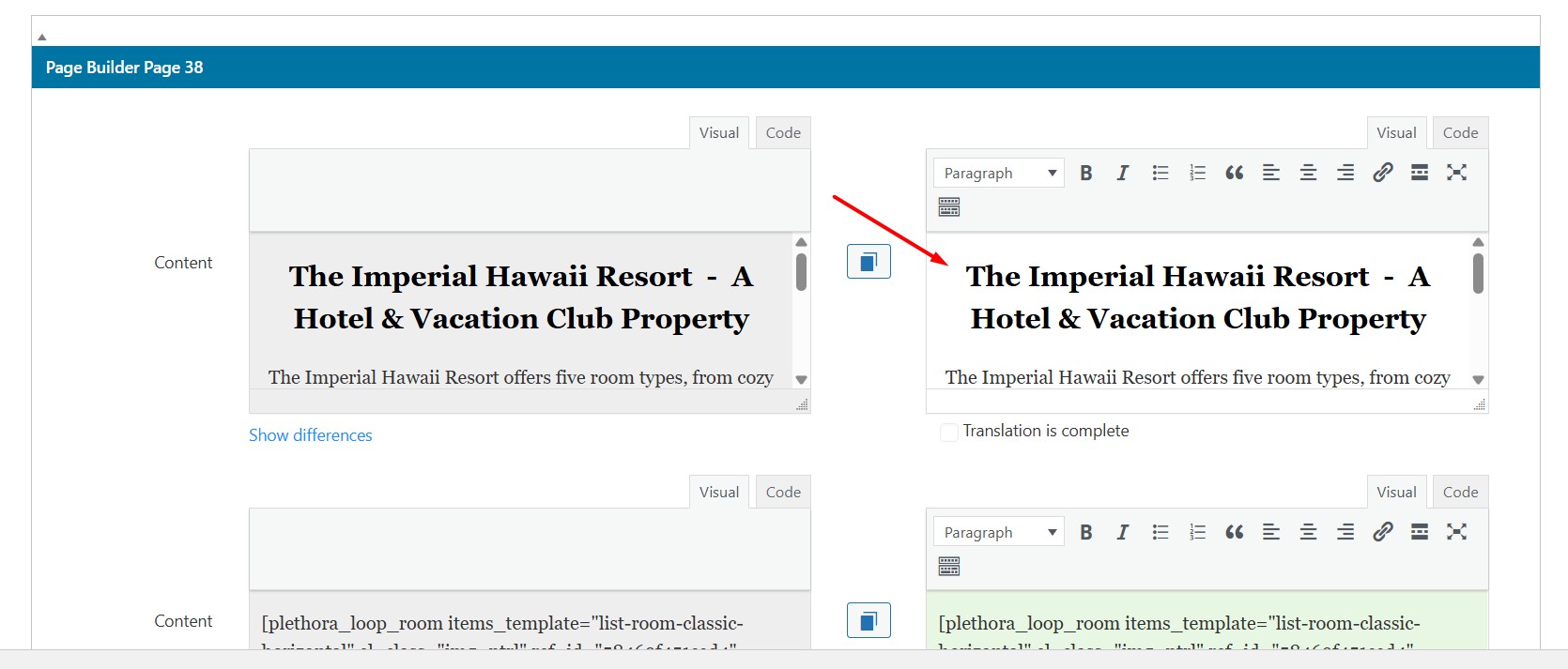 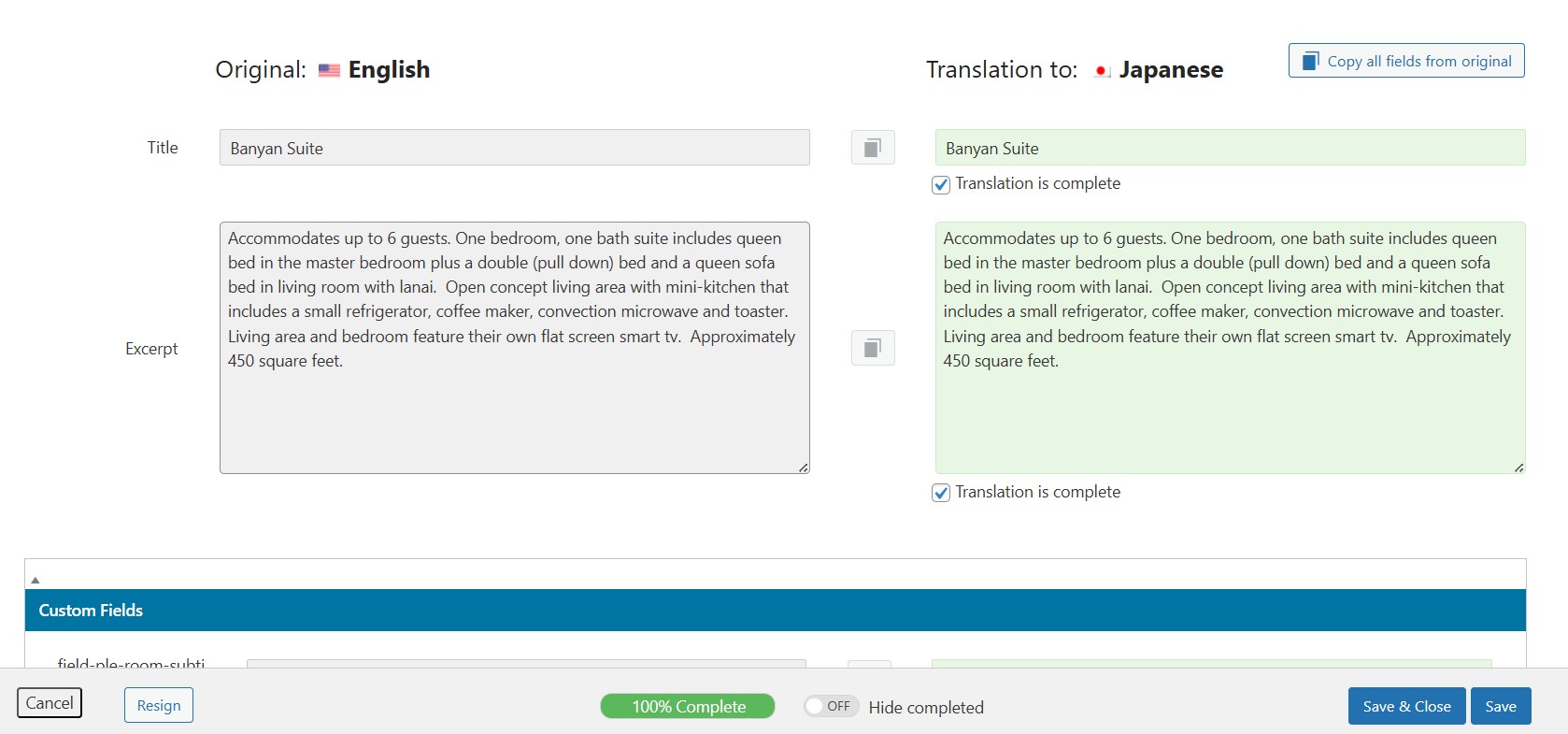 |
| February 20, 2026 at 3:31 am #17837438 | |
|
casparD-4 |
I do no understand so , we have to put the jap version on the right hand side box ? the WPML plugin doesnt translate it automatically ? |
| February 22, 2026 at 6:27 am #17840608 | |
|
casparD-4 |
can some one reply please |
| February 22, 2026 at 9:47 am #17840764 | |
|
Noman |
Sorry for the delay, I was off during the weekend (Friday-Saturday). At the moment, the WPML Classic Translation Editor is enabled (WPML >> Settings > Translation Editor). With this editor, you need to manually add the Japanese translation in the fields on the right-hand side and then click Save & Close. If you would like automatic translation: 1. Go to WPML >> Settings and switch the Translation Editor to Advanced Translation Editor (ATE). 2. Then go to WPML >> Translation Dashboard, select the pages, and send them for translation. Here is a doc for more details: https://wpml.org/documentation/translating-your-contents/#how-to-use-translation-dashboard 3. You can either translate selected pages or enable the “Translate Everything Automatically” option. Here is a doc for more details: https://wpml.org/documentation/automatic-translation/translate-everything-automatically/ Please let me know if this resolves the issue or if you need further assistance with this issue. Thank you 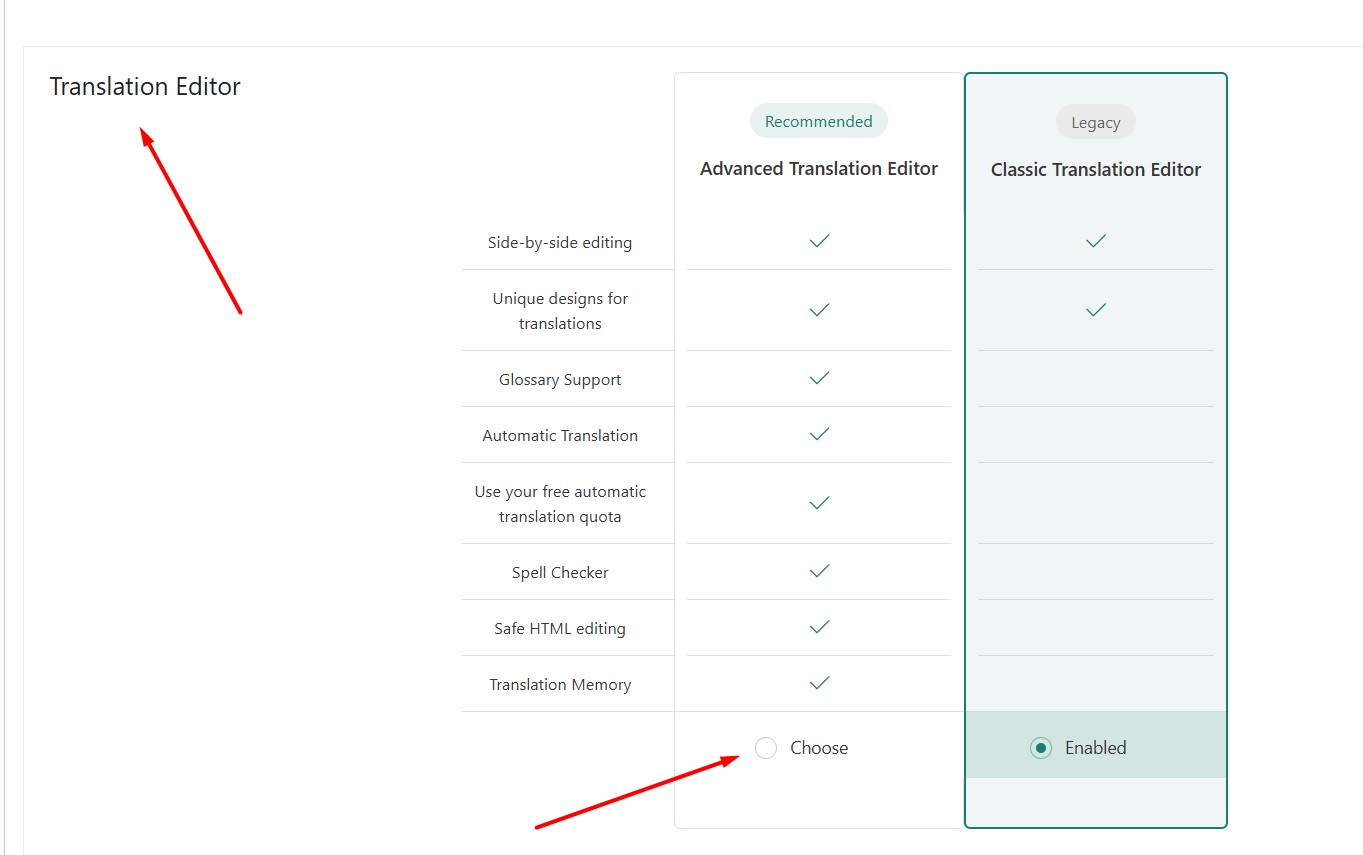 |
| February 22, 2026 at 1:22 pm #17840977 | |
|
casparD-4 |
below two url the text for Banyan Suite still is coming in english though I have followed the steps as suggested by you hidden link hidden link |
| February 23, 2026 at 8:10 pm #17844323 | |
|
Noman |
I followed the below steps: 1. Enabled the Advanced Translation Editor from WPML >> Settings. Could you please check and confirm? Thank you for your cooperation 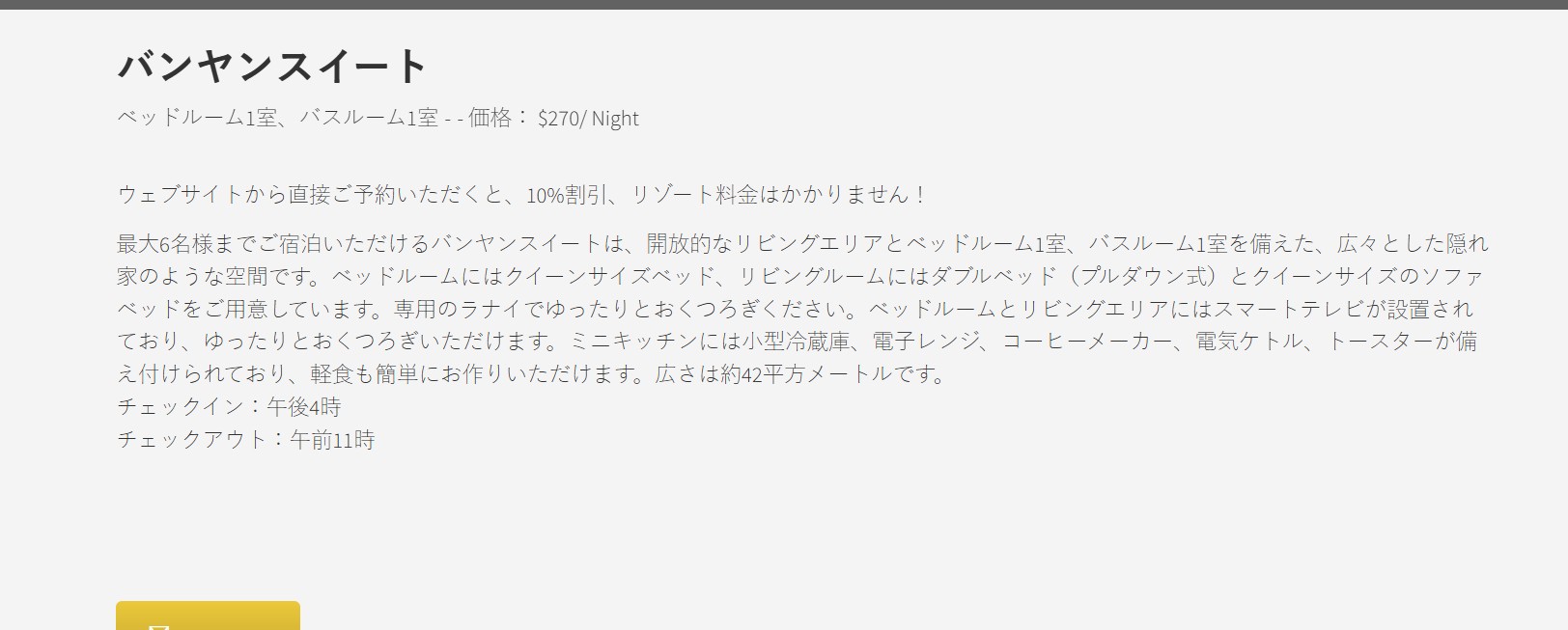 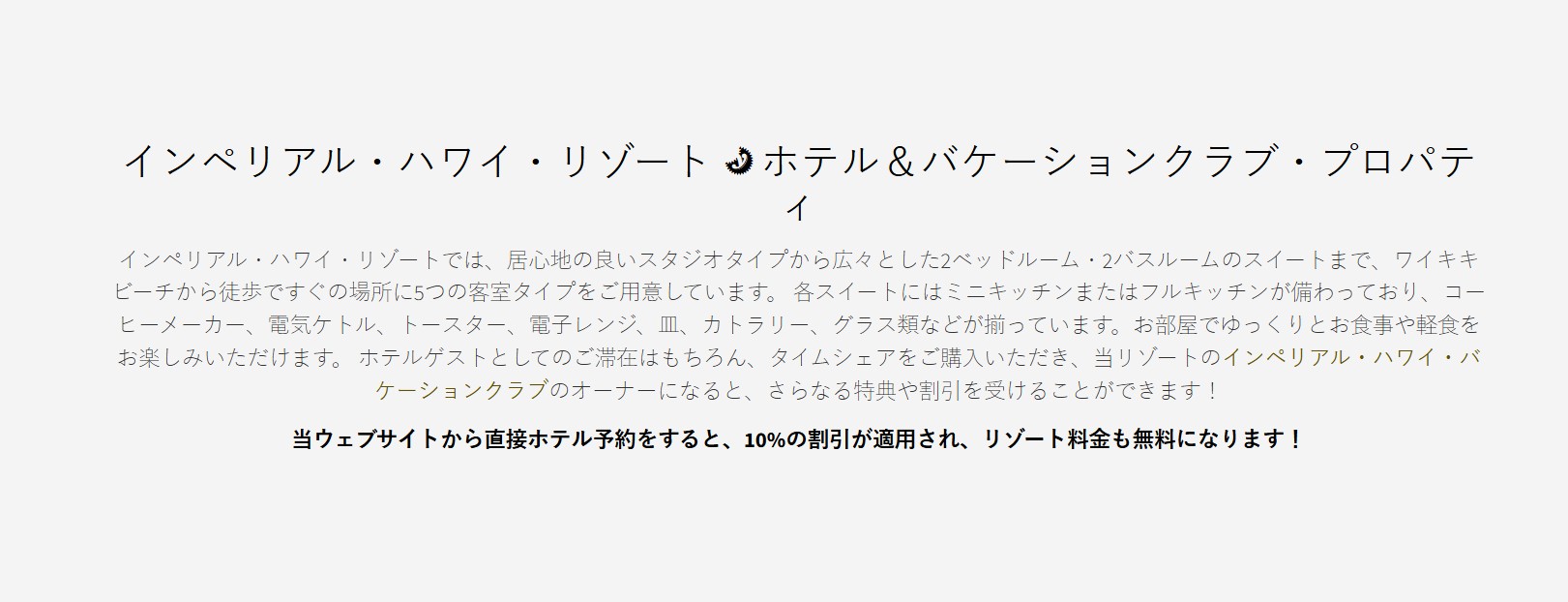 |
| February 24, 2026 at 6:49 am #17844803 | |
|
casparD-4 |
Dear Noman, Its still not working for me , the steps are 1) Opened the url in incognito window Screenshots are attached 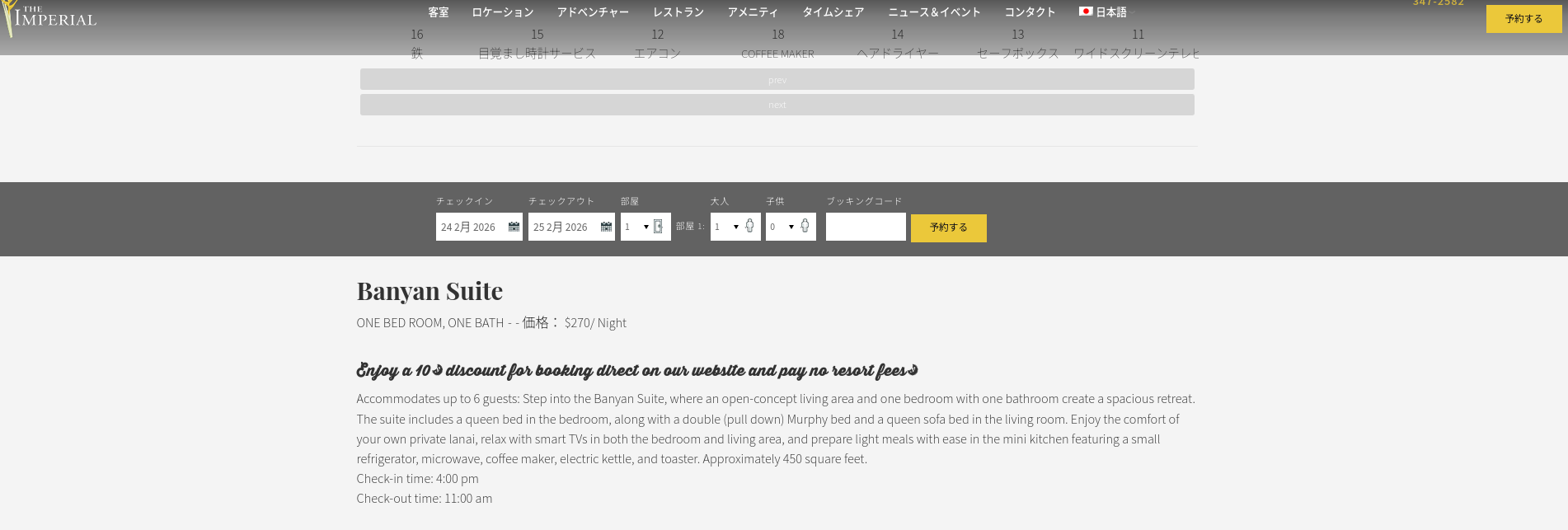 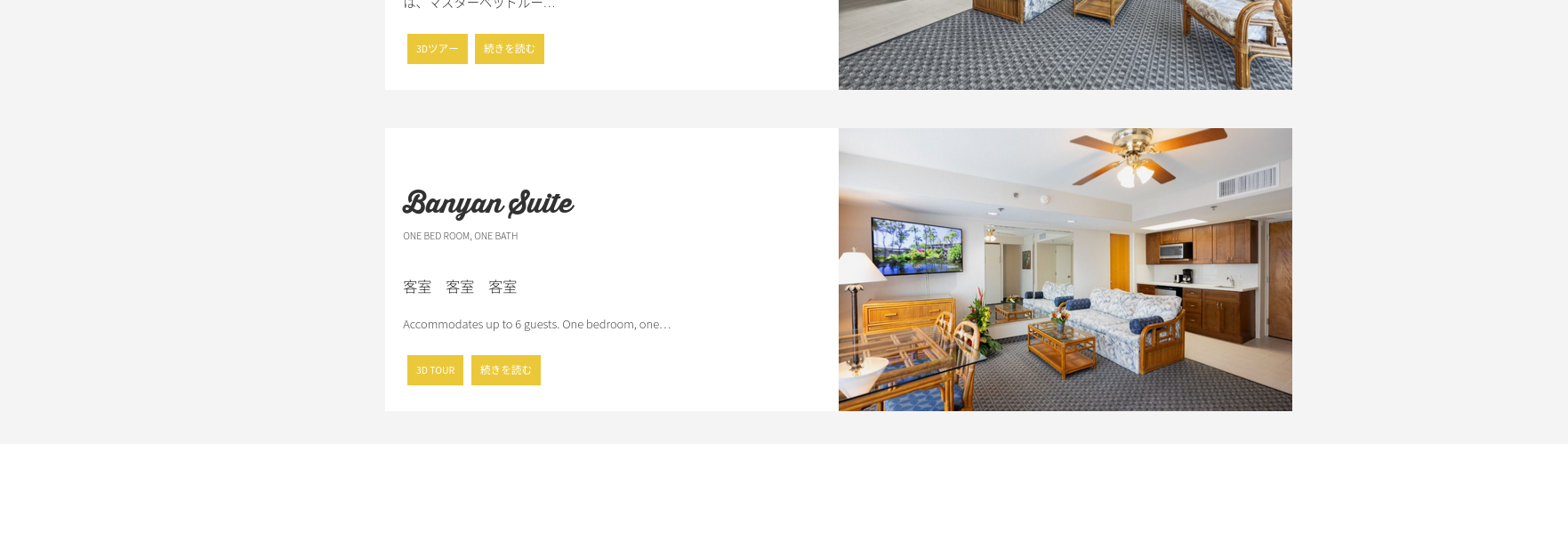 |
| February 24, 2026 at 10:52 am #17845974 | |
|
Noman |
Sorry for the confusion earlier. The issue was caused by a cached version of the page being served to visitors. I activated the Breeze cache plugin and cleared the cache. After that, the Japanese translation is now displayed correctly on the Rooms listing and details pages. Could you please check again in an incognito window and confirm? Thank you 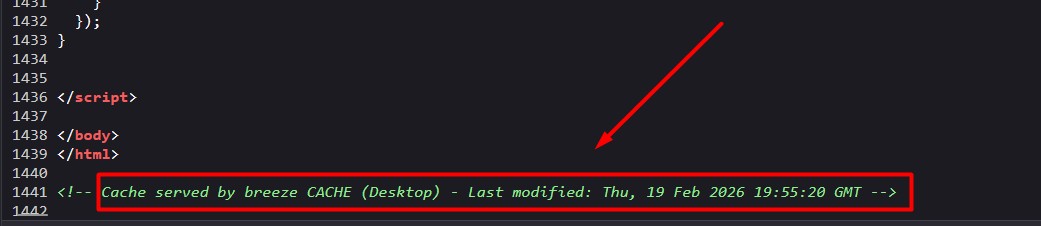 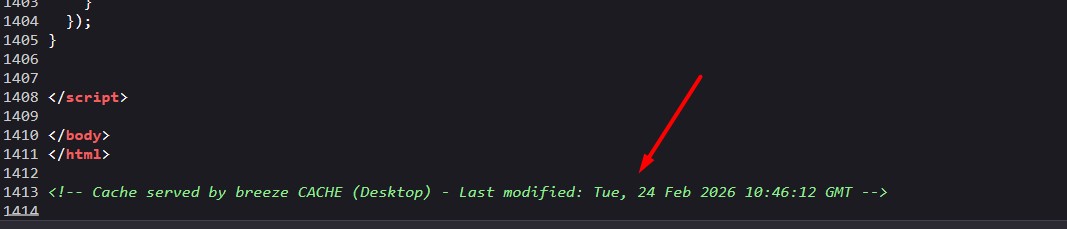  |
| February 27, 2026 at 8:56 am #17858929 | |
|
casparD-4 |
hello support, possible to hae a qucik google meet call any time convenient to you ? Regards |
| February 28, 2026 at 8:28 pm #17862181 | |
|
Noman |
Hi Vishal, At the moment, we provide support via chat/forum only. I’ll be happy to continue assisting you here. I checked the Rooms page again and noticed the translation was saved previously using the Classic Translation Editor, which caused the English content to appear on the Japanese page. To fix this, I: 1. Enabled “Use also for old translations created with the classic editor” in WPML >> Settings > Translation Editor. After this, the Japanese pages are now displaying correctly on the frontend (also verified in an incognito window). Rooms page: Single room: Video: hidden link Please check on your side after clearing your browser cache and let me know if everything looks correct now. Thank you |