
This is the technical support forum for WPML - the multilingual WordPress plugin.
Everyone can read, but only WPML clients can post here. WPML team is replying on the forum 6 days per week, 22 hours per day.
| Sun | Mon | Tue | Wed | Thu | Fri | Sat |
|---|---|---|---|---|---|---|
| 9:00 – 18:00 | 9:00 – 18:00 | 9:00 – 18:00 | 9:00 – 18:00 | 9:00 – 18:00 | - | - |
| - | - | - | - | - | - | - |
Supporter timezone: Asia/Yerevan (GMT+04:00)
This topic contains 0 reply, has 0 voices.
Last updated by Christopher Amirian 1 year, 2 months ago.
Assisted by: Christopher Amirian.
| Author | Posts |
|---|---|
| December 3, 2024 at 9:08 am #16470298 | |
 guntherD-3 |
Background of the issue: Symptoms: Questions: 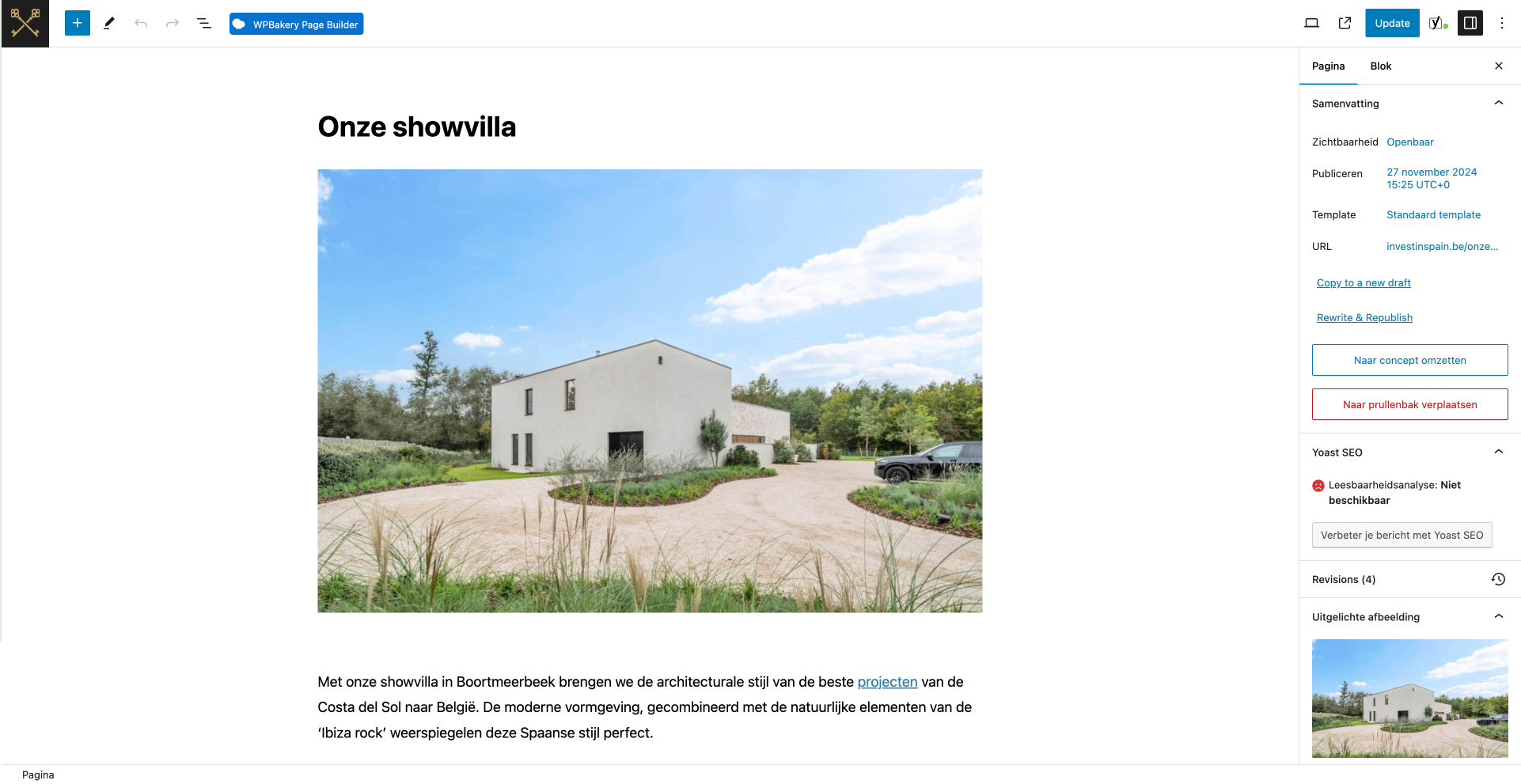 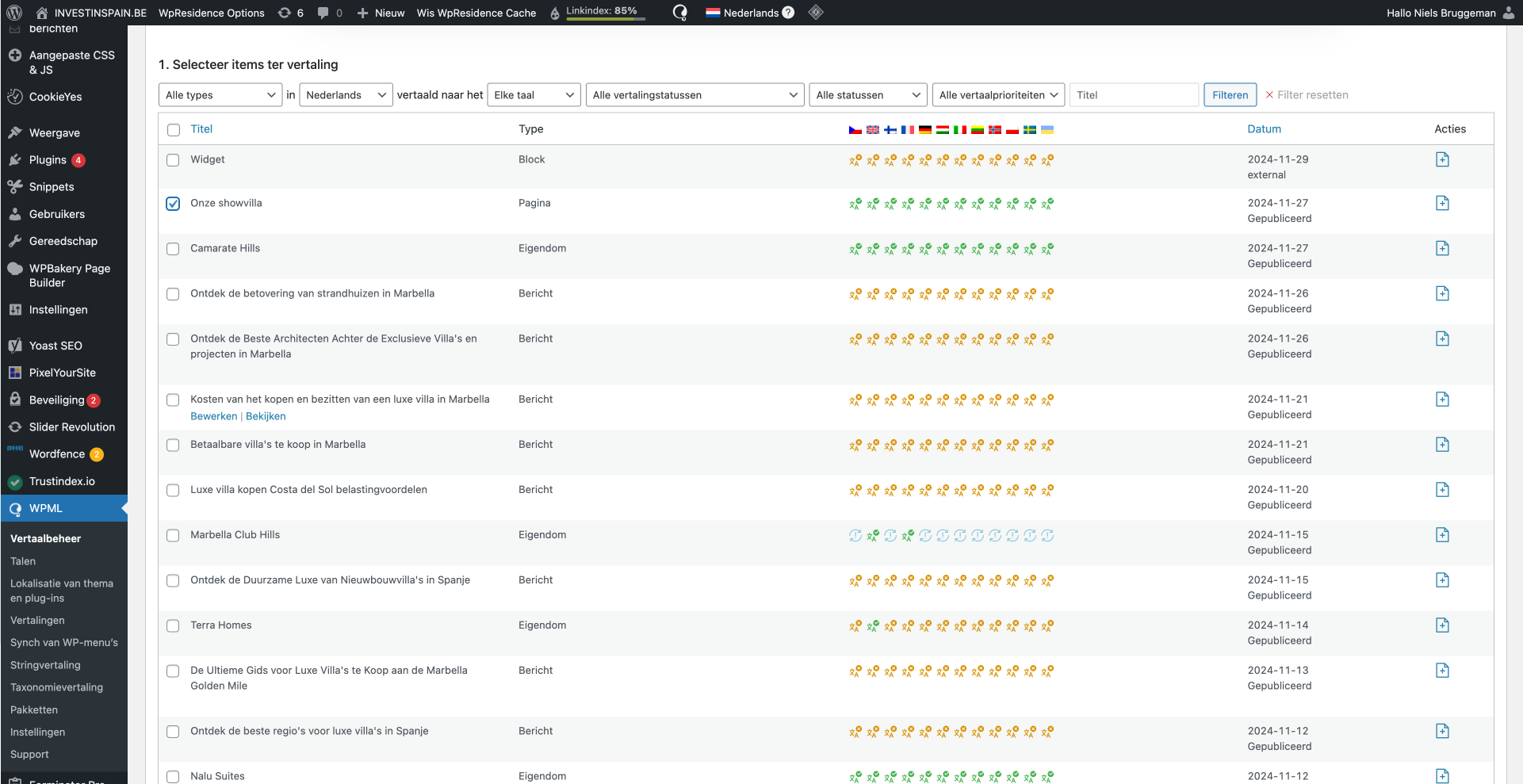 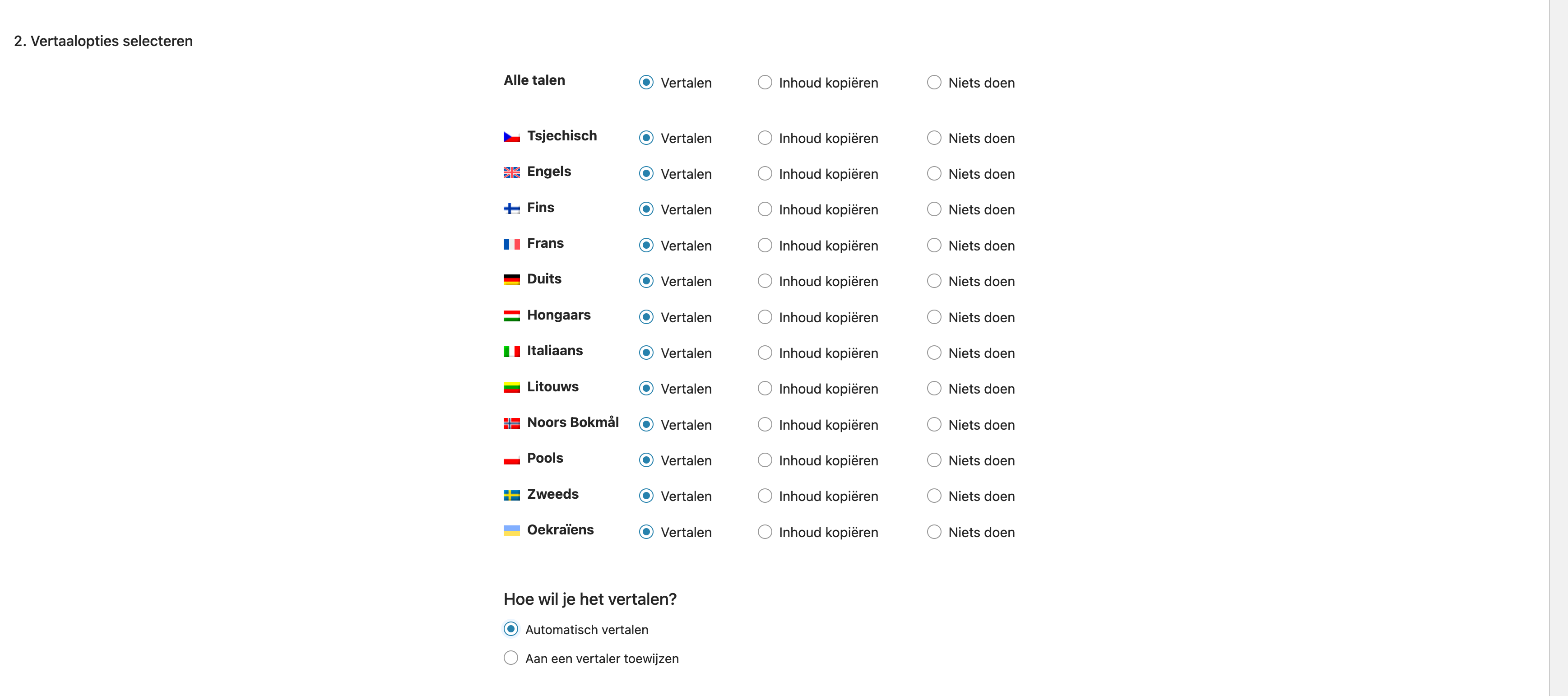 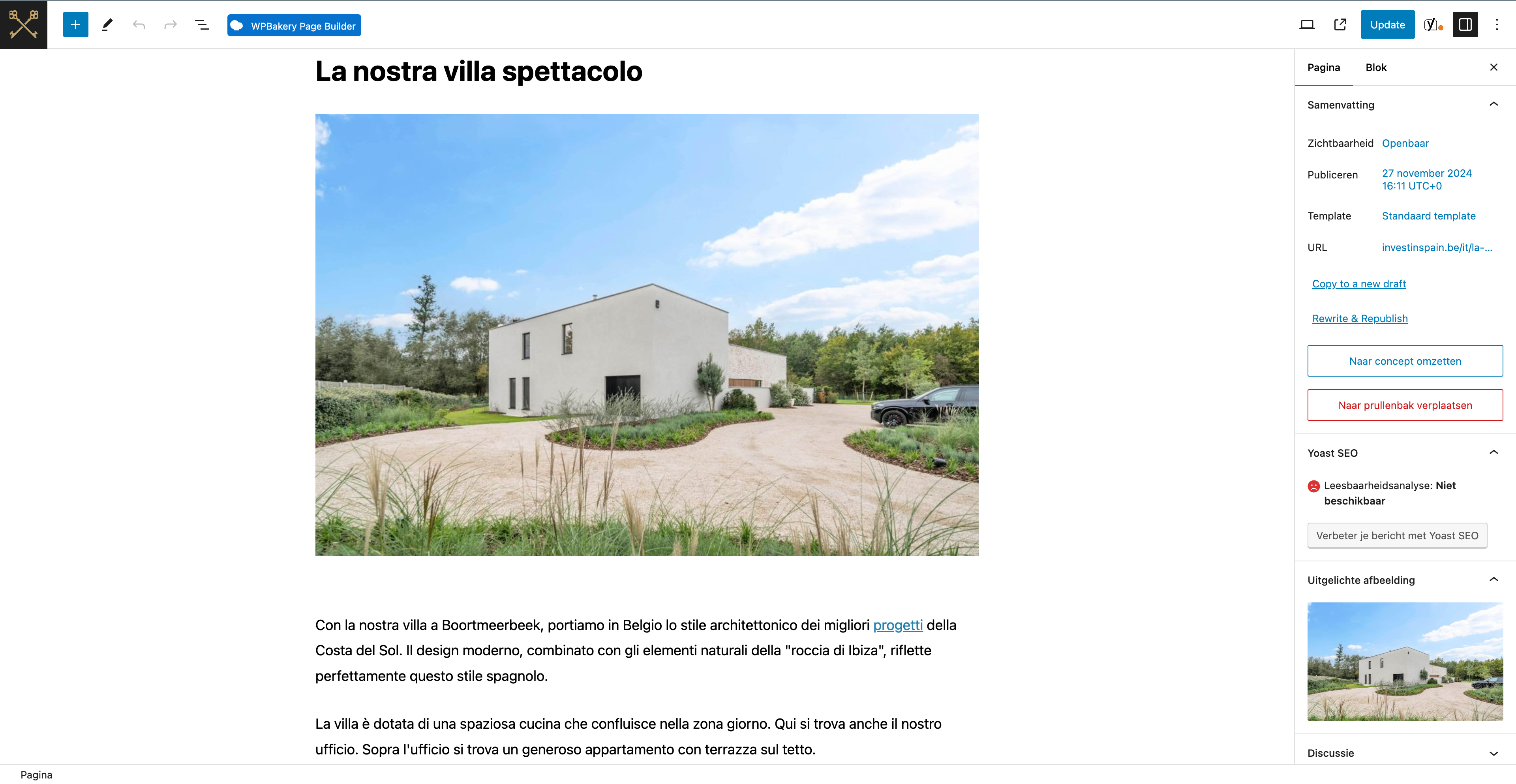 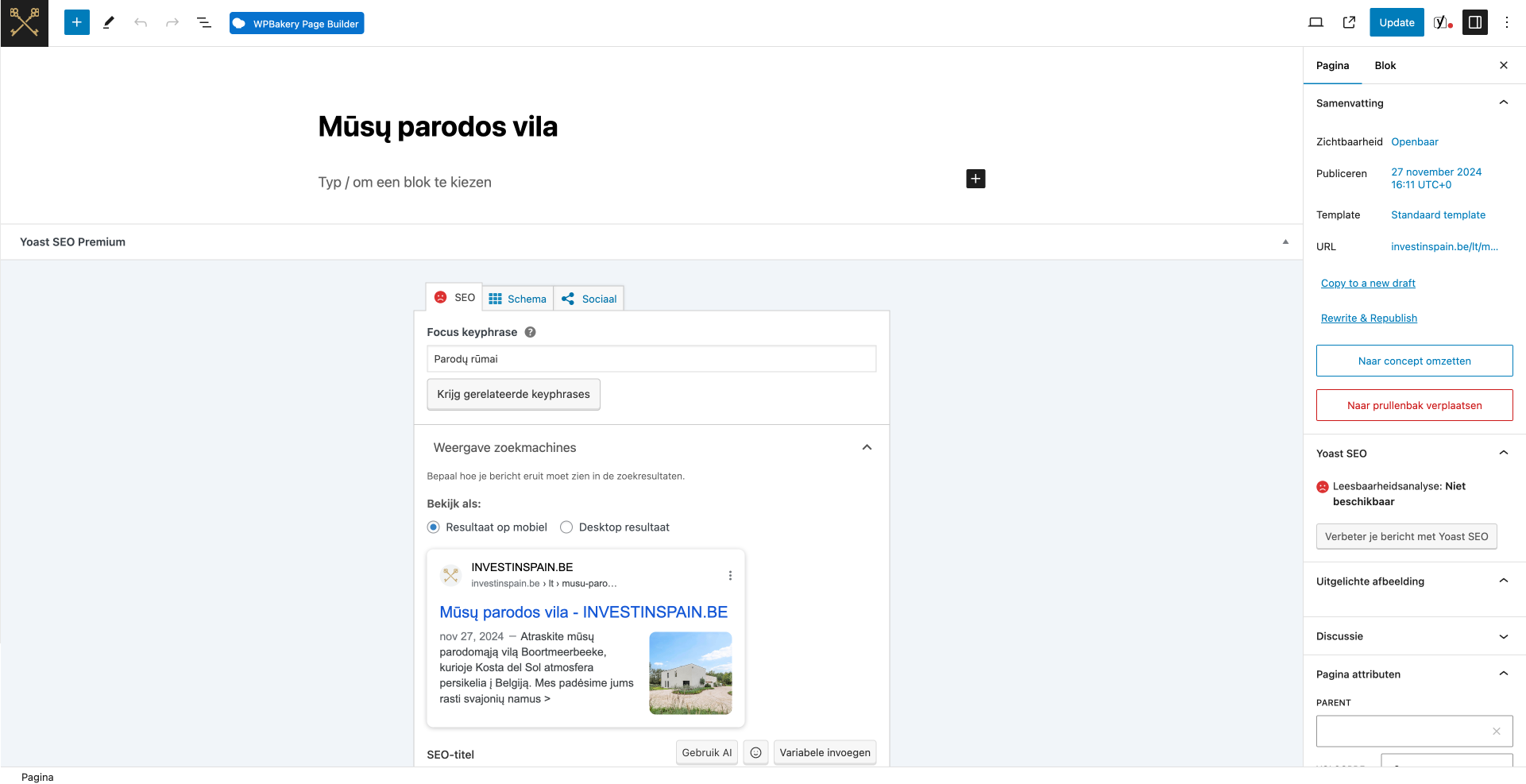 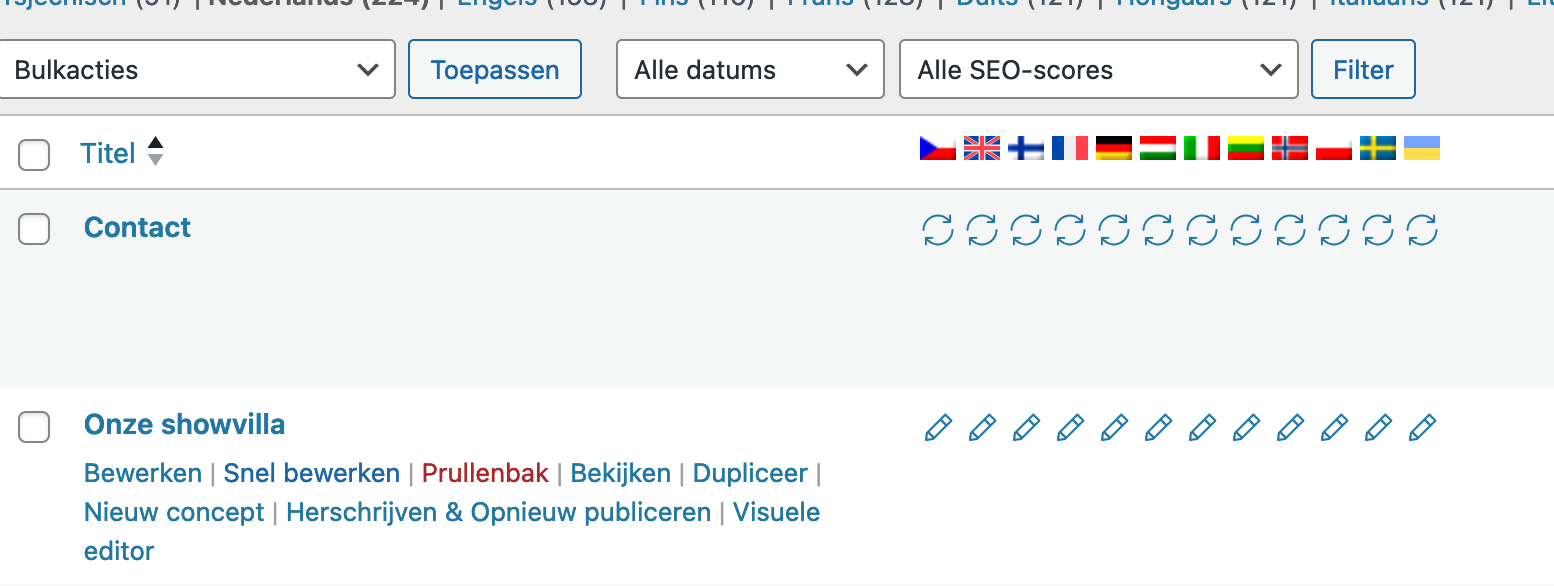 |
| December 3, 2024 at 9:25 am #16470535 | |
 Christopher Amirian WPML Supporter since 07/2020 Languages: English (English ) Timezone: Asia/Yerevan (GMT+04:00) |
Hi, As requested I turned the chat to this ticket. Please get back to us if you still have issues automatically translating the LT language. Thanks. |
| December 4, 2024 at 9:23 am #16475342 | |
|
guntherD-3 |
Hi The issue isn't so much after the automatic translation (we can indeed make changes manually) but the issue arises during/immediately after translating (which is done as shown in the screenshot attached): After the automatic translation of a page has been completed for all languages we always manually check them because we often have the name of a real estate project as the title (for example "Mesas Sea Suites" shouldn't be automatically translated, any tips to prevent certain words being translated are also welcome). During this manual check i've noticed that sometimes an automatically translated language only takes over the title and meta description and the text/images don't appear: hidden link (if you check the other languages you'll see they all have text and they were translated the same way as shown in the screenshot) From what I can see credits are used for this translation although the main text isn't translated to LT and this is what we want to prevent in the future. Automatically translating again would use credits again. I can only imagine this is a bug on WPML's side? Kind regards Niels  |
| December 4, 2024 at 1:07 pm #16476830 | |
|
Christopher Amirian WPML Supporter since 07/2020 Languages: English (English ) Timezone: Asia/Yerevan (GMT+04:00) |
Hi, Thank you for getting back to us. That might be a conflict with a plugin or something. I tried to check that page but unfortunately for some reason the login information is deleted by the system. I'd appreciate it if you could set the next reply as private and provide the login info so I can check the page in question. I want to know if the advanced translation editor already has the info translated or not. If yes, then there will be no credit loss by refreshing the translation but if no I need to check. By the way for the other point you have mentioned, we have the glossary feature that you can tell WPML to not automatically translate certain words and instead use whatever you tell the plugin. Please read about the feature here: Thanks. |
| December 9, 2024 at 10:14 am #16491788 | |
|
Christopher Amirian WPML Supporter since 07/2020 Languages: English (English ) Timezone: Asia/Yerevan (GMT+04:00) |
Hi, Thank you for the login information. May I ask you to make that user admin? Currently, it has a less than admin role and I only have access to Users > Role menu and I can not access none of the pages and posts and WPML menus. Thanks. |
| December 9, 2024 at 2:50 pm #16493778 | |
|
guntherD-3 |
Hi The account should now be admin. Please let me know if I need to make any other changes. Kind regards Niels |
| December 10, 2024 at 1:47 pm #16498468 | |
|
Christopher Amirian WPML Supporter since 07/2020 Languages: English (English ) Timezone: Asia/Yerevan (GMT+04:00) |
Hi Niels, There seems to be a fundamental misunderstanding that I need to explain in the video below: hidden link The bottom line is that you use the manual translation (WordPress native Editor) and not the automatic translation (Advanced Translation Editor). You can not mix and match these two methods as they are not compatible. You either need to stick with manual translation or automatic translation. Manual translation method: Automatic translation method: Thanks. |
| December 12, 2024 at 3:48 pm #16508817 | |
|
guntherD-3 |
Hello Christopher, For a better understanding, we have created a video showing the steps we follow. In this video, you can see that we use automatic translation. Once the pages are automatically translated, we sometimes manually adjust certain details on each page. However, we do this only after the pages have been automatically translated. Please see: hidden link |
| December 15, 2024 at 7:26 am #16514433 | |
|
Christopher Amirian WPML Supporter since 07/2020 Languages: English (English ) Timezone: Asia/Yerevan (GMT+04:00) |
Hi Niels, Thank you for the video. I explained the correct way to work on your scenario in the video below: hidden link Thanks. |
| December 17, 2024 at 4:27 pm #16522828 | |
|
guntherD-3 |
Thank you. We will try your scenario and come back to you if needed. |
| December 19, 2024 at 1:05 pm #16530318 | |
|
Christopher Amirian WPML Supporter since 07/2020 Languages: English (English ) Timezone: Asia/Yerevan (GMT+04:00) |
Thank you. |











The topic ‘[Closed] Automatic translation’ is closed to new replies.