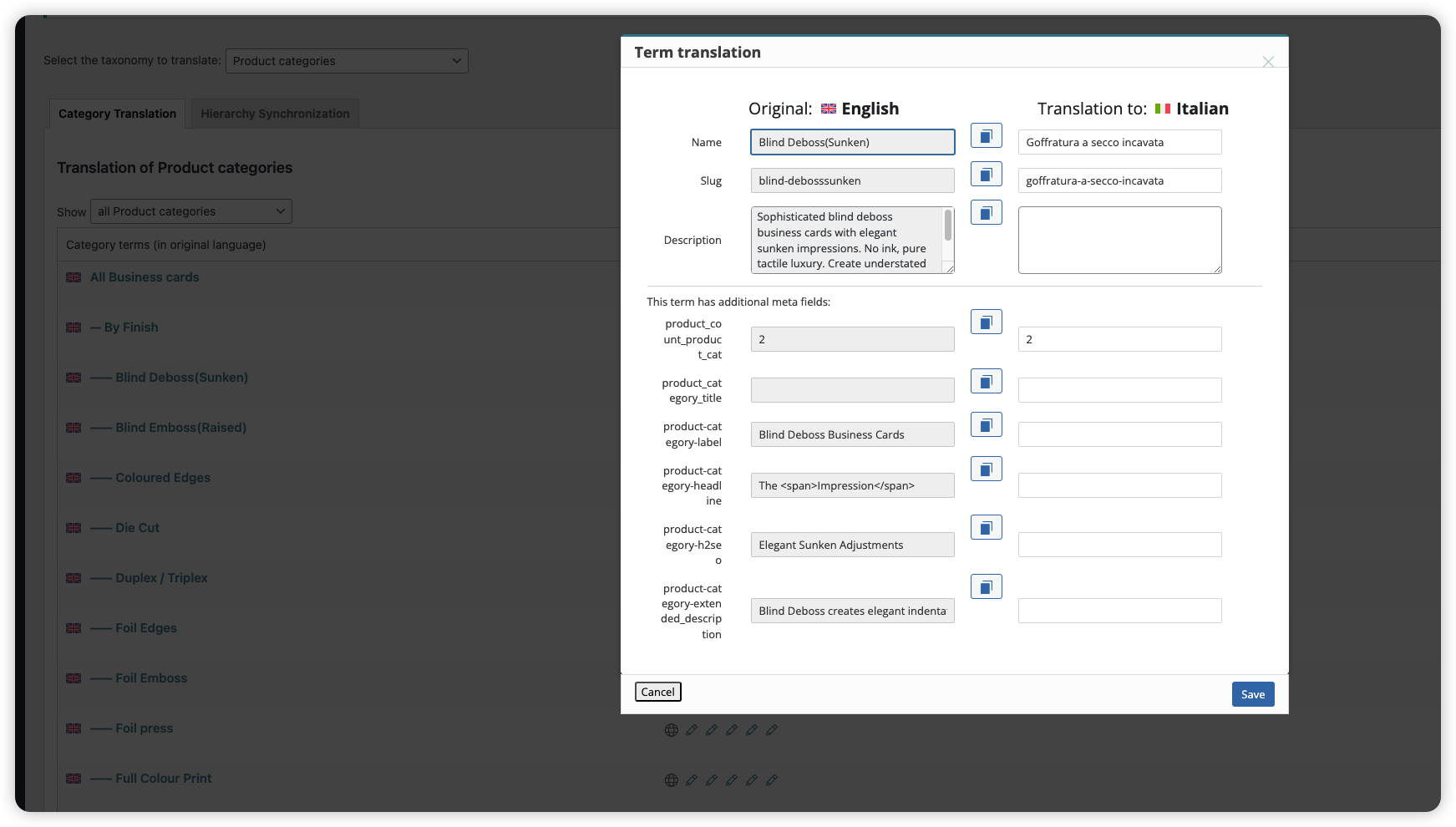
I followed this method, created a new product, and selected all the product categories, but the product categories still cannot be automatically translated.
Currently, the product categories include product descriptions and ACF fields.
Welcome to WPML support. The WPML > Taxonomy Translation menu is reserved for manual translation and you are welcome to translate the categories there manually.
But if you want the automatic translation to translate the catrgories you need to expose the categories to the Advanced Translation Editor and here how to do that:
So basically you will creaet a dummy product and assign all the categories to that product and you will try to translate that product. WPML shopuld automatically detect the categories that are not translated and translate them.
It seems you already created such product but I am not sure if you finished the translation of that product according to the documentation I shared.
Thanks.
The topic ‘[Closed] Product categories cannot be automatically translated?’ is closed to new replies.