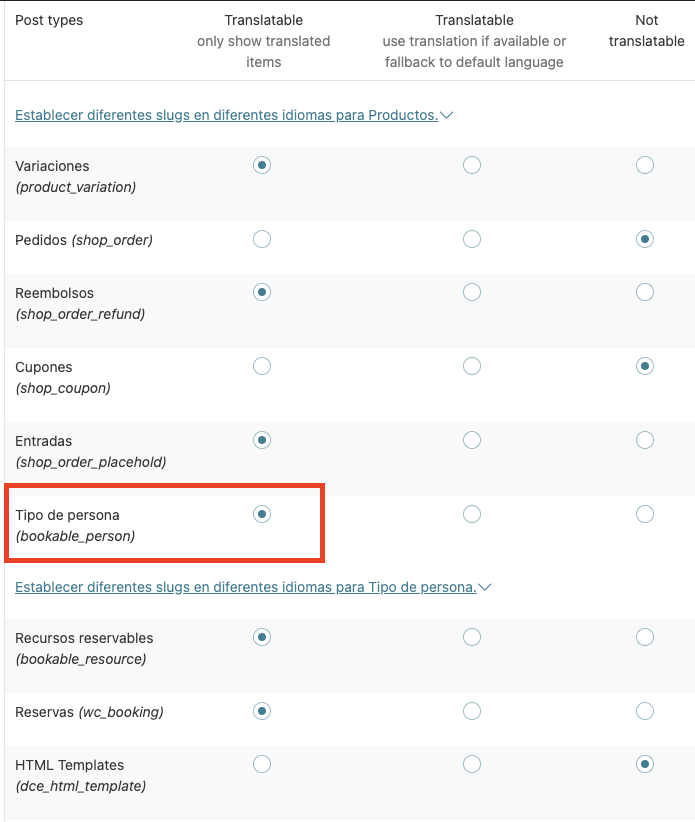
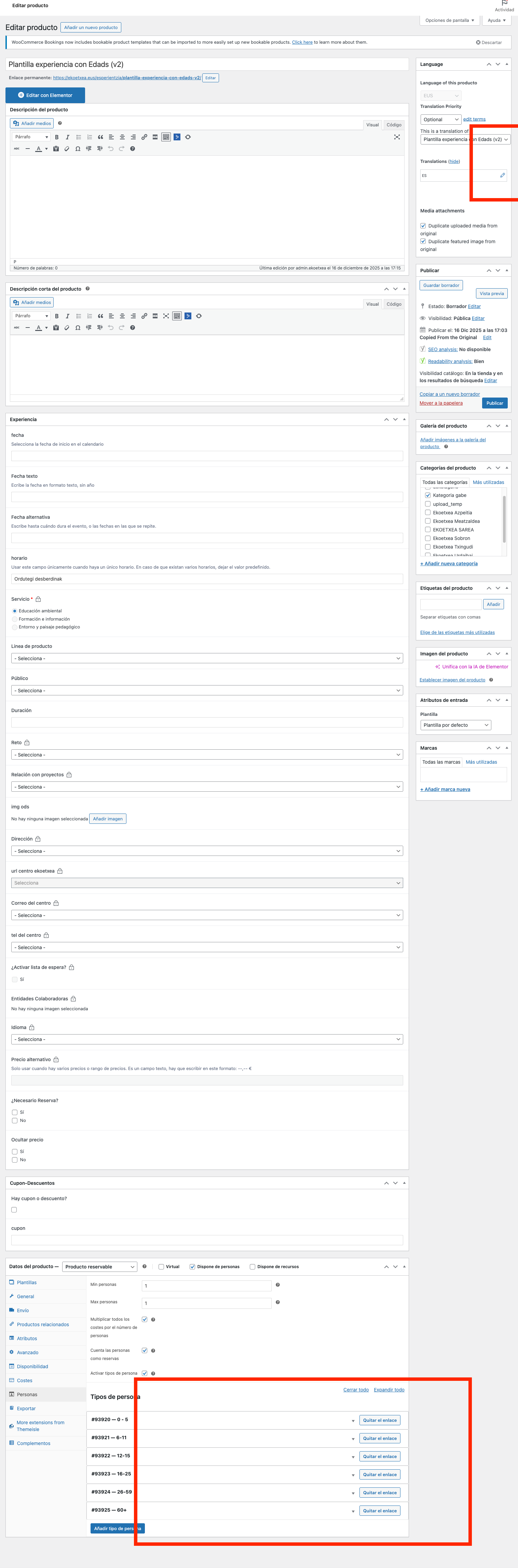
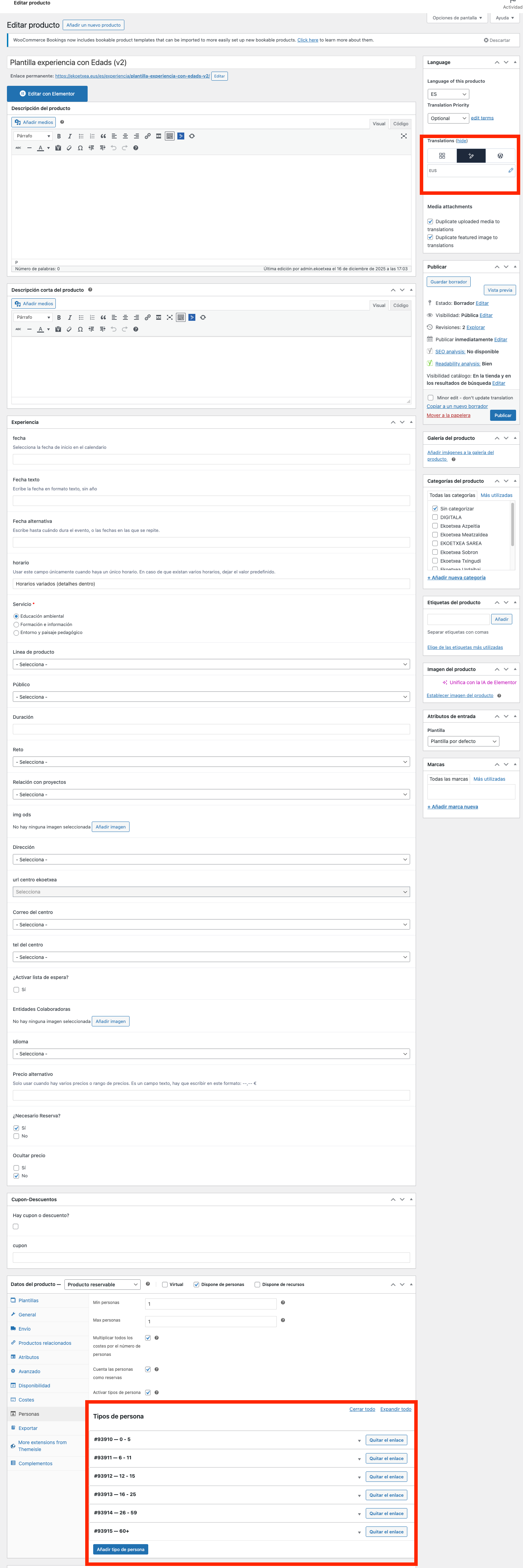
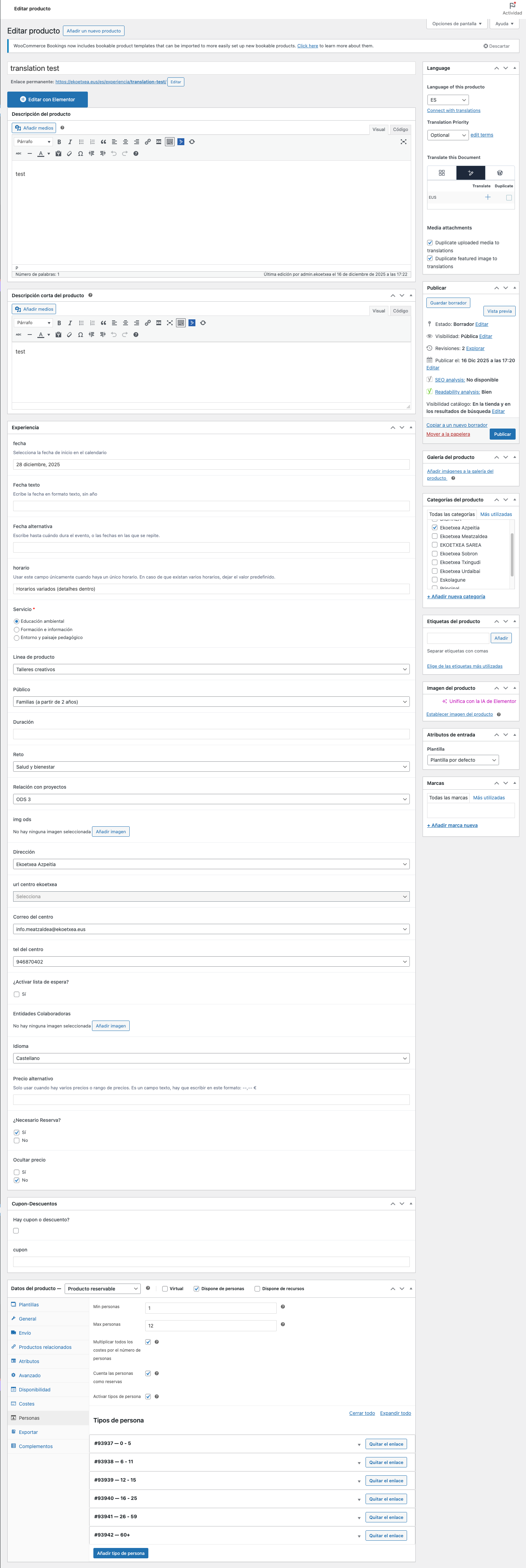
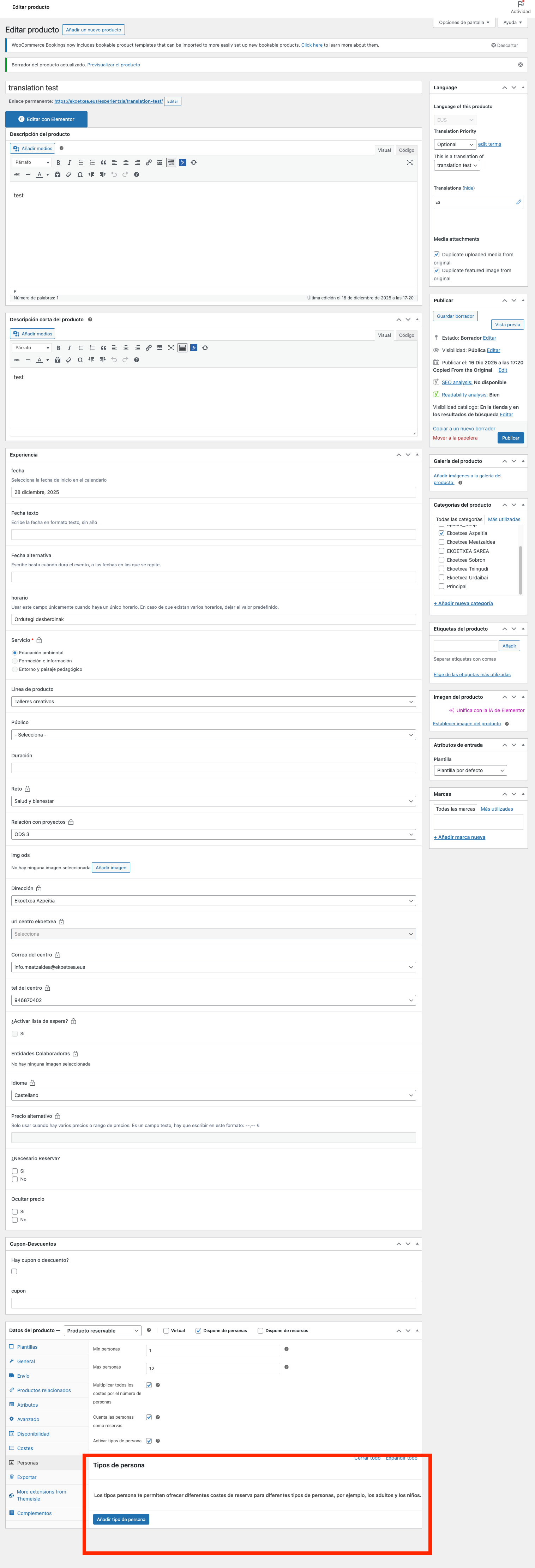
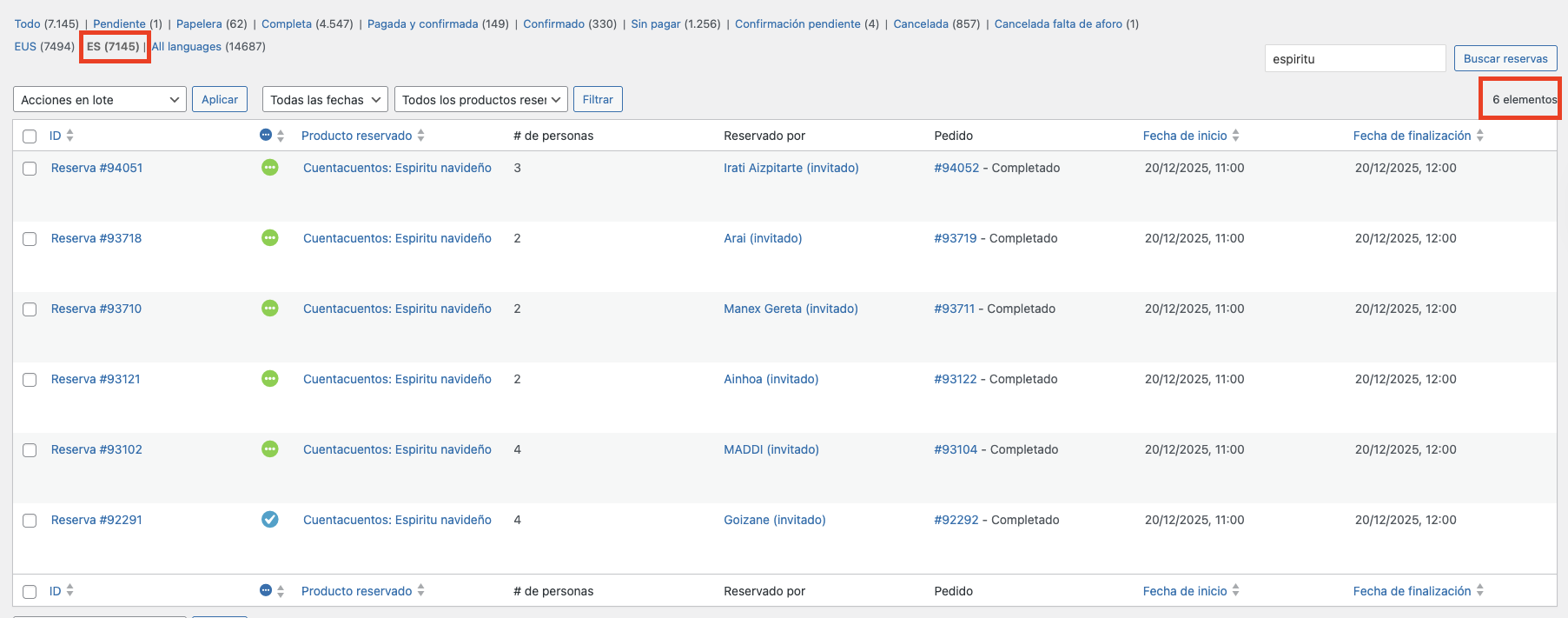
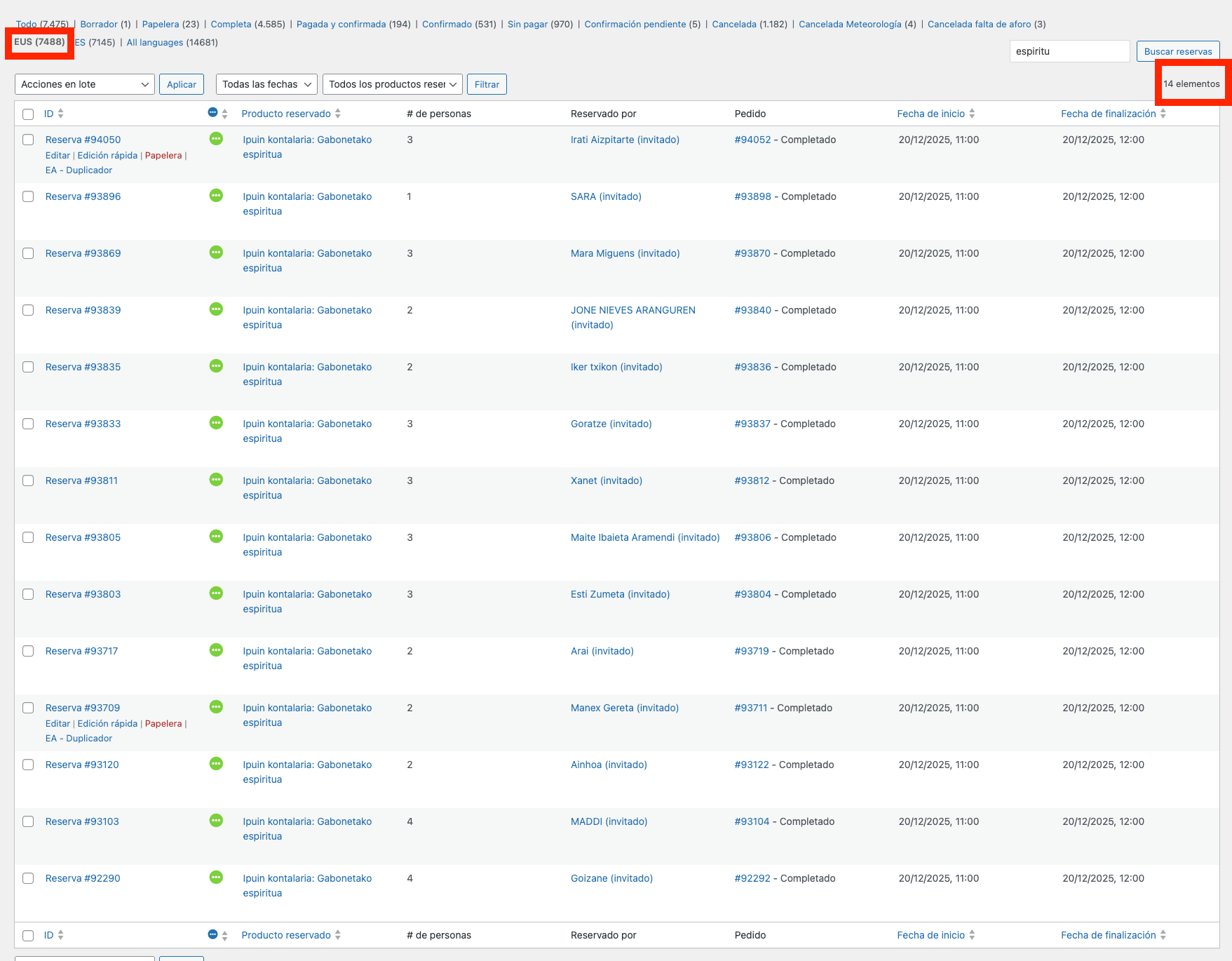
After recent updates, my products (bookable) stopped making the translations correctly.
Now, fields like availability and bookable persons, are not sent over to the translation.
One one hand, i use a template, that before the update, added the translation automatically after saving as draft, and now it doesn't.
On the other hand, even if i add the translation manually, it still doesn't add the bookable persons.
--
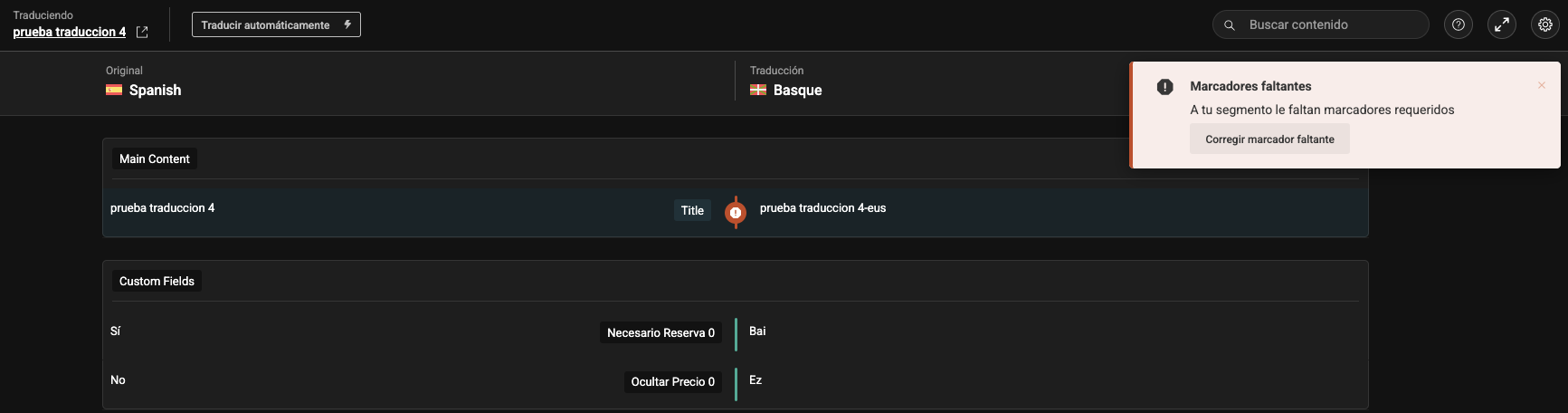
On another note, i also noticed that when i try to use the wpml editor i always get an error that i cannot understand or fix : "Missing markers. Your segment is missing required markers". I get it with simple text strings, no markers...
--
Attached are screenshots of the issue and of my current settings
Thanks for contacting WPML forums support. I'll be glad to help you today.
I would need to look closely at your site, so I would need to request temporary access (WP-Admin and FTP) Preferably to a test site where the problem has been replicated.
Your answer will be private, meaning only you and I can access it.
❌ Please back up your database and website ❌
✙ I need your permission to deactivate and reactivate plugins and themes, and to change site configurations. This is also why the backup is critical.
✙ I also need your permission to take a local copy of your site to debug the issue without affecting your live site.
1) I'm afraid I can't add or change the email address because the emails are sent correctly by our system to your account email.
2) Could you please share a screen-recorded video while reproducing the issue to help me understand it better?
3) I don't recommend working on a live site, so I need your permission to install the Duplicator Pro plugin so I can take a local copy and debug the issue without affecting your site.
You have admin access and should be able to see all those options. If you can't, maybe i can share a temporary login link if you allow e to send it privately.
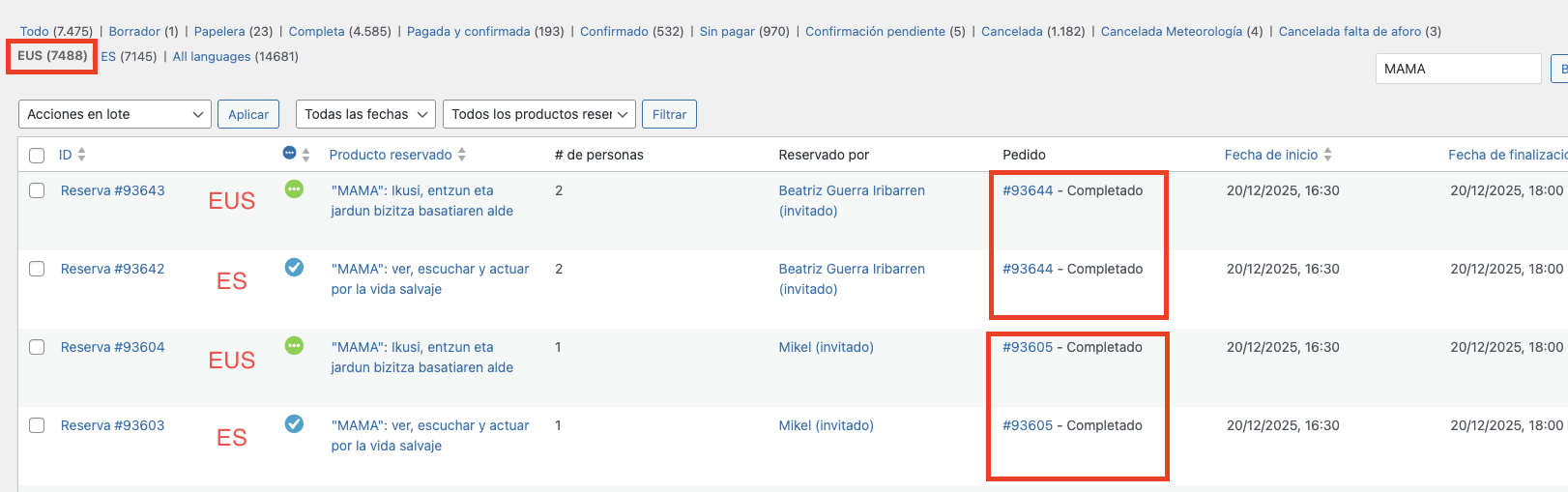
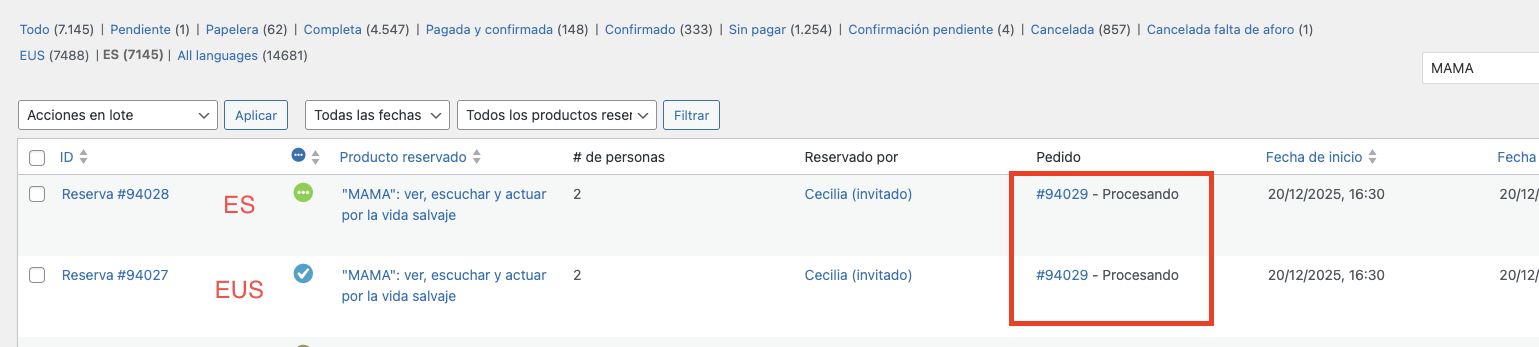
In this case i'm no longer talking about products, but bookings.
Case 1: bookings that don't generate a translation
Case 2: bookings that generated a translation but are not linked
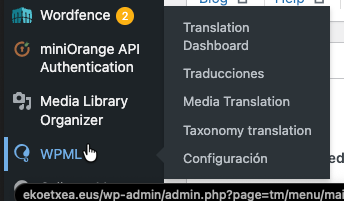
1) Please check the attached screenshots to see my view of WPML, and when I try to enter the URL manually.
2) Please take a backup of your site and try the following steps:
1- Go to WPML-> Support-> Troubleshooting
2- Run the functions one by one (Kindly check this hidden link">screenshot)
3- Clear the site's cache and check the bookings
❌ Please back up your database before the above steps ❌
3) My following answer might be delayed due to the weekend.
Yes i have followed all your instructions, screenshot included, the problem remains.
I also have checked the access i gave you and i have no idea why you don't see all the options, please allow me to send you a different access privately.
Thanks for the access details. I checked your settings against the default WooCommerce Bookings settings, and they appear correct.
Please log in to this hidden link">sandbox site and install the WooCommerce Bookings plugin. After that, please try to replicate the issue. If the issue is reproducible, please let me know so I can consult our 2nd-tier support team.
If the issue can't be replicated, I'll take a local copy of your site and try to isolate it.
Best regards,
Osama
The topic ‘[Closed] WooCommerce bookable product translation issue’ is closed to new replies.