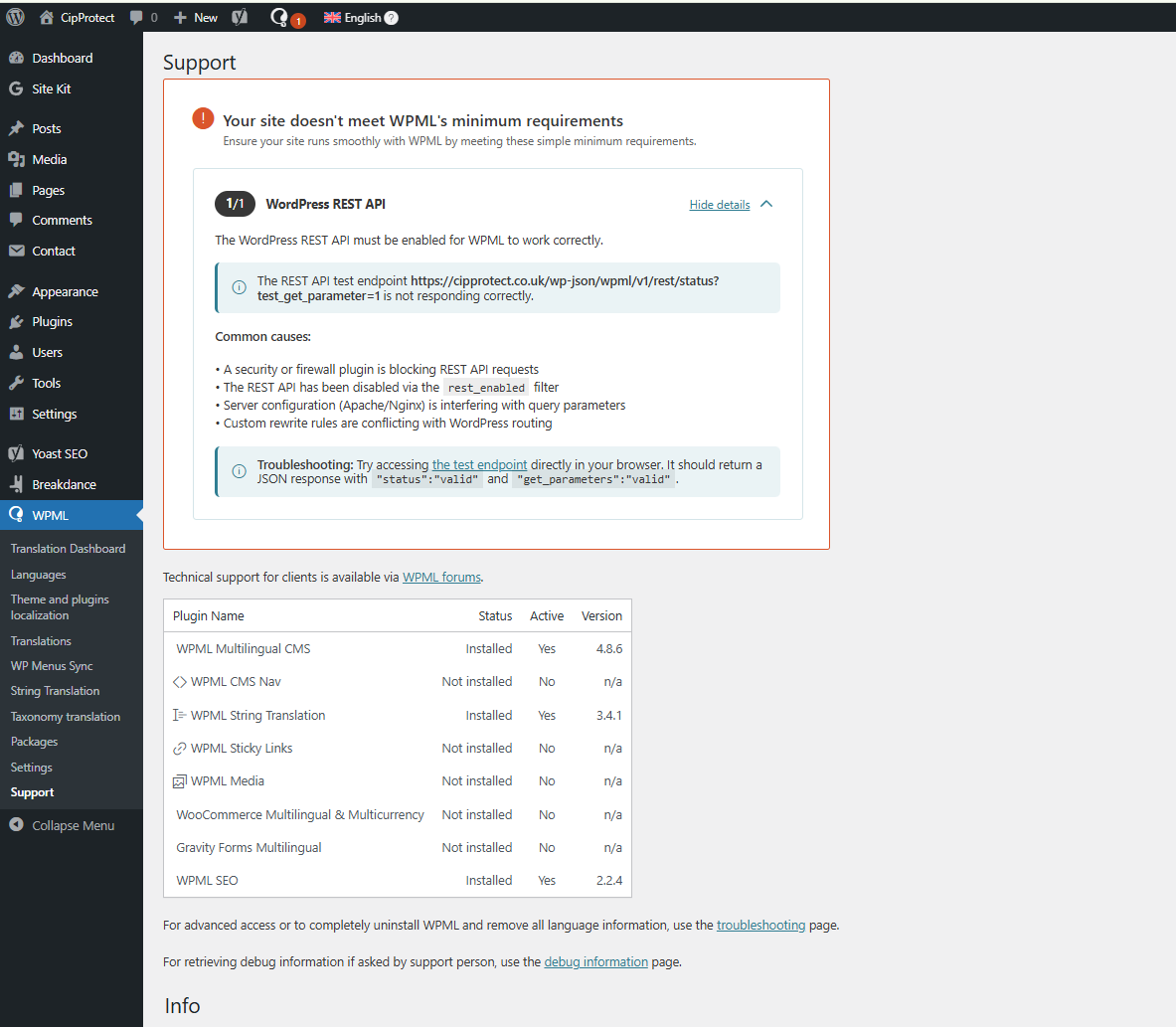
[Resolved] Your site doesn't meet WPML's minimum requirements
This thread is resolved. Here is a description of the problem and solution.
Problem: The client was experiencing issues with WPML not functioning correctly due to the WordPress REST API not responding as expected. Additionally, there was a compatibility issue with the Breakdance plugin, which was not working with WPML. Solution: 1. We recommended checking if any security or firewall plugins were blocking REST API requests, or if the REST API had been disabled via the rest_enabled filter. 2. We suggested ensuring that server configurations or custom rewrite rules were not interfering with WordPress routing. 3. We advised the client to flush any existing cache memory that might be causing issues. 4. We increased the WordPress memory limit by adding the following code to the wp-config.php file:
If this solution does not resolve your issue, or if it seems outdated or irrelevant to your case, we highly recommend checking related known issues at https://wpml.org/known-issues/, verifying the version of the permanent fix, and confirming that you have installed the latest versions of themes and plugins. Please do not hesitate to open a new support ticket for further assistance.
This is the technical support forum for WPML - the multilingual WordPress plugin.
Everyone can read, but only WPML clients can post here. WPML team is replying on the forum 6 days per week, 22 hours per day.
Hi,
Just purchased wpml today, I need dual language on my ongoing site.
Long story short, I see no pages translated from English to my second language ... and an error is being thrown in the wpml dashboard :
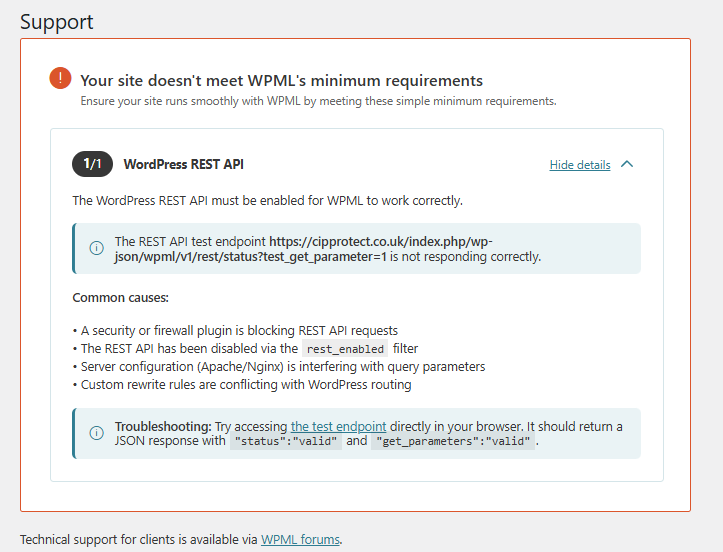
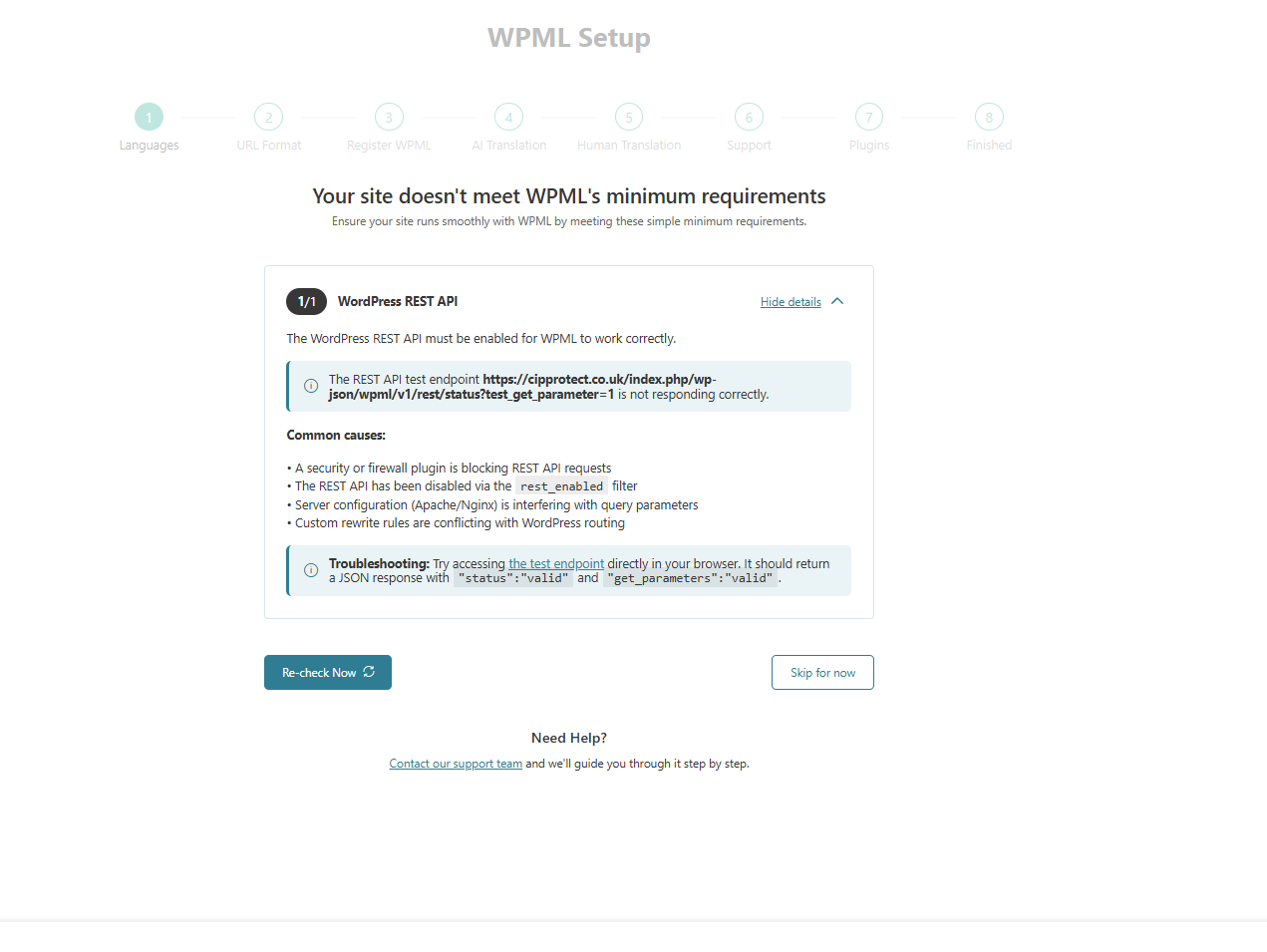
Your site doesn't meet WPML's minimum requirements
Ensure your site runs smoothly with WPML by meeting these simple minimum requirements.
1/1
WordPress REST API
The WordPress REST API must be enabled for WPML to work correctly.
The REST API test endpoint hidden link is not responding correctly.
Common causes:
• A security or firewall plugin is blocking REST API requests
• The REST API has been disabled via the rest_enabled filter
• Server configuration (Apache/Nginx) is interfering with query parameters
• Custom rewrite rules are conflicting with WordPress routing
Troubleshooting: Try accessing the test endpoint directly in your browser. It should return a JSON response with "status":"valid" and "get_parameters":"valid".
However, when I open the links in my browser and also in incognito mode, I get this -> {"success":true,"data":{"status":"valid","get_parameters":"valid"}}
Hello,
My name is Carlos, and I will continue working on this ticket
I kindly ask you to share the access credentials to the site in your next message, which I have set private. This will allow me to reproduce the issue and double-check the configuration.
Please confirm you have created a full site backup that you can restore if necessary.
I also tried to deactivate Breakdance, installed Elementor, created a test page with Elementor, and WPML was seeing only the test page words ... test page, 2 words to translate.
As of now, for me, it shows as it is not a problem with Breakdance page builder.
I just saw your latest message. Unfortunately, the Breakdance plugin is not compatible with WPML. You can double-check it here: https://wpml.org/plugin/breakdance/
I made no changes to your site, except to increase the WordPress memory limit by adding this code to the wp-config.php file located in the site folder:








![FireShot Capture 180 - Dashboard ‹ CipProtect — WordPress - [cipprotect.co.uk].png](https://cdn.wpml.org/wp-content/uploads/2025/12/17630416-FireShot_Capture_180_Dashboard_CipProtect_WordPress_cipprotect.co.uk_.png "17630416-FireShot_Capture_180_Dashboard_CipProtect_WordPress_cipprotect.co.uk_.png")