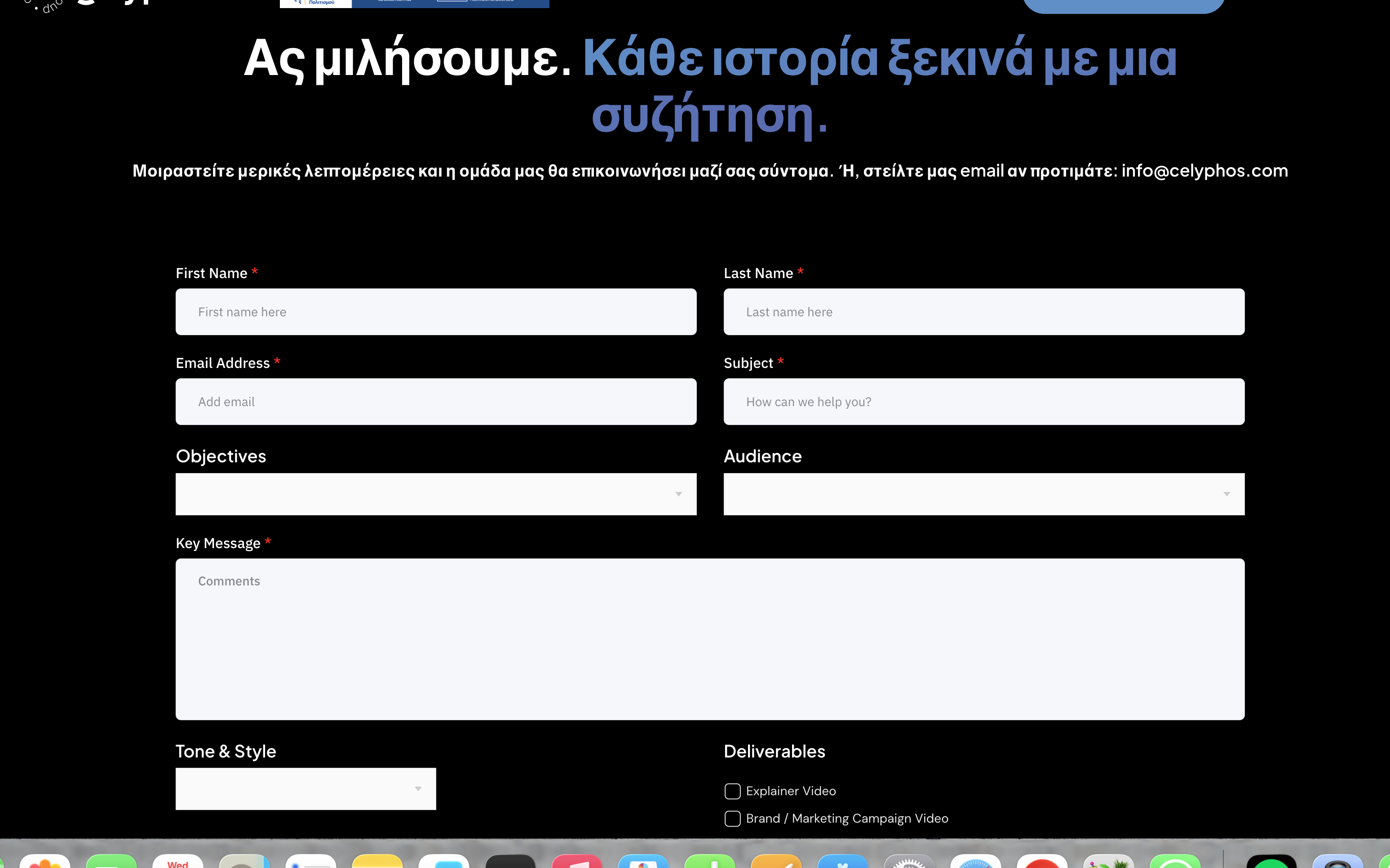
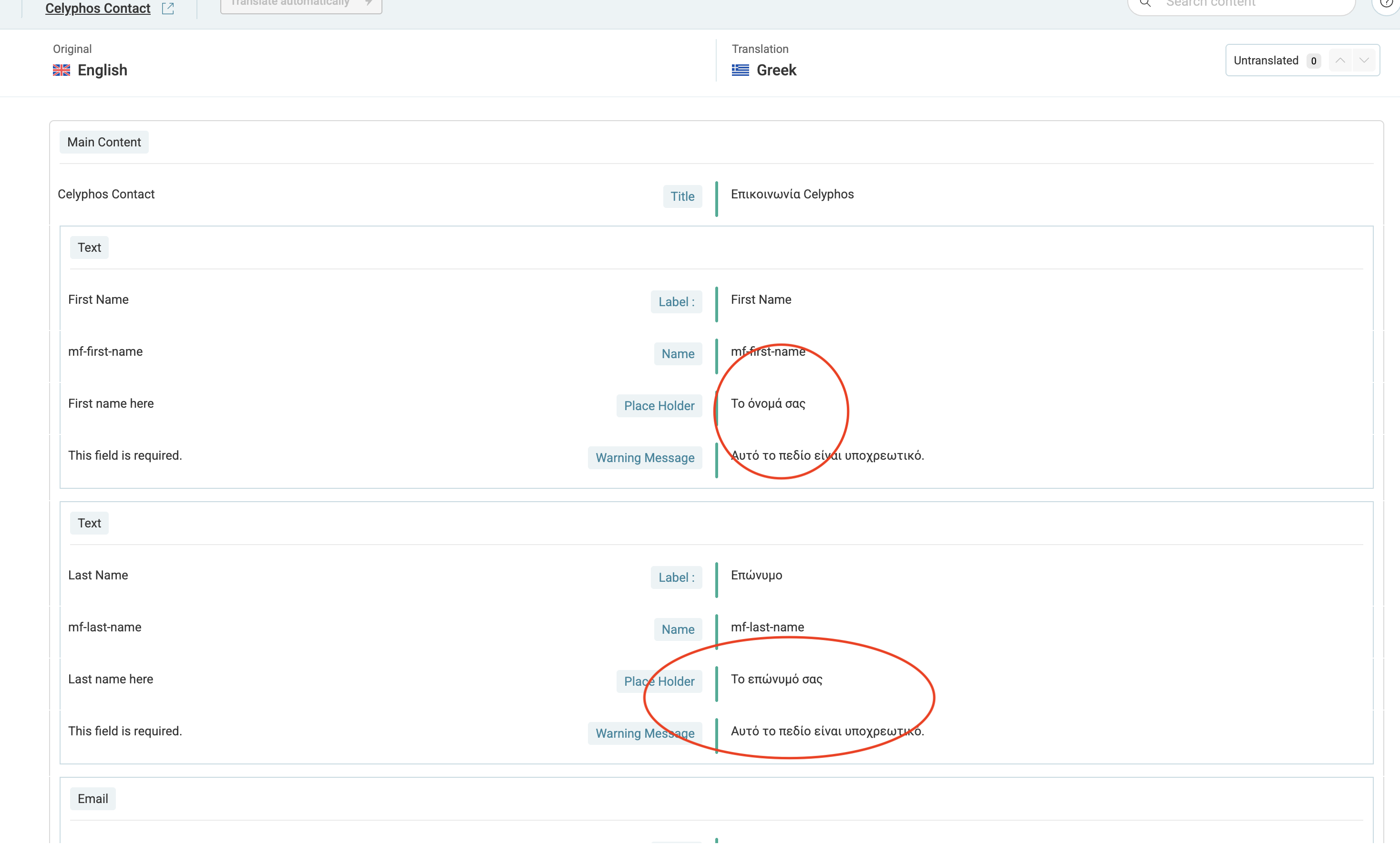
This thread is resolved. Here is a description of the problem and solution.
Problem: The client needs to translate a form created with Metform into Greek, but Metform is not compatible with the WPML Translation Editor. Solution: 1) Set the 'Forms (metform-form)' to 'Translatable, only show translated items' in WPML > Settings > Post Type Translation. 2) Translate the forms directly in Metform > Forms. Each translated form will have a unique shortcode. Manually place the correct shortcode on each page for each language. 3) Use the WordPress Editor as a translation method and create each form in Elementor. Follow this guide: Using different translation editors for different pages. 4) After creating a Greek form, scan MetForm for new strings at WPML > Theme & Plugin Localization and revise WPML > String Translation for strings from MetForms. 5) If these steps do not resolve the issue, consider using a compatible form plugin such as Contact Form 7 or WP Forms, listed here: WPML compatible form plugins.
Please note that this solution might be outdated or not applicable to your specific case. We highly recommend checking related known issues at https://wpml.org/known-issues/, verifying the version of the permanent fix, and confirming that you have installed the latest versions of themes and plugins. If the issue persists, please open a new support ticket at WPML support forum.
This is the technical support forum for WPML - the multilingual WordPress plugin.
Everyone can read, but only WPML clients can post here. WPML team is replying on the forum 6 days per week, 22 hours per day.
Languages: English (English )Spanish (Español )German (Deutsch )
Timezone: America/Lima (GMT-05:00)
In WPML > Settings > Post Type Translation, I have set "Forms (metform-form)" to "Translatable, only show translated items".
Now translate your forms at Metform > Forms. Note that your translated forms will have a unique Shortcode. You will need to manually place the proper shortcode on each page in each language.
Languages: English (English )Spanish (Español )German (Deutsch )
Timezone: America/Lima (GMT-05:00)
Please edit the original form, save it again, and then update the translation to 100%.
If this does not solve the issue, I'd like to request temporary access (wp-admin and FTP) to the website to investigate the issue further.
You'll find the necessary fields below the comment section if you log in to leave the next reply. The information you provide will be private, meaning only you and I can see and access it.
IMPORTANT
Please be sure to create a backup of the website and database before granting us access.
If you don't see the "wp-admin / FTP" fields, your login credentials for the post and website will be set to "PUBLIC." Do NOT publish the data unless you see the required wp-admin / FTP fields.
The private reply form looks like this: hidden link
When replying again, click "I still need assistance".
Video: hidden link
Please note that we are required to request this information individually on each ticket. We are not permitted to access any login information that was not specifically provided in the private reply form for this ticket.
Languages: English (English )Spanish (Español )German (Deutsch )
Timezone: America/Lima (GMT-05:00)
I would suggest that you first try to translate the form using the WordPress Editor as a translation method - specifically, creating a Greek form in Elementor.
You will then have a Greek form with a unique shortcode that you can place on the Greek page.
After that, scan MetForm for new strings at WPML > Theme & Plugin Localization and revise WPML > String Translation for strings coming from MetForms that would allow you to translate form settings or messages.
I can offer at this step to take another look at the site, if you would like to provide me access again, just make sure first that you have a translated form in the Greek language.
I will leave this ticket open for the next 14 days.
If these suggestions do not solve the issue, it might be worthwhile to use a compatible form plugin, such as Contact Form 7 or WP Forms.
Further, you might consider contacting MetForms and asking them if they have any plans to make their plugin compatible with WPML.
3) Each form uses a unique shortcode for each language. You will now need to make sure that you place the correct shortcode on each page in each language.