[Resolved] modfiying the design on elementor for the Hebrew language
This thread is resolved. Here is a description of the problem and solution.
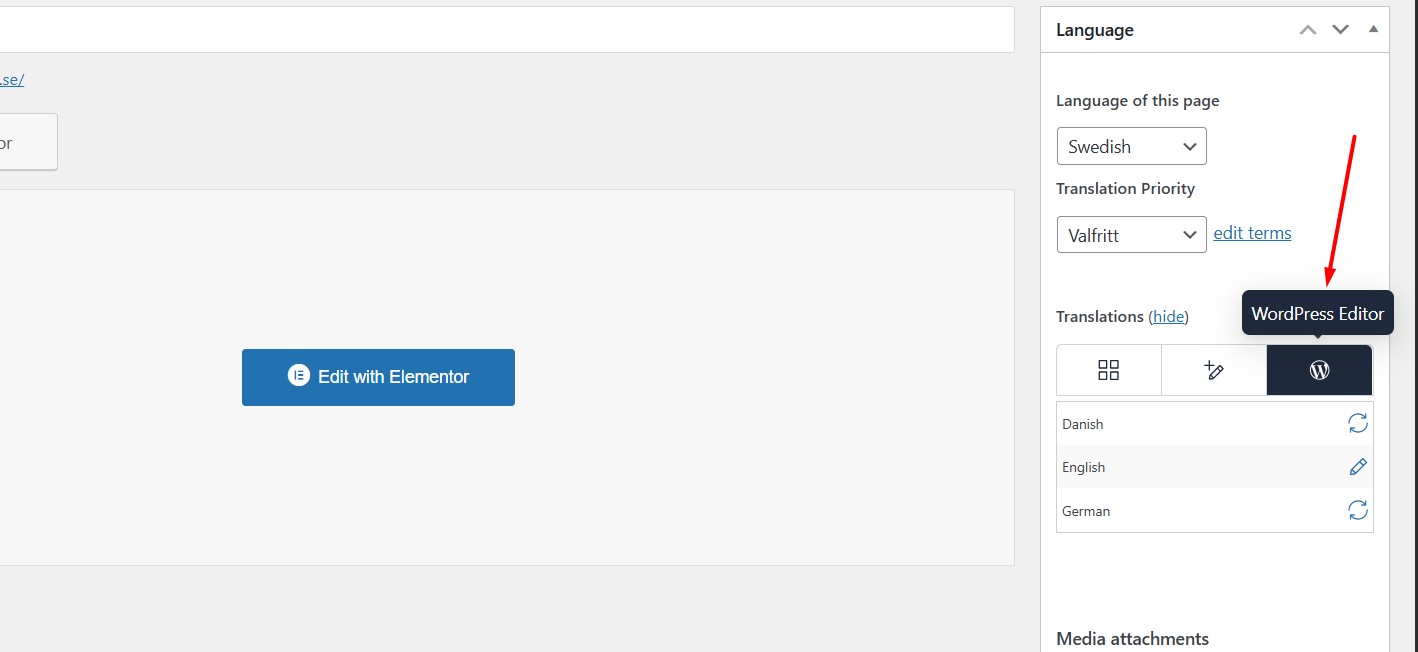
Problem: The client needs to modify the Elementor design specifically for the Hebrew language version of their site, including moving text blocks, changing text sizes, and possibly colors, without affecting the English version. Solution: We recommend two approaches to address this issue: 1. Disable the WPML Translation Editor and use the default WordPress Editor or Elementor to edit the translated page. Here are the steps: - Open the page in the default language in Edit mode. - Enable the "WordPress Editor" from the Languages metabox. - A popup will appear, prompting you to choose whether to apply this setting to just the current page or all pages. Select the option that best fits your needs. - Click on the translation icon for the secondary language. This will open the page in the default WordPress Editor, where you can edit your translation as you did in the default language. For more details, check this documentation on manual translation method: Using different translation editors for different pages.
2. Alternatively, you can try to change the position, color, or size using custom CSS by utilizing the :lang pseudo-class. For more information on how to use this, visit: W3Schools :lang selector.
If these solutions do not fully address your issue or if the situation has evolved, we highly recommend checking related known issues at WPML Known Issues, verifying the version of the permanent fix, and confirming that you have installed the latest versions of themes and plugins. If the problem persists, please do not hesitate to open a new support ticket for further assistance at WPML Support Forum.
This is the technical support forum for WPML - the multilingual WordPress plugin.
Everyone can read, but only WPML clients can post here. WPML team is replying on the forum 6 days per week, 22 hours per day.
Background of the issue:
I am trying to modify the design on Elementor for the Hebrew language on my website hidden link. I have already placed the Hebrew content for the home page and need to revise the Elementor page design specifically for the Hebrew version.
Symptoms:
there is no "error"
Questions:
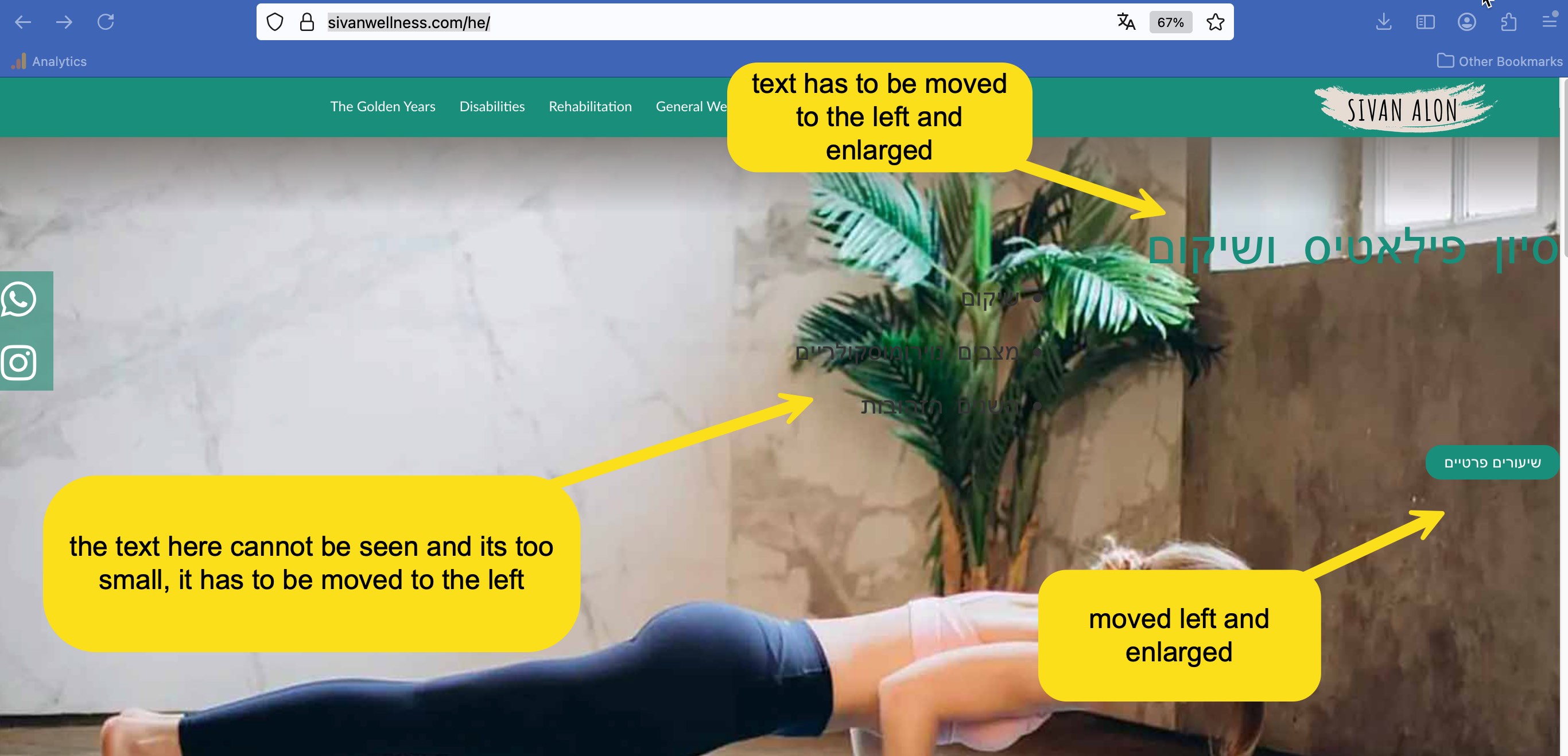
How can I modify the Elementor design specifically for the Hebrew language version of my site? while not changing the elmentor design for the english site. Specifically I need to move the text blocks and change the text sizes and maybe the colors
Thank you for contacting WPML Support. Sorry for the delay due to high workload and the reply time will be shorter from now. WPML’s Translation Editor is meant for translating content only, not for removing or restructuring it. The translated page will always reflect the structure/design of the original page.
If you need to change specific elements only from translations, you have two options:
1. Disable the WPML Translation Editor and edit the translated page in default WP Editor/Elementor page builder by following the below steps:
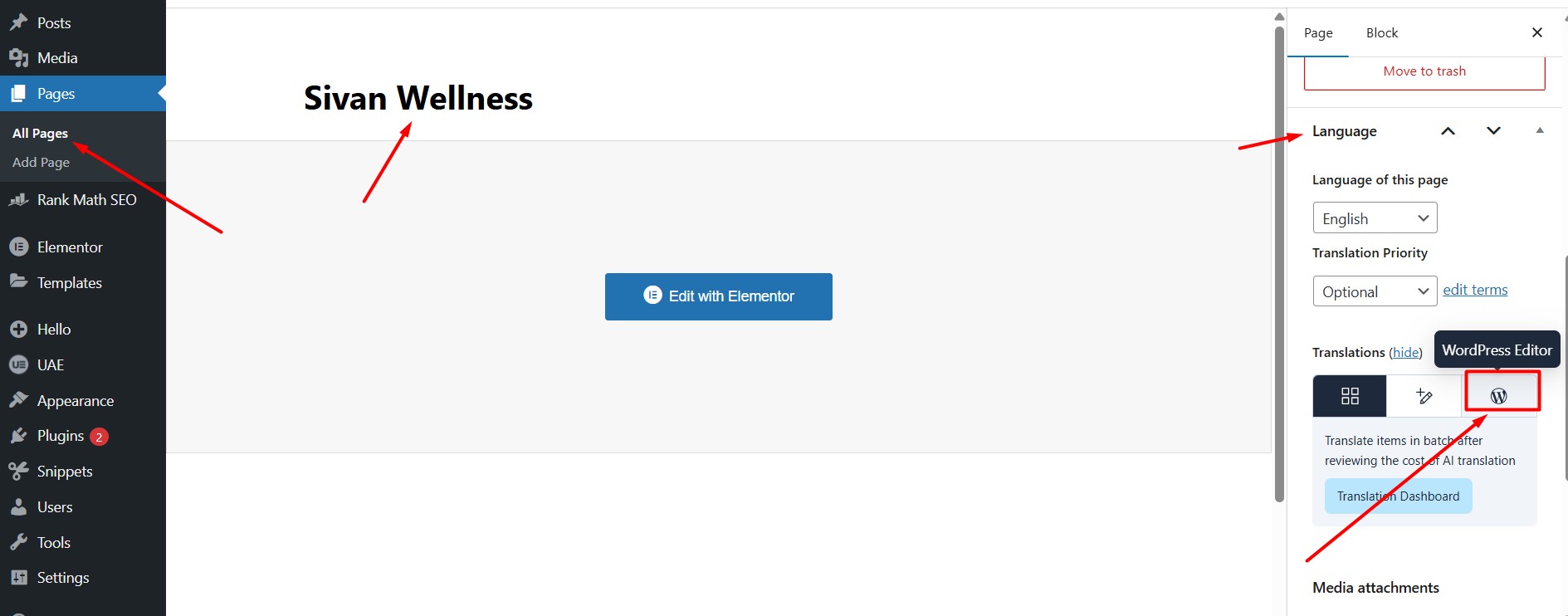
- Open that page in the default language as Edit mode.
- Enable the “WordPress Editor” from Languages metabox as you can see in the attached screenshot.
- A popup will appear, prompting you to choose whether to apply this setting to just the current page or all pages. Select the option that best fits your needs.
- Click on the translation icon for the secondary language. This will open the page in the default WordPress Editor, where you can edit your translation as you did in the default language.
Okay sure, to take a closer look at this issue, please provide temporary access (WP-Admin and FTP Login info) to your site, so that I can look into your setup and debug the issue.
Your next answer will be private, meaning only you and I can access it.
=== Please backup your database and website ===
✙ I would need your permission to deactivate and reactivate Plugins and the Theme and to change configurations on the site. This is also a reason the backup is essential.
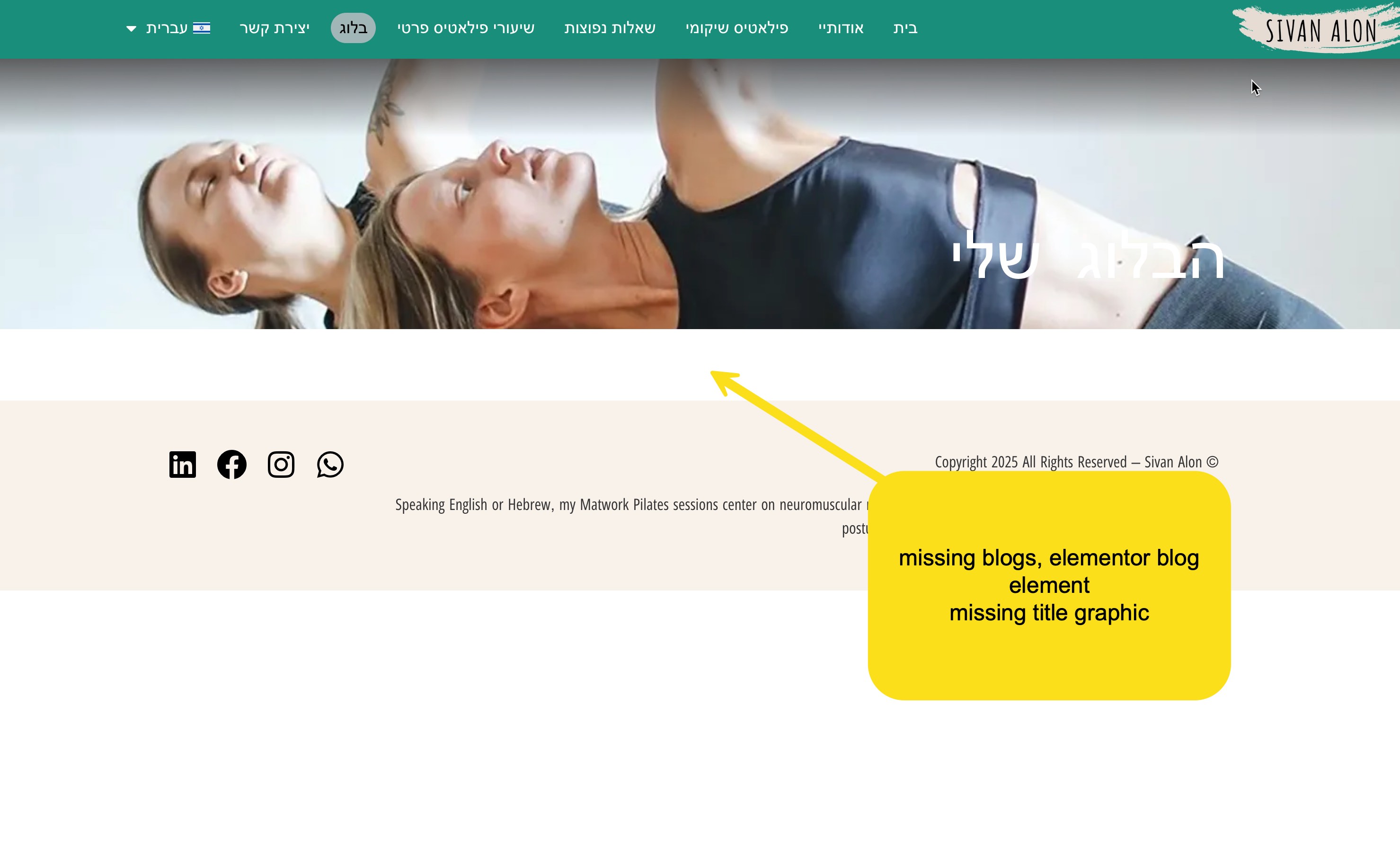
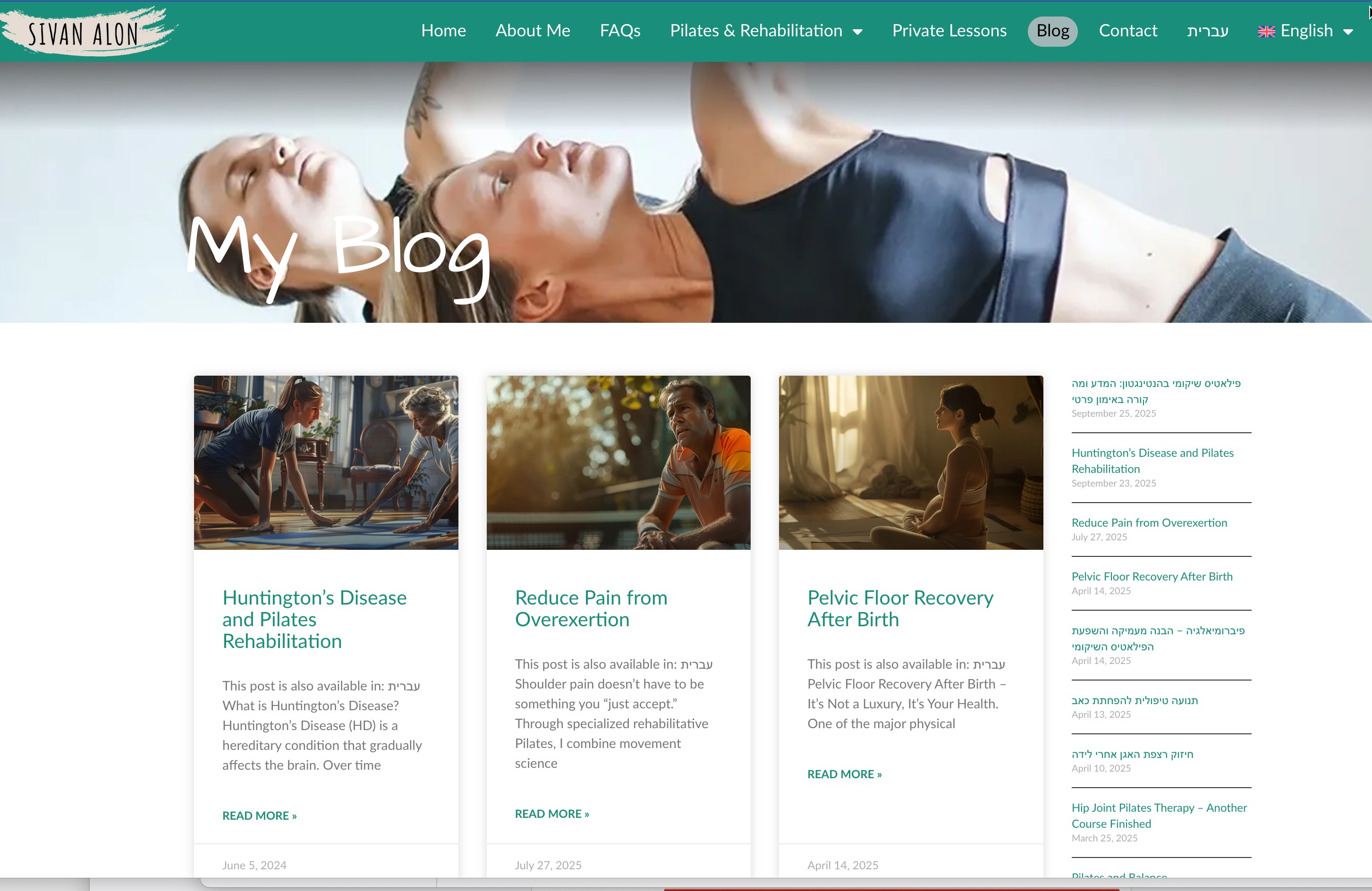
attached are the images...
1 is the english version,
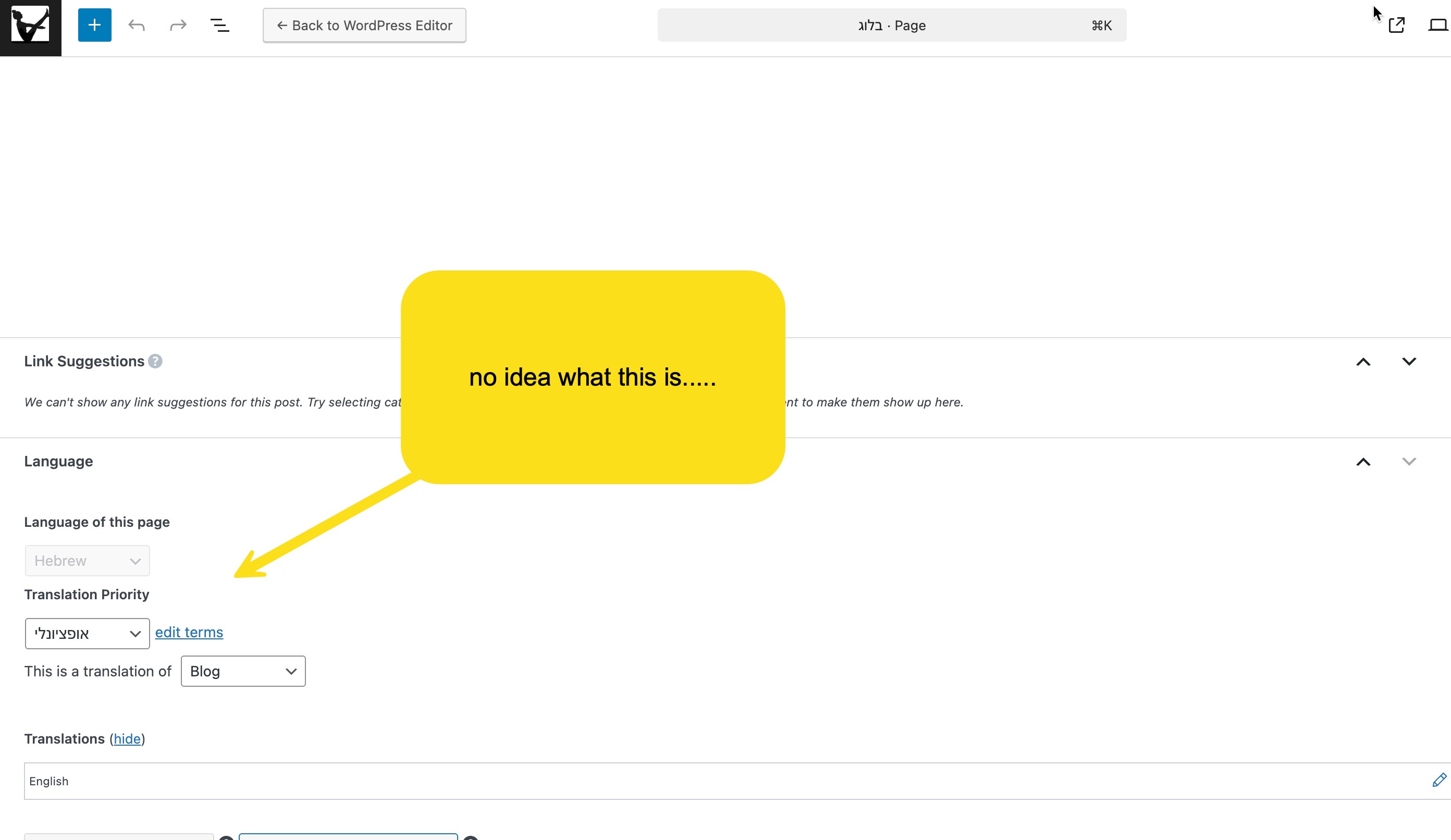
3 is what i get when i click on edit
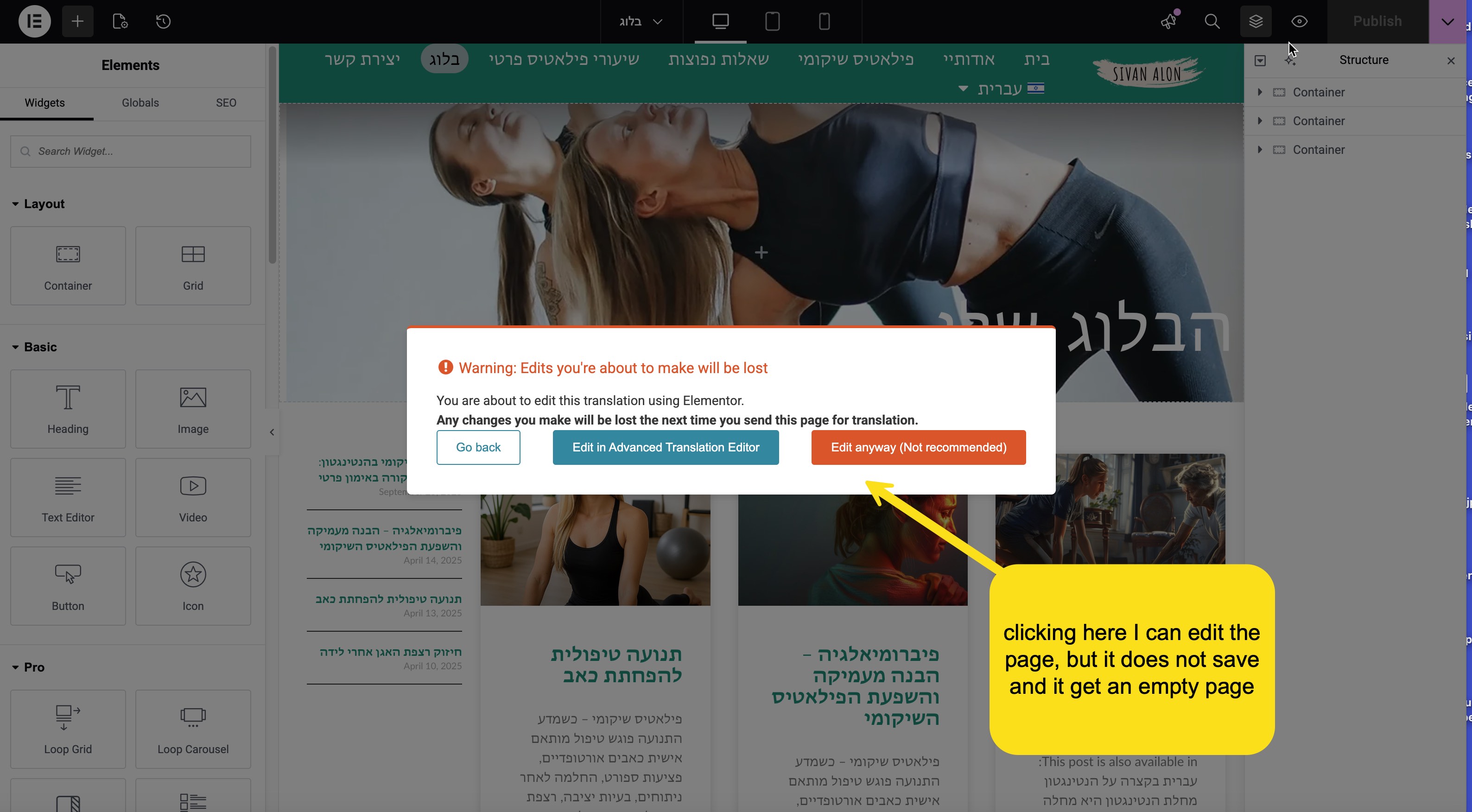
2 is what i get in the hebrew page, but I can not add the post widget in elementor
5 is what the page looks like on edit and i cannot choose a hebrew option
how about if i get you access and you can figure it out?
Yes please send WP Admin login info and I am going to check this now.
Your next answer will be private, meaning only you and I can access it.
=== Please backup your database and website ===
✙ I would need your permission to deactivate and reactivate Plugins and the Theme and to change configurations on the site. This is also a reason the backup is essential.
1. Edited the homepage in the default language.
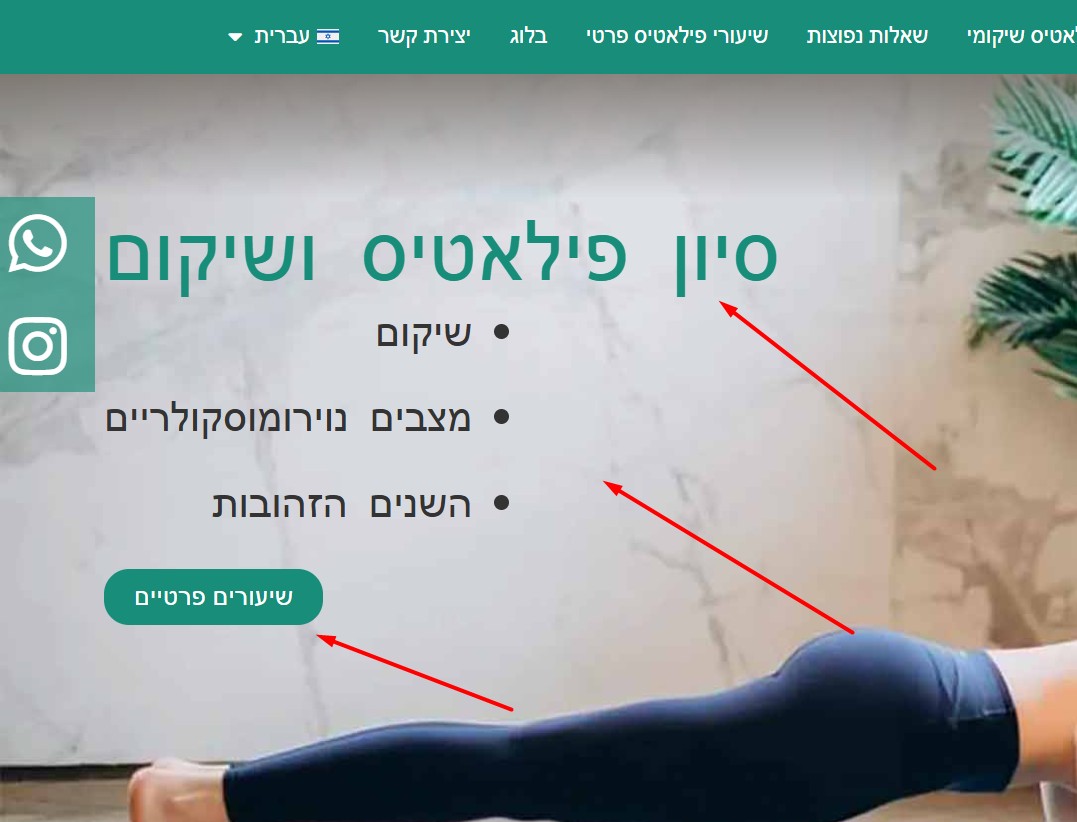
2. Adjusted the element position as requested. You can now update the secondary-language version here: hidden link
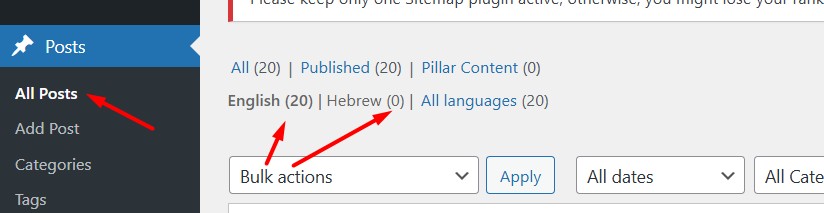
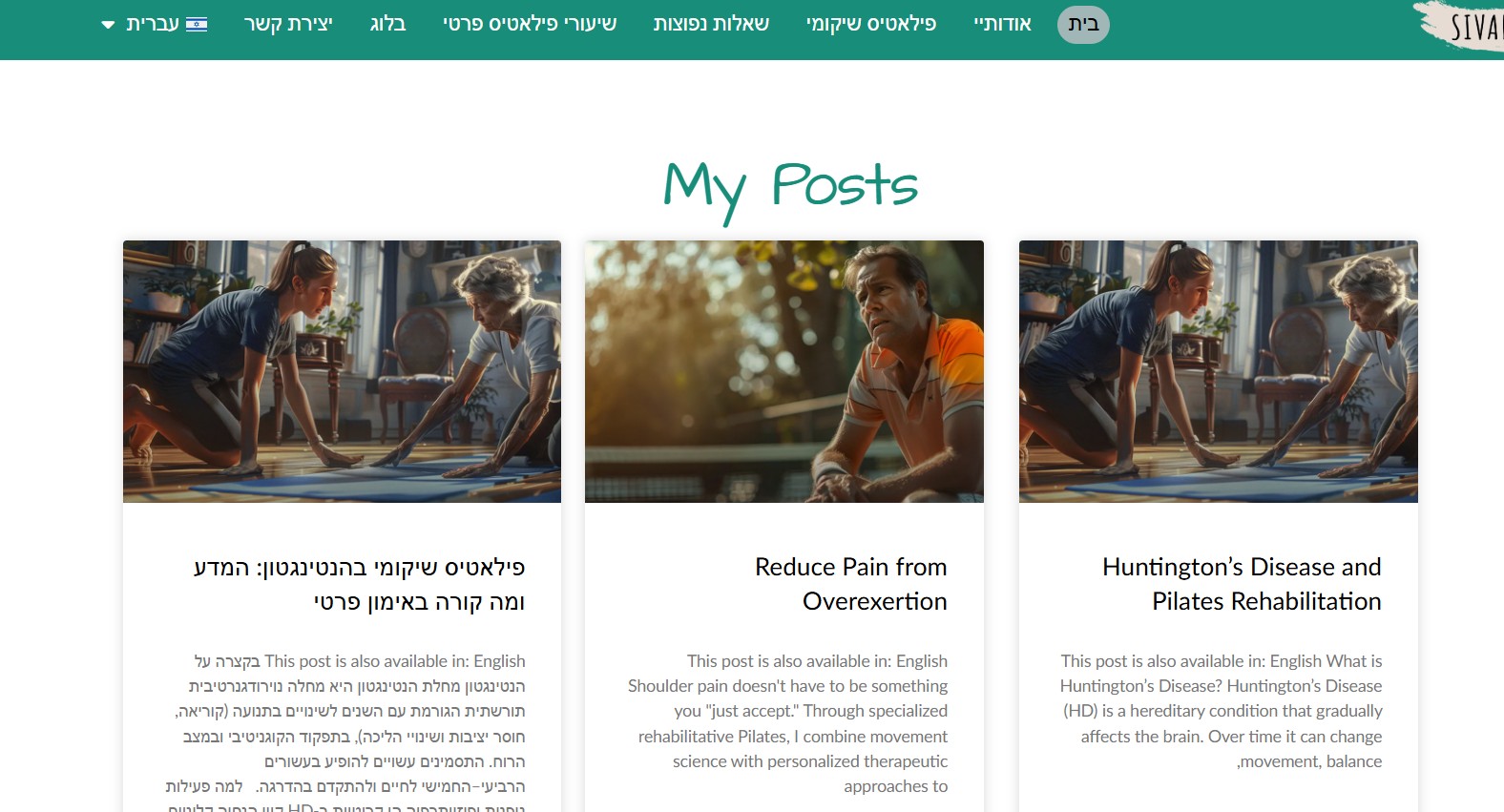
3. I noticed the posts and categories aren’t translated yet. Please translate them so they appear correctly on the secondary-language pages.
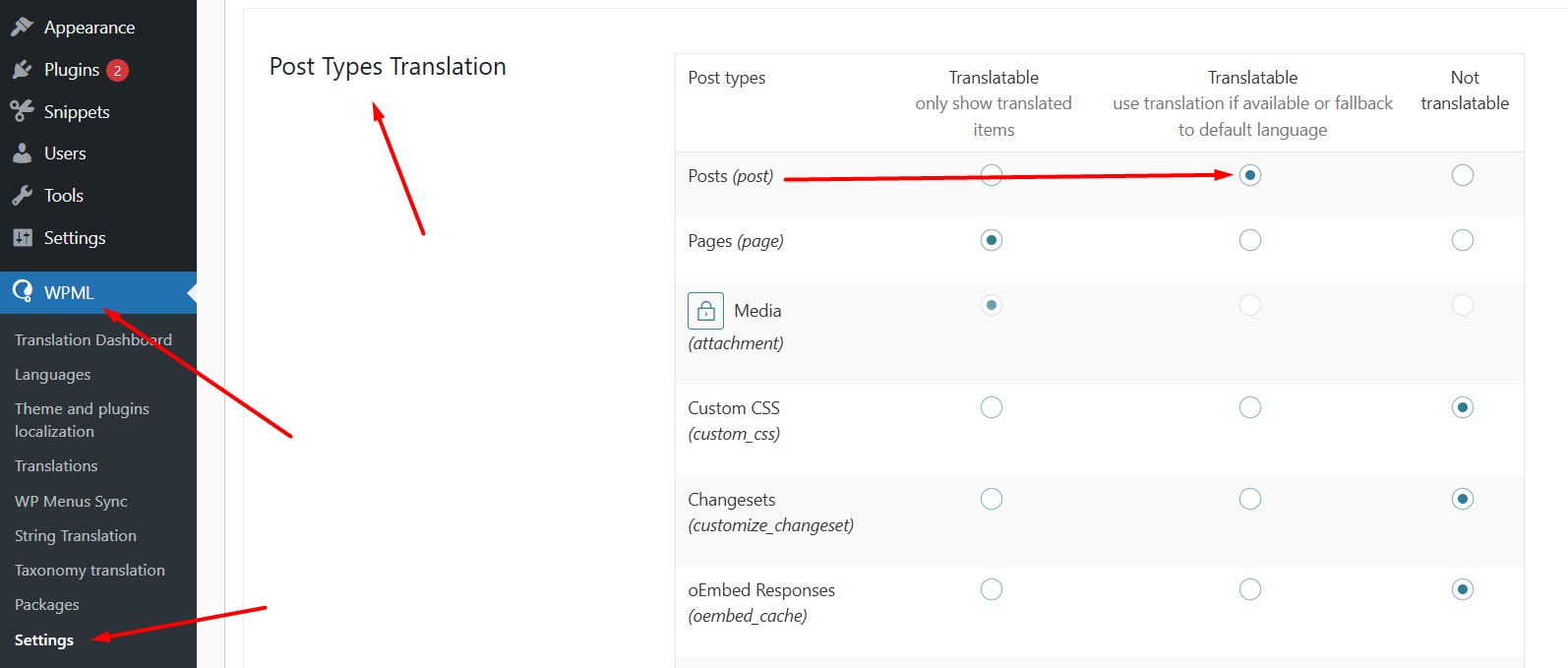
For now, I set Posts and Categories to “Translatable – use translation if available or fallback to default language” in WPML >> Settings, so the default-language posts will show until translations are added.
Please check and let me know if everything looks good or if you need anything else.