This thread is resolved. Here is a description of the problem and solution.
Problem:
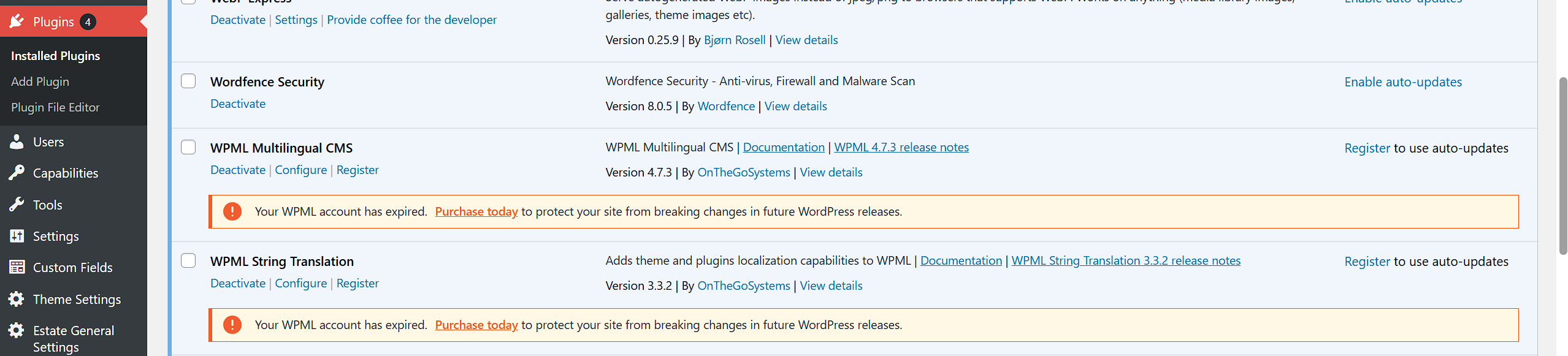
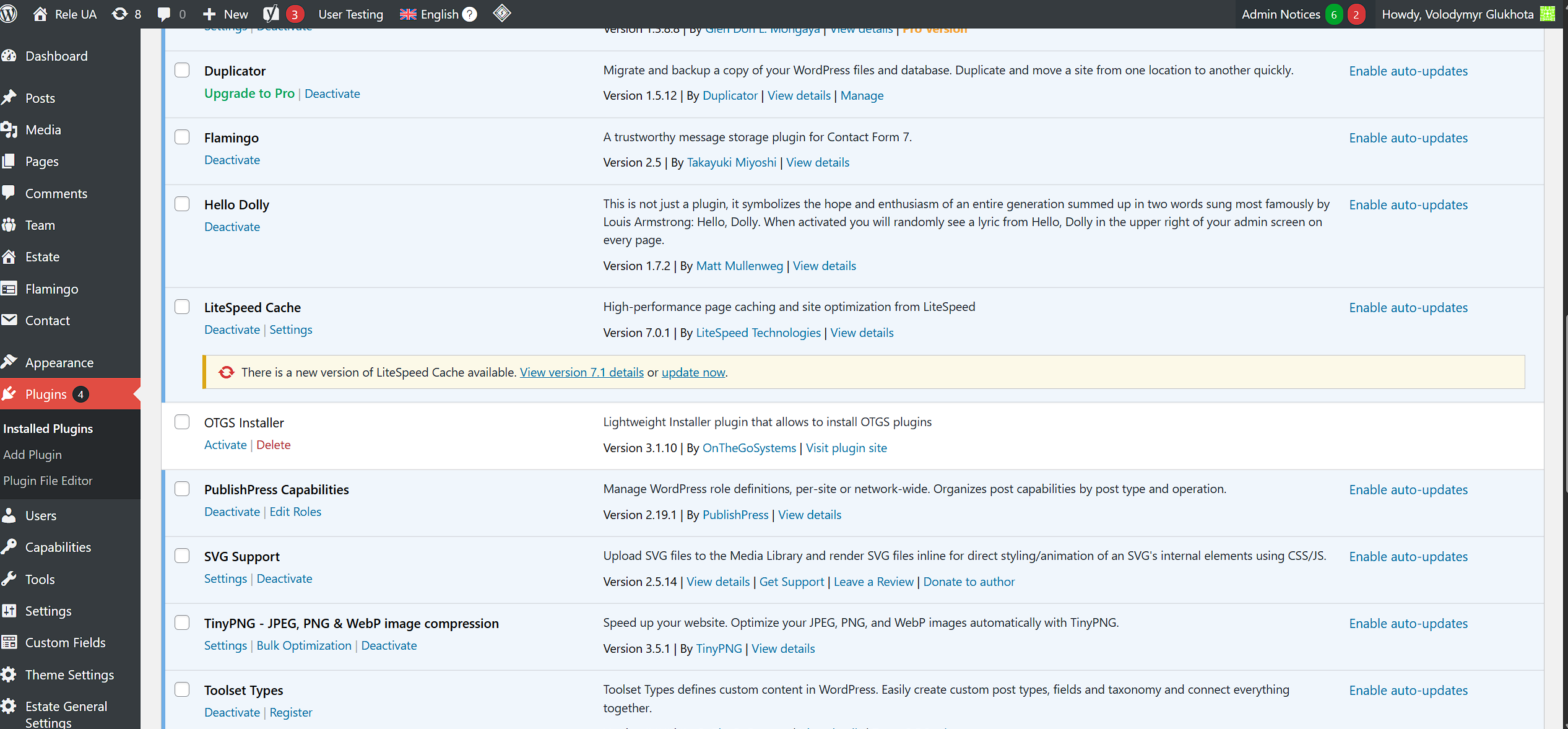
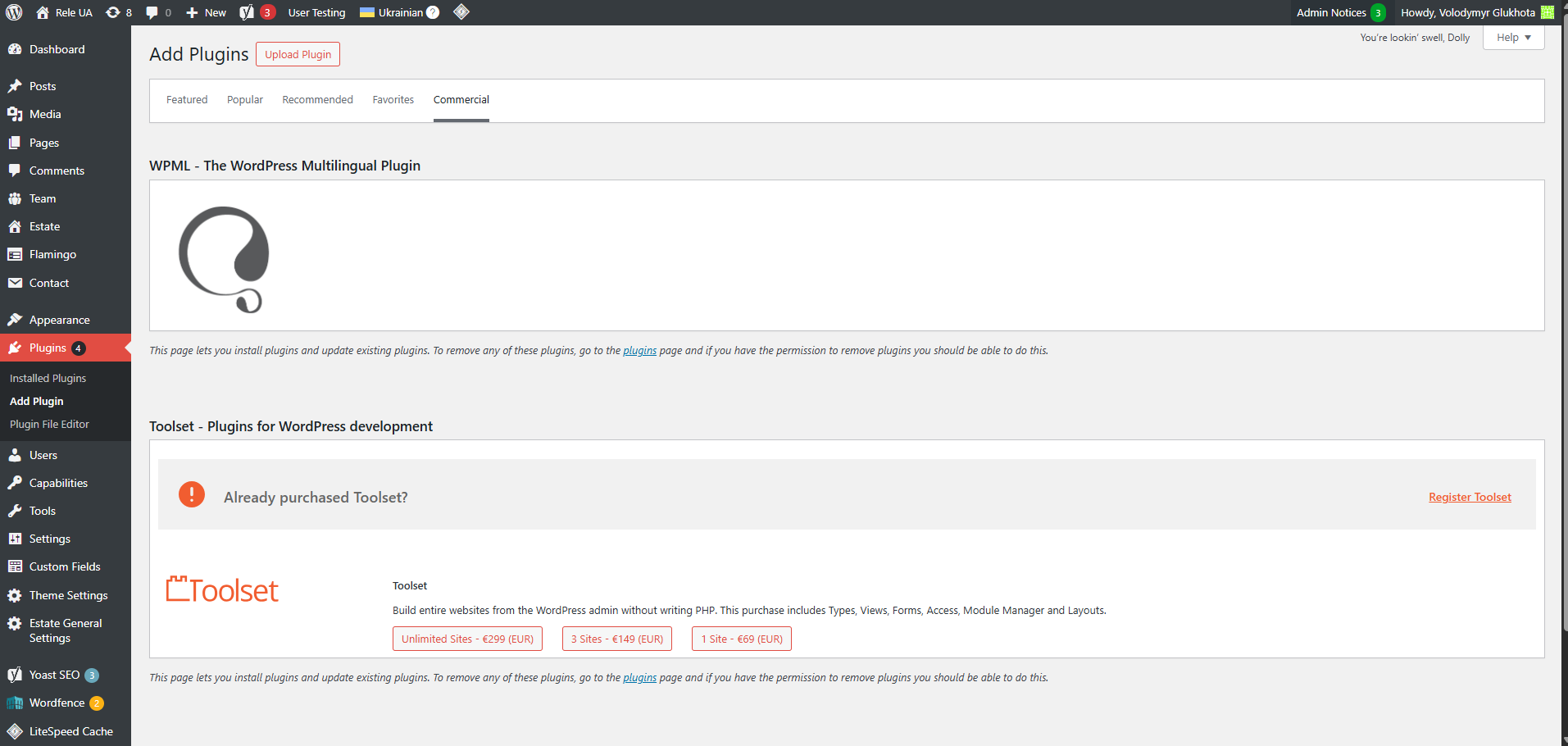
The client is unable to activate a new WPML license using the OTGS Installer after importing the plugin. The issue arises because the 'PublishPress Capabilities' plugin interferes with the WPML renewal notification.
Solution:
We recommend temporarily deactivating the 'PublishPress Capabilities' plugin after ensuring a site backup. Once deactivated, follow the steps to complete the WPML re-registration as suggested in our forum: https://wpml.org/forums/topic/otgs-installer-dont-want-activated-cannot-activate-key-on-adminpanel/#post-16985577.
For more details, refer to this screencast: https://www.screenpresso.com/cloud/gYbuqPcsDm3s/.
This issue may be related to a known problem which you can check here: https://wpml.org/errata/publishpress-capabilities-users-being-able-to-access-to-media-translation-section/.
If this solution does not resolve your issue or seems irrelevant due to being outdated or not applicable to your case, we highly recommend checking related known issues at https://wpml.org/known-issues/, verifying the version of the permanent fix, and confirming that you have installed the latest versions of themes and plugins. If needed, please open a new support ticket at WPML support forum.
This is the technical support forum for WPML - the multilingual WordPress plugin.
Everyone can read, but only WPML clients can post here. WPML team is replying on the forum 6 days per week, 22 hours per day.
This topic contains 6 replies, has 0 voices.
Last updated by 9 months, 4 weeks ago.
Assisted by: Bigul.