[Resolved] Translated pages doesn't doesn't show header and footer
This thread is resolved. Here is a description of the problem and solution.
Problem: If you're experiencing issues where the header and footer do not appear on translated pages using FSE pattern templates, it might be due to incorrect template assignment. Solution: First, ensure that the templates are correctly translated and check if they are assigned properly to the translated pages. This issue often arises when templates share the same slug or have very similar names. For more details, you can refer to our documentation on this known issue at https://wpml.org/errata/template-is-not-applied-to-translated-page/. In the specific case addressed, we manually edited the second language homepage and assigned the correct template, which resolved the issue. If you add a new language, you might need to manually assign the correct template to the translated pages as well. A permanent fix is planned for WPML 4.10. .
If this solution does not apply to your case, or if it seems outdated, we highly recommend checking related known issues at https://wpml.org/known-issues/, verifying the version of the permanent fix, and confirming that you have installed the latest versions of themes and plugins. If issues persist, please open a new support ticket at WPML support forum.
This is the technical support forum for WPML - the multilingual WordPress plugin.
Everyone can read, but only WPML clients can post here. WPML team is replying on the forum 6 days per week, 22 hours per day.
I will require temporary access (WP-Admin and FTP) to a test site where the problem has been replicated, if possible. This will enable me to provide better assistance and determine if any configurations need to be modified.
Please note that it is important to have a backup for security purposes and to prevent any potential data loss. You can use the UpdraftPlus plugin (https://wordpress.org/plugins/updraftplus/) to fulfill your backup requirements.
Your upcoming reply will be treated with confidentiality and will only be visible to you and me.
✙ To resolve the issue, I may need your consent to deactivate and reactivate plugins and the theme, as well as make configuration changes on the site if necessary. This emphasizes the significance of having a backup.
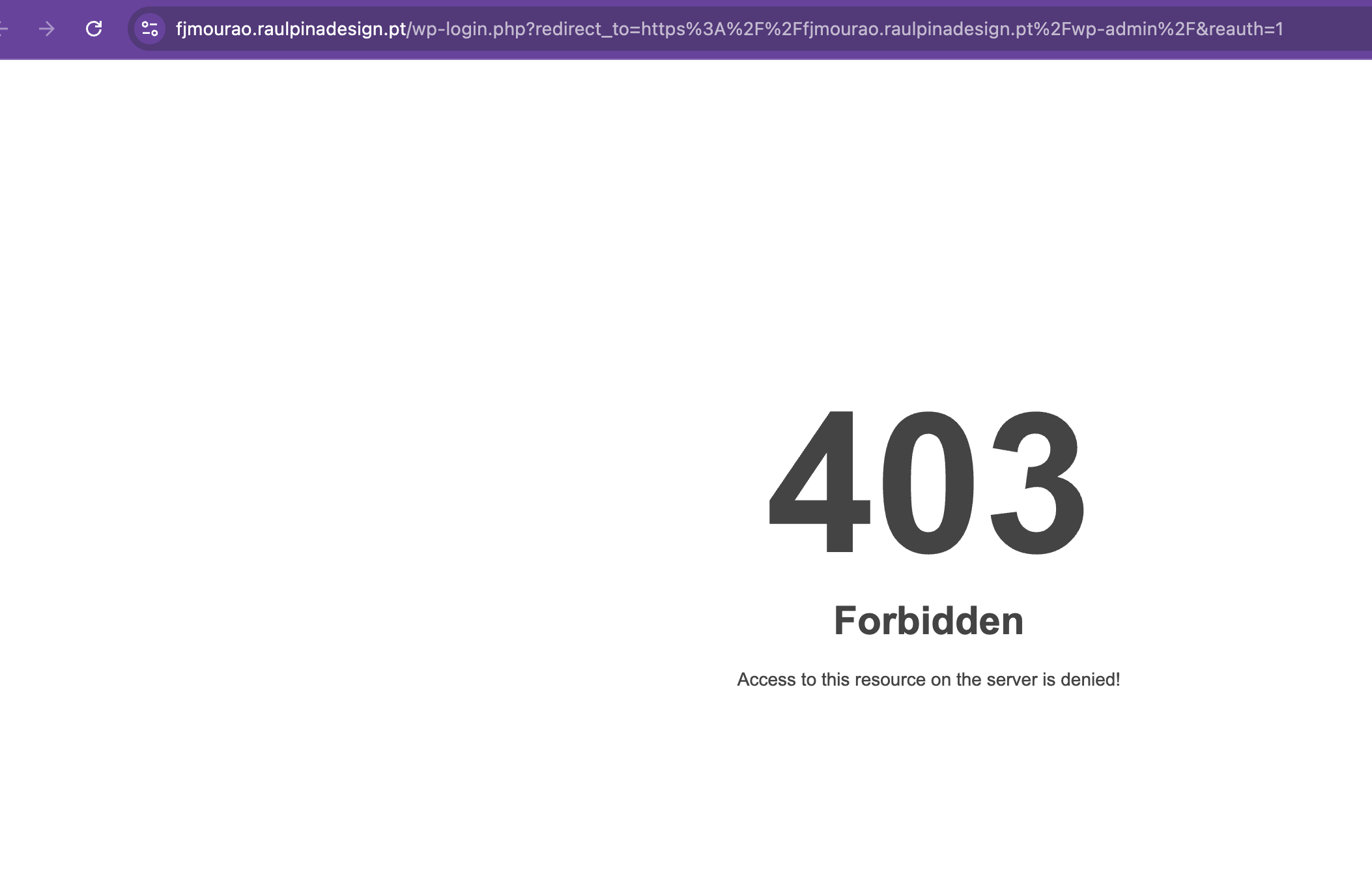
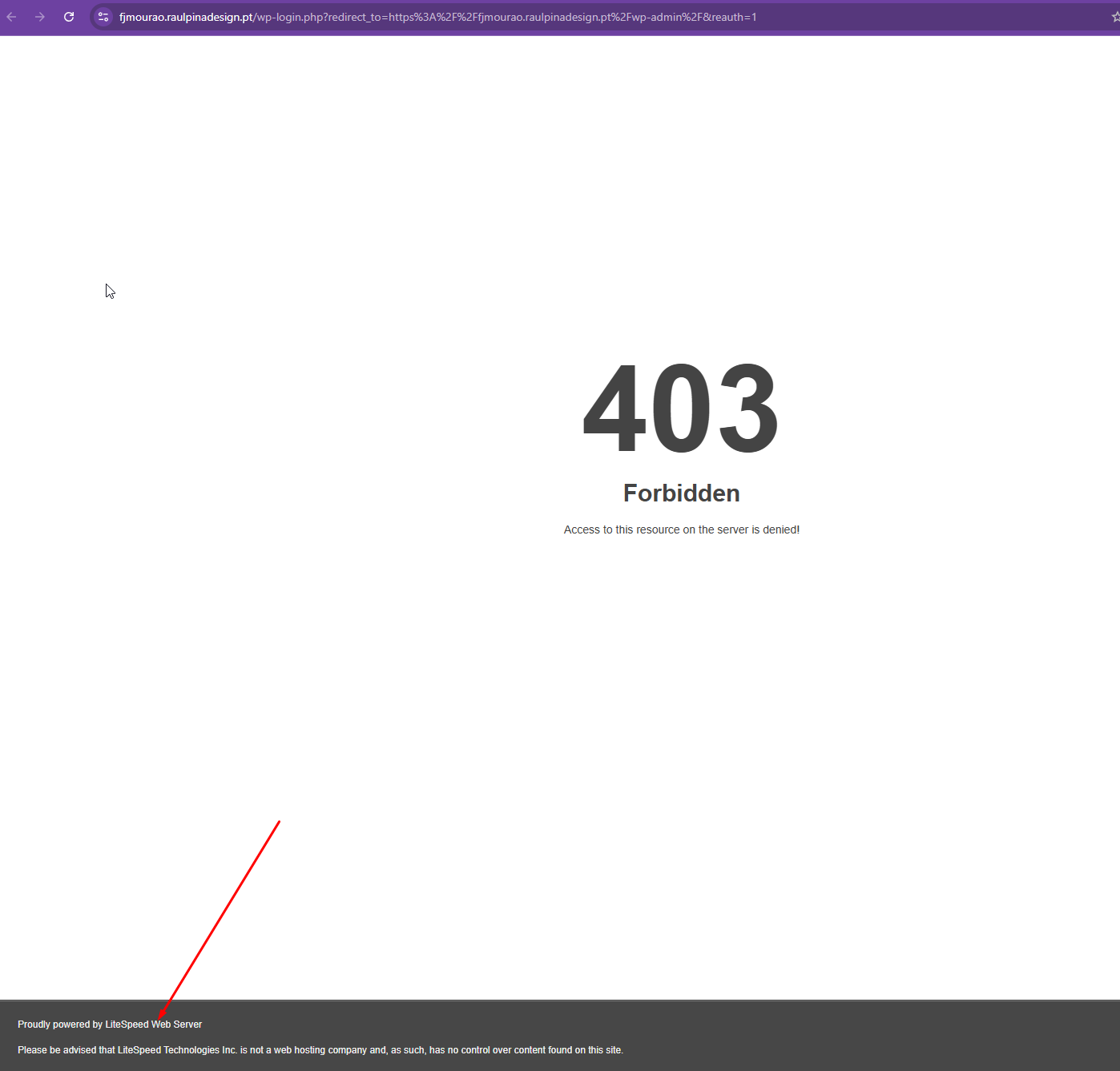
Thanks for your reply. It's appearing when I try to access the login link. Could you temporarily deactivate the LiteSpeed plugin so that I can login to your Website to check?
Thank you for your patience, and I apologize for the delay.
I can see that you are using FSE pattern templates for the header and footer, and that they are translated, so this part should work correctly.
The thing I am not sure about is, how is this template assigned to the homepage?
Is this being set somewhere in the code? If so, that could be the reason for the issue. For example, when I switch to the Twenty Twenty-Five theme, I can see that the default header is used for both languages.
The header and footer on the pages still not appear (I used a template Paginas - Pages).
Please check the original and translated language (the switcher is on the bottom page).
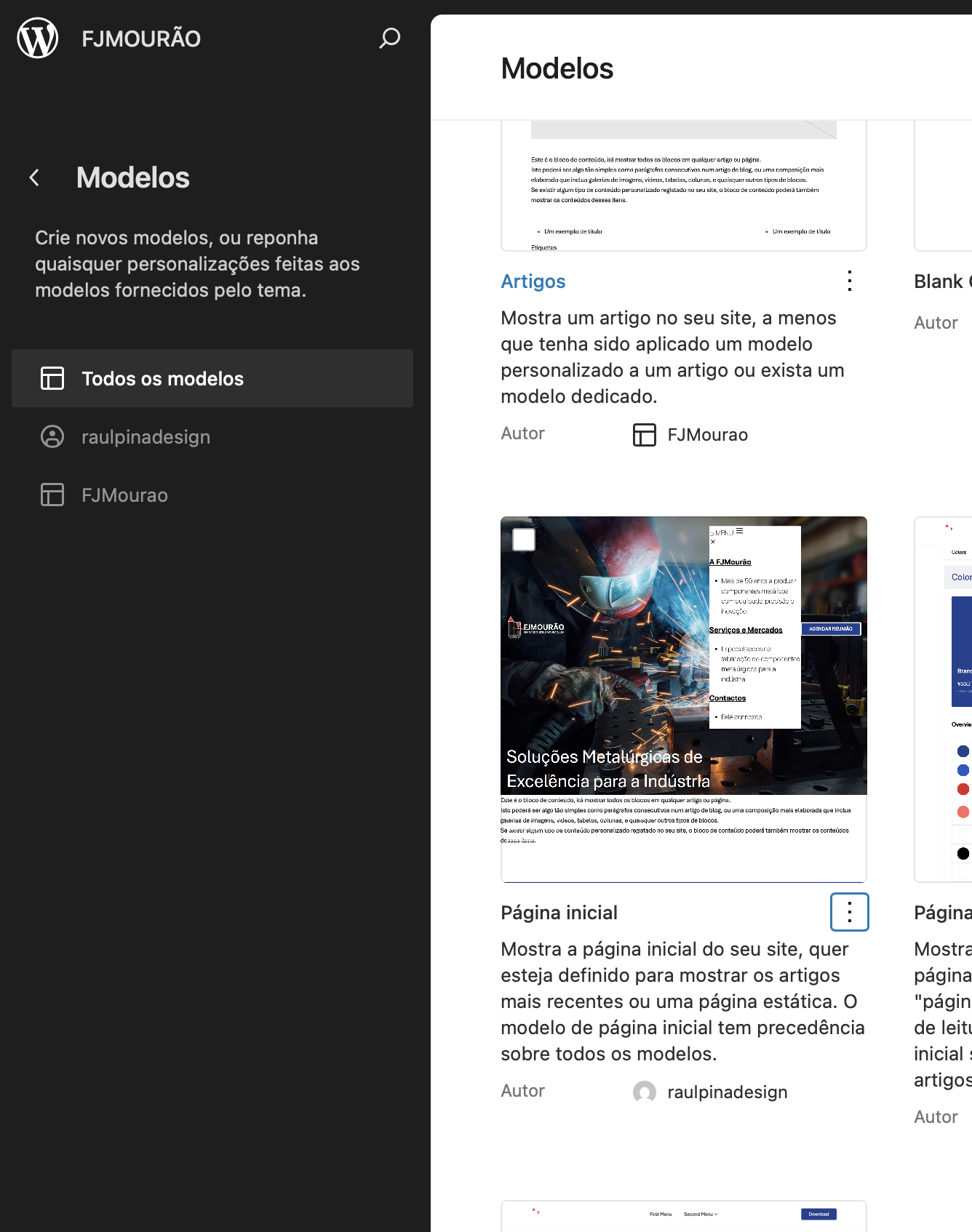
The homepage is a template (pagina inicial) (check attach)
I checked the issue further and it seems that the correct template was not assigned to the translated page. This is a known issue that can happen when templates share the same slug or have very similar names. You can read more about it here:
When you add a new language, and if the template is not automatically assigned to the translated page you will need to manually fix it as I have mentioned above. The fix is currently planned for WPML 4.10.
Regarding the header template, please do not delete the translated templates. The templates must exist and be translated in order for the header and footer to work correctly across languages.
To make it clearer, I recorded a short video showing the steps I followed to fix the homepage and how to assign the correct template to translated pages.
- hidden link
Please check the video and let me know if any doubts.