This thread is resolved. Here is a description of the problem and solution.
Problem: You are using the Pen news theme and have translated footer text using 'string translation' for the keys
[theme_mods_pennews-child]penci_footer_copyright
and
[theme_mods_pennews-child]penci_footer_text
, but the translations are not appearing on the frontend. Solution: This issue is due to a theme compatibility problem. As a workaround, we added the following code to your child theme’s functions.php file to ensure the string is correctly translated:
We have also informed our team about this issue to communicate with the theme author for a permanent solution.
If this solution does not resolve your issue or seems irrelevant due to being outdated or not applicable to your case, we highly recommend checking related known issues at https://wpml.org/known-issues/, verifying the version of the permanent fix, and confirming that you have installed the latest versions of themes and plugins. If further assistance is needed, please open a new support ticket at WPML support forum.
This is the technical support forum for WPML - the multilingual WordPress plugin.
Everyone can read, but only WPML clients can post here. WPML team is replying on the forum 6 days per week, 22 hours per day.
I'm using Pen news theme.
I see I translated footer text from "string translation"
[theme_mods_pennews-child]penci_footer_copyright
[theme_mods_pennews-child]penci_footer_text
but It not works on frontend
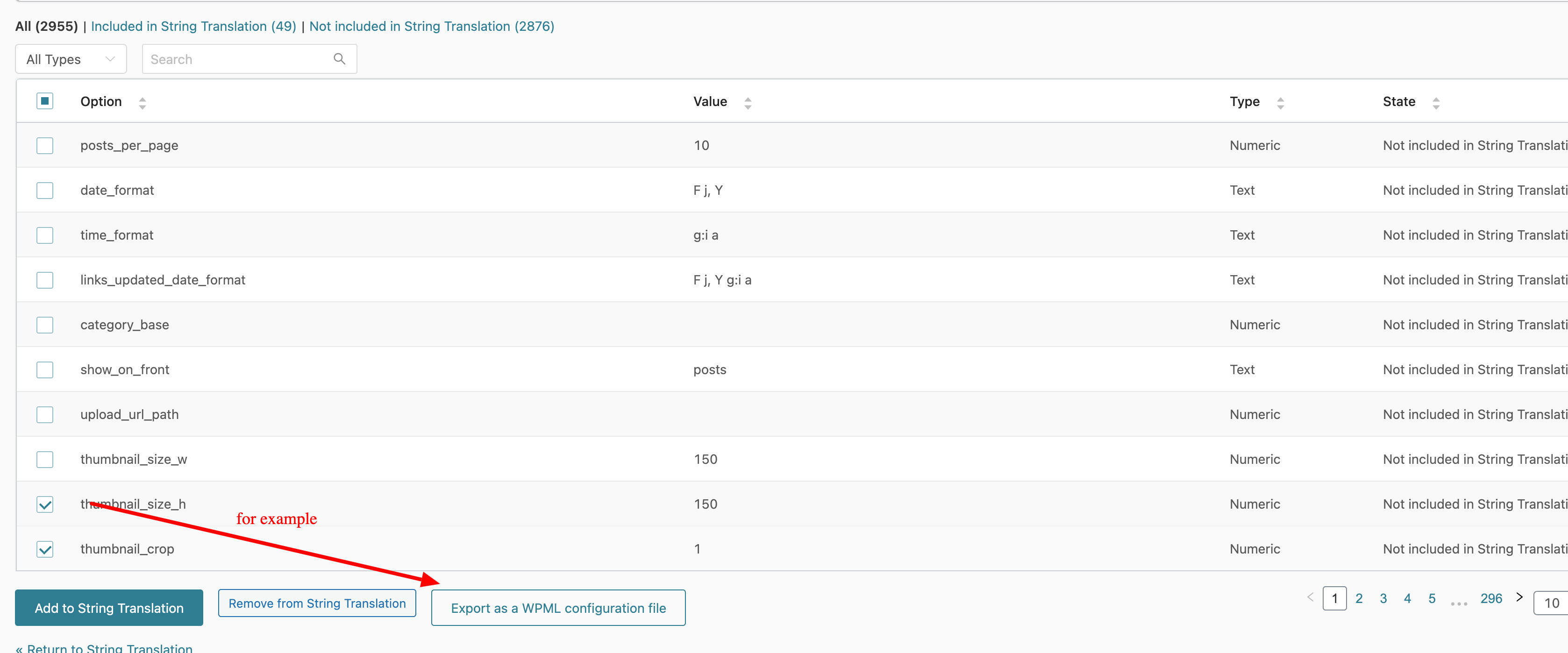
To make sure the config is correct, go to WPML → String Translation, open the "Not seeing strings that you are looking for?" tab, and click "Admin Texts Translation". On the Admin Texts Translation page, find your footer text and "Export as a WPML configuration file". Attached the screenshot. Then, you can add it to WPML → Settings → Custom XML configuration.
I need to request temporary access (wp-admin and FTP) to your site—preferably to a test site where the problem has been replicated if possible—in order to be of better help. When you log in to leave your next reply, you will find the needed fields below the comment area. The information you will enter is private, meaning only you and I can see and access it.
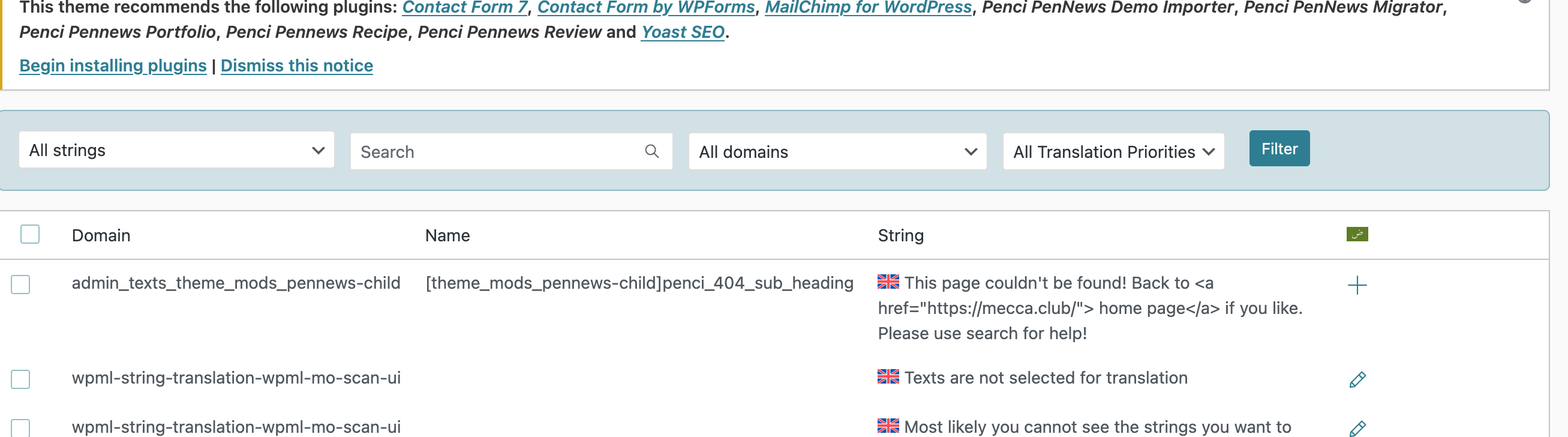
The text wasn’t available in Admin Texts or registered in WPML.
If you can’t find it there, you need to register it manually by creating a configuration for the relevant theme option.
Here’s an outline of the steps:
1. Go to your database and open the wp_options table.
2. Find the option with the name theme_mods_pennews-child.
3. In the option value, locate the key that stores the text you want to translate.
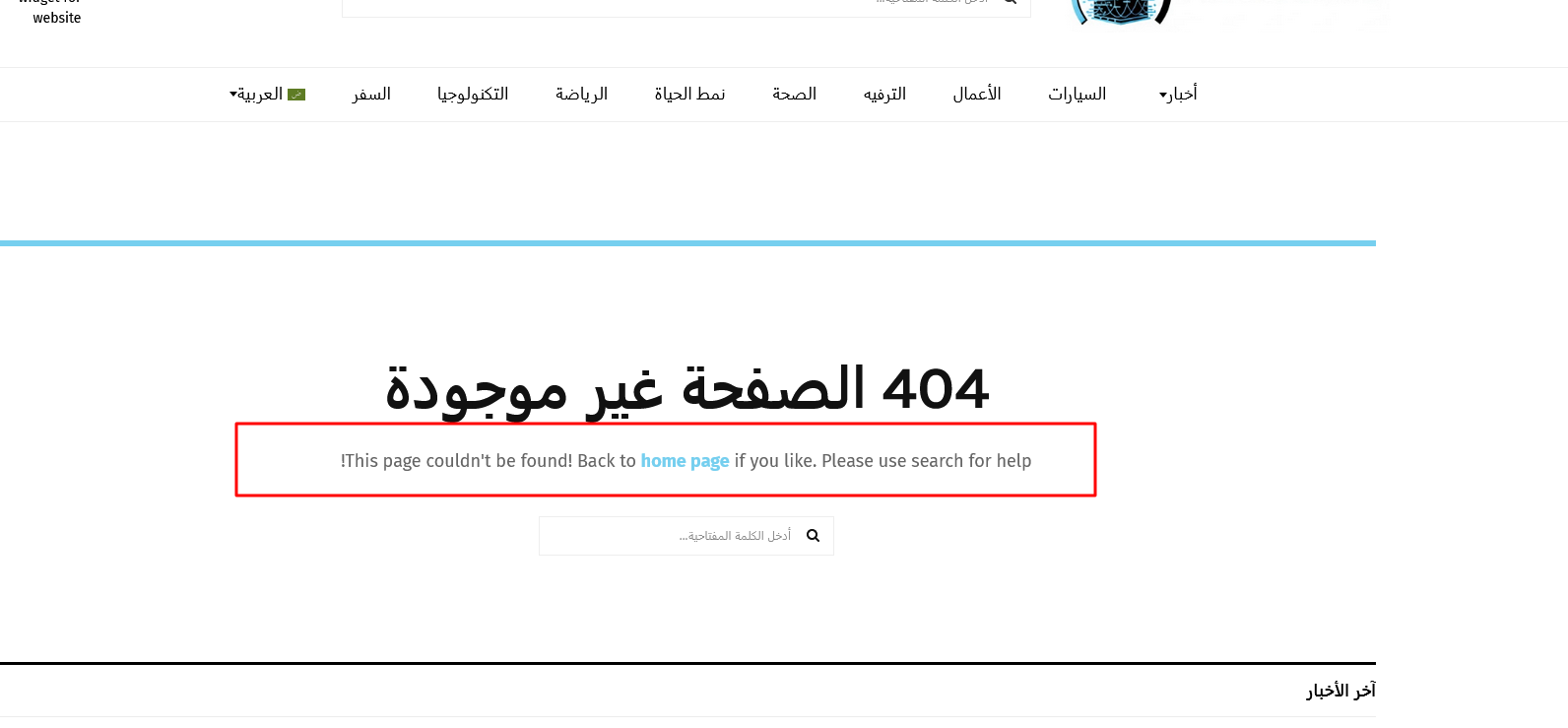
4. In your case, this key is penci_404_sub_heading.
5. Using the following documentation: https://wpml.org/documentation/support/language-configuration-files/translate-strings-in-wp-options-table/
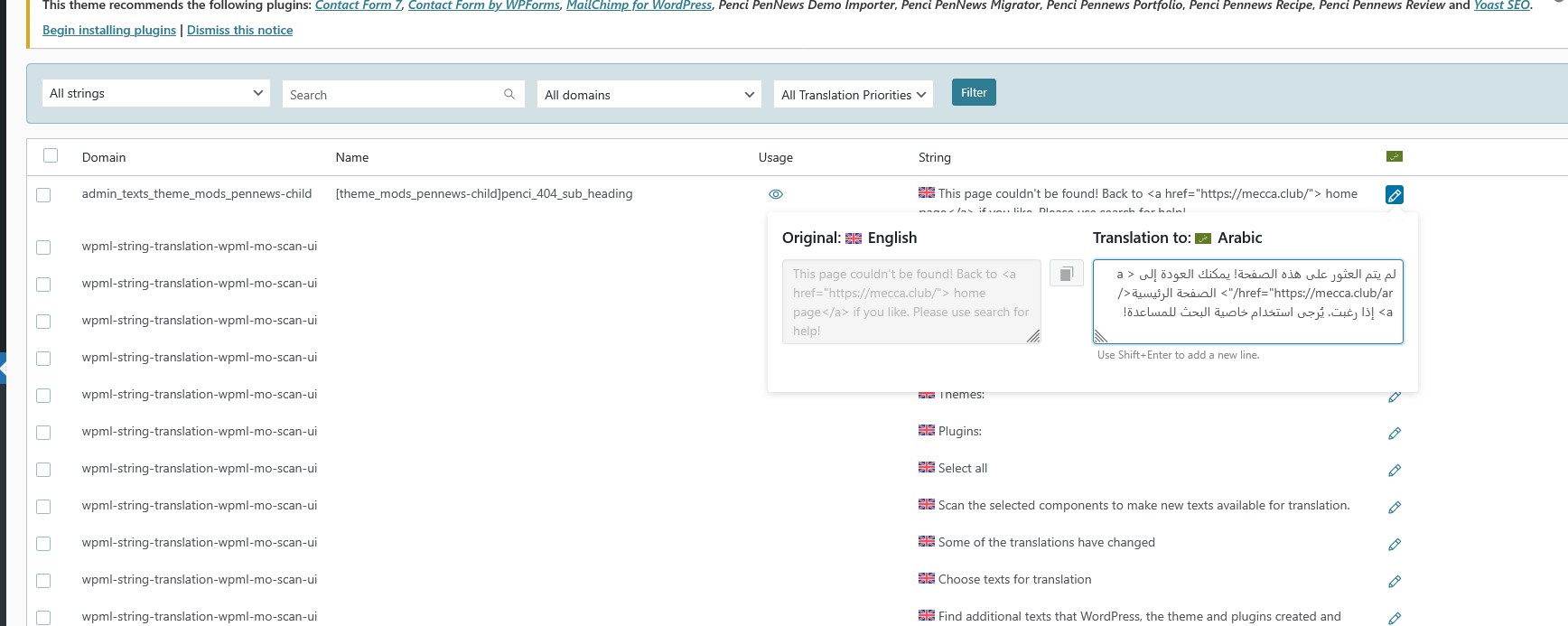
I created this configuration as an example and added it to WPML → Settings → Custom XML Configuration on your site:
I have looked at this, but I do not see the appropriate reason why the translations do not appear.
I want to ask you about the possibility of replicating your site locally. I'll need to install a "Duplicator" temporarily or "All In One Migration" plugin on your site. This will allow me to create a copy of your site and your content. If you prefer to do it independently, you can provide the snapshot and send me the zipped package you downloaded.