This thread is resolved. Here is a description of the problem and solution.
Problem:
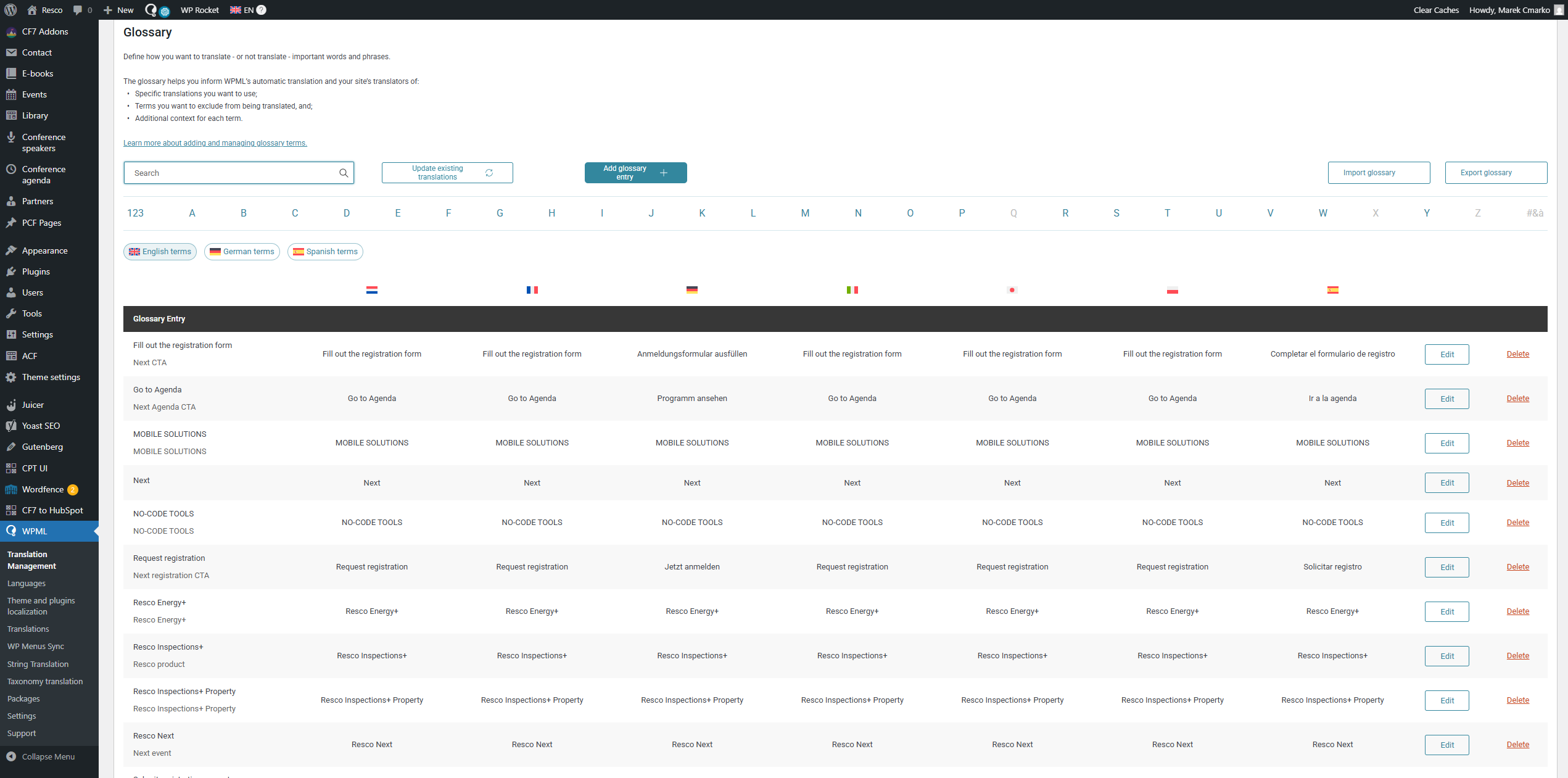
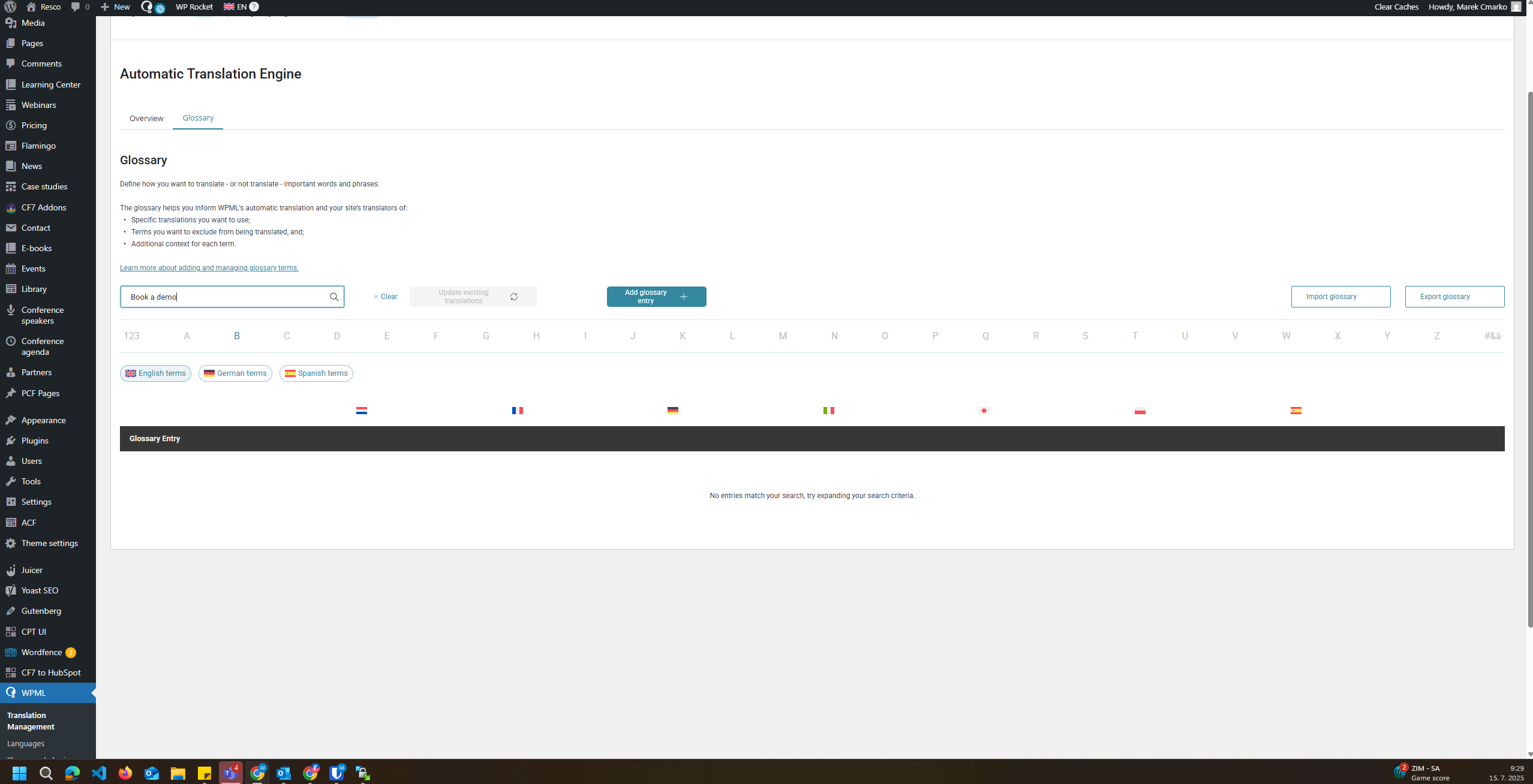
The client is experiencing issues with the search functionality not finding glossary terms that are present and have been added both manually and via CSV upload.
Solution:
If you're experiencing issues with your search functionality not finding newly added glossary terms, we recommend checking the following:
1. Verify that the terms are correctly uploaded and indexed. If you're using CSV uploads, ensure that the file format and data are correct.
2. Check if there are any recent changes in the search module or related plugins that might affect the search results.
3. Clear any caches on your site that might be storing outdated search results.
You may also want to check this known issue: https://wpml.org/errata/entries-are-missing-from-the-glossary-list/
If these steps do not resolve the issue, it might be due to a specific configuration or a compatibility issue with other plugins. In such cases, we highly recommend checking related known issues at https://wpml.org/known-issues/, verifying the version of the permanent fix, and confirming that you have installed the latest versions of themes and plugins.
If the problem persists, please open a new support ticket with us for further assistance at WPML support forum.
This is the technical support forum for WPML - the multilingual WordPress plugin.
Everyone can read, but only WPML clients can post here. WPML team is replying on the forum 6 days per week, 22 hours per day.