[Resolved] Issue With Multilingual Product Categories and Nav
This thread is resolved. Here is a description of the problem and solution.
Problem: The client is experiencing issues with the MegaMenu on a multilingual WordPress site using WPML. In the German version, the Products menu item shows categories but no products, and clicking on a category leads to an incorrect URL. Solution: 1. We reviewed the MegaMenu code and found that the product categories were added but were pointing to the wrong URLs. We updated the code to be language-aware by adding a WPML language parameter and setting the language before querying products. 2. We also checked the slug translation issue and found that WordPress does not allow duplicate slugs across languages, which is not controlled by WPML. 3. We recommended setting up a staging site and activating a default WordPress theme to confirm if the issue is caused by the custom menu walker in the theme. If the problem persists, it may require custom development.
Please note that this solution might be outdated or not applicable to your case. We highly recommend checking related known issues at https://wpml.org/known-issues/, verifying the version of the permanent fix, and confirming that you have installed the latest versions of themes and plugins. If the issue persists, please open a new support ticket at WPML support forum.
This is the technical support forum for WPML - the multilingual WordPress plugin.
Everyone can read, but only WPML clients can post here. WPML team is replying on the forum 6 days per week, 22 hours per day.
Background of the issue:
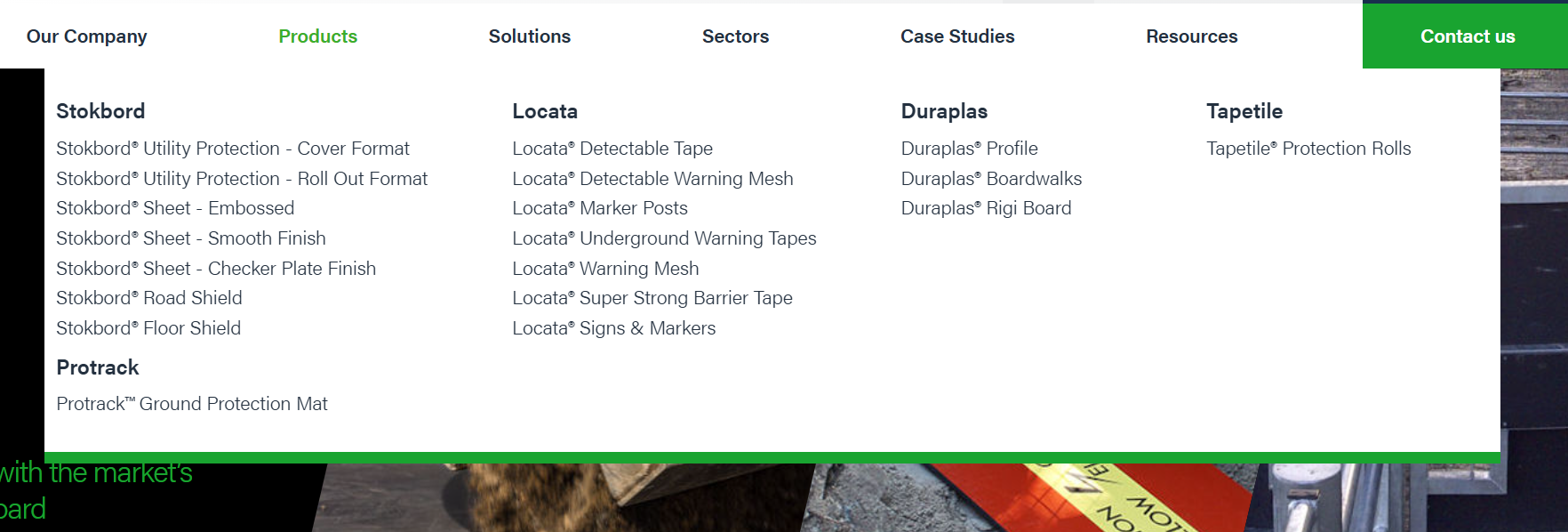
I am working on a multilingual WordPress site using WPML. The site is translated, but there is an issue with the main navigation. In the English version, the second navigation item is the WooCommerce Shop Page with 5 product categories: Stokbord, Locata, Duraplas, Tapetile, and Protrack. Hovering over Products on the homepage displays these categories and their products. Clicking on Stokbord takes you to a properly styled page.
Symptoms:
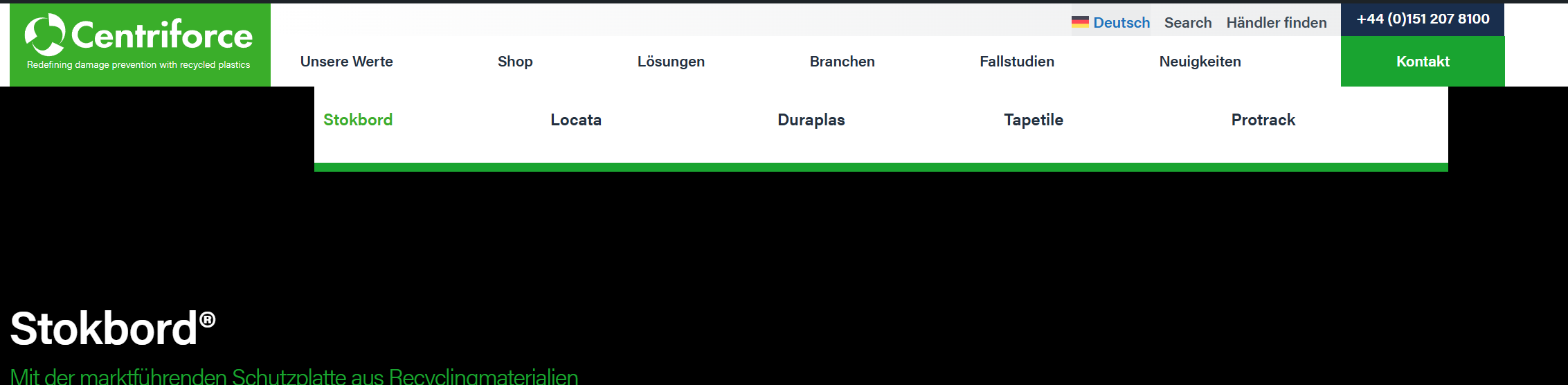
In the German version, the Products menu item is shown as Shop with the 5 categories underneath but no products. Clicking on Stokbord takes you to a different URL: hidden link instead of hidden link.
Questions:
Why are the products not displayed under the categories in the German version?
Why does clicking on Stokbord in the German version lead to a different URL?
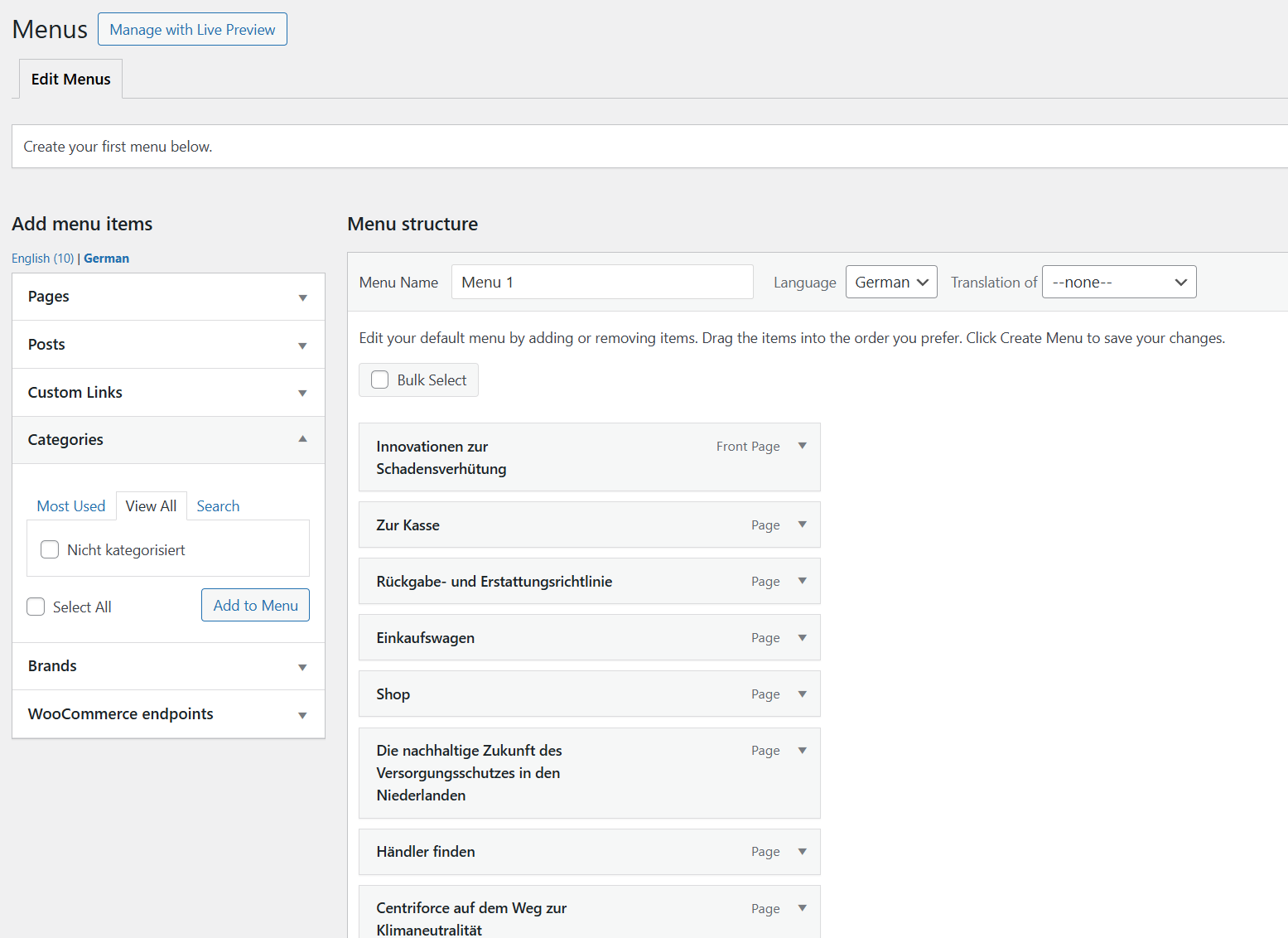
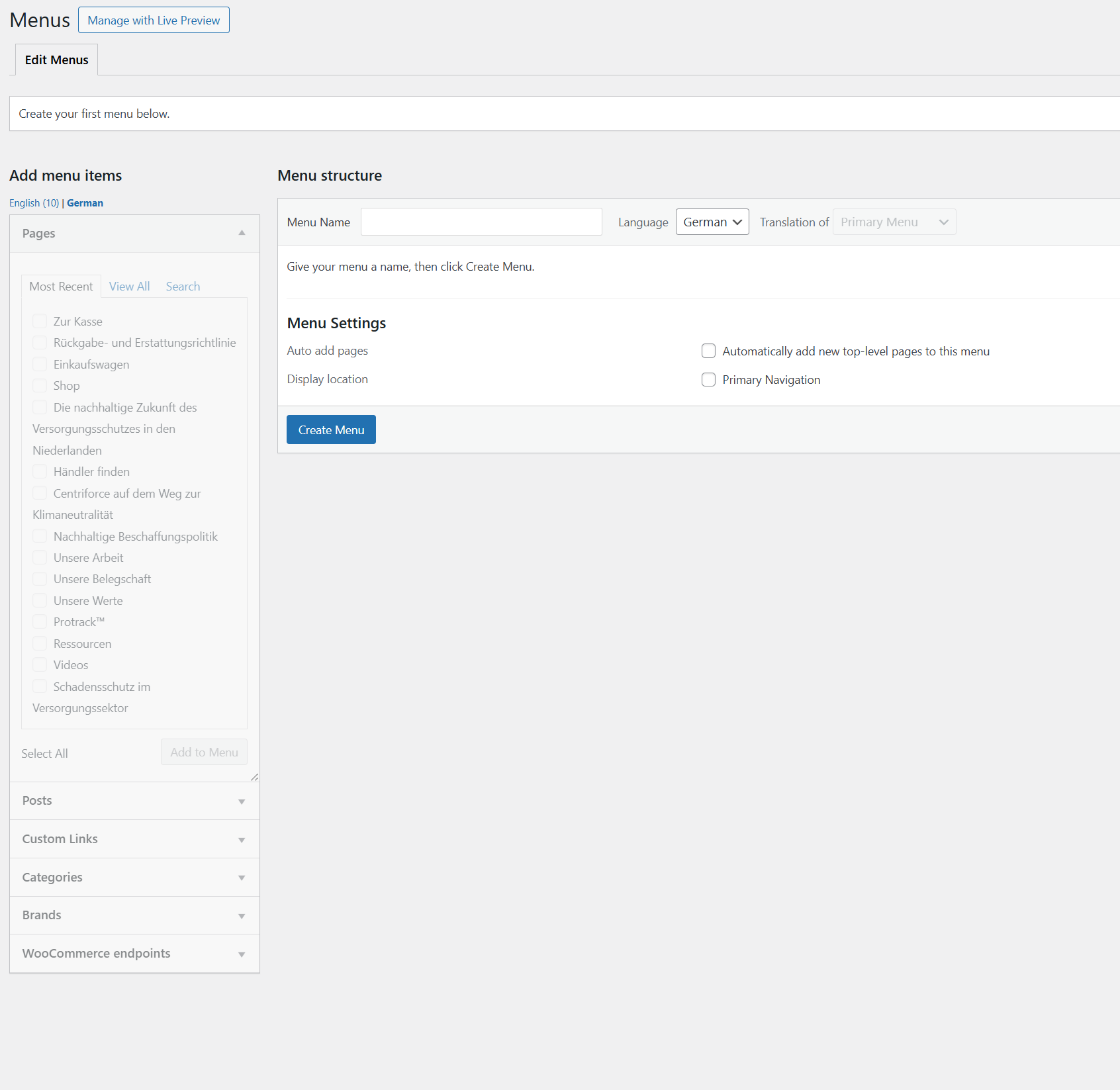
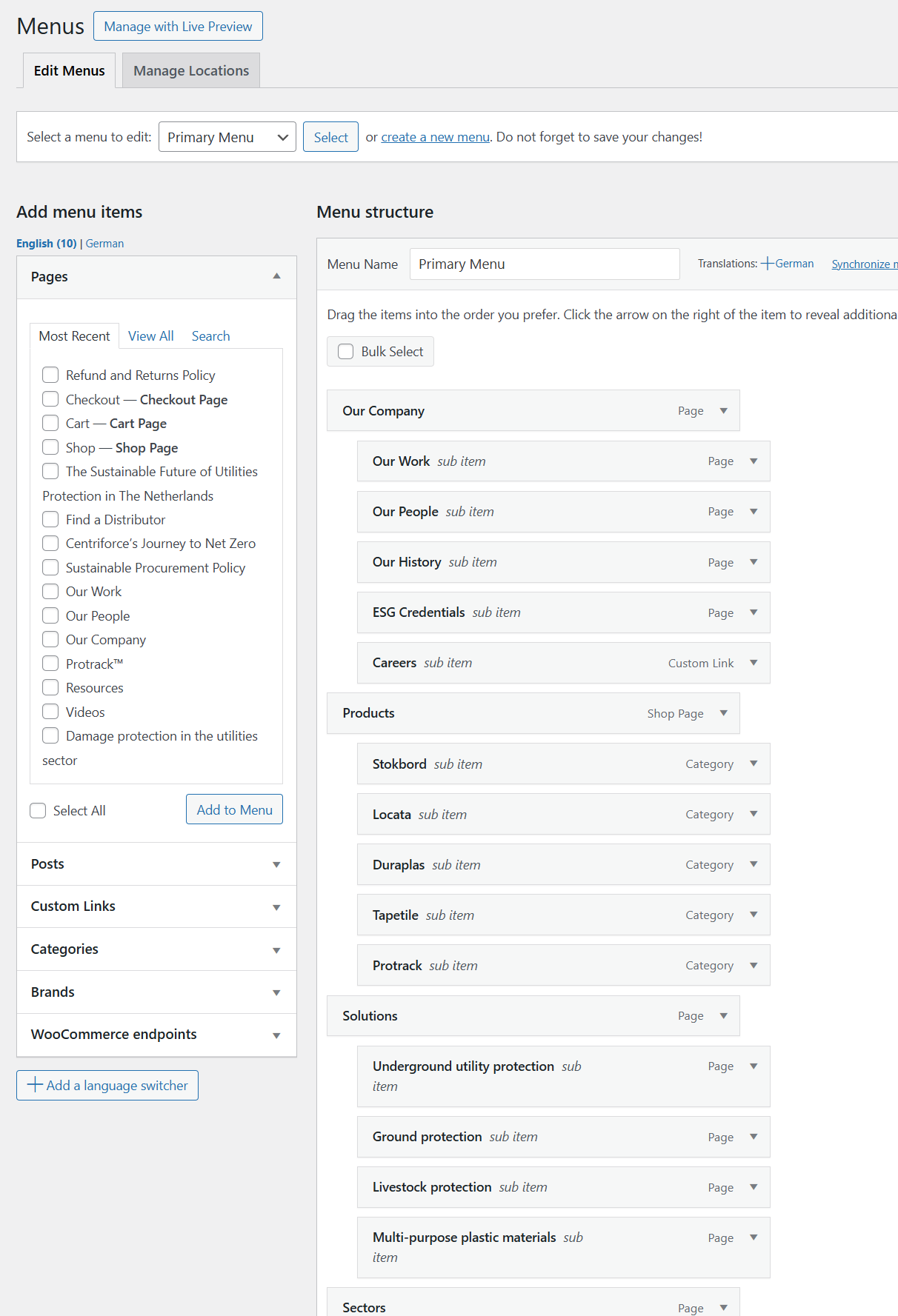
There is no translation to German in the Menu menu as per the attached screenshots.
I am unable to create a new Translated Menu because the Categories do not appear in the choices.
Thanks for your update. I would need to look closely at your site, so I would need to request temporary access (WP-Admin and FTP) Preferably to a test site where the problem has been replicated.
Your answer will be private, meaning only you and I can access it.
❌ Please back up your database and website ❌
✙ I need your permission to deactivate and reactivate the plugins and themes and change site configurations. This is also why the backup is critical.
✙ I also need your permission to take a local copy of your site to debug the issue without affecting your live site.
1) The URL (hidden link) is redirected to the page URL (hidden link).
This also happens to the English product URL. (hidden link)
2) I installed a local copy of your site to check the issue further and deleted the "Centriforce_MegaMenu.php" file, but the megamenu still appeared in English correctly. (Kindly check this hidden link">screenshot)
Please empty this file on your site and check the megamenu.
Kindly note that supporting custom themes is out of our support scope. Please check our support policy.
To summarise, the Mega Menu works fine in the English version but not the German version where it is not displaying products.
I will use this product (Stokbord® Sheet - Embossed) as an example:
hidden link
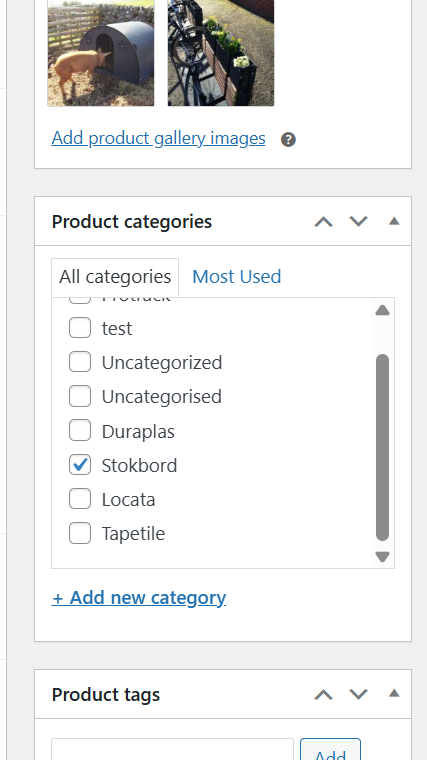
When I look in the Categories section (see screenshot) I can see it assigned the Product category of Stokbord.
Using the WPML Translation Editor there is no way of ensuring the correct Category is assigned to the Product in German.
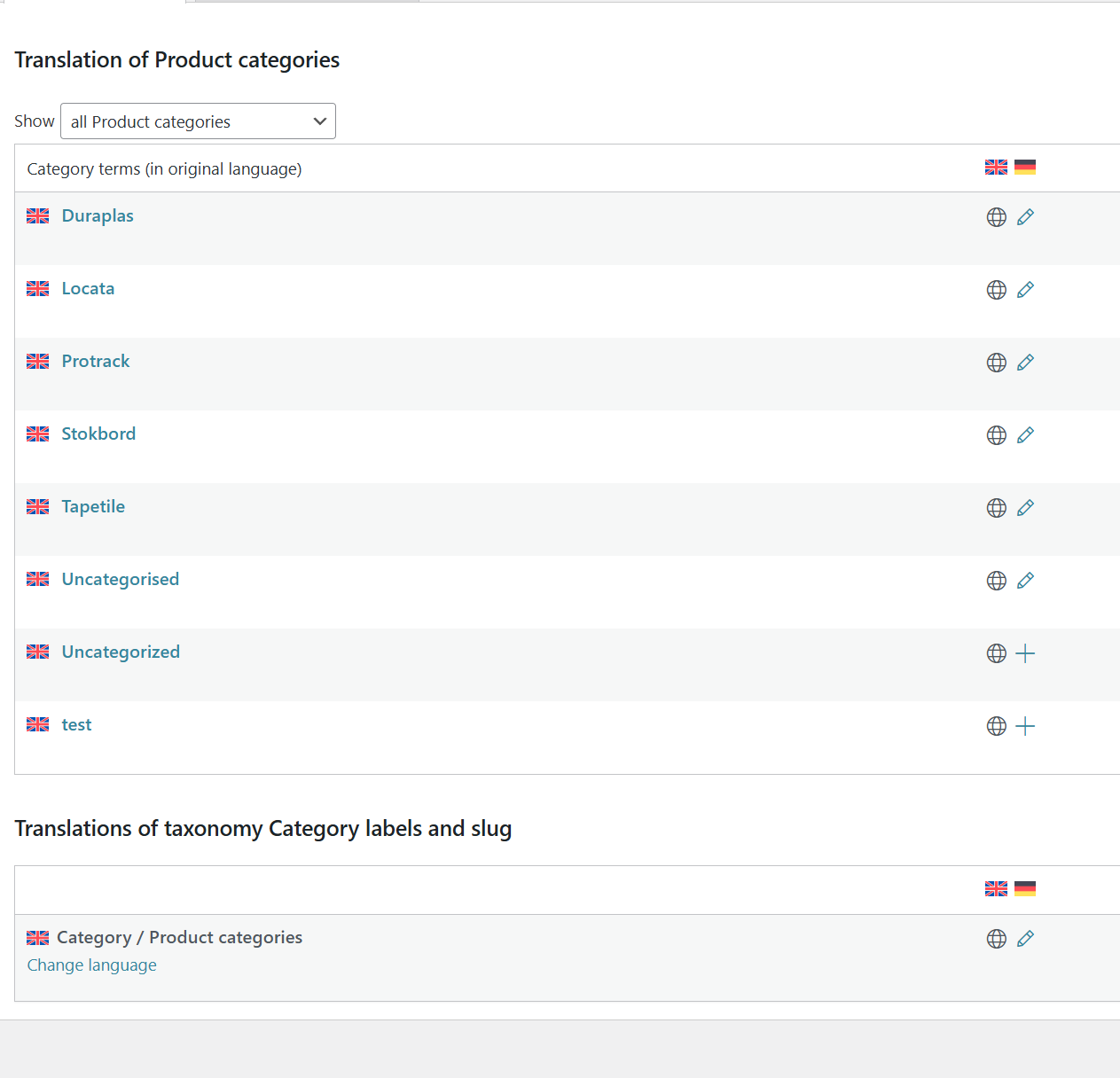
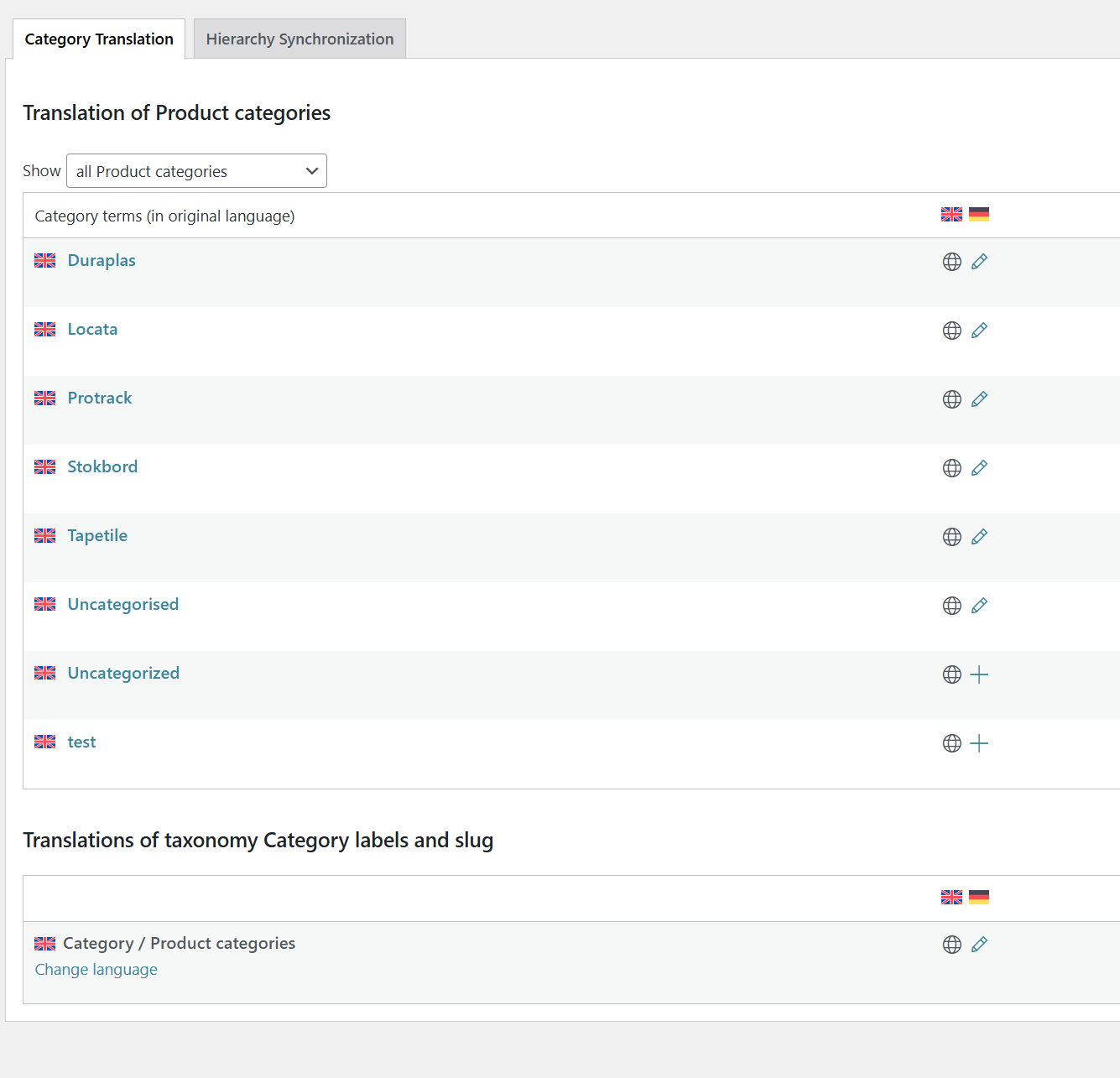
I assume this uses the Taxonomy translations (screenshot attached)
However, when I visit this page: (see screenshot) hidden link
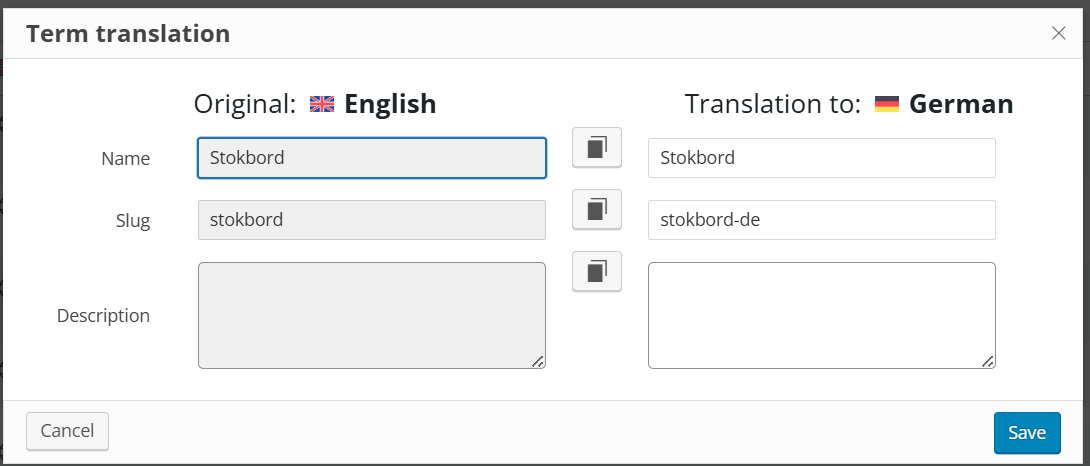
And click on the pencil icon for the German translation of Stokbord, the screen shows the slug as stokbord-de. If i change this to stokbord it saves but changes it back.
See screenshot.
If you visit this page: hidden link
It is a correctly rendered version of the Stokbord brand page which uses the brand.php page template.
However clicking on the Produkte -> Stokbord menu option navigates you to :
hidden link
Which is the incorrect page and uses the woocommerce product-cat.php template.
My name is Carlos, and I’ll be taking over this ticket as my colleague Osama is currently on vacation.
I’ve carefully reviewed the entire thread, and it appears the issue is caused by the custom menu walker in your theme. To confirm this, you can set up a staging site and activate a default WordPress theme — you’ll likely see that the problem no longer occurs.
Resolving this will require custom development, which unfortunately goes beyond the scope of our support. Since this involves custom code, we recommend reaching out to one of our certified WPML contractors who specialize in multilingual development: https://wpml.org/contractors/
They'll be happy to assist you further with a tailored solution.
Regarding the slug translation: this limitation comes from WordPress itself — it doesn’t allow duplicate slugs across languages. This is not something WPML controls.
Please let me know if there’s anything else I can assist you with. I'm happy to help with anything within our scope.