
This thread is resolved. Here is a description of the problem and solution.
Problem:
You are trying to translate the header and footer of your Full Site Editing (FSE) theme into multiple languages using WPML. While other languages are translated successfully, the Finnish translation displays issues. Specifically, the header looks different and, on certain pages, the header and footer disappear entirely.
Solution:
The issue arises because the Finnish “header” template was initially created as an original rather than a translation of the Norwegian template. To resolve this, you should:
1. Copy the content from the Norwegian template (ID 7704).
2. Paste it into the Finnish template (ID 8371), replacing its existing content.
3. Apply this process to other languages to ensure all templates match the Norwegian original.
If this solution does not resolve your issue or seems outdated, we recommend checking related known issues at https://wpml.org/known-issues/, verifying the version of the permanent fix, and confirming that you have installed the latest versions of themes and plugins. If problems persist, please open a new support ticket.
This is the technical support forum for WPML - the multilingual WordPress plugin.
Everyone can read, but only WPML clients can post here. WPML team is replying on the forum 6 days per week, 22 hours per day.
Tagged: Bug
This topic contains 17 replies, has 0 voices.
Last updated by Bruno Kos 3 months ago.
Assisted by: Bruno Kos.
| Author | Posts |
|---|---|
| September 10, 2025 at 11:13 am #17390238 | |
 Gnist Design |
Background of the issue: Symptoms: Questions: |
| September 10, 2025 at 2:47 pm #17391414 | |
 Bigul |
Hello, Welcome to the WPML support forum. I will do my best to assist you in resolving the issue. Please try the following steps after creating a full site backup, and then check if the bug still exists: 1) Upgrade to the latest version of WPML (4.8.1 series). If the issue persists, please create a post or page for testing, translate it into Finnish, and confirm whether the bug is still present. -- Bigul |
| September 11, 2025 at 6:05 am #17392593 | |
|
Gnist Design |
The issue still persist. The Finnish / Suomi header won't update. Even when I've done a change, and sendt it for a new translation. |
| September 11, 2025 at 8:22 am #17393150 | |
|
Bigul |
Hello, Thank you for the updates. Please fill in the private details fields after a full site backup. I would like to access the admin area of your site for further checking. For more information about our privacy policies and the sharing of private information, please take a look at the following links. hidden link Just to confirm, does the bug occur with both existing Finnish translations and the newly created ones as well? -- Bigul |
| September 12, 2025 at 11:37 am #17397374 | |
|
Bigul |
Hello, Thank you for the updates and for sharing the login information. I have enabled the option “Store a language cookie to support language filtering for AJAX” under WPML >> Languages >> Language filtering for AJAX operations, but the issue still persists. To help track this further, I have a couple of questions:
Also, please tries the following troubleshooting steps after a full site backup {mandatory} and make sure the issue is existing or not. 1) Go to WPML >> Support page, click on the Troubleshooting link (blue link in the middle of the page) 2) On the Troubleshooting page, please click on the following options of the *Clean up* section. Wait for confirmation of processing after each one. - Clear the cache in WPML -- Bigul 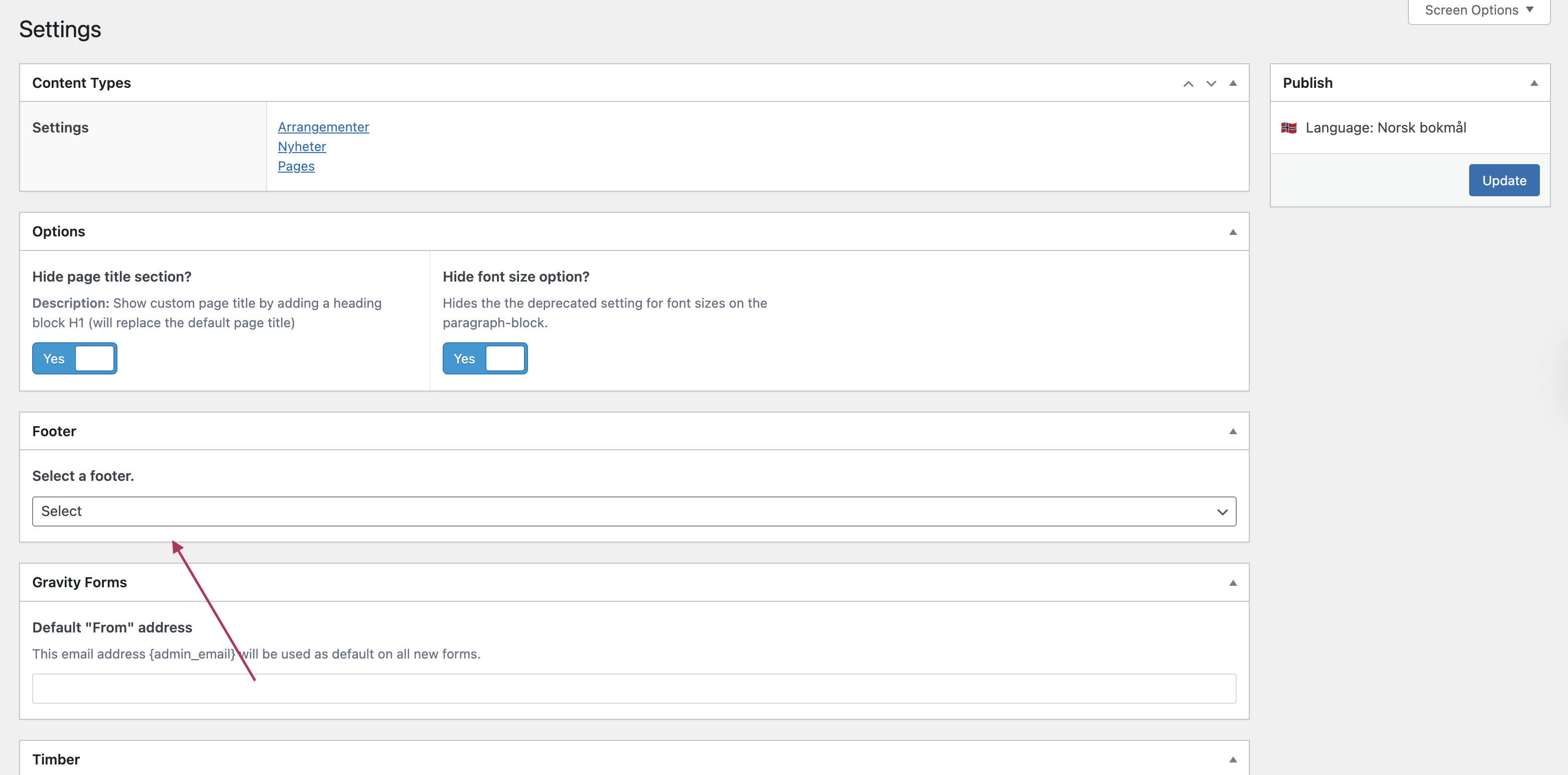  |
| September 15, 2025 at 10:27 am #17401497 | |
|
Gnist Design |
I've done the things and still have issues. This is a block theme developed by us, using the full site editor. The footer editor is not used, and we're using the full site editor footer template. To actually make the header & footer display on multiple languages, the header and footer FSE template needs to be translated (weird). The place to edit this is in the default WordPress full site editor. I've tried to both duplicate the header template, and manually translate the FSE gutenberg strings, neither updates on the finnish language, but on all other langauges. |
| September 16, 2025 at 6:15 am #17404363 | |
 Bruno Kos WPML Supporter since 12/2018 Languages: English (English ) German (Deutsch ) French (Français ) Timezone: Europe/Zagreb (GMT+01:00) |
I checked languages folder for mo/po file discrepancies vs language code and hreflang, but I'm not seeing anything unusual. Can we try this? On this sandbox, can you install your theme and create simple header/footer and translate it (or at least duplicate as that will be quicker, but should still show the issue)? I will check with our 2nd tier then to see if this is perhaps a compatibility issue or a bug in WPML. |
| September 24, 2025 at 7:21 am #17427604 | |
|
Gnist Design |
I'm trying to upload the theme and required plugins via the WP installer, but when I click the "install" after uploading the zip nothing happens. I've given you guys access to my development site, shouldn't that be sufficient enough to debug this? |
| September 24, 2025 at 9:29 am #17428216 | |
|
Bruno Kos WPML Supporter since 12/2018 Languages: English (English ) German (Deutsch ) French (Français ) Timezone: Europe/Zagreb (GMT+01:00) |
Can you upload your theme into wp-content/themes into hidden link so I could try installing it? If that fails, to troubleshoot this problem, I'll install the Duplicator plugin and generate packages for further debugging purposes. I'll ensure to exclude all media files to maintain a minimal package size (I would do this on hidden link) You can find more information about the process here: Please confirm if this approach is acceptable to you! |
| September 25, 2025 at 8:33 am #17431226 | |
|
Gnist Design |
Actually can't; the php version supported on the link you sendt is too low. My theme is 8.2+, but it only supports 8.1 and below. |
| September 25, 2025 at 12:20 pm #17432354 | |
|
Bruno Kos WPML Supporter since 12/2018 Languages: English (English ) German (Deutsch ) French (Français ) Timezone: Europe/Zagreb (GMT+01:00) |
I see. Ok, how about Duplicator approach then? I'll install the Duplicator plugin and generate packages for further debugging purposes. I'll ensure to exclude all media files to maintain a minimal package size (I would do this on hidden link) You can find more information about the process here: |
| September 29, 2025 at 10:57 am #17440650 | |
|
Gnist Design |
Duplicator sounds nice! Do you have all the permissions you need? |
| September 30, 2025 at 7:06 am #17442720 | |
|
Bruno Kos WPML Supporter since 12/2018 Languages: English (English ) German (Deutsch ) French (Français ) Timezone: Europe/Zagreb (GMT+01:00) |
I can create Duplicator package, permissions are sufficient. However I went on to check this again before escalating and I can see that header and footer show properly now. Can you check again and let me know if I am missing something? I check on both hidden link and hidden link but not sure I see something missing compared to the original language for either footer or the header. Can you send me some screenshots to illustrate what is missing? 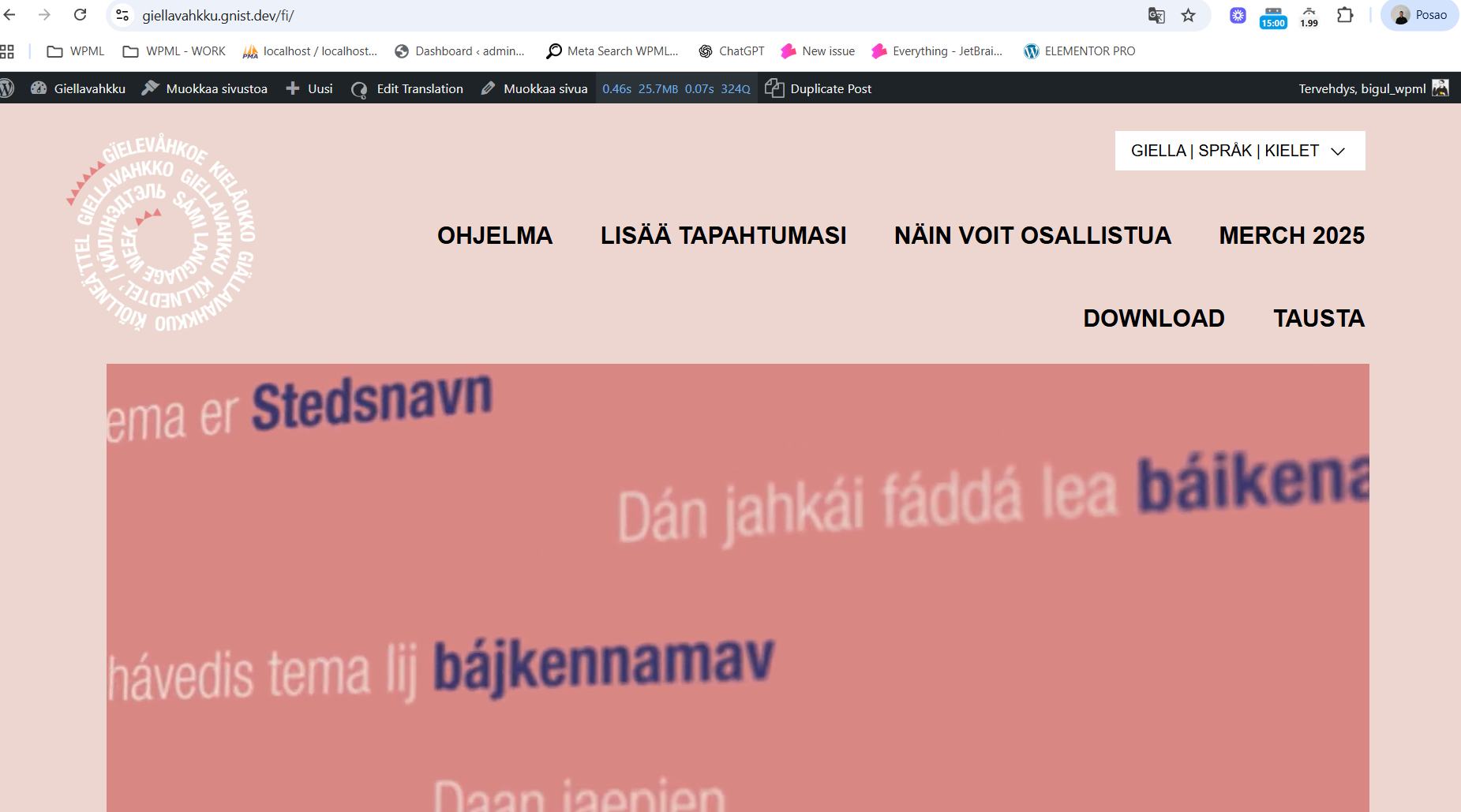 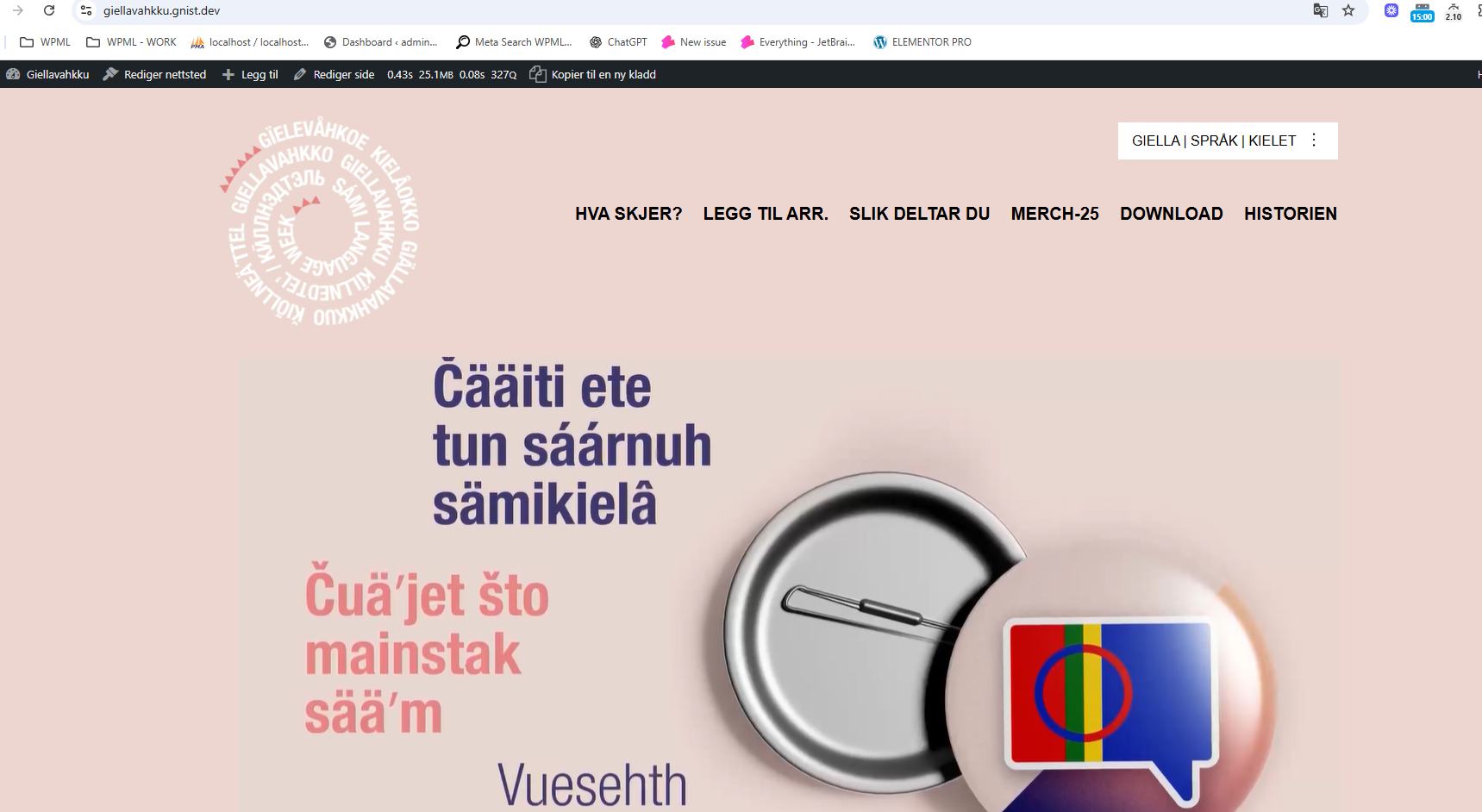 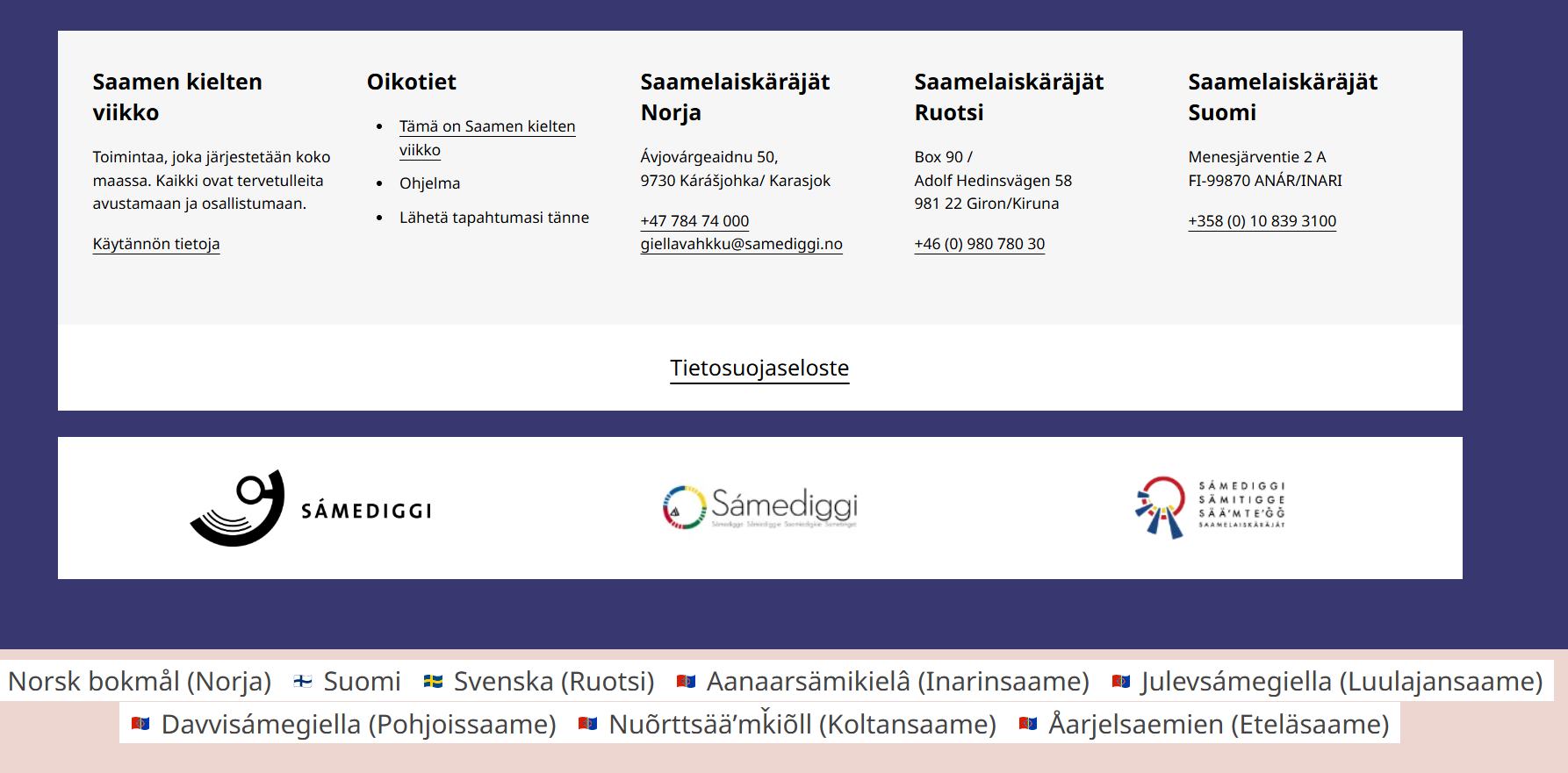 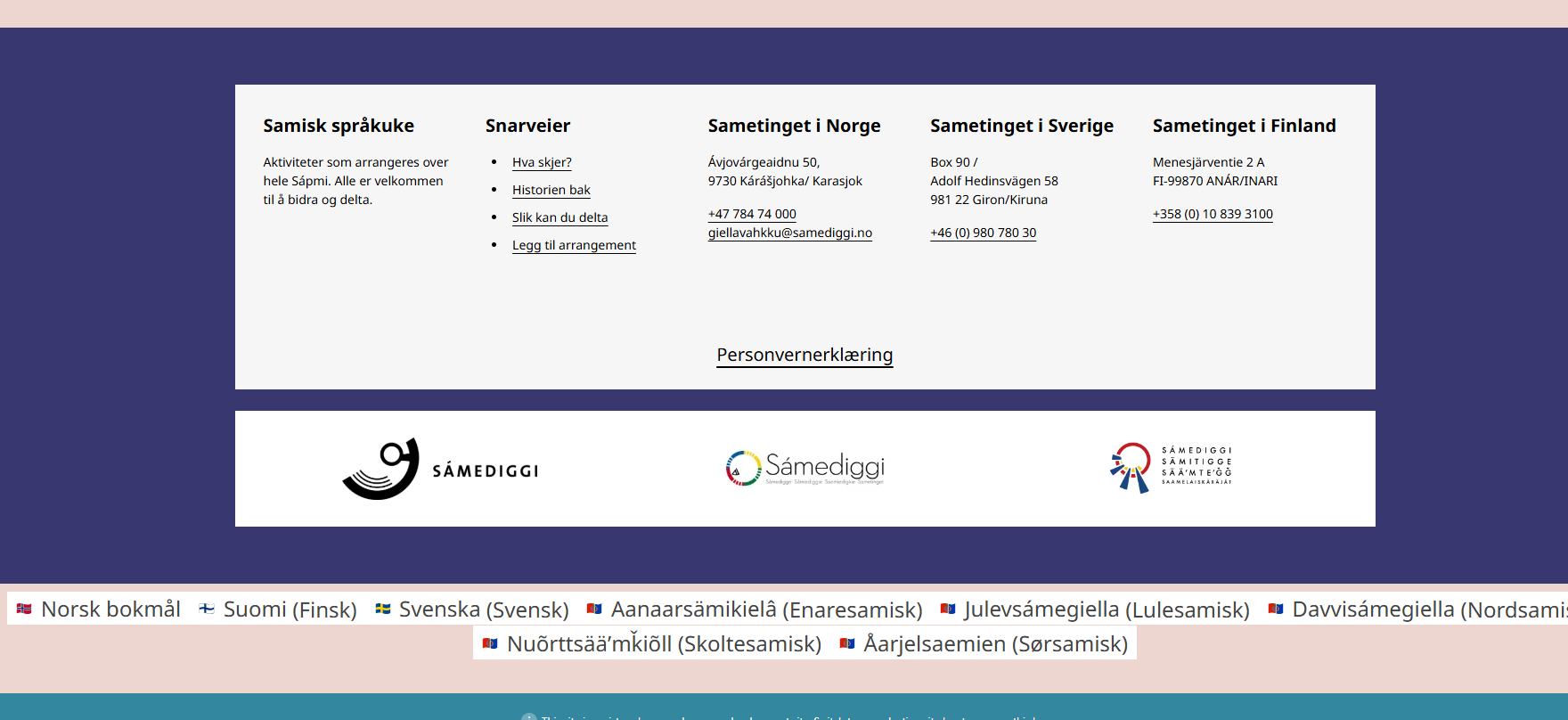 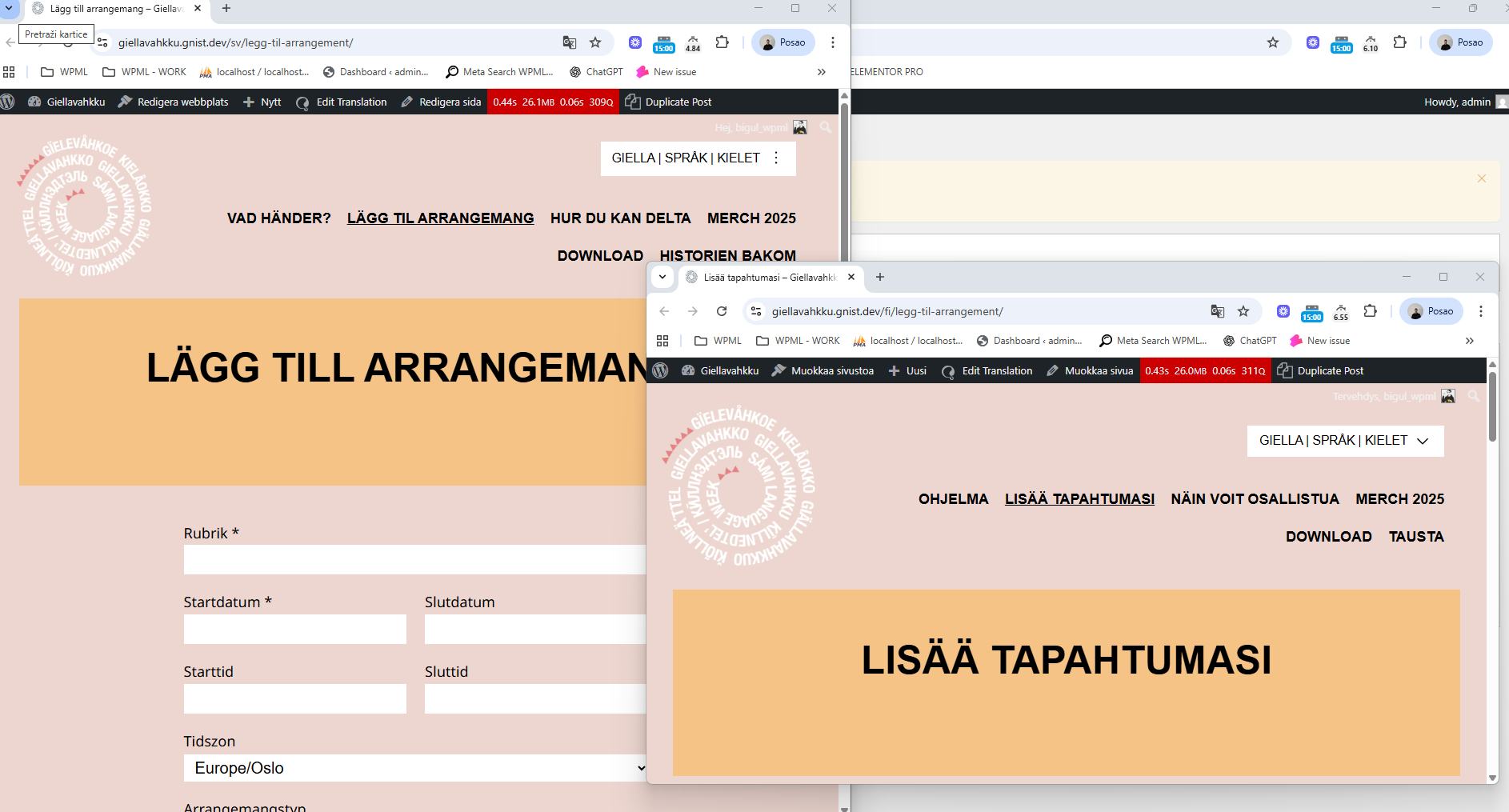 |
| September 30, 2025 at 8:45 am #17443228 | |
|
Gnist Design |
It seems like the header is back on the pages, that's good. However, the header menu does not update on the finish language, you can verify this by clicking the language switcher on any other language (the button top right on the navigation bar), where it works on any other language, and it does not work, and look different on the finish version. Also the styling changes, e.g. font-size, logo size, etc does not update on the finish header version, even when I duplicate the FSE templates. Steps I've tried to solve this issue: I've done this by going to Translation Dashboard -> selecting the chosen templates (Header, Sidetoppmeny, sekundærmeny) and sending them to either translation, or duplicating. Please ask any clarifying question if I'm missing some important information you need to understand what I've done 🙂 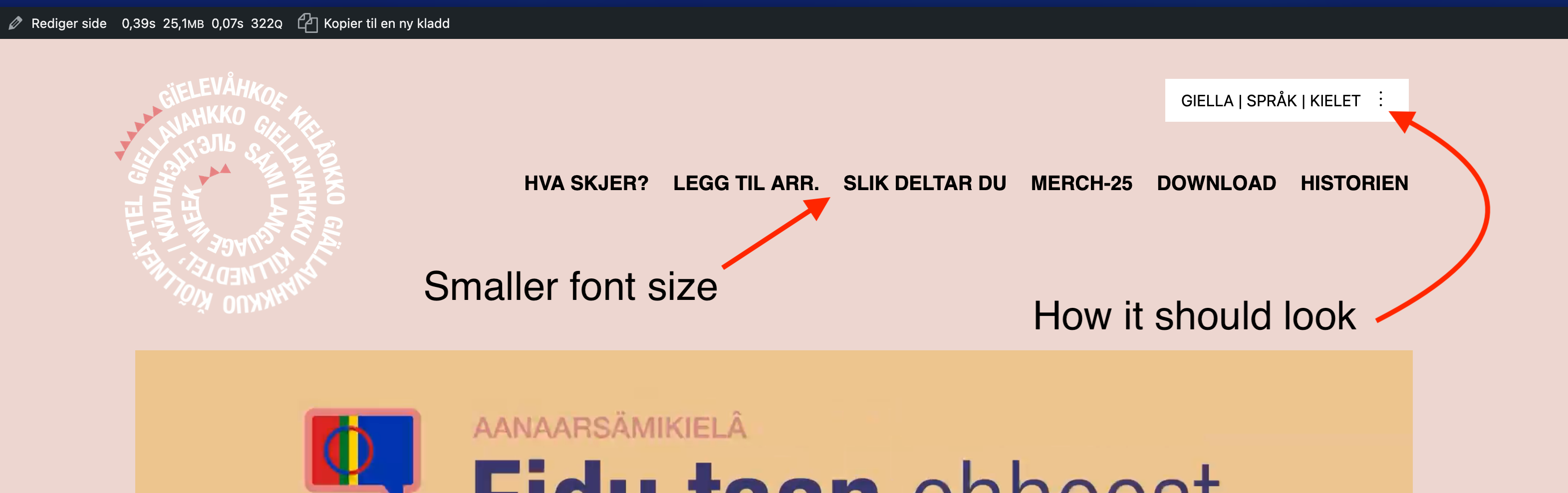 |
| October 1, 2025 at 7:48 am #17447472 | |
|
Bruno Kos WPML Supporter since 12/2018 Languages: English (English ) German (Deutsch ) French (Français ) Timezone: Europe/Zagreb (GMT+01:00) |
I tried to translate header template and navigation menu through advanced translation editor, but it has not helped either. Can you install https://wordpress.org/plugins/pexlechris-adminer/? I'd like to check something (will not change anything in database). |




