Home›Support›English Support›[Resolved] Additional variation gallery images not getting in arabic version
[Resolved] Additional variation gallery images not getting in arabic version
This thread is resolved. Here is a description of the problem and solution.
Problem: The client reported that additional variation gallery images were not appearing in the Arabic version of their product page. Solution: We recommended that the client updates their theme and all plugins to ensure they are using the latest versions. This is crucial to determine if the issue persists with updated software. We also advised the client to back up their entire site, including the database, before proceeding with these updates. After updating, the client should test the functionality by editing an original product and updating its translation. If updating is not feasible, we suggested setting up a staging site for testing or, alternatively, using a local copy or a WPML test site to replicate the issue.
If this solution does not resolve the issue or seems irrelevant due to being outdated or not applicable to your case, we highly recommend checking related known issues at https://wpml.org/known-issues/, verifying the version of the permanent fix, and confirming that you have installed the latest versions of themes and plugins. If problems persist, please open a new support ticket at WPML support forum for further assistance.
This is the technical support forum for WPML - the multilingual WordPress plugin.
Everyone can read, but only WPML clients can post here. WPML team is replying on the forum 6 days per week, 22 hours per day.
Additional variation gallery images not getting in arabic version hidden link
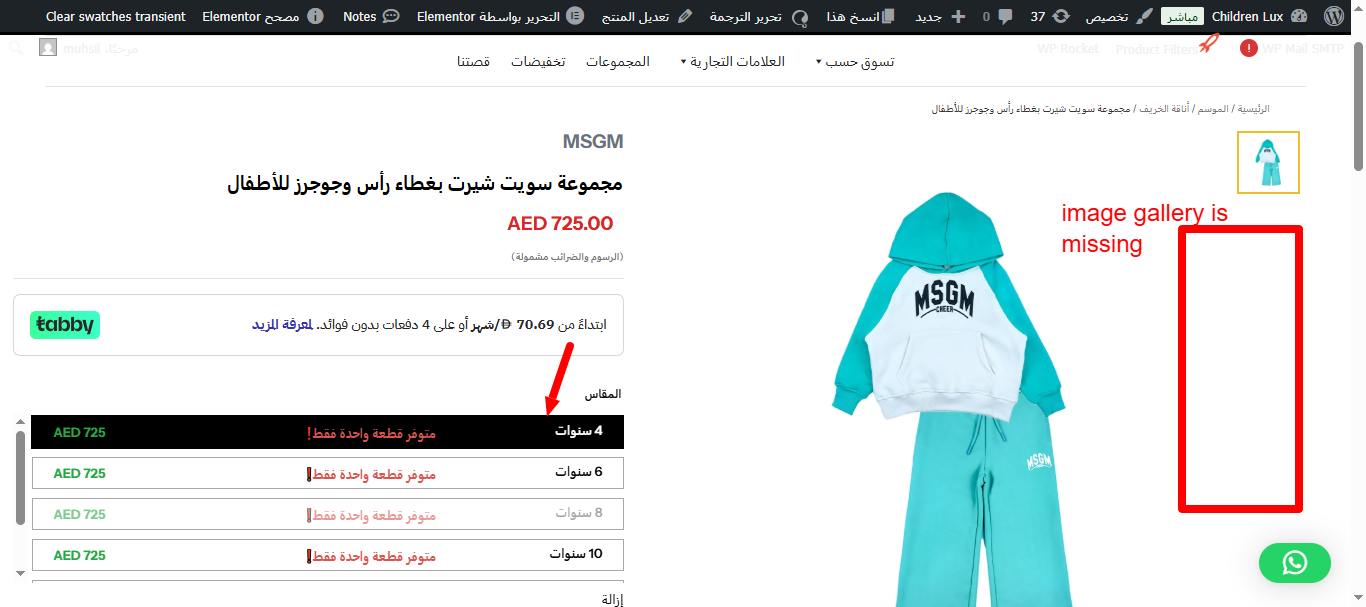
when you go the arabic version of this product you wont be seeing the full variation image gallery images, why hidden link
Languages: English (English )Spanish (Español )German (Deutsch )
Timezone: America/Lima (GMT-05:00)
Hello,
Thank you for reaching out!
Please revise WPML > Settings > Custom Field Translation and make sure that any field that relates to such variation settings is set to "Copy".
In this case, it likely is woo_variation_gallery_images
This is a common field used by variation gallery plugins (e.g., Woo Variation Gallery). If not set to “Copy” in WPML’s Custom Fields Translation settings, the gallery won’t appear in translated variations.
Also, make to set the field th_custom_attribute_settings to "Copy".
After that, update the translation of an affected product.
Also, revise WPML > Taxonomy Translation, select your product attributes, and make sure that these global attributes are translated.
Languages: English (English )Spanish (Español )German (Deutsch )
Timezone: America/Lima (GMT-05:00)
Hello,
I'd like to request temporary access (wp-admin and FTP) to the website to investigate the issue further.
You'll find the necessary fields below the comment section if you log in to leave the next reply. The information you provide will be private, meaning only you and I will be able to see and access it.
IMPORTANT
Please be sure to create a backup of the website and database before granting us access.
If you don't see the "wp-admin / FTP" fields, your login credentials for the post and website will be set to "PUBLIC." Do NOT publish the information unless you see the required wp-admin / FTP fields.
The private reply form looks like this: hidden link
When replying again, click "I still need assistance".
Video: hidden link
Please note that we are required to request this information individually on each ticket. We are not permitted to access any login information that was not specifically provided in the private reply form for this ticket.
Languages: English (English )Spanish (Español )German (Deutsch )
Timezone: America/Lima (GMT-05:00)
I can confirm that the translation for variation images is not working as expected on your site.
Before we start any tests on your site, I need to ask you to update the theme and all plugins, as we need to make sure that the issue persists while using the latest versions.
Please make sure to take a backup of the site, including the database, before running the updates, and after that, test again by editing an affected original product and then updating its translation.
If you could set up a staging site for those tests, it would be even better.
In case my suggestion is not an option, please let me know, and we will try to find a different solution, like taking a local copy for testing or providing a WPML test site for replication of the issue with a simple example.