Home›Support›English Support›[Resolved] Split: custom post not showing in the backend in the language for translation
[Resolved] Split: custom post not showing in the backend in the language for translation
This thread is resolved. Here is a description of the problem and solution.
Problem: The client reported that after translating a property into Greek, the content was missing on the Greek page. Additionally, some fields were still untranslatable. Solution: We advised the client to ensure that the ACF Field Groups were set to 'Not Translatable' in WPML → Settings → Post Types Translation. Then, in ACF → Field Groups → Property Fields, we recommended using the option to apply all fields across languages. For finer control, we suggested switching to 'EXPERT' mode to access field-level options. To address the missing content on the Greek page, the following steps were taken: 1. Edited the property in the default language. 2. Switched to Greek using the language switcher. 3. Scrolled to Theme/Page Options and copied the same settings from English to Greek, ensuring the Content Layout → Post Template was set. 4. Set the custom field 'thegem_page_data' to copy. For the untranslatable fields, we set the specific field 'ammenities' to 'Translate' in ACF Field Groups under 'Expert' mode and updated both the property and its translation.
If this solution does not resolve your issue, or if it seems outdated, we highly recommend checking related known issues at https://wpml.org/known-issues/, verifying the version of the permanent fix, and confirming that you have installed the latest versions of themes and plugins. If problems persist, please open a new support ticket.
This is the technical support forum for WPML - the multilingual WordPress plugin.
Everyone can read, but only WPML clients can post here. WPML team is replying on the forum 6 days per week, 22 hours per day.
It looks like the ACF fields are missing from the Greek translation.
While we want Custom Post Types to be translated into the secondary language, the ACF Field groups should be set to "not translatable" (at the moment they are set to translatable and have 8 translations to Greek.)
If you need me to adjust them after reviewing the documentation please let me know and I can do this for you.
Next Steps:
1. Go to WPML->settings->Field Groups and set to do not translate.
2. Review the documentation shared and set the appropriate choices per field in ACF -> Field groups.
3. Save
4. Make a change to the property item and update
5. Update the translation and it will work as expected.
thank you for your reply. I read the documentation but I couldn't set it up correctly. Can you help me adjusting it?
Also I have a question: If we set the ACF Field groups to "not translatable", how these fields would shown in greek language translated? Maybe I haven't completely understand.
Can you please make an example?
Can you make hidden link exact copy in greek language and translated (all of it fields in greek)? or point me how to translate these fields?
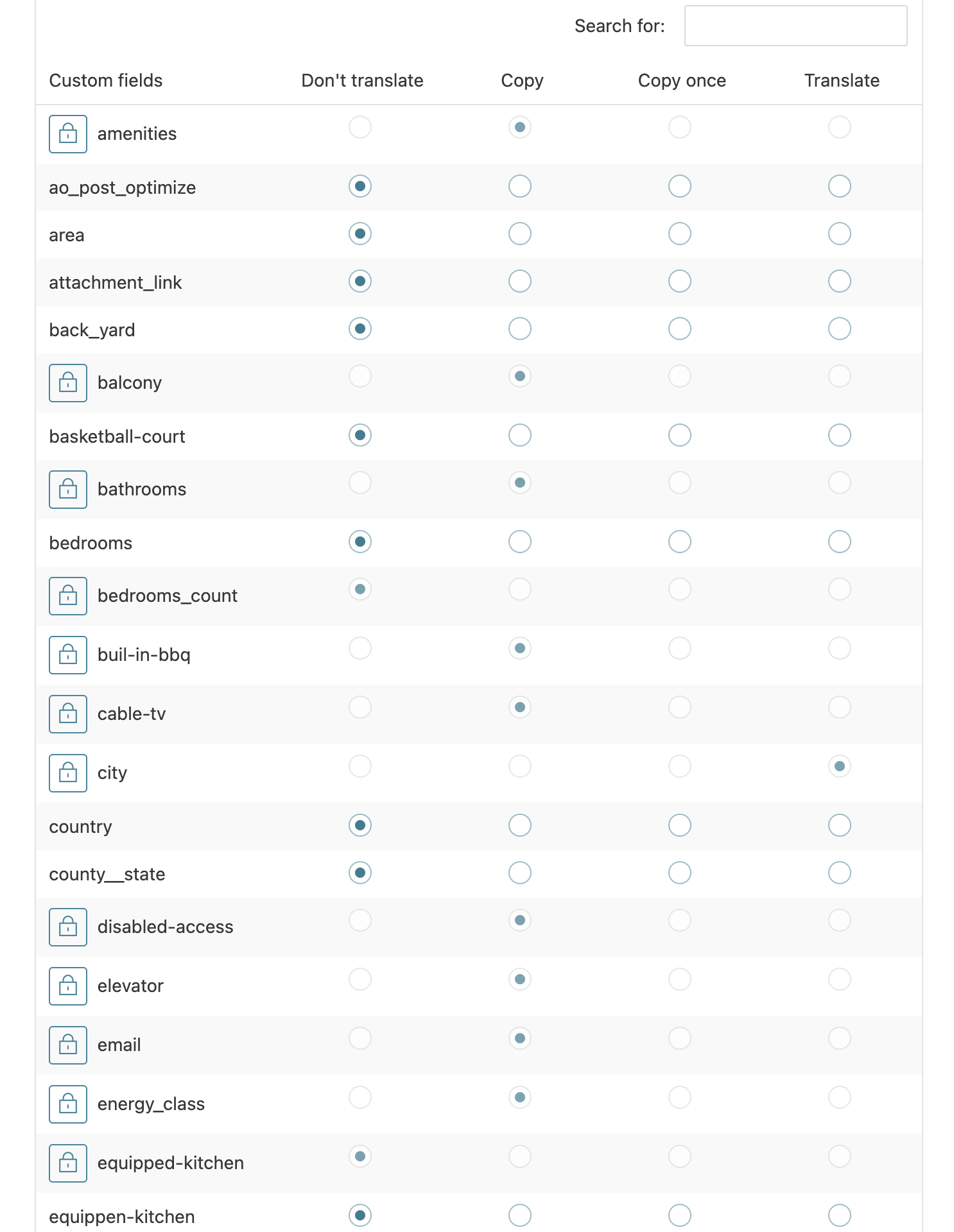
As you can see on the image attached, the ACF field groups are locked. When I am trying to unlock to change to "not translatable", it gets me to ACF field groups > edit> whereas I have chosen "same fields across language" because I want to use the same fields in greek but translate them from english to greek.
So I can't really change anything in WPML->settings->Field Groups, as the Fields are locked.
In WPML → Settings → Post Types Translation → Field Groups (acf-field-group), you correctly set Field Groups to Not Translatable.
Note: Please do not edit any items marked “locked” unless directed by our team.
Next, go to ACF → Field Groups → Property Fields.
Using the option to apply all fields across languages is perfect. If you ever need finer control (e.g., setting individual fields to copy, translate, etc.), switch to EXPERT mode. This will show the field-level options as in my screencast.
With this, the ACF configuration is correct and fields now transfer properly to translations.
Steps taken:
Set Field Groups to Not Translatable
Configured ACF translation options
Made a small edit in the default language and updated
Updated the translation
However, data was still missing because the product page uses a template, and the Greek translation wasn’t assigned the correct template.
Fix applied:
Edited the property in the default language
Switched to Greek using the language switcher
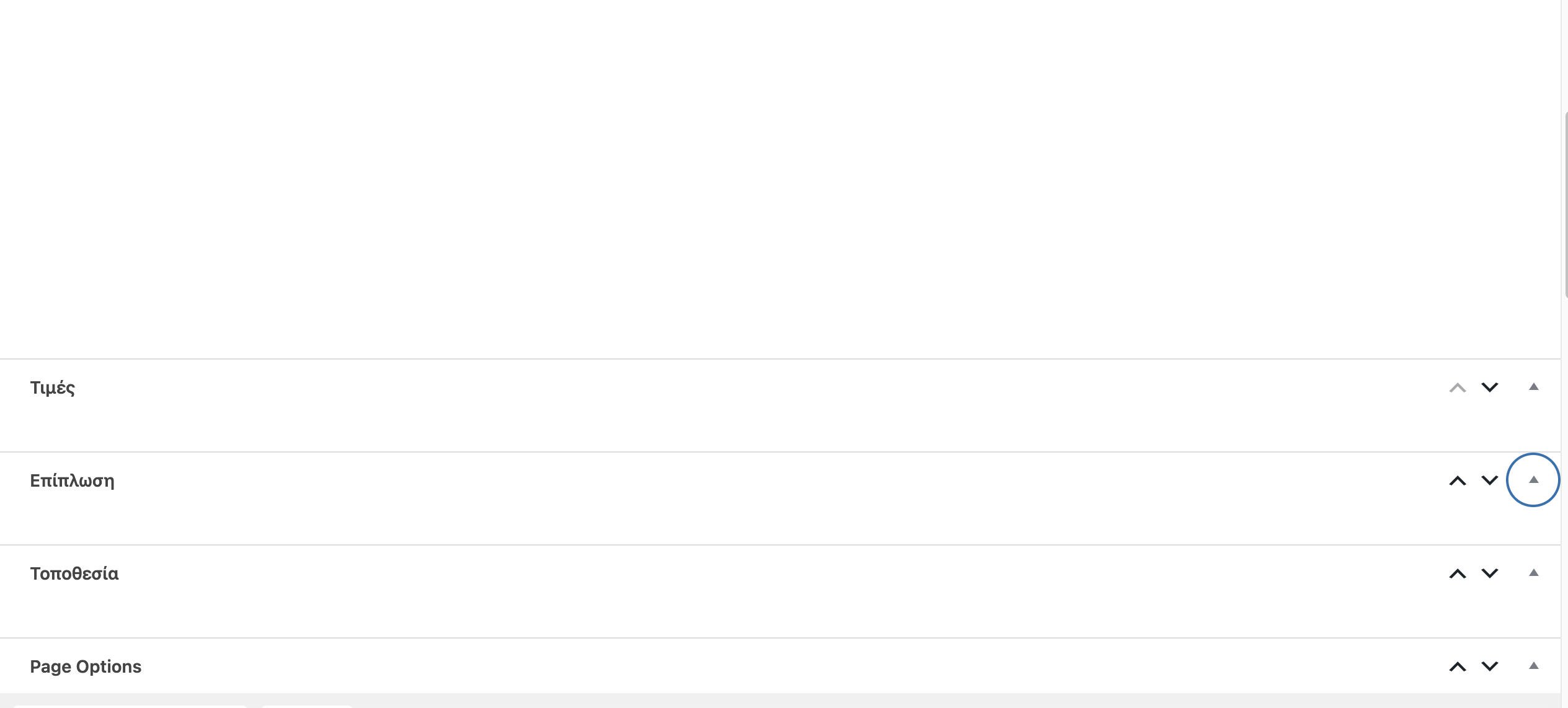
Scrolled to Theme/Page Options
Copied the same settings from English to Greek
For example, the Content Layout → Post Template was not set in Greek; adding it resolved the issue.
I also set the custom field thegem_page_data to copy, which should prevent this issue in the future.
Thank you for your instructive videos! Now I understand
Although I am still missing some things:
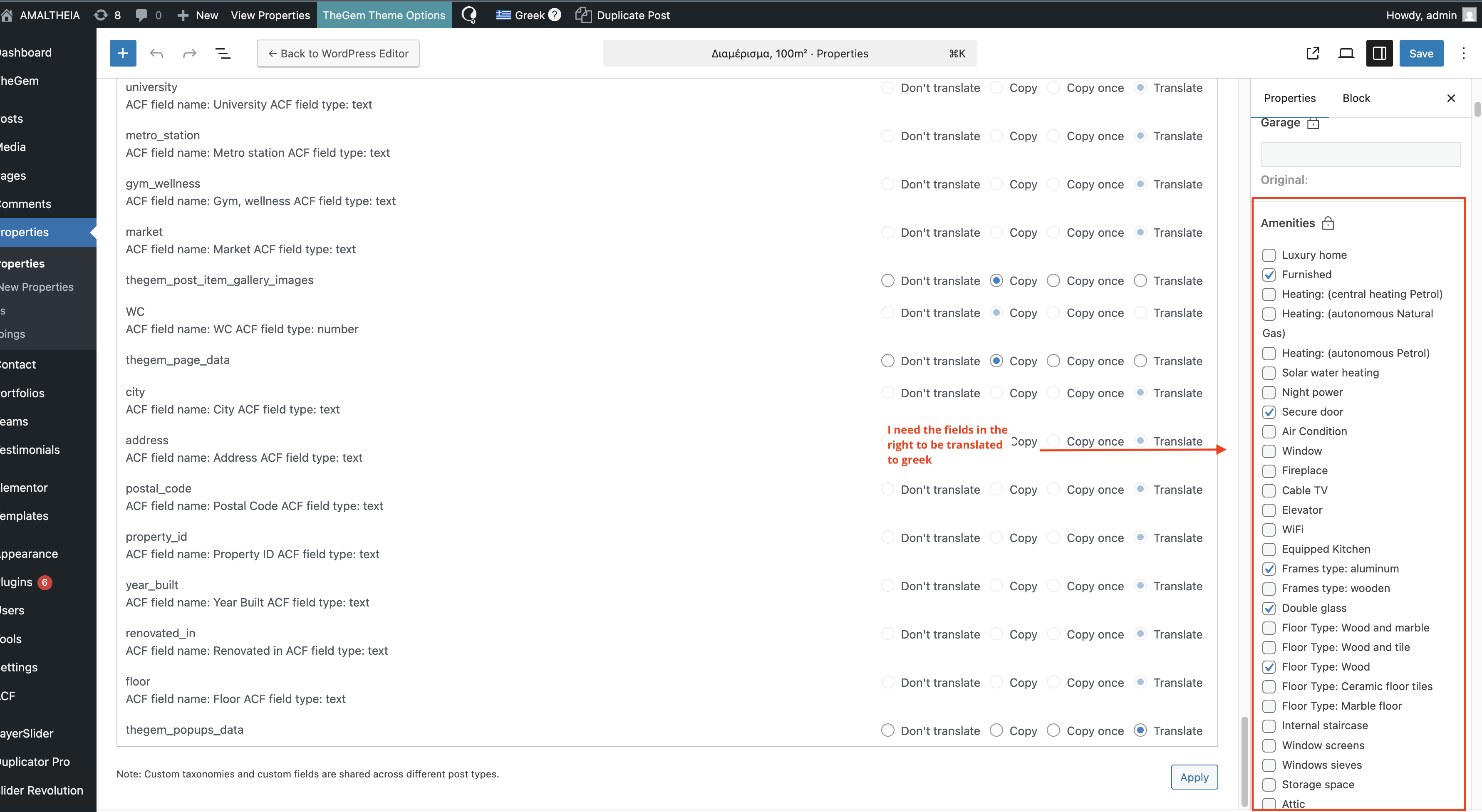
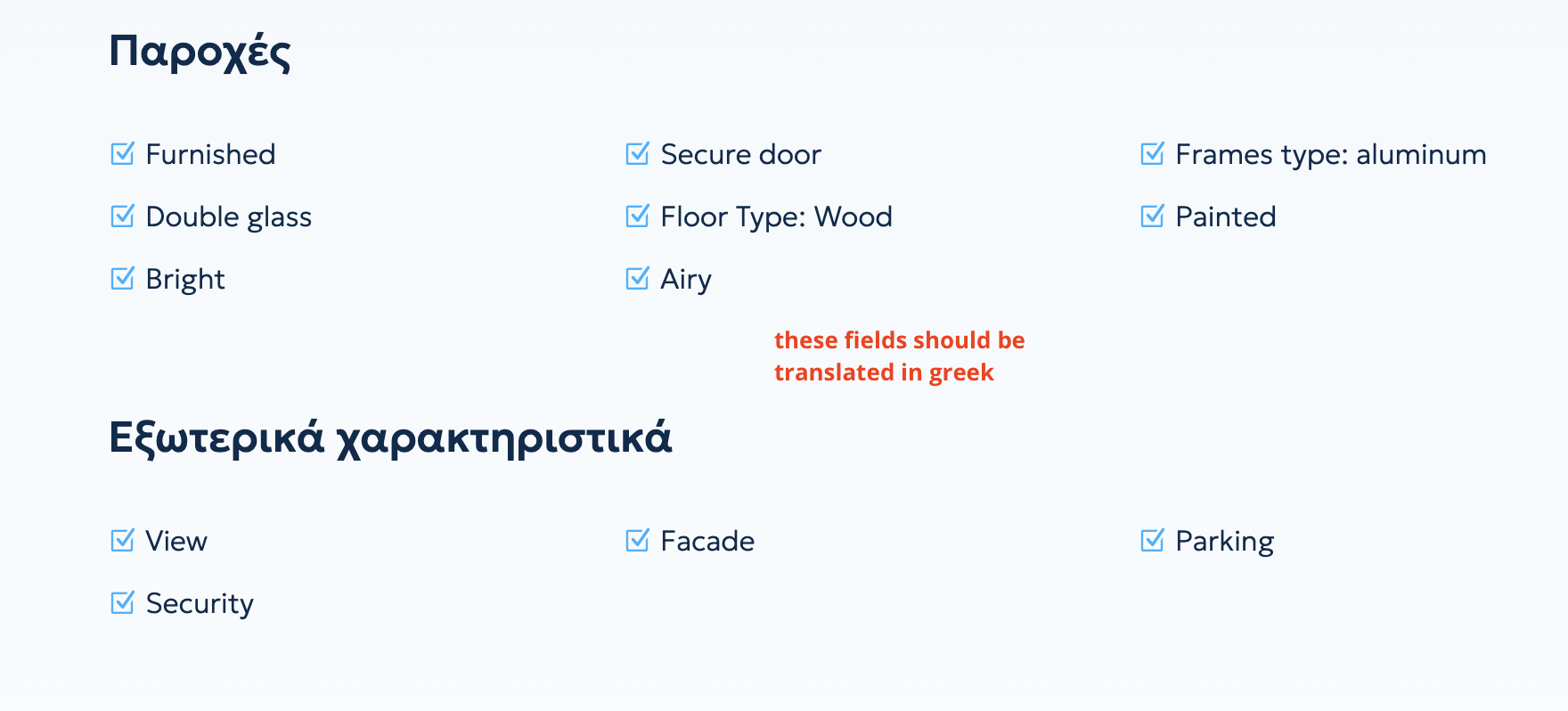
The fields I try to translate are still untranslatable, please see the pictures attached.
Regarding the ACF Choices, I have reviewed and verified that they were correctly translated via WPML->Translation managemenet->ACF Field Group
->Field Group Labels 57.
Regardless the correct set up and translation the choices are still showing untranslated in the front end.
In related tickets from previous support threads this typically will happen due to some sort of incompatibility between WPML and a third party plugin.
In order to test this properly we will need to ensure that all plugins are up to date with their latest versions, if possible please update the plugins and let me know your results.
NOTE: I attempted the expert mode prior the updated versions of the plugins and my results were not good.
With the latest versions I was able to resolve the issue doing these steps:
1. Go to ACF Field Groups -> Edit the field group
2. Set it to "Expert"
3. Edit the specific field "ammenities" and set to "Translate"
4. Update the property (edit and click update)
5. Update the translation
Absolutely, if anything comes up please let us know.
Do keep in mind that tickets can close automatically after no activity, but that can take a few days and you will receive an email reminder before it does.
is there a possibility to make the custom field (price) to copy itself in the translated property and not do this fix, in every property? Its a real mess, because every translation needs to edit it in the translated language > add price in the custom field, then return to the prototype language (english), press space and save, then edit the translation and save to force the translated page to copy and translate all the fields and then to look correct in the sale or rent page.