This thread is resolved. Here is a description of the problem and solution.
Problem:
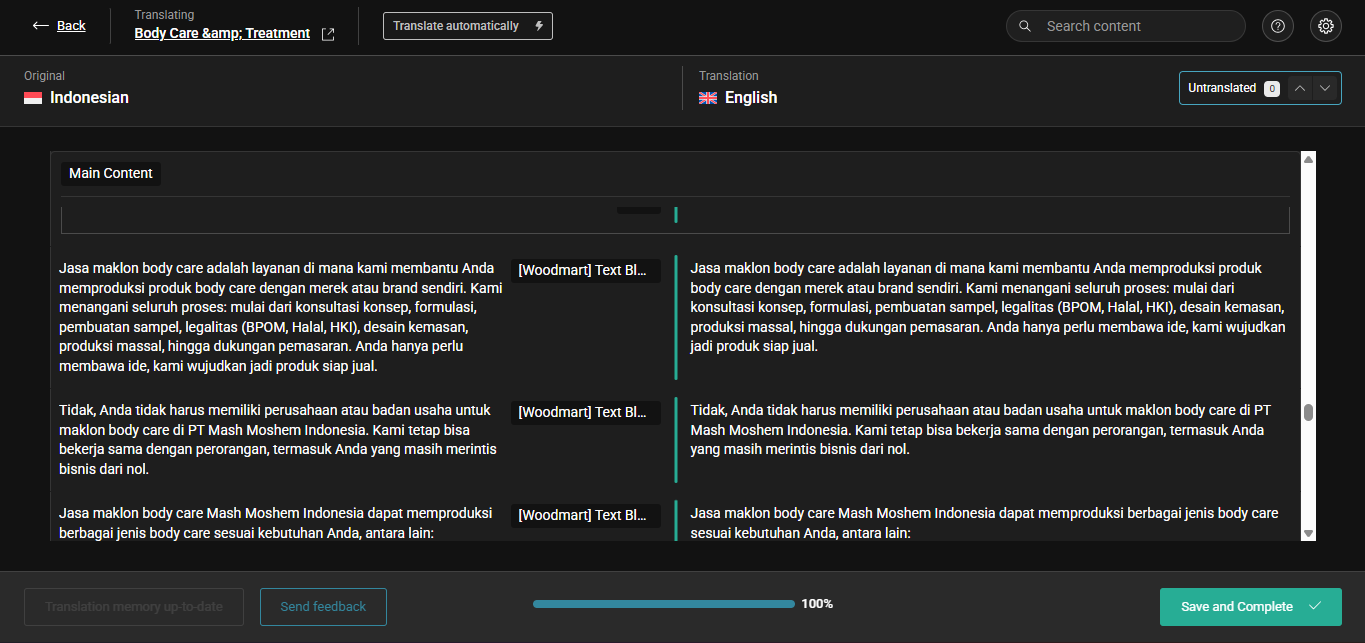
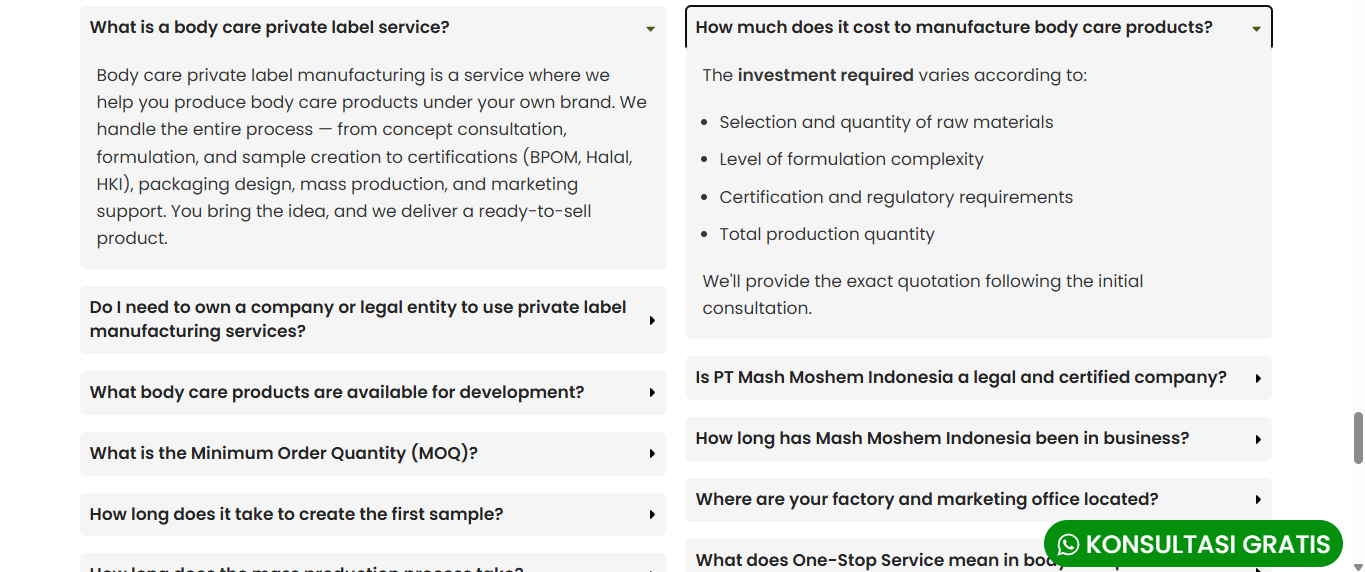
If you're using Elementor or another default editor to translate your pages and then try to synchronize your work with the WPML Translation Editor, you might notice that the content does not appear in the WPML's translation dashboard.
Solution:
We recommend disabling the WPML Translation Editor for the pages or posts you are managing with Elementor. This action prevents any potential conflicts by allowing you to manage translations directly within Elementor. You can disable the WPML Translation Editor in the right sidebar of your pages or posts. For detailed instructions, please visit Using different translation editors for different pages.
If this solution does not apply to your case, or if it seems outdated, we encourage you to open a new support ticket. We also highly recommend checking related known issues at https://wpml.org/known-issues/, verifying the version of the permanent fix, and confirming that you have installed the latest versions of themes and plugins. For further assistance, please visit our support forum at WPML support forum.
This is the technical support forum for WPML - the multilingual WordPress plugin.
Everyone can read, but only WPML clients can post here. WPML team is replying on the forum 6 days per week, 22 hours per day.