We’re currently experiencing issues exporting files from production, which we need to provide to the translation agency for the French translation.
Here is Alessandro’s explanation of the problem:
“We are encountering a blocking error in the IT>FR translation workflow via WPML:
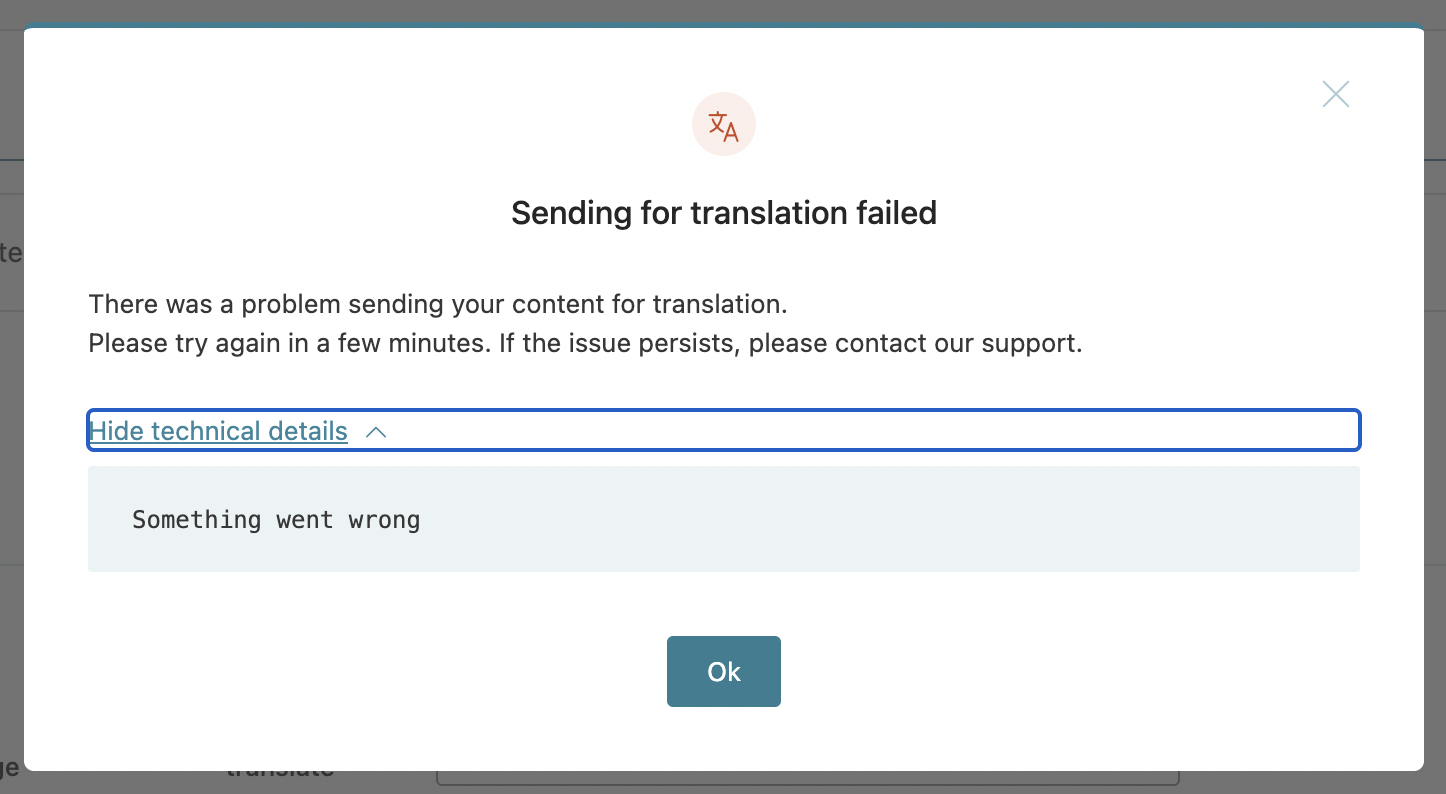
When selecting even a single Italian article to translate from WPML > Translation Dashboard (hidden link), we receive a very generic error (screenshot 1).
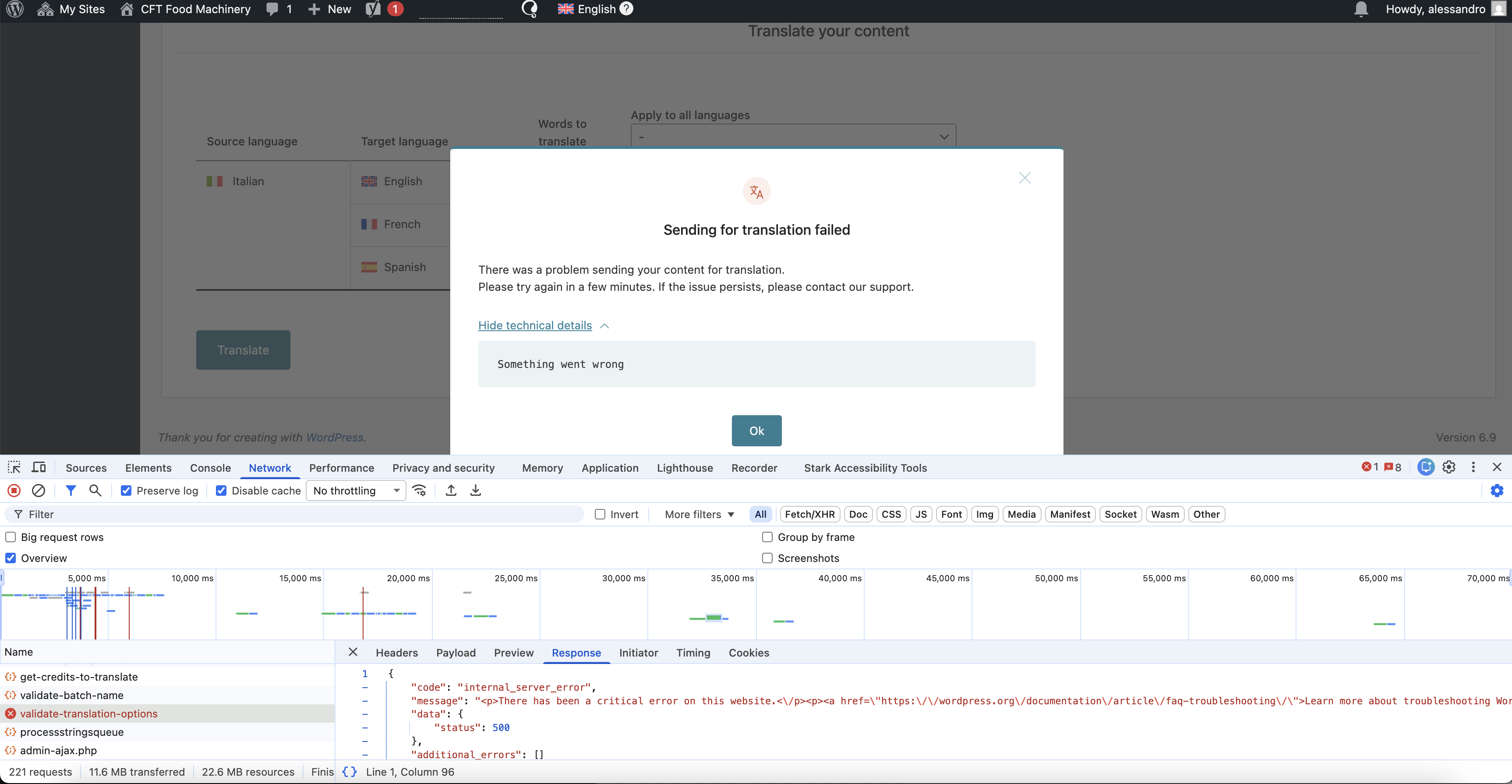
I also checked the network requests and can see that on the server side, WPML encounters a 500 error (screenshot 2).
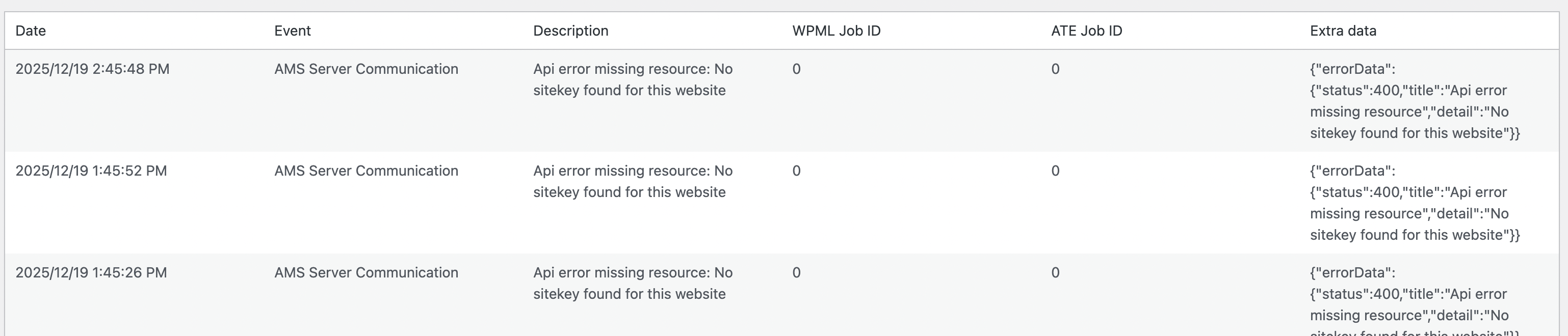
I tried searching online for references, and it seems that most of the time the issue can be caused by an incorrect license or server configuration in general:
I cannot verify the WPML license key or its settings, as I cannot find the plugin in the list of installed plugins – probably because we are running a multisite setup.
I tested the same procedure on develop and encountered the same error.
These are the same steps I followed to create and export Spanish translation jobs a few months ago, so something must have changed in the meantime”.
To enable WordPress debug log, open your wp-config.php file and look for
define('WP_DEBUG', false);
Change it to:
define('WP_DEBUG', true);
// Enable Debug logging to the /wp-content/debug.log file
define('WP_DEBUG_LOG', true);
// Disable display of errors and warnings
define('WP_DEBUG_DISPLAY', false);
@ini_set('display_errors', 0);
After this, repeat the action that causes the problem on your site — send content for translation from the Translation Dashboard. In this case, the errors will be saved to a debug.log log file inside the /wp-content/ directory. Then please share the errors with us. If debug.log was already active, please share only the error you encountered during your test to keep the log concise and avoid unrelated errors.