This thread is resolved. Here is a description of the problem and solution.
Problem: The client is unable to properly translate their knowledge base, specifically the left menu and the main help page, which still displays in German. Additionally, two categories incorrectly appear in Dutch on the German page. Solution: First, ensure that the client provides administrator access to their site for further troubleshooting. Confirm if the client is using the 'Knowledge Base for Documents and FAQs' plugin by Echo Plugins, which is compatible with WPML. If so, we recommend following the guide on setting up WPML with this plugin, available here: https://www.echoknowledgebase.com/documentation/setup-wpml-for-knowledge-base/. For issues specifically related to translating the WordPress menu, refer to our guide here: https://wpml.org/documentation/getting-started-guide/translating-menus/.
If these resources do not resolve the issue or if the solution becomes outdated, we highly recommend checking related known issues at https://wpml.org/known-issues/, verifying the version of the permanent fix, and confirming that you have installed the latest versions of themes and plugins. If further assistance is needed, please open a new support ticket at WPML support forum.
This is the technical support forum for WPML - the multilingual WordPress plugin.
Everyone can read, but only WPML clients can post here. WPML team is replying on the forum 6 days per week, 22 hours per day.
We want to translate our knowledge base and can't figure out how to do that properly. We already managed to translate articles. But the menue on the left, is still in German. And there ist also a main help page with all different categories and we can't figure out, how to translate it: hidden link
We think, it's because of the knolwledge base plugin. Two categories appear in Dutch on our German page and we have no idea how to remove them. I hope you can help. Thanks in advance.
Please correct the security issue and grant me access to your site. I'm enabling a private message for the following reply. Privacy and Security Policy
We have strict policies regarding privacy and access to your information. Please see: https://wpml.org/purchase/support-policy/privacy-and-security-when-providing-debug-information-for-support/ **IMPORTANT**
- - Please back up the site files and database before providing us access. --
-- If you have a staging site where the problem can be reproduced, it is better to share access to the staging site.--
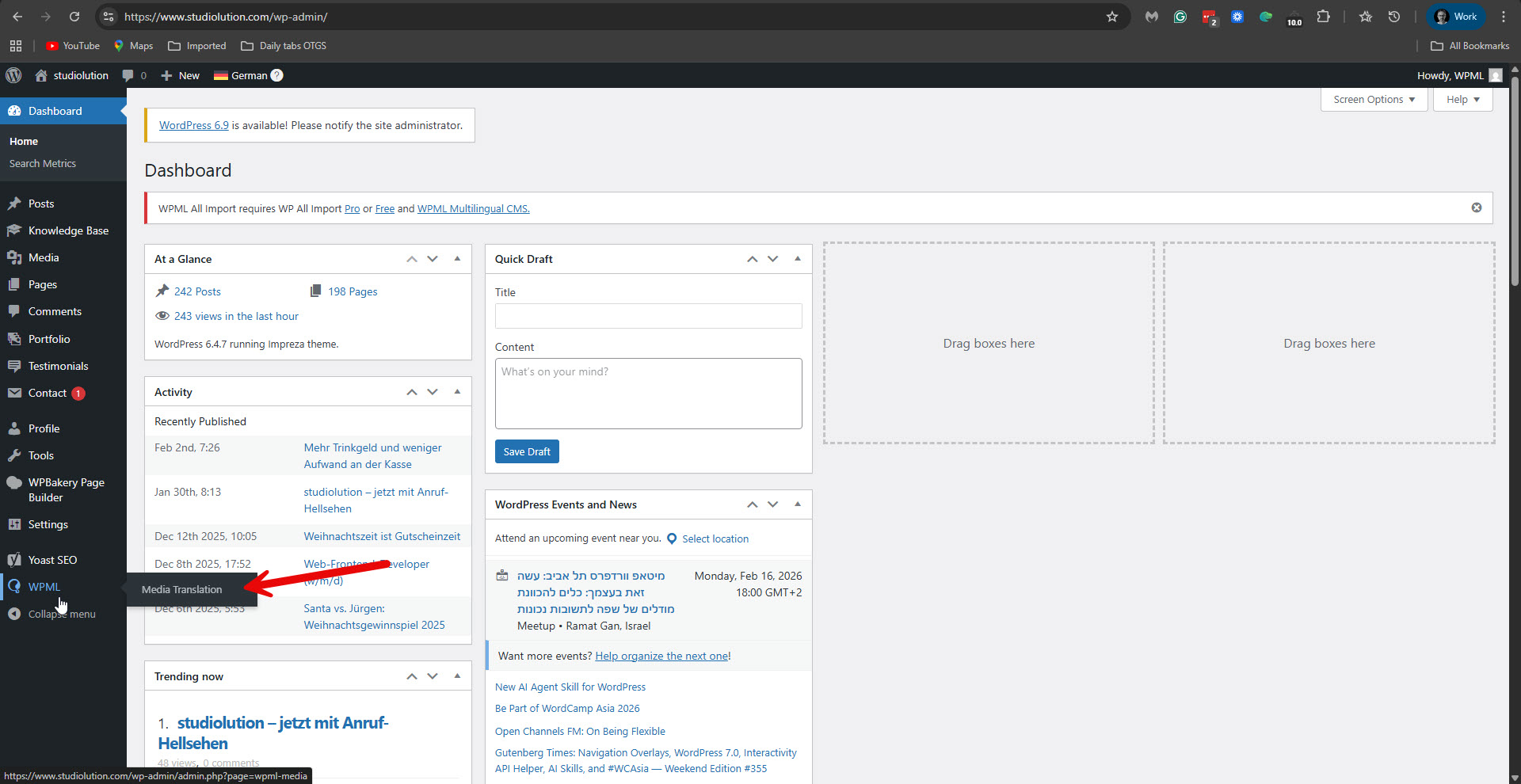
I can access your site now, but you gave me access with a user account that doesn't have enough privileges. Please see the attached screenshot. I need administrator user access. Please change my user to be an administrator. Additionally, please elaborate on the problem of translating the knowledge base items and send some screenshots.
Additionally, I have found out that the Knowledge Base for Documents and FAQs by Echo Plugins is officially compatible with WPML: https://wpml.org/plugin/knowledge-base-for-documents-and-faqs/.
Is this the plugin you are using?
If so, please follow their guide on working with WPML: hidden link.
They also state the following in the above link: "If you have questions or need help with WPML related to KB and its articles and categories, please contact KB support."