
This is the technical support forum for WPML - the multilingual WordPress plugin.
Everyone can read, but only WPML clients can post here. WPML team is replying on the forum 6 days per week, 22 hours per day.
| Sun | Mon | Tue | Wed | Thu | Fri | Sat |
|---|---|---|---|---|---|---|
| - | 8:00 – 12:00 | 8:00 – 12:00 | 8:00 – 12:00 | 8:00 – 12:00 | 8:00 – 12:00 | - |
| - | 12:00 – 16:00 | 12:00 – 16:00 | 12:00 – 16:00 | 12:00 – 16:00 | 12:00 – 16:00 | - |
Supporter timezone: Europe/Zagreb (GMT+02:00)
This topic contains 15 replies, has 2 voices.
Last updated by Dražen 3 years, 10 months ago.
Assisted by: Dražen.
| Author | Posts |
|---|---|
| January 4, 2022 at 3:21 pm #10285585 | |
 datformatiebv |
We are trying to import custom posts type in 3 languages in WPML based WP 5.8 system. |
| January 5, 2022 at 7:13 am #10289371 | |
 Dražen Supporter Languages: English (English ) Timezone: Europe/Zagreb (GMT+02:00) |
Hello, thanks for waiting, I will be taking over and helping you further. Can you please go next test sandbox website and try to reproduce the issue with a sample CSV? - hidden link CSV: hidden link That way I can check your import template and what goes wrong, if the issue happens there as well. Let me know how it goes. Thanks, |
| January 5, 2022 at 10:07 am #10290327 | |
|
datformatiebv |
Hi Drazen |
| January 5, 2022 at 10:50 am #10290567 | |
|
Dražen Supporter Languages: English (English ) Timezone: Europe/Zagreb (GMT+02:00) |
Hello, thanks for getting back and taking the time to replicate it. I have checked the website and I can see an issue happening for both FR and DE, but only when you Import EN language but do not import/update translations. If you follow steps as in our documentation, import default language then other languages, it works and shows up fine. Please check the video: Let me know if you have other doubts or questions regarding this issue, or I am missing something. Thanks, 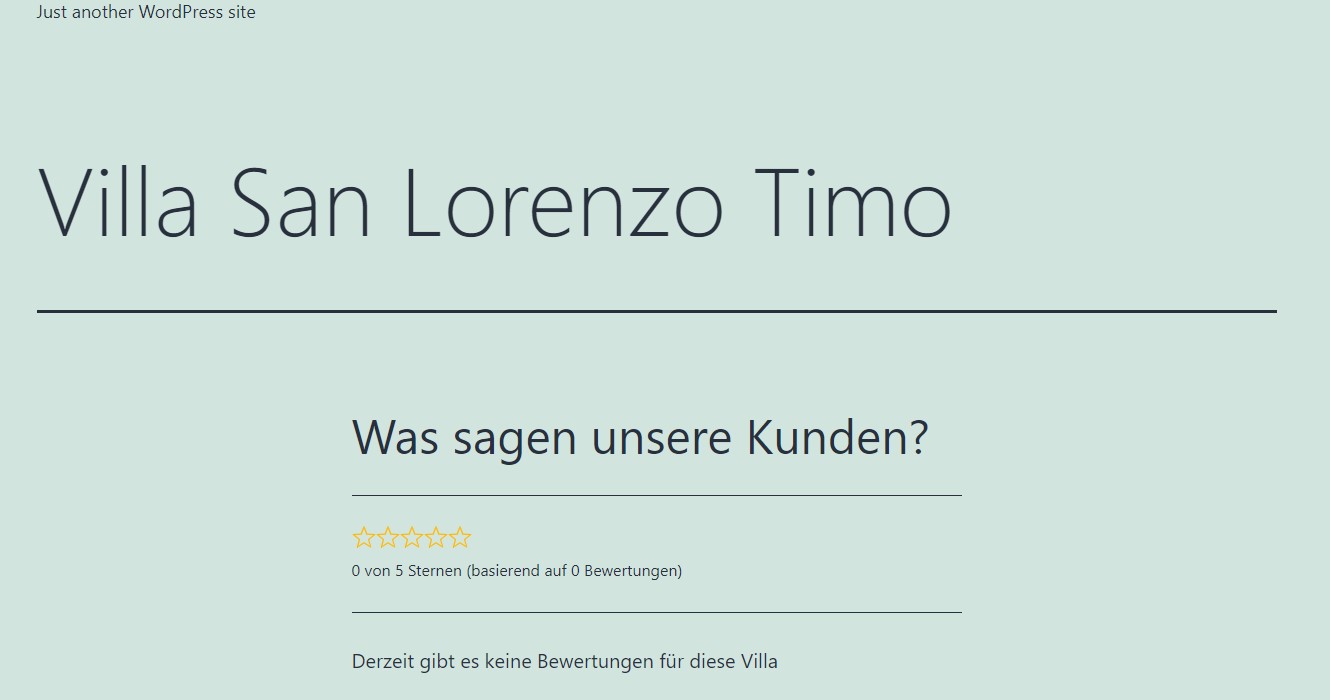 |
| January 5, 2022 at 11:01 am #10290621 | |
|
datformatiebv |
What do you mean with: but do not import/update translations.? I cannot see what you did different then we did.. And by the way I did follow the instructions as per: |
| January 5, 2022 at 11:47 am #10291335 | |
|
Dražen Supporter Languages: English (English ) Timezone: Europe/Zagreb (GMT+02:00) |
Hello, as said, this is how I experience the issue on the sandbox site, and I might be wrong or missing something. By "but do not import/update translations.?", I mean when you re-import EN but then do not follow and re-import/update also FR/DE. It works fine for me if I import the default language and then translations: 1) Import EN Can you please check the sandbox and see if the issue still happens for you? Please let me know how it goes. Thanks, |
| January 5, 2022 at 11:56 am #10291359 | |
|
datformatiebv |
okay: because: I do the following as per the description in the manual. 1 import EN = default lang Then I see what I reported. Do i understand correctly that you import the default lang (which is EN) and then 1) Import EN as you wrote? Also I notice in the sandbox that in the EN version "EN" is entered in the content field. (after the {content} variable.... What is the reason for that? sorry but it is still not clear what you did to solve the issue... |
| January 5, 2022 at 1:08 pm #10291865 | |
|
Dražen Supporter Languages: English (English ) Timezone: Europe/Zagreb (GMT+02:00) |
Hello, thanks for getting back. Yes, I checked your issue and then re-run the import, and then it seems to me it works fine. So basically I just re-run again all imports in the correct order. Can you please check and confirm if the issue is still happening on sandbox / and if this solves the issue on your website? As for EN inside EN versions, I added it inside content and title for all languages (En,FR,DE) during debugging, so I can see the difference when the import is done. Let me know. Thanks, |
| January 5, 2022 at 1:15 pm #10291931 | |
|
datformatiebv |
Thanks I will verify. However: It still does not explain why in the first run (following the procedure described in: https://wpml.org/documentation/related-projects/wpml-all-import-plugin-website-import-with-wpml/) did not work as designed. I spent a lot of time and it would be good to find the root cause to prevent others to get into the same situation, right? So (being a purist) this is not a resolution but a workaround: re-import all languages. What could be a way to find out the root cause of the error symptoms we experienced? |
| January 5, 2022 at 1:24 pm #10292035 | |
|
Dražen Supporter Languages: English (English ) Timezone: Europe/Zagreb (GMT+02:00) |
Hello, thanks for getting back. Sure, I completely agree with you. Please follow my suggestion and confirm the same procedure fixes the issue for you on your website also. So we are sure we are talking and experiencing the same issue/behavior. Then I will check and confirm the issue happens only for first-run import, and escalate further for a checkup. Thanks, |
| January 5, 2022 at 2:11 pm #10292383 | |
|
datformatiebv |
Hi Drazen, Yes we managed to implement the workaround successfully on our website with one exception to your workaround though: We changed the " Skip ilodge villas if their data in your file has not changed ?" setting from ticked to un-ticked. So: 1 import of the EN lang (" Skip ilodge villas if their data in your file has not changed ?" un-ticked) (ilodge villas = custom posts type) We think it is safe to conclude that two (2) passes are currently required to upload multiple language .csv's to create functional multi-language posts when using WP All Import / WPML WP All import add-on to import data. 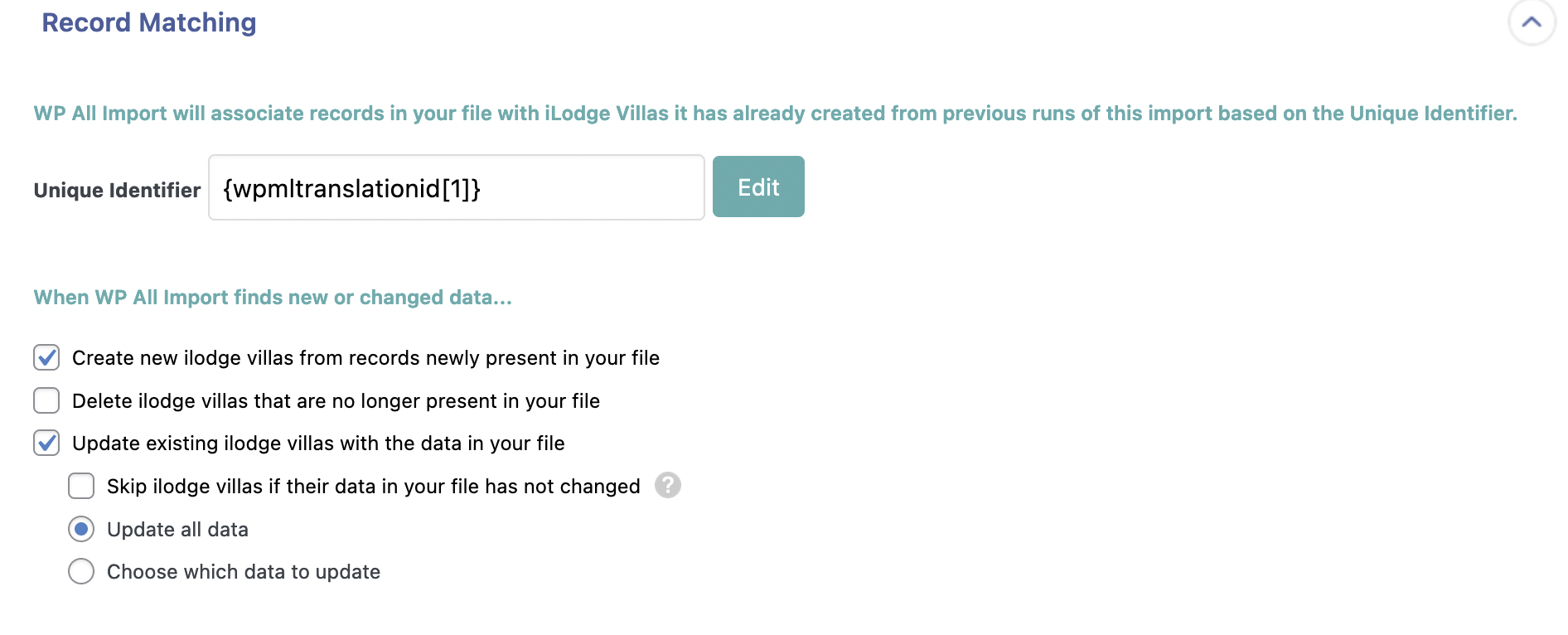 |
| January 7, 2022 at 6:39 am #10303139 | |
|
Dražen Supporter Languages: English (English ) Timezone: Europe/Zagreb (GMT+02:00) |
Hello, thanks for getting back. I have shared this ticket and info with our 2nd tier who will check and advise. I will update you soon. Thanks, |
| January 7, 2022 at 10:54 am #10304417 | |
|
Dražen Supporter Languages: English (English ) Timezone: Europe/Zagreb (GMT+02:00) |
Hello, I just wanted to let you know that I've escalated this ticket to our developers team. They are taking a look at the issue and I will let you know as soon as they have updates. Please note that this process may take a while. Thank you for your patience. Regards, |
| January 10, 2022 at 6:56 am #10315419 | |
|
Dražen Supporter Languages: English (English ) Timezone: Europe/Zagreb (GMT+02:00) |
Hello, just to update you, our developers find the bug, it is happening only when importing Gutenberg content. We are working on a permanent fix. Another quick workaround would be to disable the ST while importing. I will update you when I have some news. Kind regards, |
| January 10, 2022 at 7:20 am #10315515 | |
|
datformatiebv |
Hi Drazen, |






