Hi,
I’m working on a multilingual website with Elementor + WPML.
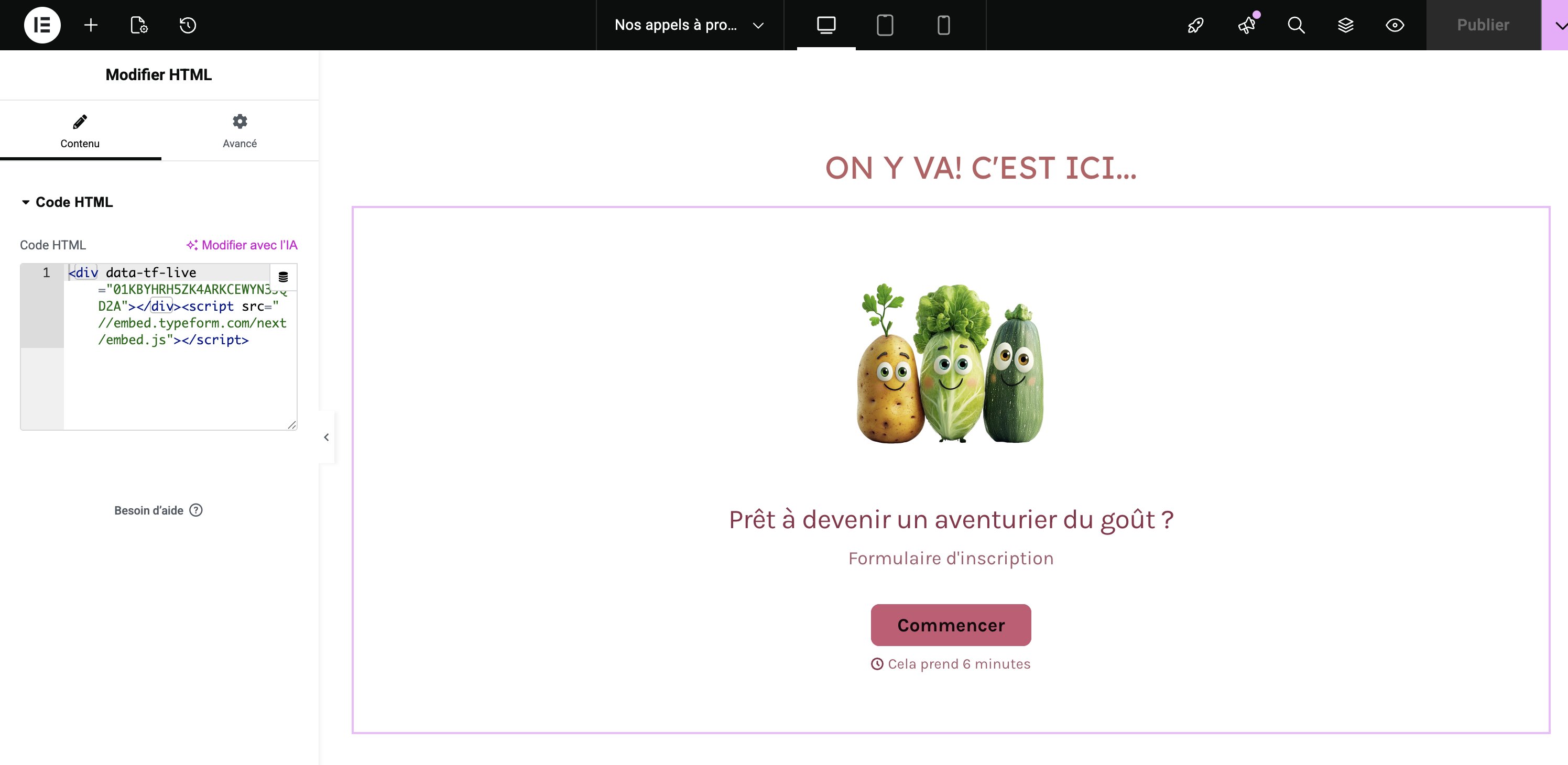
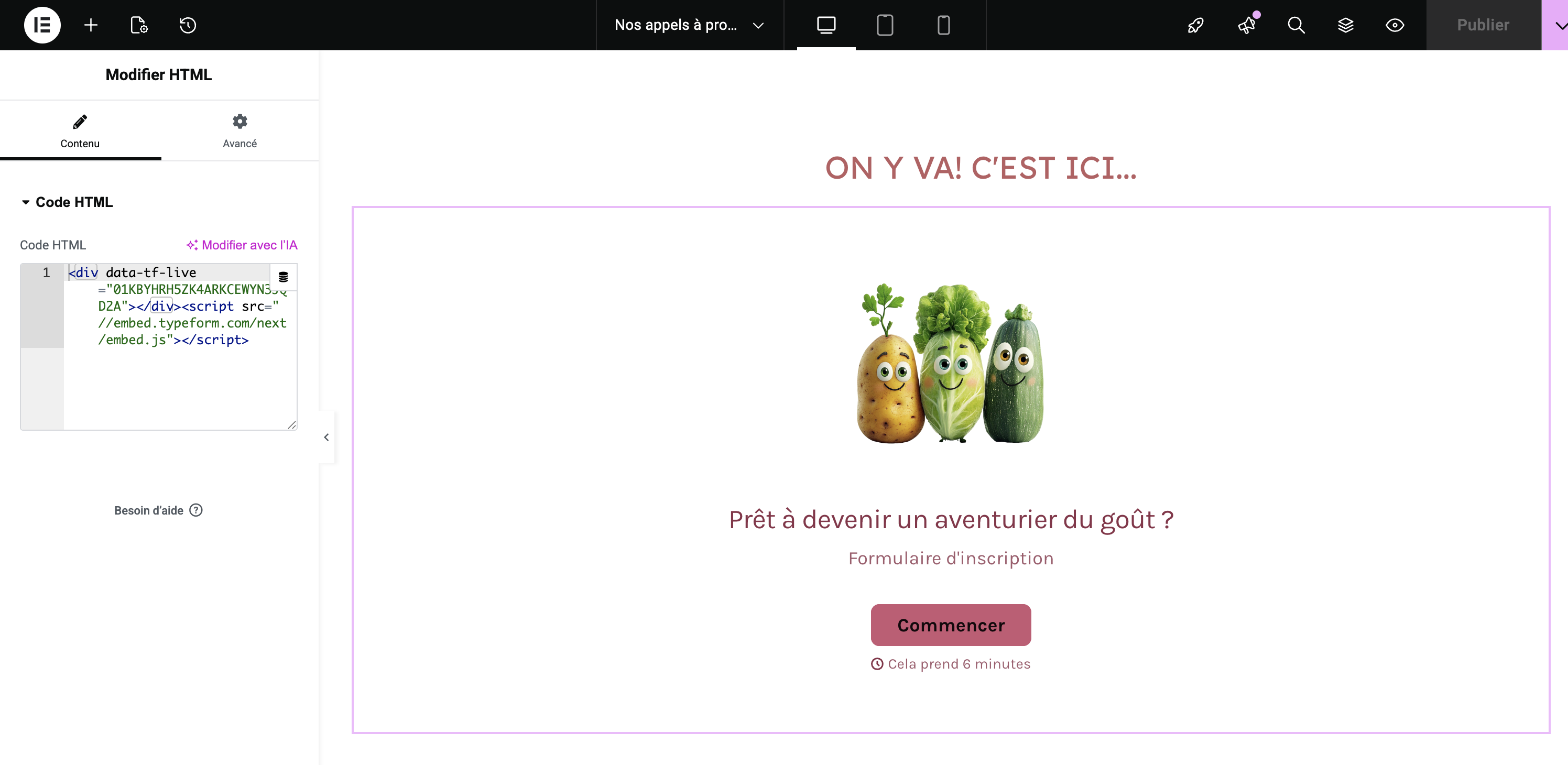
HTML widgets containing embed codes (in this case, Typeform iframe) are not detected by WPML Advanced Translation Editor, so they are not copied to translated pages. This forces us to manually rebuild the layout for each language.
Is there a way to automatically copy or translate HTML widget content in Elementor with the WPML editor ?
Thank you for sharing the details. More complex HTML code, inserted via Elementor often don't get properly rendered by WPML - it depends on the complexity and on other factors.
Our usual answer on those scenarios, is to simply use the WordPress Editor option, which implies having to recreate the translation using Elementor, as you already noted. The pages don't have to be rebuilt from scratch, as Elementor allows you to copy the entire page and only replace texts you want to translate.
To be able to answer you, I'd have to check your website directly, probably create a copy of it, and check the HTML code you are using, as well as testing different solutions - please send me access if you wish me to do so.
The required fields can be found below the comments section. The information you enter is private, i.e. only you and I can see it and have access to it.
I may need to replicate your website locally. To do this, I need to temporarily install a plugin called "Duplicator" or "All in One WP Migration" on your website. This will allow me to create a copy of your website and content. Once the issue is resolved, I will delete the local website. Let me know if this works for you.
IMPORTANT
Please make a backup copy of the site files and database before giving us access.
- If you do not see the wp-admin/FTP fields, this means your post and site login details are being made PUBLIC. DO NOT post your website details if you do not see the required wp-admin/FTP fields. If you do not, ask me to enable the private box. The private box looks like this:
Thank you for sharing access. I've checked the "Nos appels à projets" page, it noticed that it was translated using WPML. The embeded typeform is working on translated language as well.
Also, on the tests I made with the same code, on a fresh test website, the translation worked with no issues.
What's the exact issue you're having? What are the steps I need to take in order to reproduce it?
Actually, all WPML translations are working correctly. However, when I open the WPML Translation Editor for the page "Appel à projets", I don’t see this specific HTML code available for translation:
Because of that, I ended up hardcoding the embed code directly on the Dutch (NL) and EN page by editing the page content itself. This is not ideal, because if the original page is updated in the future, my hardcoded changes will be lost.
My question is:
Where can I find this HTML/code string inside the WPML Translation Editor so that I can translate it properly and have it handled automatically by WPML, instead of manually editing the page as I did?
Sorry for the confusion, reading "…so they are not copied to translated pages", I thought that the issue was with having the HTML on translated pages automatically.
Unfortunately, WPML does not translate code with its editor. If you want to have different HTML for the Elementor Widget, the page must be translated manually, as indicated here: