Skip to content Skip to sidebar

This is the technical support forum for WPML - the multilingual WordPress plugin.

Everyone can read, but only WPML clients can post here. WPML team is replying on the forum 6 days per week, 22 hours per day.

This topic contains 3 replies, has 0 voices.

Last updated by chun-haoH 2 months ago.

Assisted by: Otto.

Author Posts
November 4, 2025 at 5:59 pm #17547219

chun-haoH

Background of the issue:
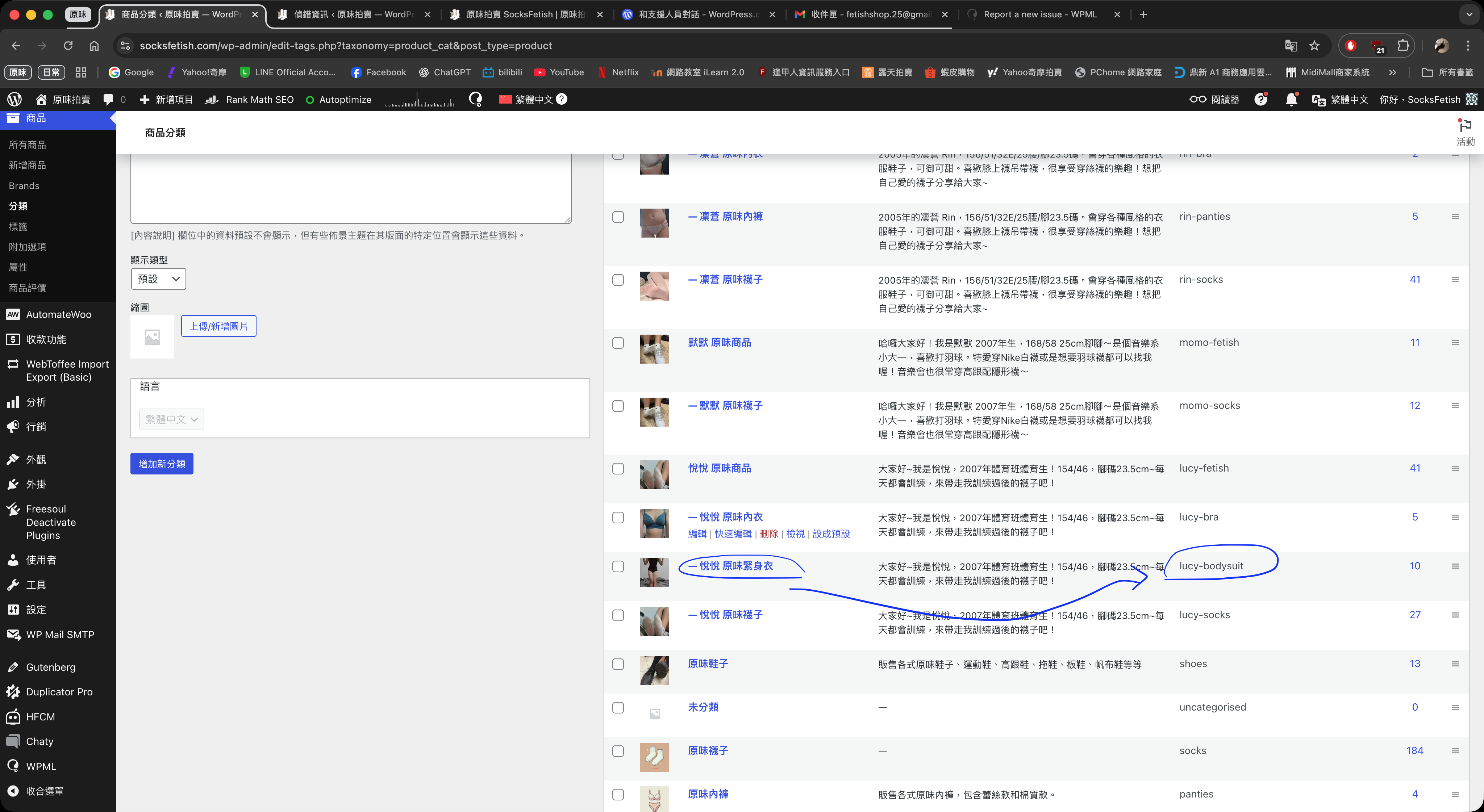
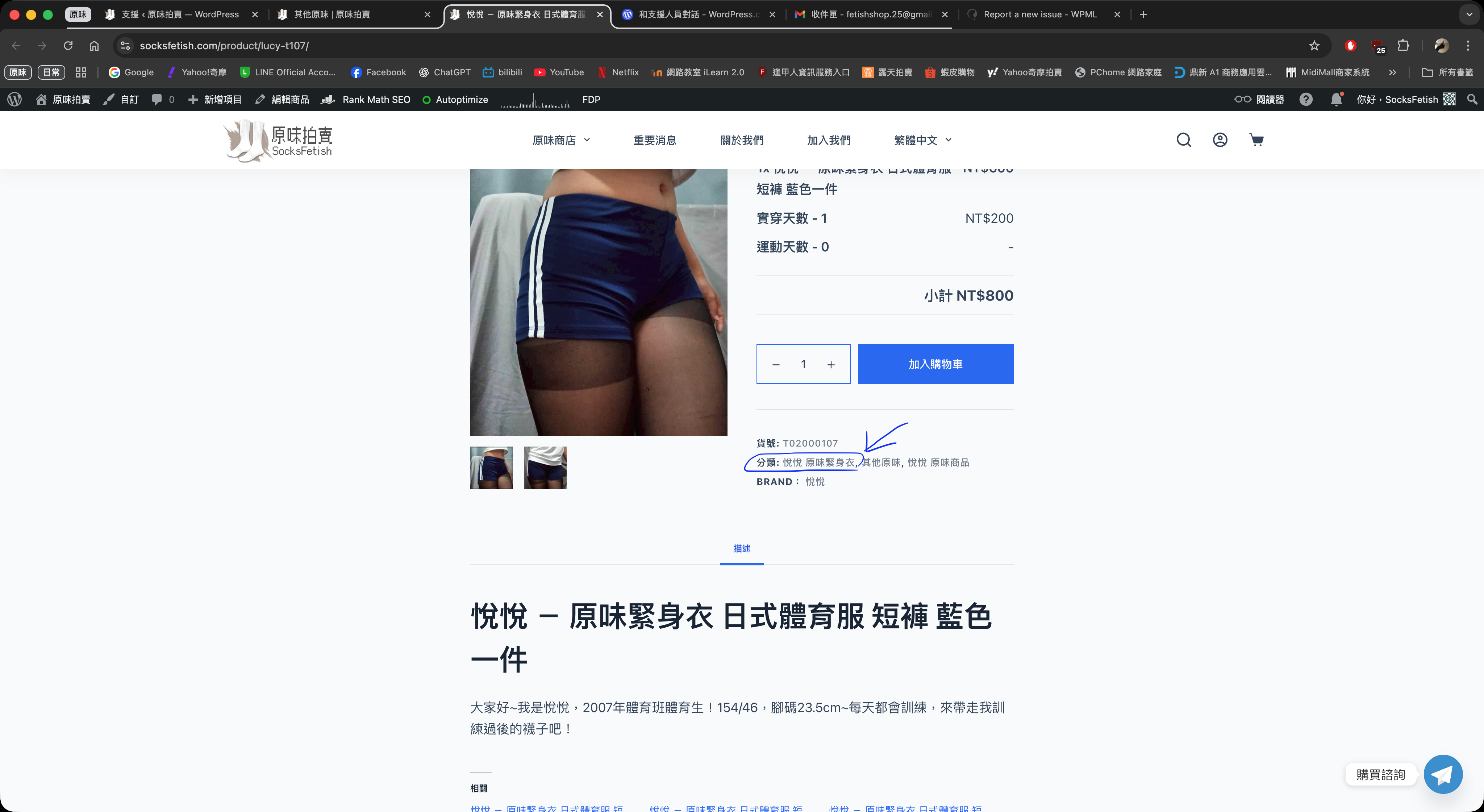
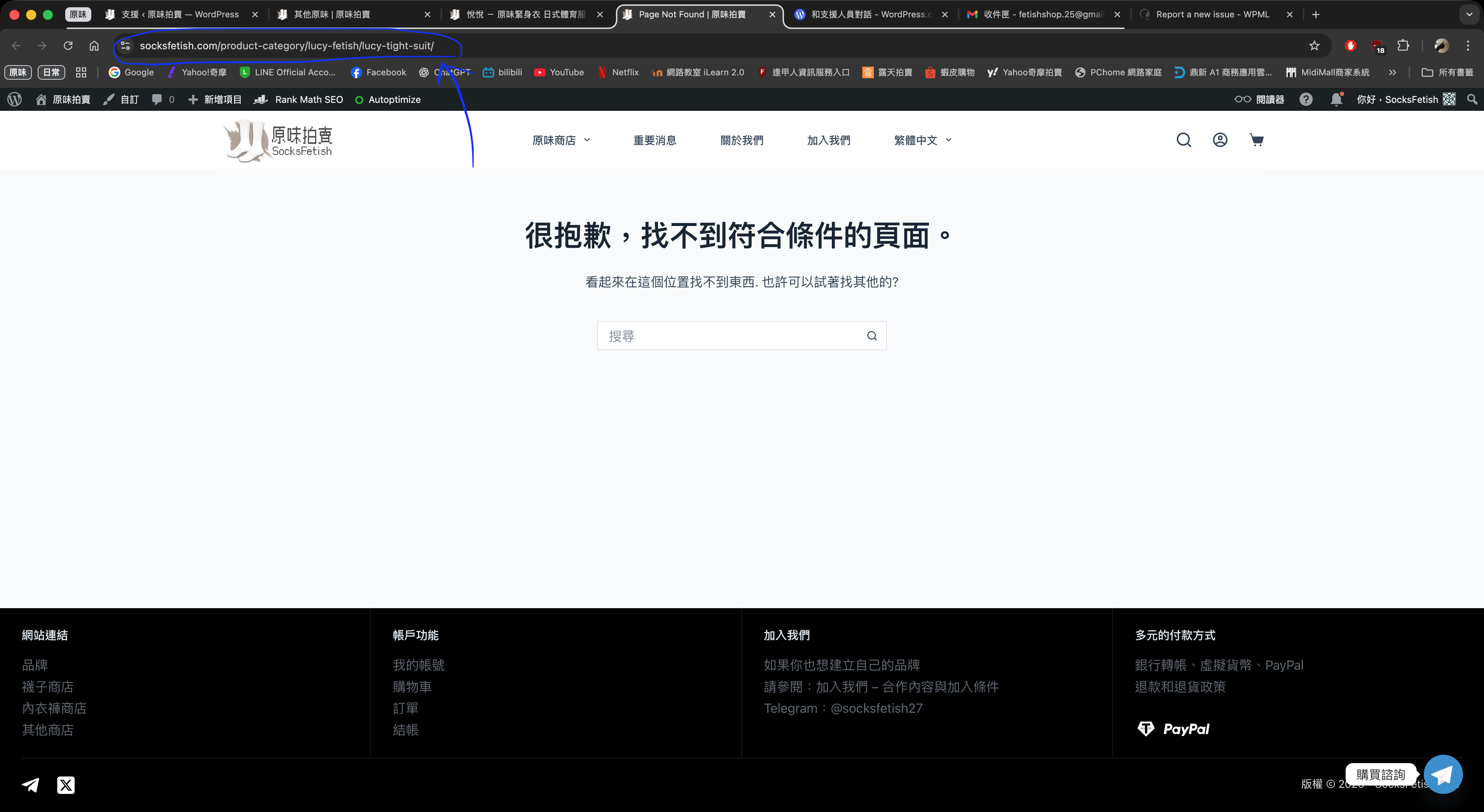
I am trying to update a product category slug (lucy-tight-suit -> lucy-bodysuit) and have it display correctly on the frontend. The specific product is here: hidden link. When clicking on the category '悅悅 原味緊身衣', it still links to the old URL: hidden link. Even after clearing the cache and waiting, the link has not updated to reflect the new slug set in the admin panel.
The new slug should be:hidden link
However, I have already updated the slug of that product category in the admin panel: hidden link

Symptoms:
The product category slug change is not reflected on the frontend, resulting in a 404 error when the site still links to the old slug.

Questions:
Why is the product category slug change not reflected on the frontend?
How can I ensure the updated slug is displayed correctly?

November 4, 2025 at 6:32 pm #17547348

Otto
WPML Supporter since 09/2015

Languages: English (English ) Spanish (Español )

Timezone: America/Argentina/Buenos_Aires (GMT-03:00)

Hello,

If I understand properly the problem is happening in the original language, right? I am not sure if the problem is related with WPML.

Is it possible for you to do the following test:
❌ Please make a full website backup before proceeding ❌
- Deactivate WPML and it's add-ons
- If the issue persists, it's not related to WPML

If deactivating WPML solves the issue, then we need to check for compatibility conflicts:
I suggest you try this to help us identify if it might be a conflict with another plugin or theme that is causing the problem.
**IMPORTANT:** Please try this in a staging environment or at least with a backup of your site files and database before continuing.
Disable all plugins except WooCommerce and WPML-related and temporarily change the theme to a default WordPress such as Twenty Twenty-five.
Is the issue resolved with these settings? If so, please reactivate one by one to see which conflicts.

Best Regards,
Otto

November 5, 2025 at 12:44 pm #17550198

chun-haoH

Hello, thank you very much for the detailed instructions.
I’ll try the steps you suggested and will follow up afterward to let you know whether the issue has been resolved.

Thanks again for your support!

November 5, 2025 at 2:05 pm #17550578

Otto
WPML Supporter since 09/2015

Languages: English (English ) Spanish (Español )

Timezone: America/Argentina/Buenos_Aires (GMT-03:00)

Hello,

Thanks!

Best Regards,
Otto

November 6, 2025 at 8:22 am #17552503

chun-haoH

Hello Otto,

I contacted the WordPress support team again, and they provided a solution that successfully fixed the slug update issue.
It turns out that the cache needed to be cleared from the server-side management panel in order for the updated slug to take effect on the frontend.

Thank you very much for your assistance as well — the issue has now been resolved!

Best regards,
Huang