I have moved my development site to the final destination and created a new registered key for the production site. While the development installation on the development server was working fine, I realized that the production copy on the final server is very slow in loading back-end pages. In particular I have an erro message in the development console regarding WPML as screenshot attached. I suspect that this may cause the slowness.
Hi Bobby, thanks I just updated the PHP Limit to 90. WP Memory limit was already set to 256M.
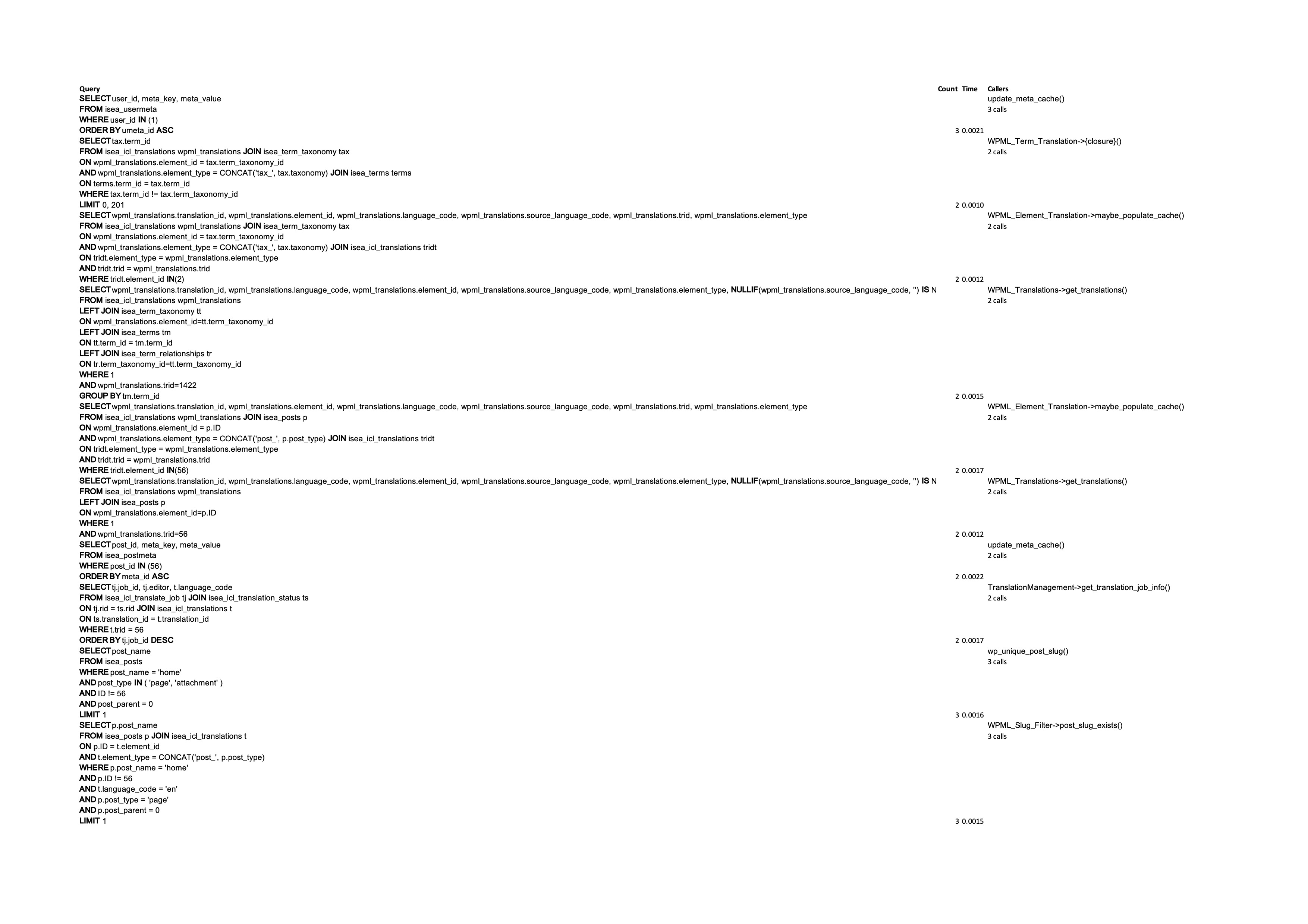
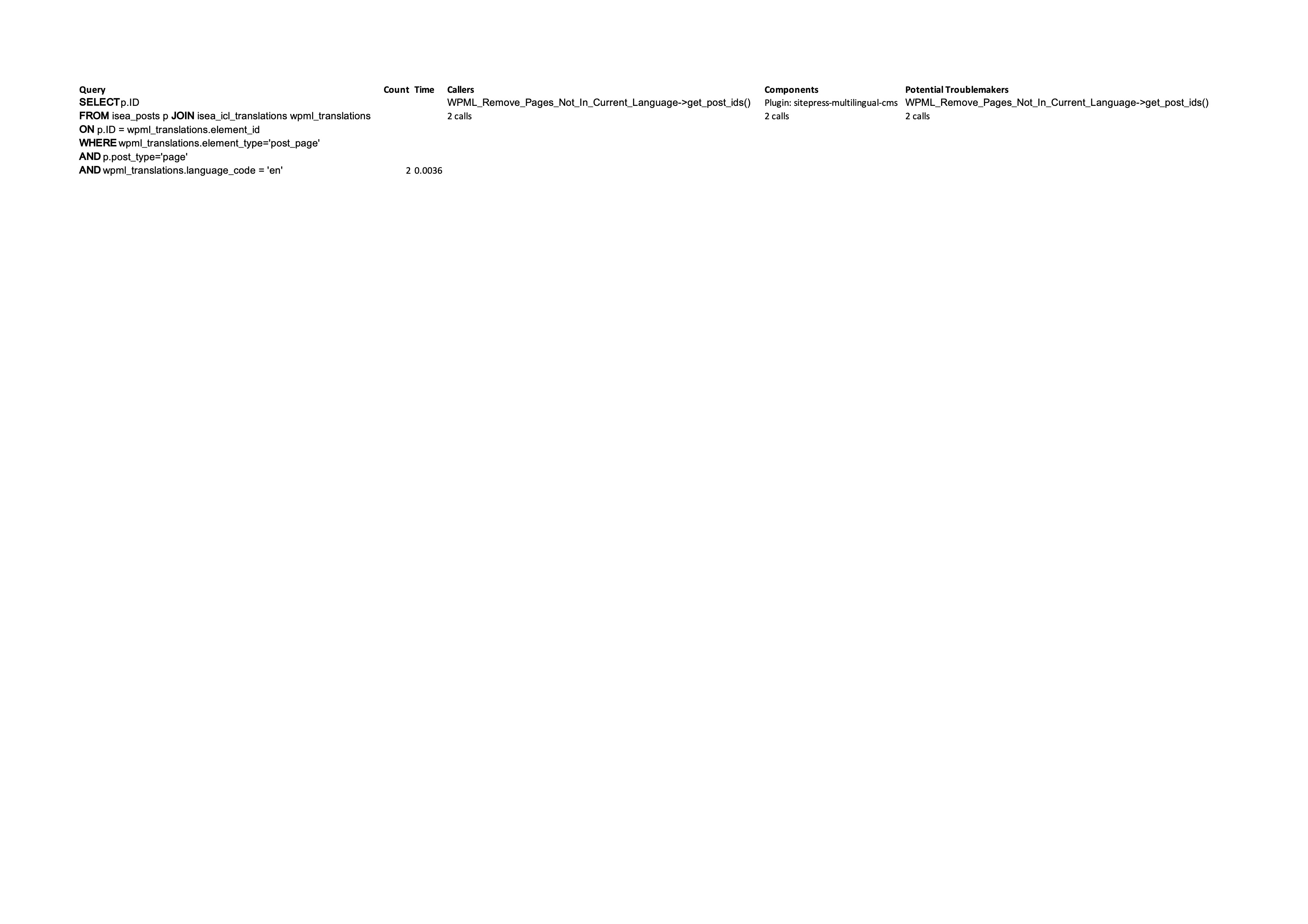
I also added Query Monitor, although I am not sure how to log the queries. Anyway I copied the duplicated queries in an excel (attached). The first image is when I open "Pages" and the second one is when I updated a page translation.
I am not seeing something too out of the ordinary at the moment, but I wIll take a closer look.
I would like to request temporary access (wp-admin and FTP) to your site to test the issue.
(preferably to a test site where the problem has been replicated if possible)
**Before we proceed It is necessary to take FULL BACKUP of your database and your website. Providing us with access, you agree that a backup has been taken **
I often use the Duplicator plugin for this purpose: http://wordpress.org/plugins/duplicator/
You will find the needed fields for this below the comment area when you log in to leave your next reply.
The information you enter is private which means only you and I have access to it.
NOTE: If access to the live site is not possible and the staging site does not exist please provide me with a duplicator package created with the duplicator plugin.
ATE Server Communication WPML has detected a change in your site's URL. To continue translating your site, go to your WordPress Dashboard and tell WPML if your site has been moved or copied.
Also, reviewing the ledger from our side I can see multiple entries with different Organization IDs.
I have now connected them all under one organization, as well as getting al your 8,000 credits in one place.
1. GET hidden link net::ERR_BLOCKED_BY_CLIENT
---> Not caused by WPML and related to Google Map API
2 & 3.
POST hidden link 403 (Forbidden)
wpml-content-stats.js?ver=491900:1 [ContentStats] Network error:
K {message: 'Request failed with status code 403', name: 'AxiosError', code: 'ERR_BAD_REQUEST', config: {…}, request: XMLHttpRequest, …}
These are triggered the moment I enable WPML.
While I did not find any issues with REST API or Access and communication to our servers I will proceed with escalating this and will update you as soon as I have some feedback.
Hi Bobby thanks very much for looking at it. Now, I checked on my live website (you worked on the development site that in a few days will be closed) and I didn't receive any message for migrating the site when I uploaded a duplicator copy on the final server.
I can see from the logs that also on the live website I have the same error message "ATE Server Communication WPML has detected a change in your site's URL. To continue translating your site, go to your WordPress Dashboard and tell WPML if your site has been moved or copied." but I didn't understand how to solve it. If I open my WordPress Dashboard I don't see any further message from WPML, so I cannot follow what is suggested in the help article you mentioned
Finally I would like to solve the console error
wpml-content-stats.js?ver=491900:1 [ContentStats] Network error:
K {message: 'Request failed with status code 403', name: 'AxiosError', code: 'ERR_BAD_REQUEST', config: {…}, request: XMLHttpRequest, …}
Do you want me to give access to the live final website? I do have a copy (it is backed up everyday)