Home›Support›English Support›[Resolved] Setting the primary language of a attribute to the correct language
[Resolved] Setting the primary language of a attribute to the correct language
This thread is resolved. Here is a description of the problem and solution.
Problem: The client has a webshop for a hat shop and created a custom attribute for sizes (head measurements) which they translated using WPML. They are using WP Sheets Editor to manage their workflow and noticed that some columns have incorrect terminology. Specifically, in the Dutch version, the attribute 'head measurement' remains in English, causing WP Sheets Editor to display 'head measurements' instead of 'hoofdmaat'. The client also mentioned being unable to switch languages within the products > attributes section. Solution: We recommend following the correct process of importing WooCommerce products and their taxonomies with the WP Sheet Editor plugin, as described in our guide: Transferring WPML Translations with WP Sheet Editor. It is essential to use the WP Sheet Editor – Taxonomy Terms (Premium) add-on for proper functionality, which appears to be inactive on the client's site. Additionally, in the WPML -> Taxonomy Translation section, the client can translate attribute labels and terms. For more detailed instructions, please refer to our general guide on Taxonomy Translation: Translating Post Categories and Custom Taxonomies and our specific guide about translating product taxonomies: Translating WooCommerce Product Taxonomies.
If this solution does not resolve your issue or seems outdated, we highly recommend checking related known issues at WPML Known Issues, verifying the version of the permanent fix, and confirming that you have installed the latest versions of themes and plugins. If further assistance is needed, please open a new support ticket.
This is the technical support forum for WPML - the multilingual WordPress plugin.
Everyone can read, but only WPML clients can post here. WPML team is replying on the forum 6 days per week, 22 hours per day.
Background of the issue:
I have a webshop for a hat shop and created a custom attribute for sizes (head measurements). I have translated every attribute in the backend using WPML. I am using another plugin called WP Sheets Editor to speed up my workflow, and I noticed some columns have incorrect terminology.
Symptoms:
In the Dutch version of attributes, the primary language of the attribute 'head measurement' is set to English, causing WP Sheets Editor to show 'head measurements' instead of 'hoofdmaat'.
Questions:
Is there a way to change the primary language of an attribute to Dutch in WPML?
How can I ensure that the attribute name changes to Dutch when I change the primary language?
I do have the premium version but the problem is that in some columns the primary language is chosen even though i am in the Dutch version of it.
The only reason why this might occur is that there is a bug that takes the atributtes primary language.
Context:
I have a hat shop and i use for the head sizes the attribute hoofdmaat in Dutch, in English i have made this attribute under head measurement.
I experience the same problem with the colour attribute which is kleur in Dutch. A temporary solution for me was to change the name of it in the sheeets editor itself.
For now I will leave the colour as is to showcase the problem. But i will include also some screenshots why it is a problem with head measurement when creating from sheets editor for variations
Lastly can you help how to change the primary language of a atribute in the translations of taxonomies as requested? because I think this is the culprit.
To change the language of an attribute term, you need to follow these steps.
1. Go to Products -> Attributes.
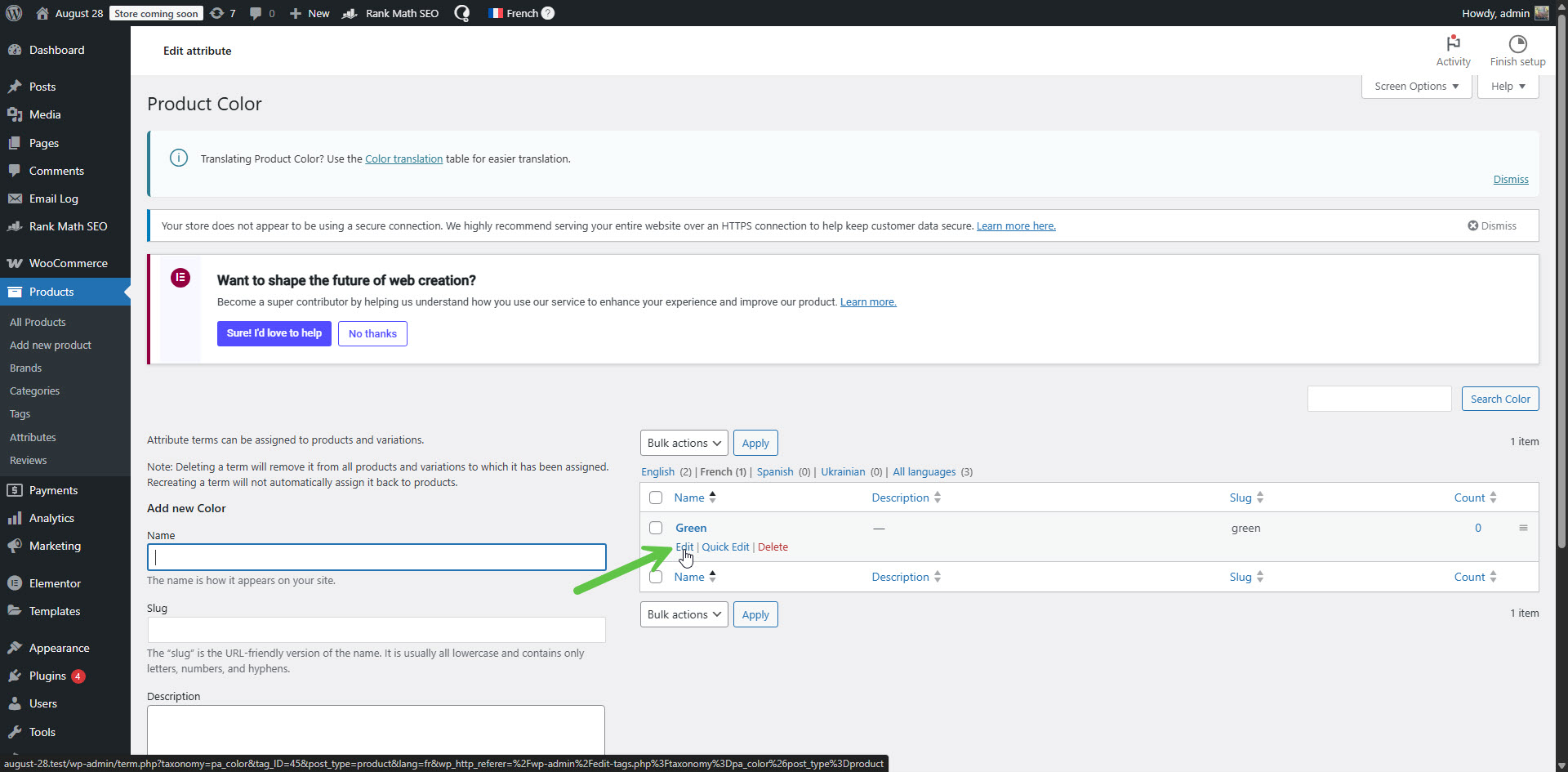
2. Click 'Configure terms'. Please see the attached screenshot from your website.
3. If needed, switch to the Dutch language, because those are the terms you want to switch the language for.
4. Edit the term by clicking the Edit option. Please see the attached screenshot edit-term.jpg.
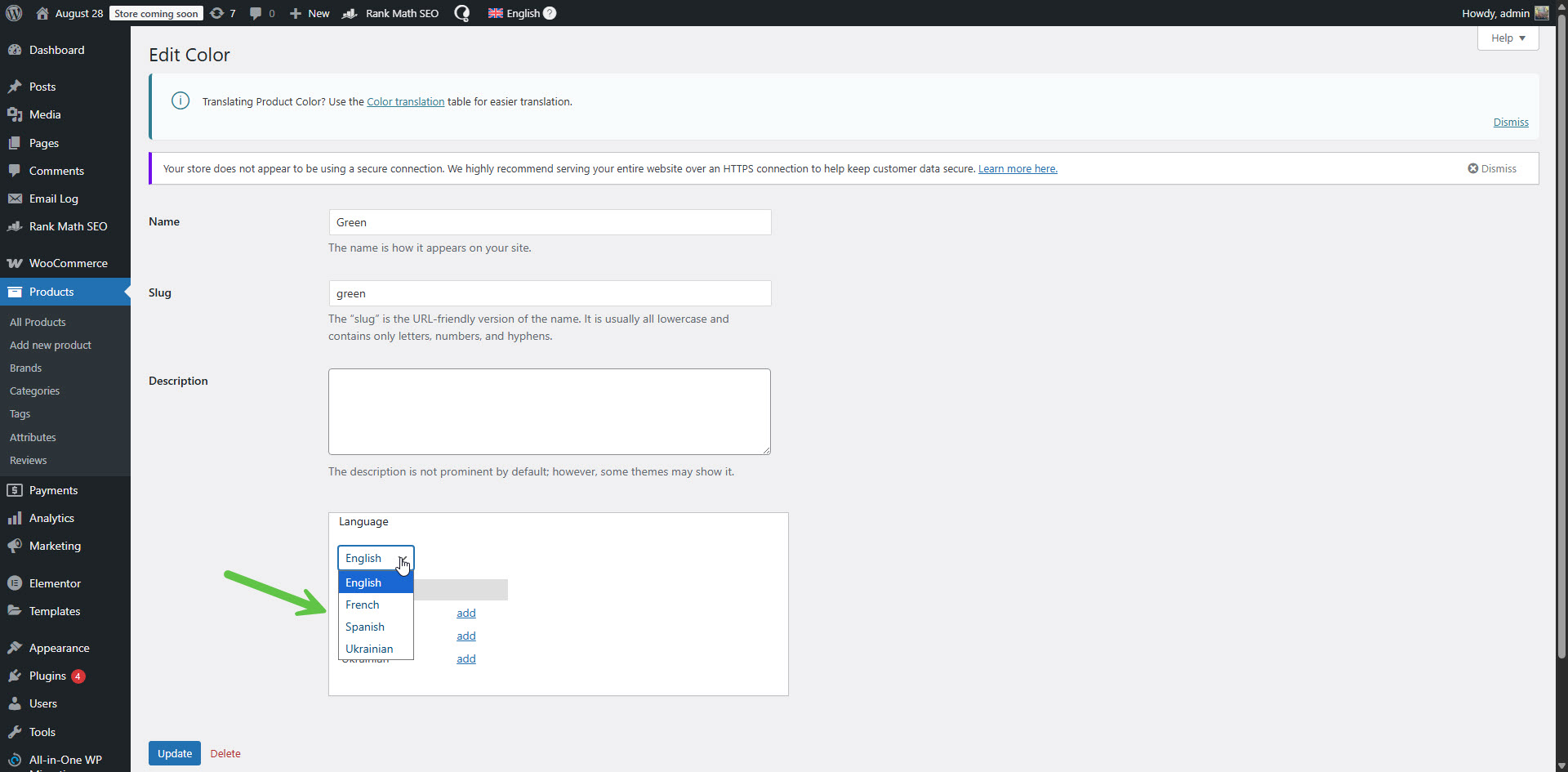
5. In the 'Language' section, change the language of the term. Please see the attached screenshot change-term-lang.jpg.
6. Click the Update button.
This will change the language of the term. In WPML -> Taxonomy Translation, you will be able to see that the language of the terms has been changed.
Very Important Information!
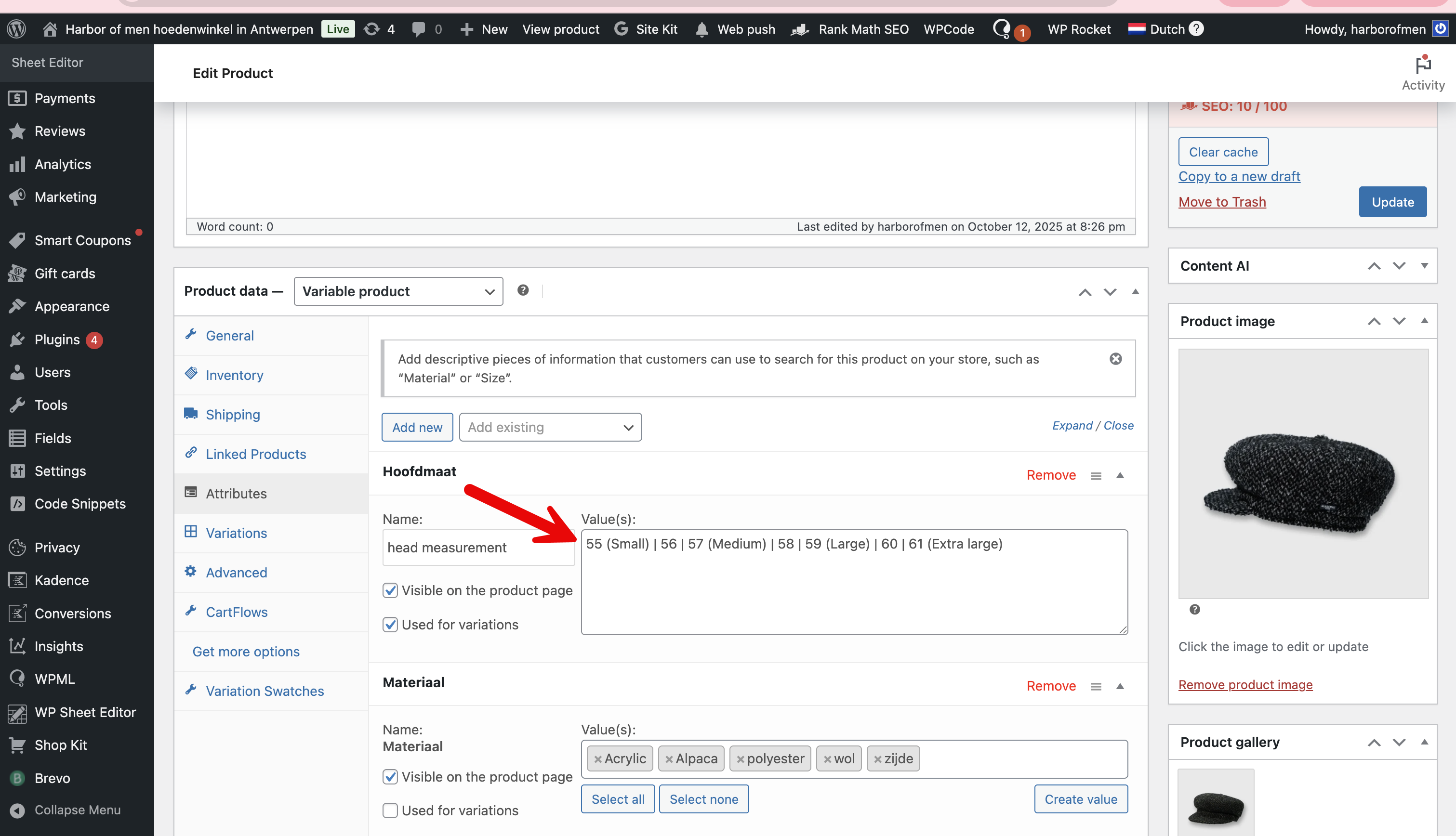
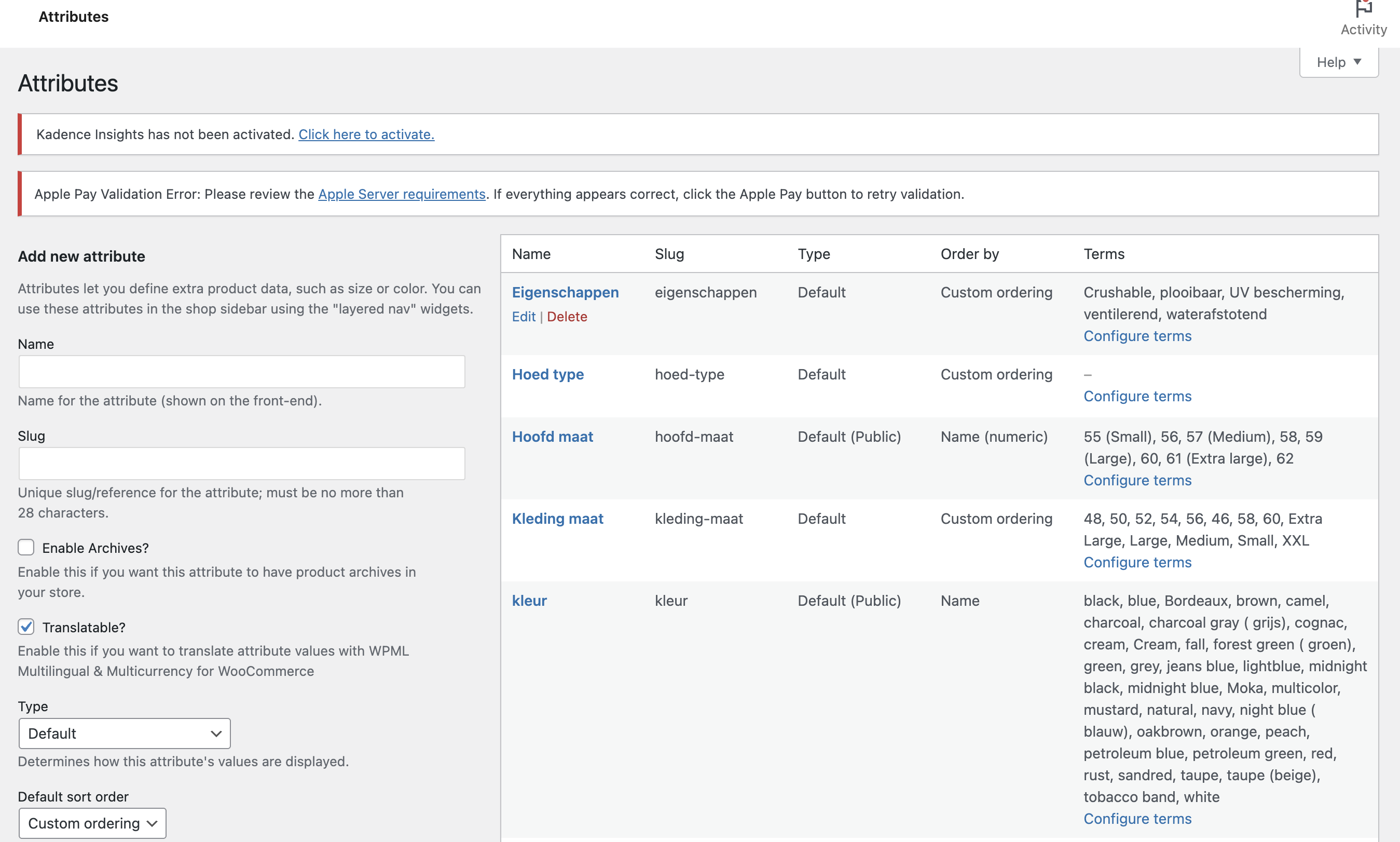
According to one of the screenshots you shared, I can see that the attributes are local. Please see the attached screenshot local-attributes.png. This means that you created the attributes per product, and they are not global attributes. Global attributes are created in Products -> Attributes and translated in WPML -> Taxonomy Translation. However, local attributes are translated when you translate the product. This is because they are specific to a single individual product. You can read about the difference between global and local attributes here: hidden link. So, actually, what you need to pay attention to is that the local attributes assigned to the Dutch product are in Dutch and not in English.
The global attributes I always use But this was created from the wp sheets editor, so normally I would use the global attributes hoofdmaat but for some reason the sheets editor decided to use head measurements and create a product specific attribute I guess. I wanted to see if I was able to create everything from the sheets editor or just keep it for mas editing quickly the correct information, but for now it is too unstable to use it for creating new products with variations.
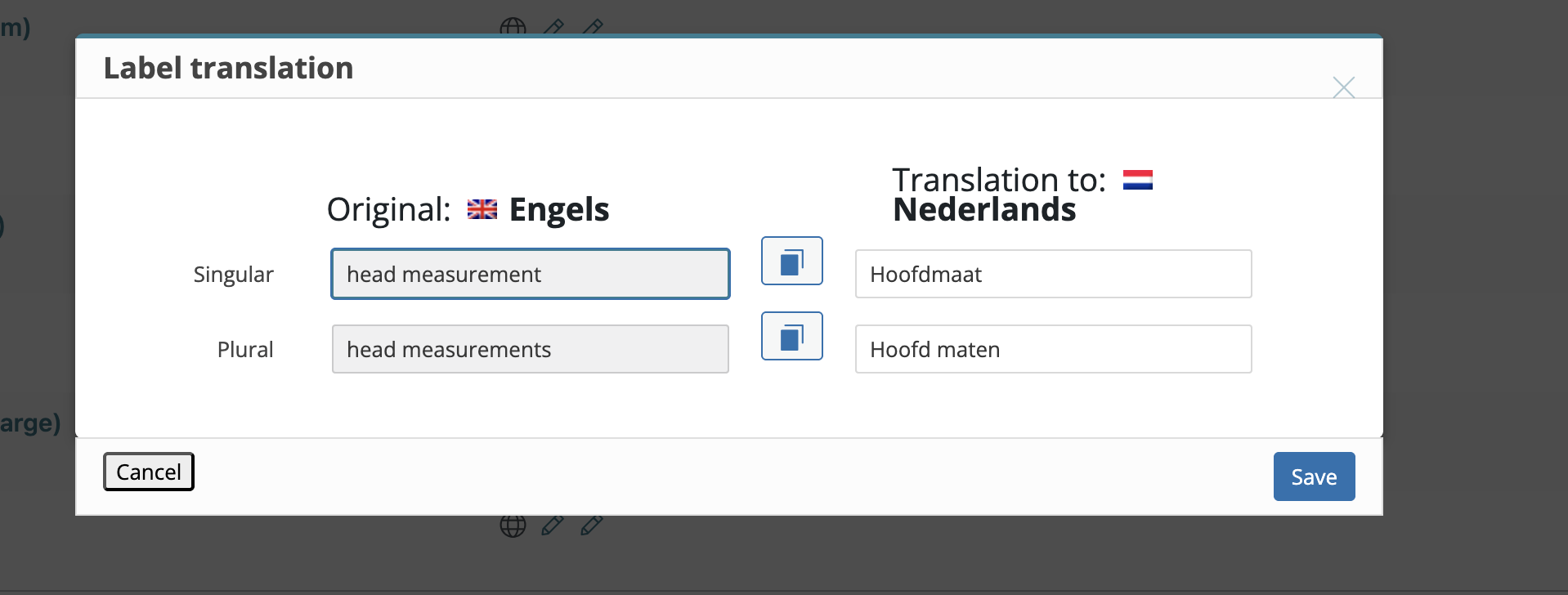
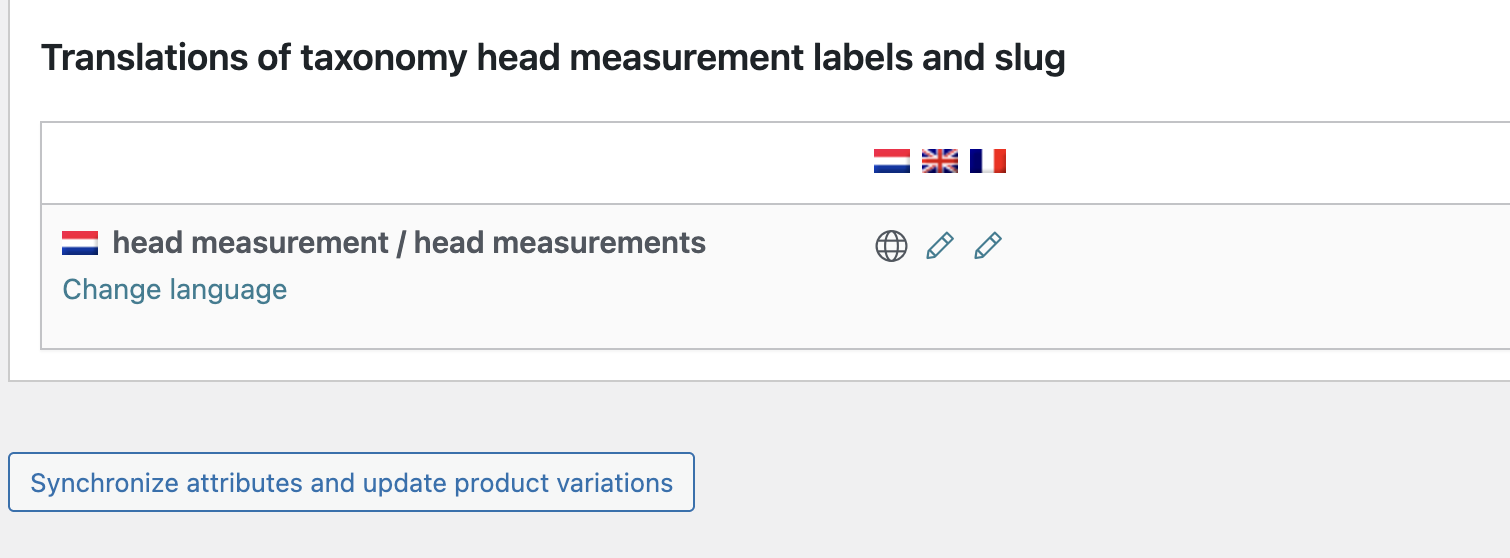
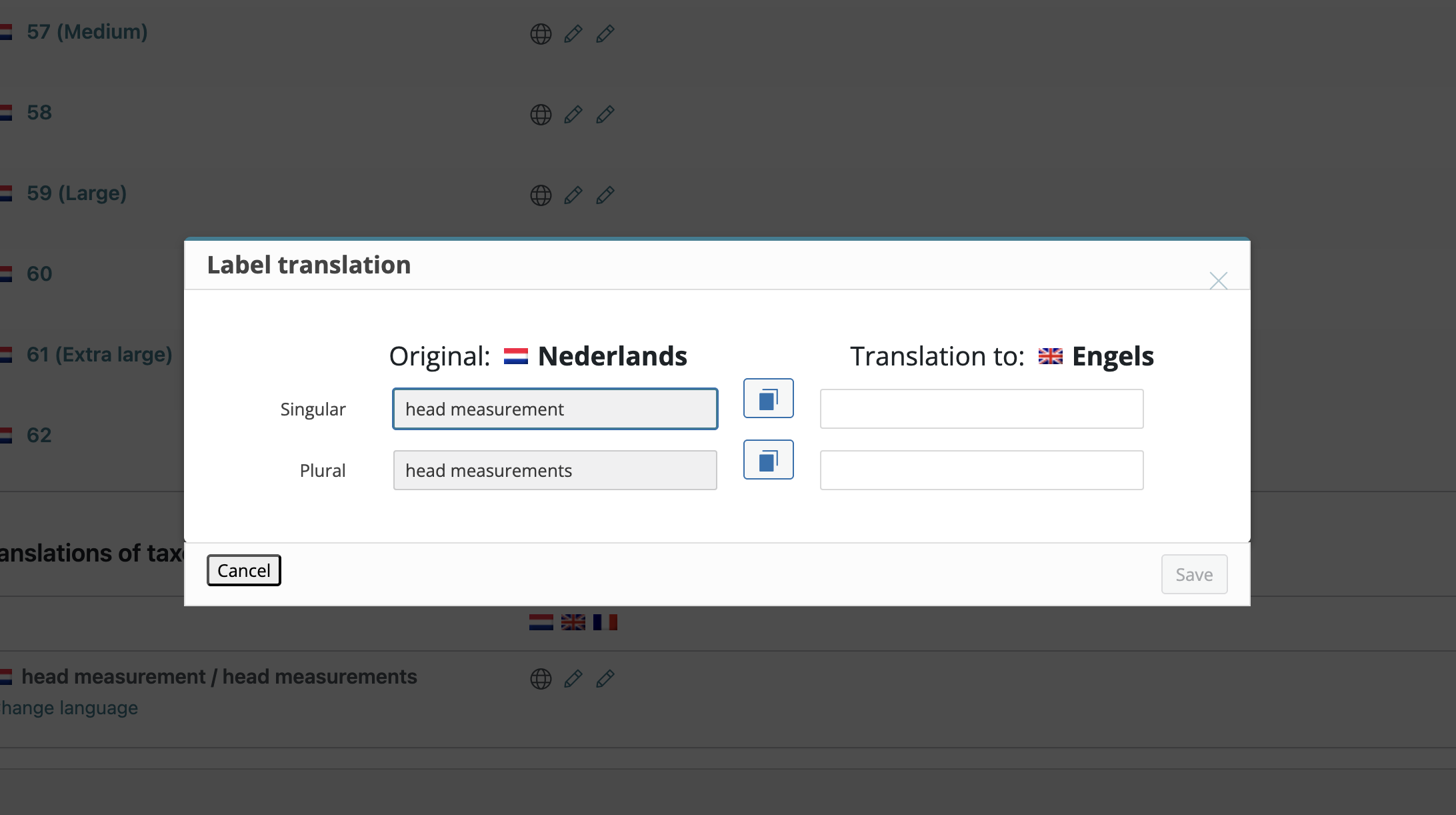
Now I noticed I am unable to switch languages within the products> attributes > Which I Just noticed now. (see screenshot)
The correct process of importing WooCommerce products and their taxonomies, including attributes, with the WP Sheet Editor plugin is described in our guide here:
In the above guide, you will be able to read that the hidden link">WP Sheet Editor – Taxonomy Terms (Premium) add-on is required. However, according to the information about your site, I can see that this plugin is not active on your site. It might be the reason for the failure of the product attribute in question. Exporting and importing WordPress and WooCommerce content can be a complicated process. To ensure success, it is essential to follow the guides.
You wrote:
Now I noticed I am unable to switch languages within the products> attributes > Which I Just noticed now. (see screenshot)