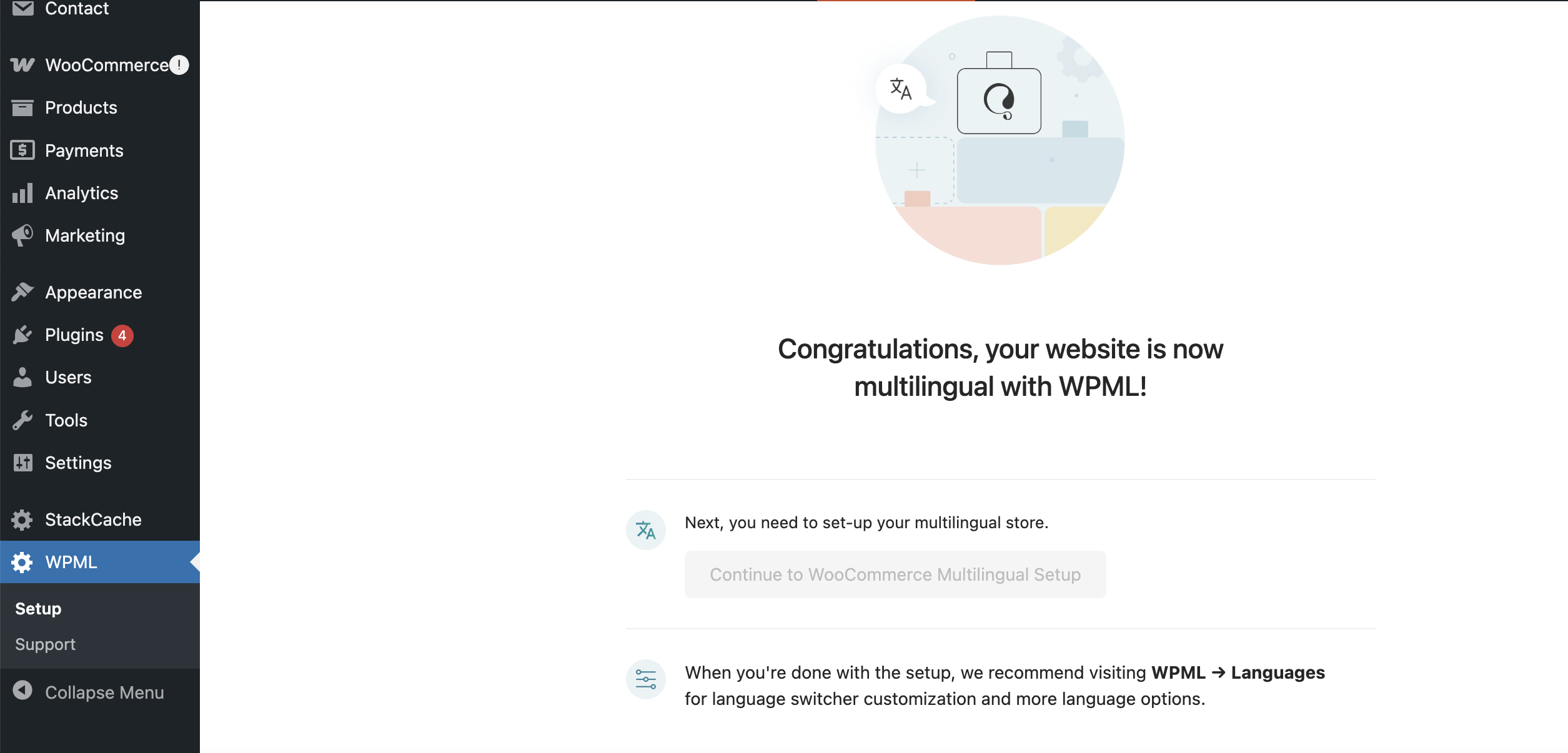
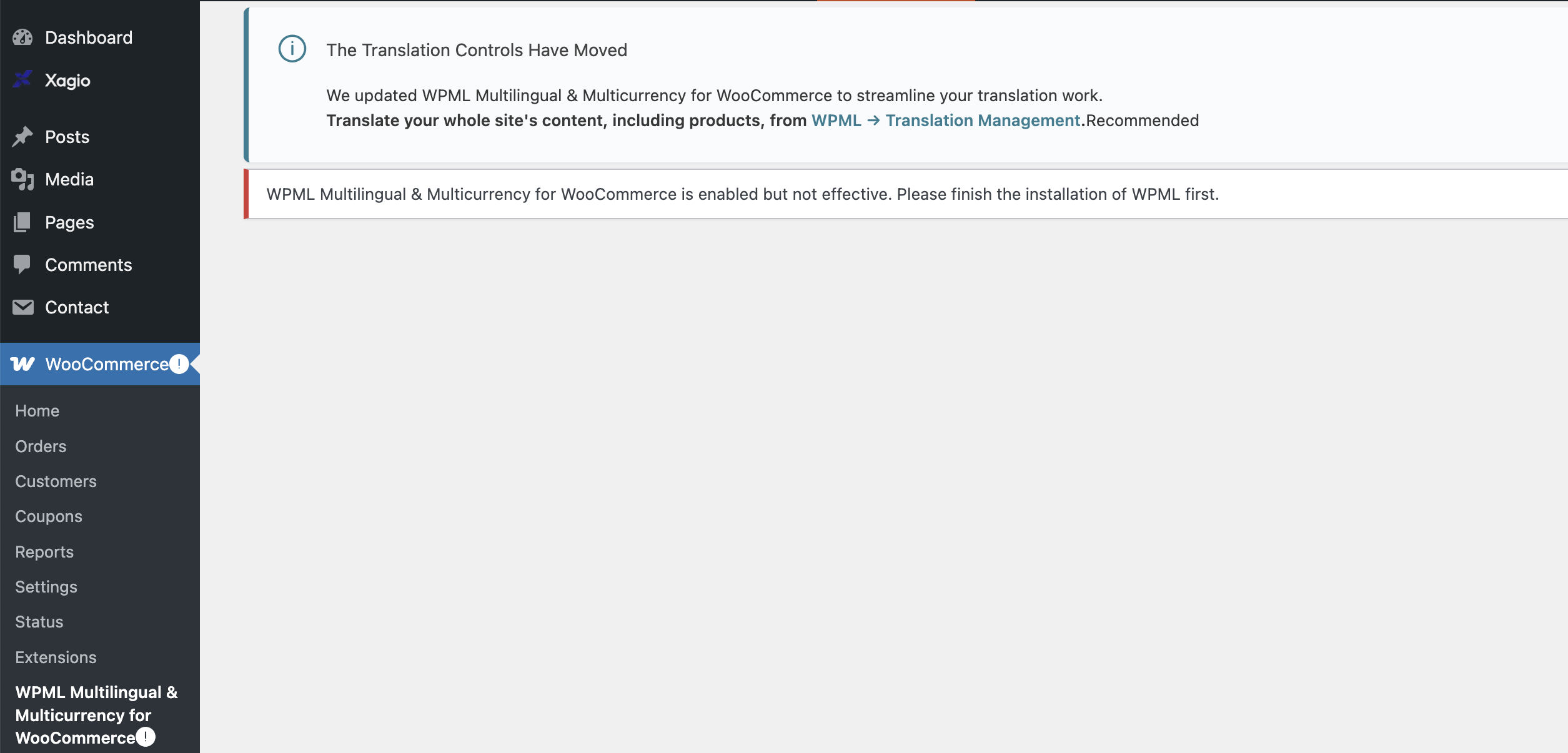
I'm trying to set up WPML on a new website (still on staging server) but it's not working. I've completed set up but there seems to be some disconnect between woocommerce and WPML
Could you please increase the WordPress memory limit (WP Memory Limit) to at least 128 MB?
Your current values are:
PHP Memory Limit 128M
WP Memory Limit 40M
To do this, you need to connect to your website's server and open the wp-config.php file in a text editor. The file is located in the WordPress root directory.
Add this code to the wp-config.php file to increase WordPress's memory:
define ('WP_MEMORY_LIMIT', '128M');
Add this just before this comment:
// That's all, stop editing! Happy blogging.
The current values can be viewed under WPML > Support > WordPress.
Now, please try to complete the Setup Wizard at WooCommerce > WCML and let us know if further assistance will be required.
Hello, unfortunately that hasn't worked. Can you advise further? I have to launch the site beginning of next week so I would really apprecaite getting this sorted.
Besides the steps my colleague mentioned, I still can not see the result of consulting with your hosting service provider to see if our domains are whitelisted or not. Did you follow that step?
Please get back to us with the details.
After that, I'd appreciate it if you could give me the URL/User/Pass of your WordPress dashboard after you make sure that you have a backup of your website.
It is absolutely important that you give us a guarantee that you have a backup so if something happens you will have a point of restore.
I've spoken to the hosting provider and they're saying all of their tests are running OK - they say that you need to turn the VPN off and try again as it's a security thing. They have also been whitelisted.
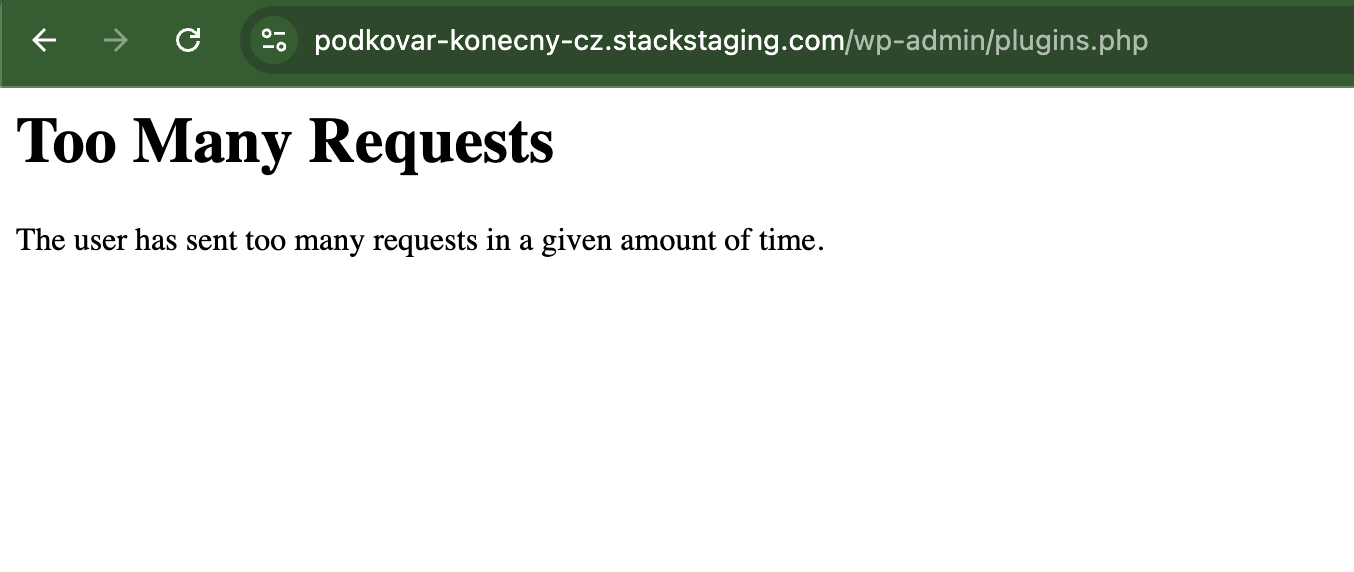
Unfortunately that made it worse - it still didn't work when I turned woocommerce back on, and kept turning the theme off. As I had to launch today, I ended up rebuilding with a different plugin overnight, so can I please have a refund for this site, or have it removed from my account so I can use it on another site?
Thanks
Sorry for your experience. I managed to fix the issue according to the video for the staging website.
But anyway, as you decided to go forward with this you can do as follows:
- Go to https://wpml.org/account/sites/
- There you will see a table containing the link to the website in question.
- Click the trash icon next to the website row and it will be removed.
- Now you will have an additional spot to register WPML.
Having said that, we still will be happy to investigate if you decide to use WPML for that specific website.