Skip to content Skip to sidebar

This thread is resolved. Here is a description of the problem and solution.

Problem:
If you're experiencing issues with the translation of product categories and images not displaying correctly in different languages on your WooCommerce site, here are the steps to resolve it.
Solution:
1. Ensure that all categories are translated into the desired language by navigating to WPML > Taxonomy Translation.
2. Synchronize the menu post-translation to update it properly for the target language. You can find guidance on menu synchronization here: Translating Menus.
3. For issues with product/category images not syncing across languages:
a. Go to WPML > Support > Troubleshooting.
b. In the Cleanup section, select "Products" from the dropdown and click the "Synchronize Post Taxonomies" button.
c. Navigate to WooCommerce > WooCommerce Multilingual > Status tab.
d. Click the "Troubleshooting" link and select the options as shown in this screenshot: Screenshot, then click "Start".
e. Clear your site and browser caches after the process finishes.

If these steps do not resolve your issue or if the solution seems outdated or irrelevant to your specific case, we highly recommend checking related known issues at https://wpml.org/known-issues/, verifying the version of the permanent fix, and confirming that you have installed the latest versions of themes and plugins. If further assistance is needed, please open a new support ticket at WPML Support Forum.

This is the technical support forum for WPML - the multilingual WordPress plugin.

Everyone can read, but only WPML clients can post here. WPML team is replying on the forum 6 days per week, 22 hours per day.

This topic contains 3 replies, has 2 voices.

Last updated by kostaD 1 year, 4 months ago.

Assisted by: Prosenjit Barman.

Author Posts
December 5, 2024 at 4:44 pm #16482983

kostaD

Background of the issue:
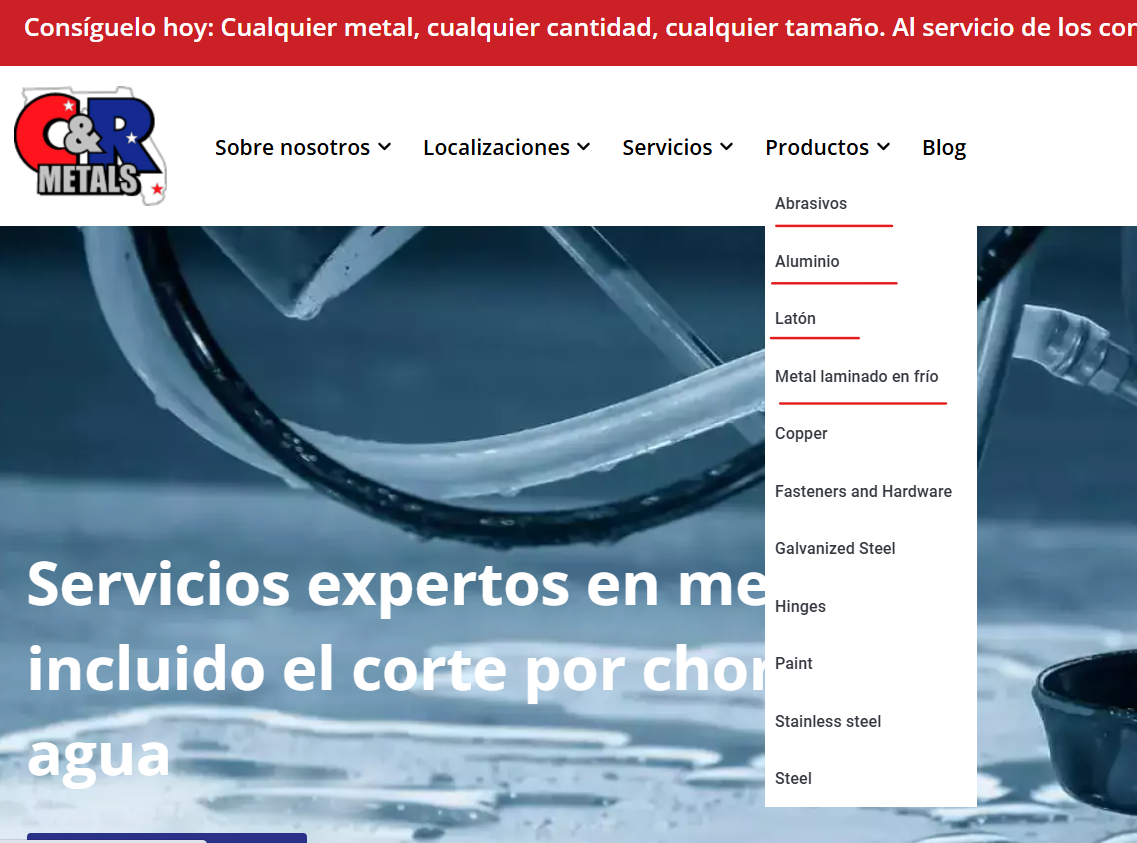
I am trying to resolve an issue with the translation of product categories on our site using WPML. The main version of the site is hidden link and the Spanish version is hidden link. All links in the menu are translated correctly and lead to Spanish pages, except for the products section.

Symptoms:
When I click on any link in the products section, I am redirected to the English version instead of the Spanish version.

Questions:
What did we do wrong and how to get the correct menu?

December 6, 2024 at 7:50 am #16484811

Prosenjit Barman
WPML Supporter since 03/2023

Languages: English (English )

Timezone: Asia/Dhaka (GMT+06:00)

Hello There,
Thanks for contacting WPML Support.

Before this thread is assigned to my colleague, I’d like to offer some initial guidance and possible solutions.

I checked and found that the category items under "Productos" have not yet been translated into Spanish, which is why the default language links are being displayed.

To resolve this, please translate the categories into Spanish by navigating to WPML > Taxonomy Translation. Once translated, the category items should appear correctly in Spanish.

Additionally, you can synchronize the menu after translating the categories to ensure it is updated properly for the Spanish language.

- https://wpml.org/documentation/getting-started-guide/translating-menus/#easy-customizable-wp-menus-sync

I hope it helps! Please feel free to let us know if you need further assistance or clarification. I'll be happy to help.

Best regards,
Prosenjit

December 9, 2024 at 2:17 pm #16493642

kostaD

Hello,
we got the correct menu, but only when editing links in it manually. Let's leave this for now..

The next important problem we have:
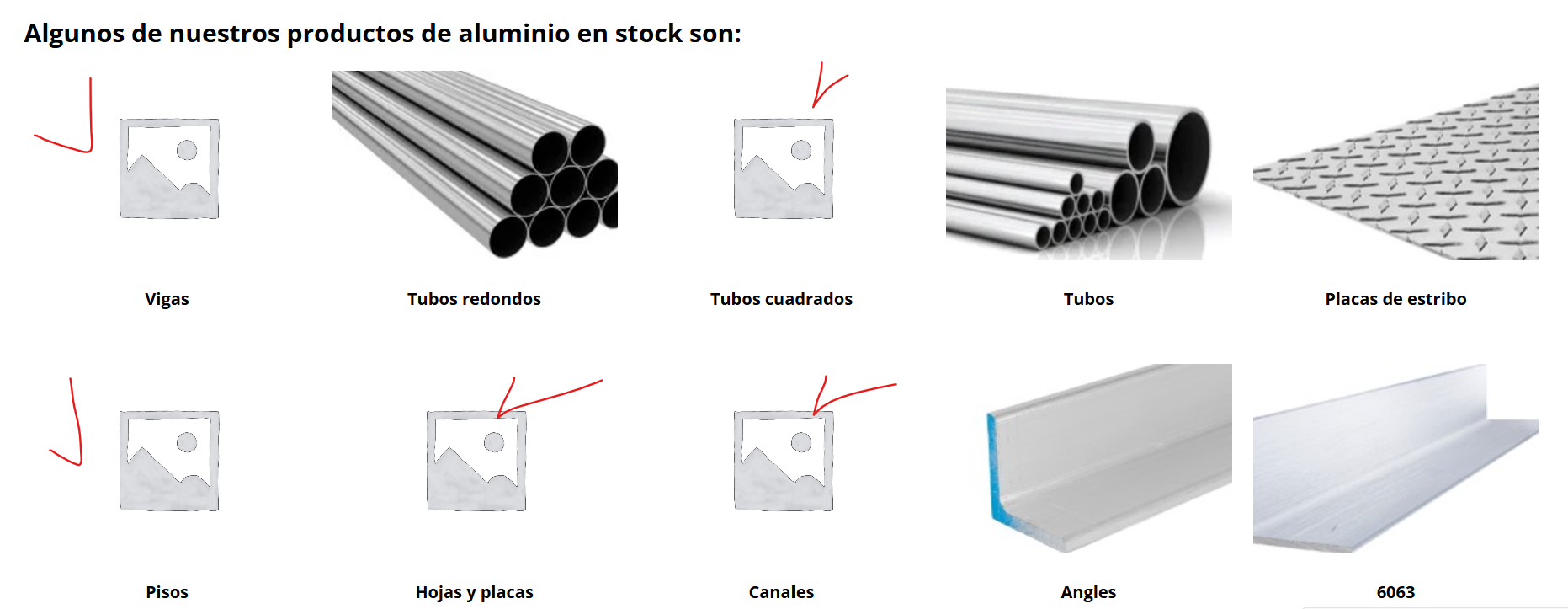
On each category page we display subcategories of products with a picture and a title (they are filled in as standard in WooCommerce). We have translated all categories and subcategories in WPML. All headings are translated correctly. A strange thing is: some pictures are displayed correctly, but some are not.
For example, this is the Spanish page hidden link and this is the original one hidden link

How to fix this?

categories.png
December 10, 2024 at 11:06 am #16497595

kostaD

Hello,
when we tried "Synchronize Post Taxonomies" as you suggested, we got the following. Maybe there shouldn't be 0 here? What could be the reason?

1234.png