
This is the technical support forum for WPML - the multilingual WordPress plugin.
Everyone can read, but only WPML clients can post here. WPML team is replying on the forum 6 days per week, 22 hours per day.
Tagged: Bug
This topic contains 12 replies, has 0 voices.
Last updated by Itamar 7 months ago.
Assisted by: Itamar.
| Author | Posts |
|---|---|
| September 27, 2025 at 2:14 pm #17438036 | |
 ehaitech-marketing-consultant- |
Background of the issue: Symptoms: Questions: 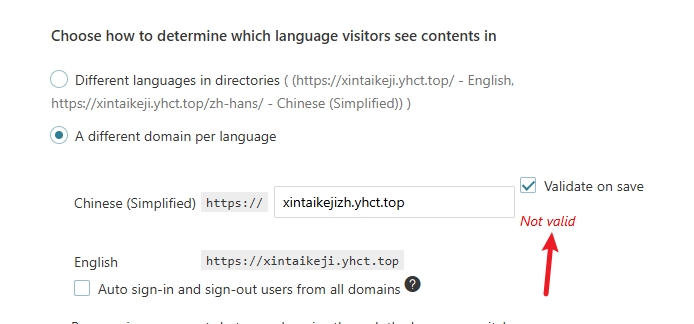 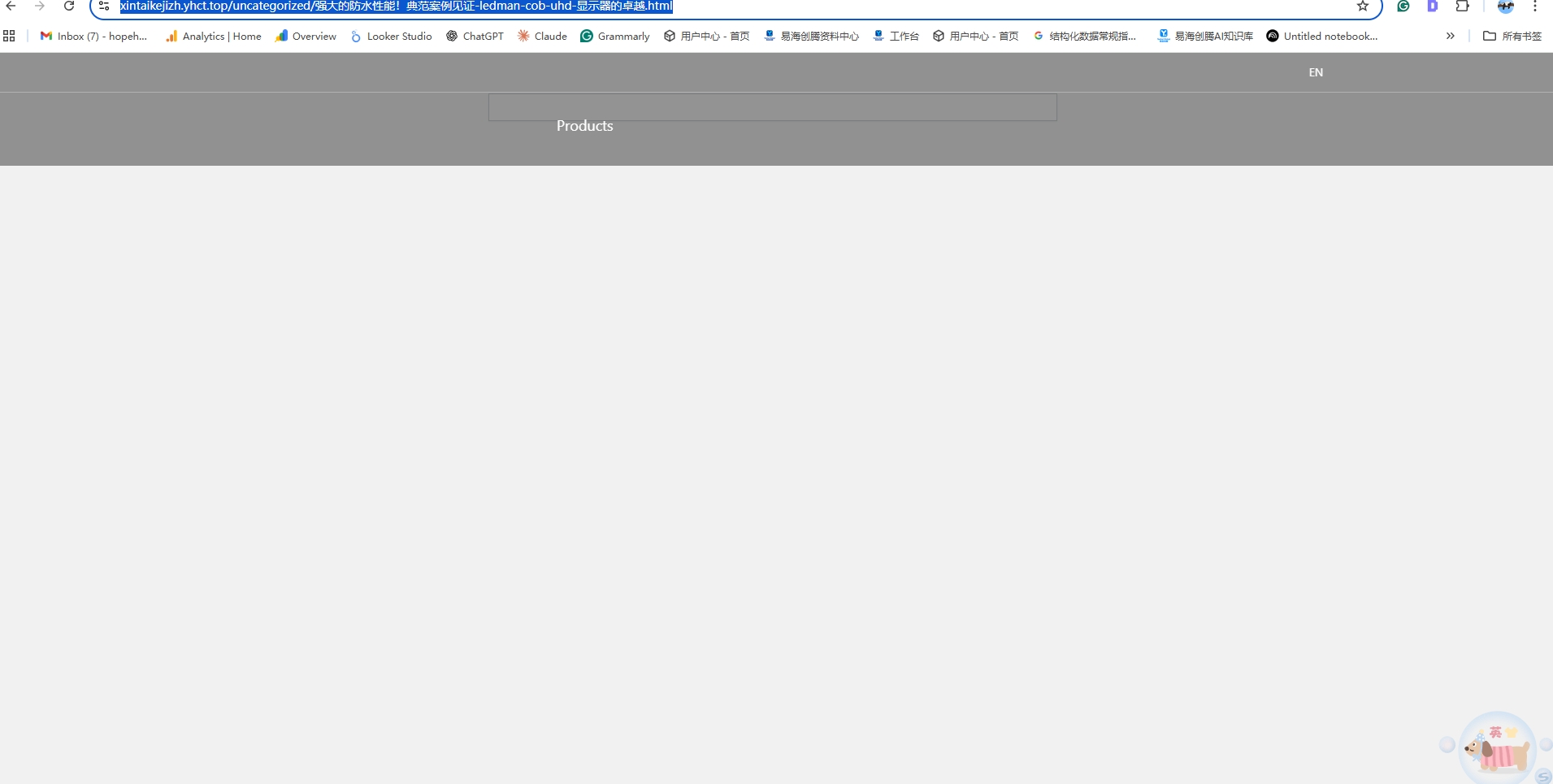 |
| September 27, 2025 at 2:58 pm #17438089 | |
 Itamar WPML Supporter since 02/2016 Languages: Hebrew (עברית ) Timezone: Asia/Jerusalem (GMT+03:00) |
Hi, I can see the problem with the Chinese translation here: The configurations of the Language URL format of 'A different domain per language' depend on the settings on your server. If you misconfigured your server, then WPML provides this 'Not valid' error, as shown in your screenshot. Please ensure to follow our guide on configuring the server for this option. Are you following this guide? Also, I can see that the Permalink Structure on your site is: /%category%/%postname%.html Can you change the permalink structure of your site and check if it helps? |
| September 28, 2025 at 6:03 am #17438559 | |
|
ehaitech-marketing-consultant- |
We tried your method but it still didn't work. And after enabling wpml, the entire website page disappeared |
| September 28, 2025 at 8:03 am #17438626 | |
|
Itamar WPML Supporter since 02/2016 Languages: Hebrew (עברית ) Timezone: Asia/Jerusalem (GMT+03:00) |
Hi, and thanks for trying my suggestions. If you require additional assistance with this, please share the access details to your site with me. I'm enabling a private message for the following reply. Privacy and Security Policy |
| September 29, 2025 at 7:25 pm #17442136 | |
|
Itamar WPML Supporter since 02/2016 Languages: Hebrew (עברית ) Timezone: Asia/Jerusalem (GMT+03:00) |
Hi, and thanks for the access details. Here are my findings from investigating things on your site. 1. There is no problem with validating the second domain xintaikejizh.yhct.top. I just checked it and I got "Valid". Please see the attached screenshot valid-ok.jpg. 2. This page does not exist and results in a 404 page. 3. The English page is not translated into Chinese. You can see it by the plus icon next to "Chinese (Simplified)". Please see the attached screenshot page-not-translated.jpg. You can see it here: hidden link You need to translate this page into Chinese. 4. There is no assigned Homepage or Post page, neither for the default language of your site nor for the translated pages. You must assign either the Homepage or Post pages to your site, and they must be translated. You can see it in Settings -> Reading here: hidden link. Please see the attached screenshot no-homepage.jpg. Regards, 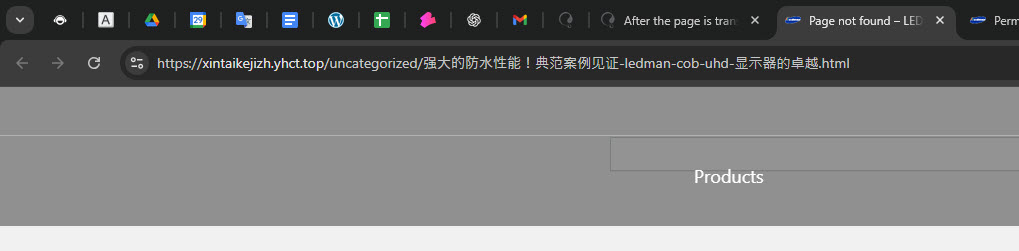 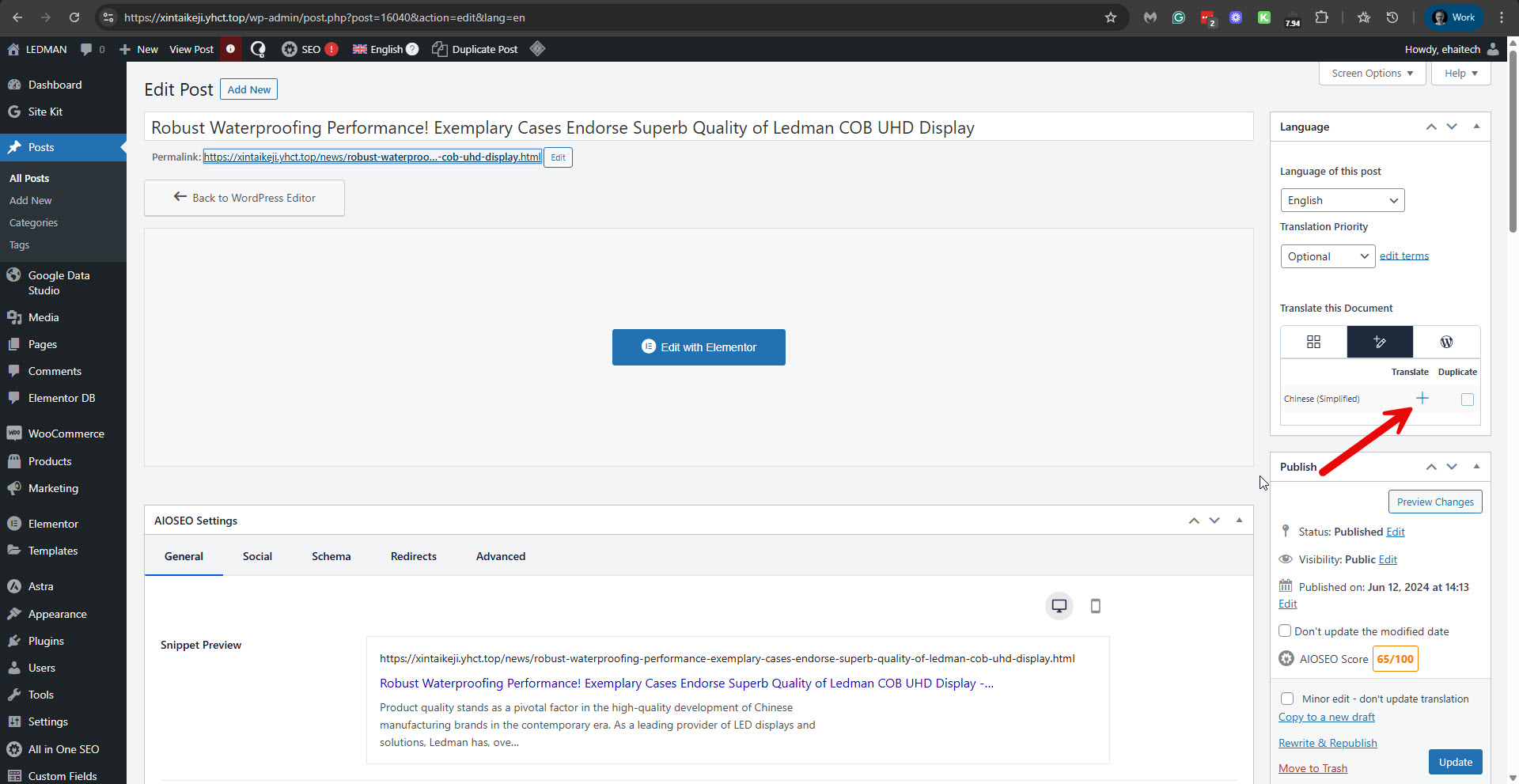 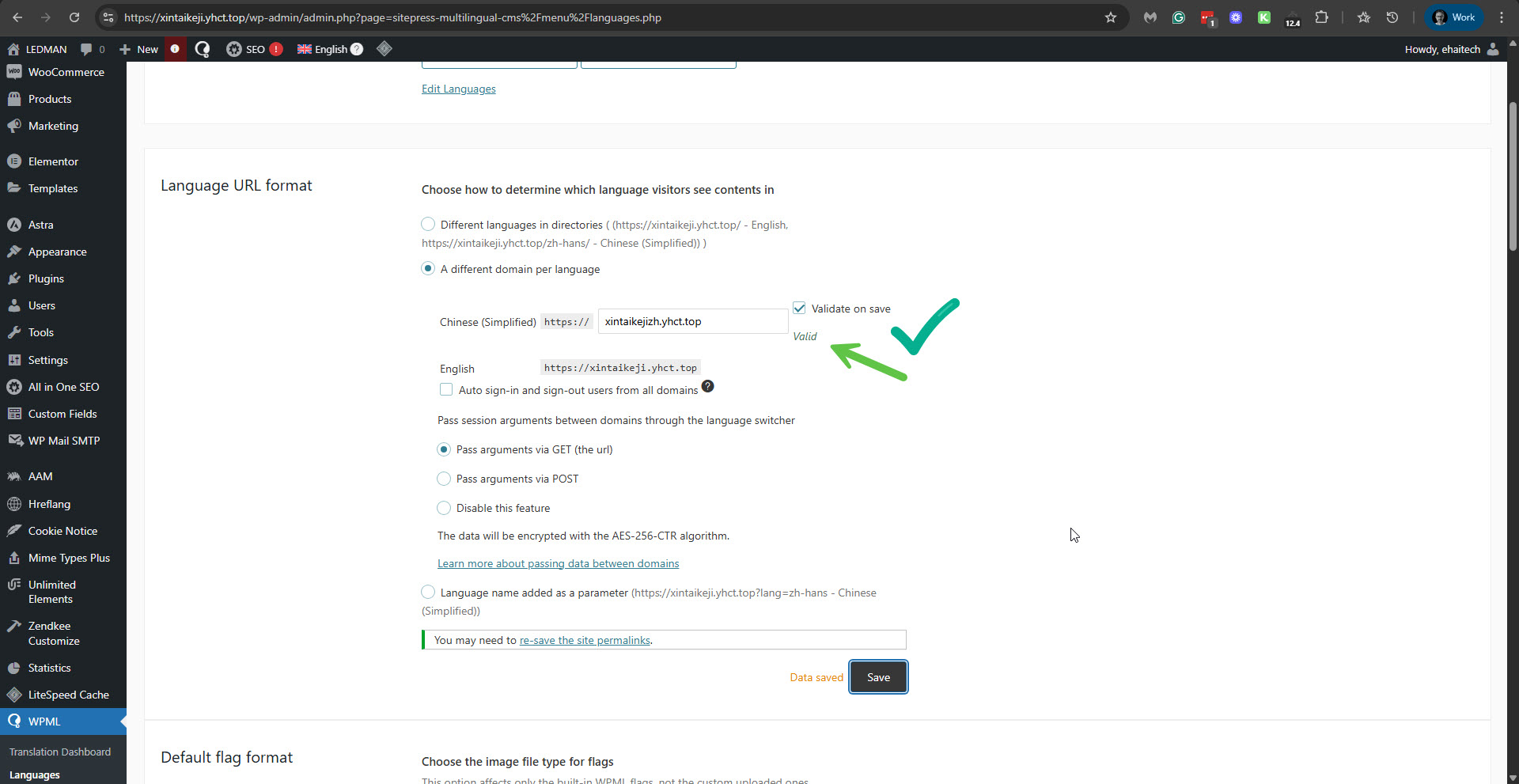 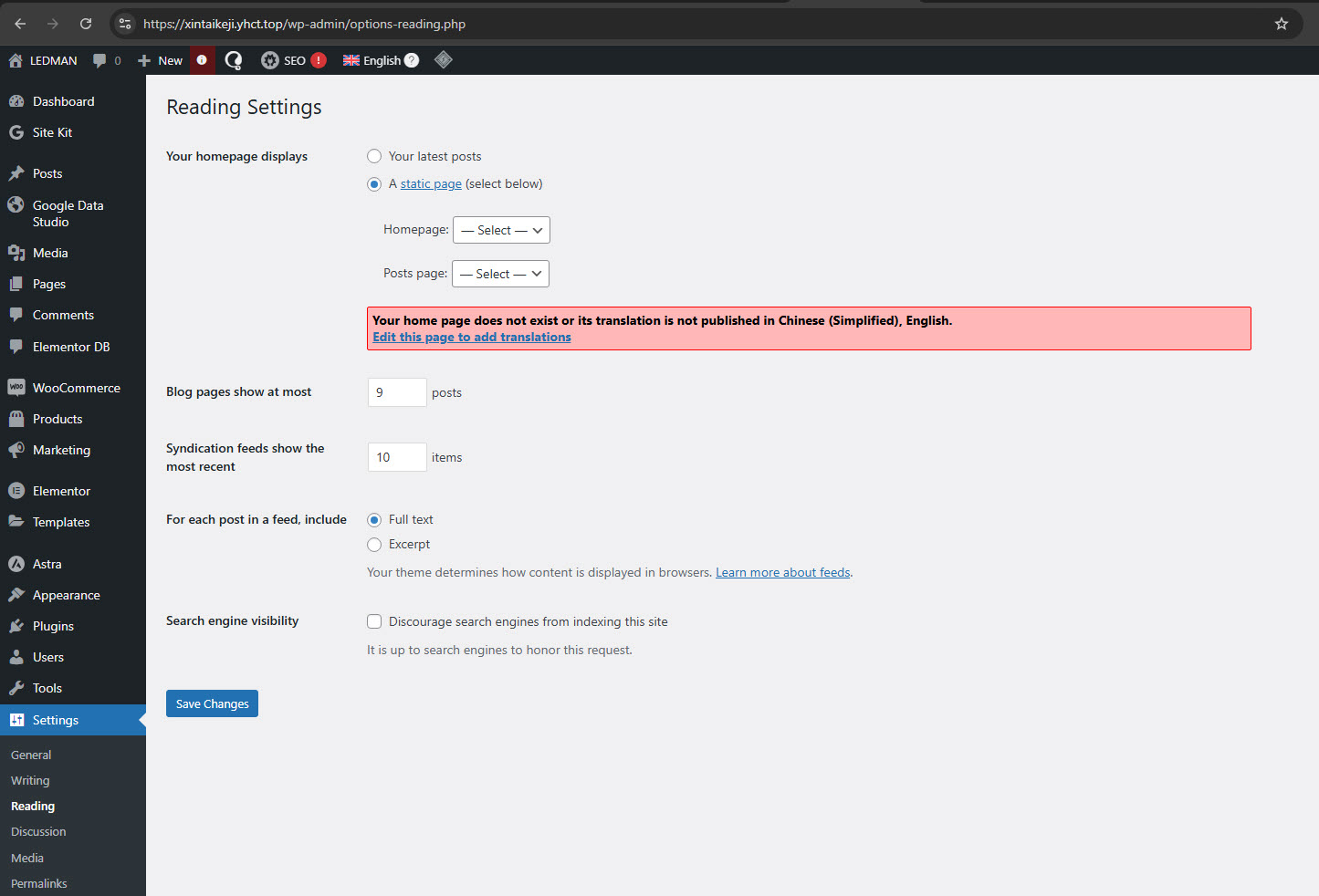 |
| September 30, 2025 at 3:23 am #17442489 | |
|
ehaitech-marketing-consultant- |
We previously reported that the problem of blank translations has not been resolved. After enabling the wpml plug-in, the page does not exist. Then eight pages were published and only one was displayed. 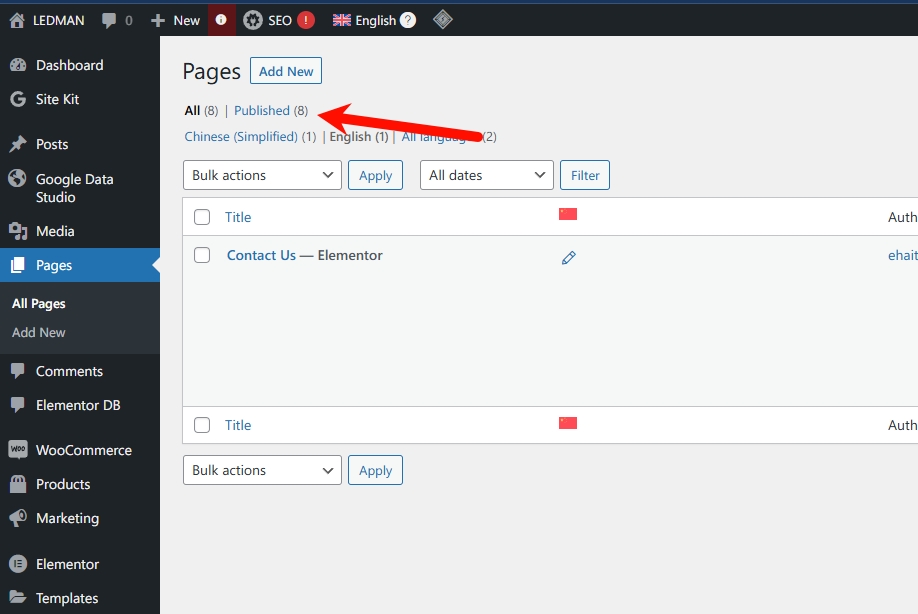 |
| September 30, 2025 at 7:57 pm #17446407 | |
|
Itamar WPML Supporter since 02/2016 Languages: Hebrew (עברית ) Timezone: Asia/Jerusalem (GMT+03:00) |
Hi, Please, try the troubleshooting section. 1. Take a backup of the DB of your site. 2. Go to WPML -> Support -> Troubleshooting (link) 3. Once on the troubleshooting screen, press the following buttons and check if it helps. Press each button at a time and wait for the process to complete. - 'Disable cache for language switcher templates' - 'Clear language information and repopulate languages' button (if it is showing) - 'Synchronize posts taxonomies' for 'Pages' - 'Clear the cache in WPML' - 'Remove ghost entries from the translation tables' - 'Fix element_type collation' - 'Fix WPML tables collation' - 'Synchronize local job ids with ATE jobs' - 'Synchronize translators and translation managers with ATE' - 'Assign translation status to duplicated content' - 'Set language information' - 'Reset languages' Press this button only if you didn't add a custom language! - 'Fix terms count' - 'Fix post type assignment for translations' - 'Cleanup and optimize string tables' - 'Check for string issue' *** Please make a backup of your database before using this.*** Regards, |
| October 4, 2025 at 2:42 am #17455573 | |
|
ehaitech-marketing-consultant- |
Can you help me directly operate it? My site is a test site, if it breaks it won’t have much impact. |
| October 4, 2025 at 6:26 pm #17456226 | |
|
Itamar WPML Supporter since 02/2016 Languages: Hebrew (עברית ) Timezone: Asia/Jerusalem (GMT+03:00) |
Sure. The 'Set language information' troubleshooting option fixed the missing pages issue. Please see the attached screenshot. Regards, 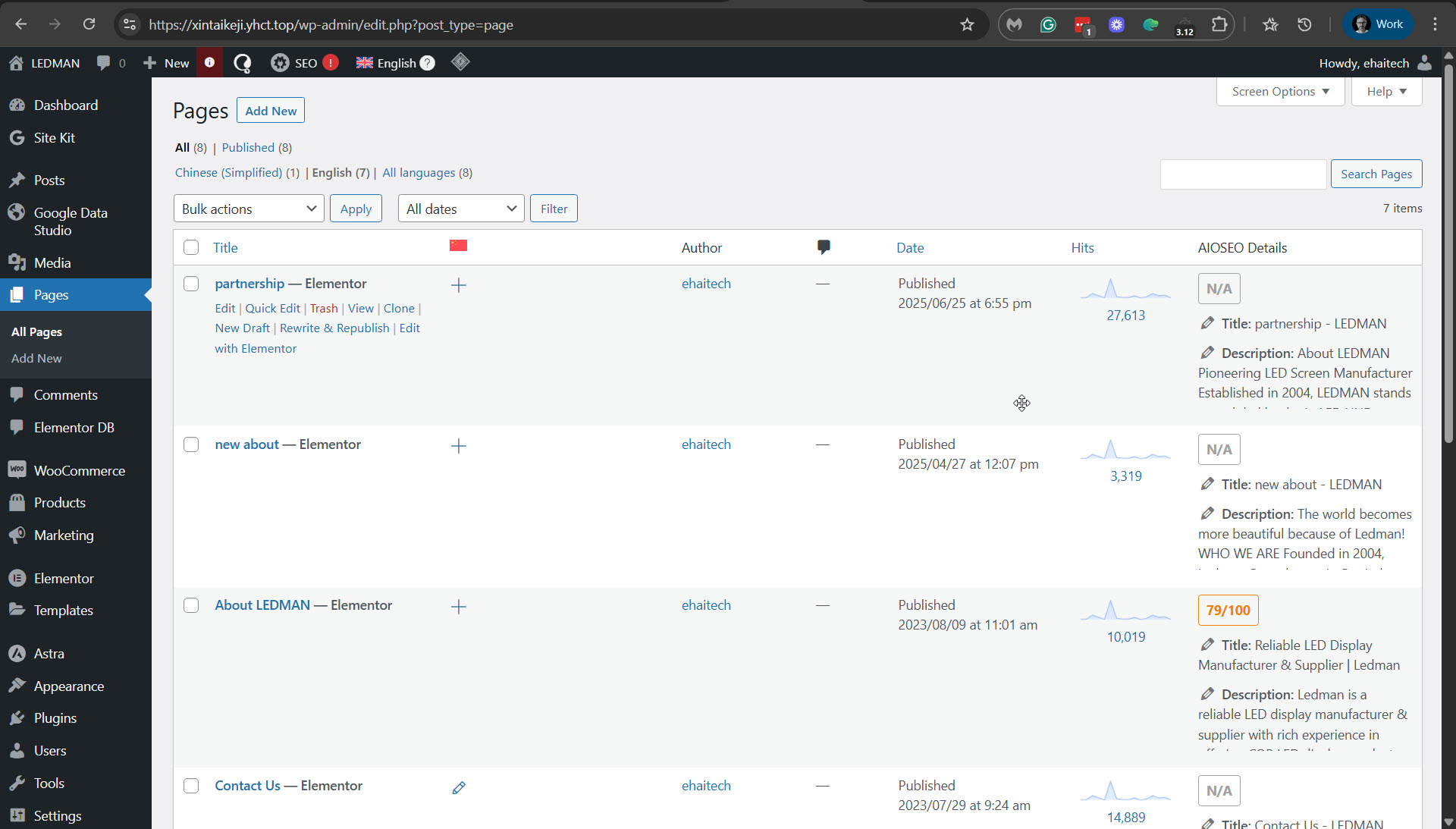 |
| October 9, 2025 at 9:53 am #17470256 | |
| ehaitech-marketing-consultant- |
I have 2 questions to ask: 1. After the website is translated, the visual effect of the website becomes worse. if ( ! defined( 'ABSPATH' ) ) { ?><!DOCTYPE html> <?php astra_head_top(); ?> <!--自定义--> <script src="<?php echo HX_T_DIR?>static/js/jquery-3.6.0.js"></script> <body <?php astra_schema_body(); ?> <?php body_class(); ?>> <header>
</div> </div>
</div>
<?php $menu_locations = get_nav_menu_locations(); $primary_menu_id = $menu_locations['primary']; $menu_object = wp_get_nav_menu_object($primary_menu_id); $topMenus = wp_get_nav_menu_items($menu_object->term_id); if ($topMenus){ <?php } } <div class="head_search ">
<!-- <div class="drop">--> <!-- Product--> <!-- </div>--> <!-- <div class="down">--> <!-- <div class="inner">--> <!-- Commercial Display--> <!-- Commercial Display--> <!-- Commercial Display--> <!-- Commercial Display--> <!-- </div>--> <!-- </div>--> <!----> <?php foreach($topMenus as $value_pc){ if($value_pc->menu_item_parent == 0){ ?> <?php } } ?> --> --> --> --> </div> <?php astra_body_top(); ?> <a <div astra_header(); astra_header_after(); astra_content_before(); 2. The astra theme of 4.1.6 has a second version problem. Our customized code will have bugs when it encounters wpml. New threads created by Itamar and linked to this one are listed below: https://wpml.org/forums/topic/split-visual-effect-of-the-website-becomes-worse/ 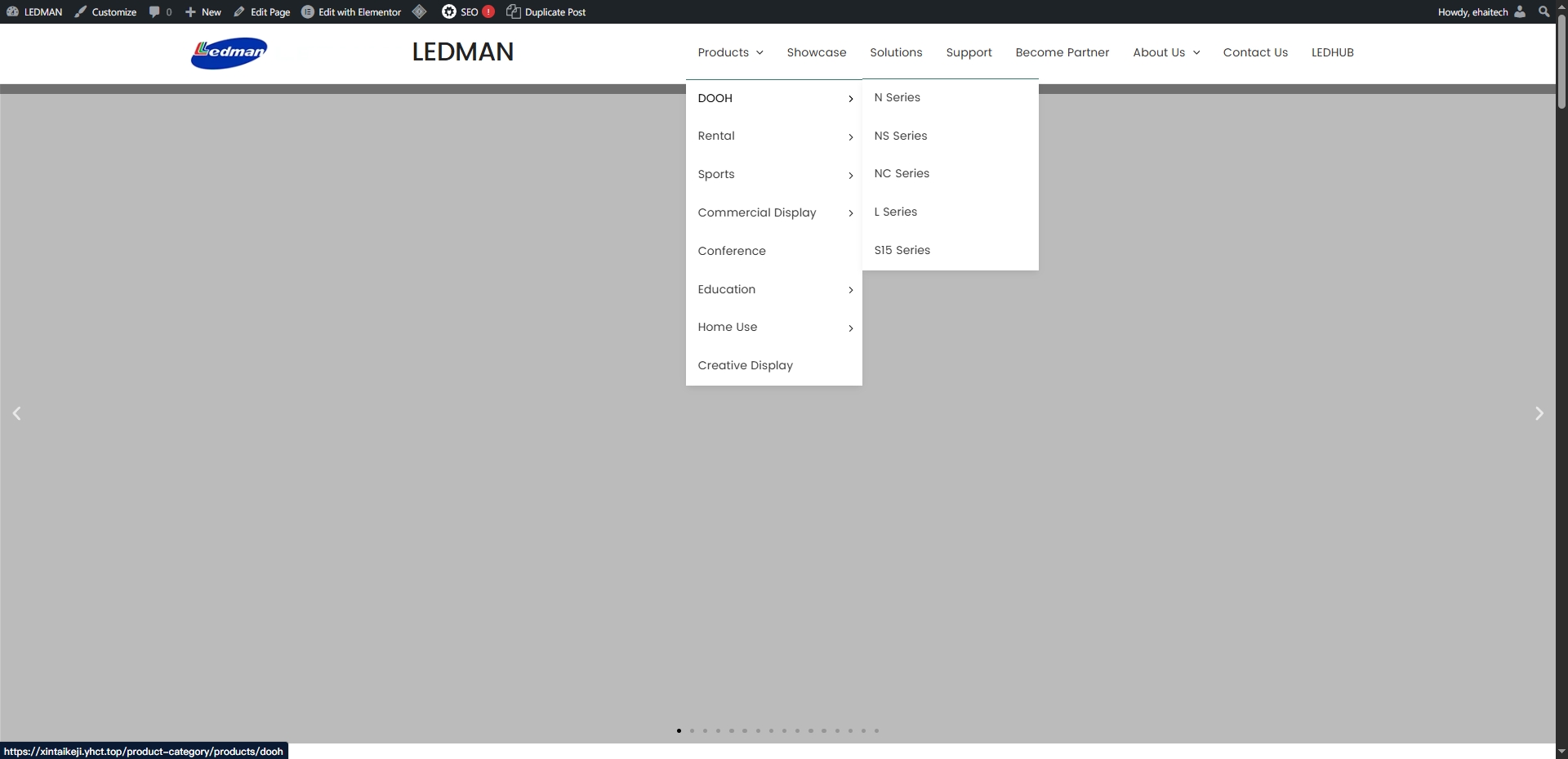 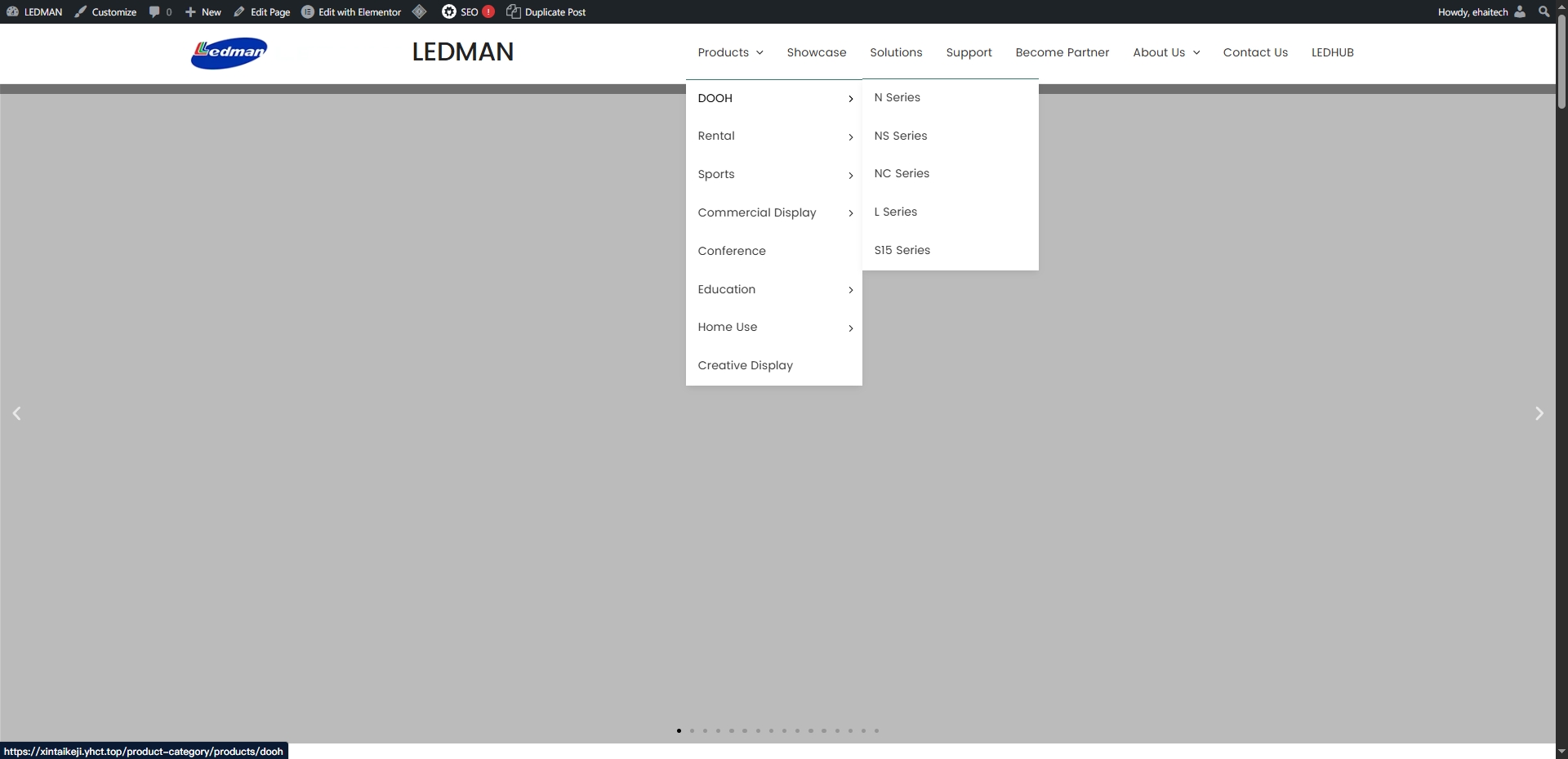 |
| October 12, 2025 at 6:33 pm #17477747 | |
|
Itamar WPML Supporter since 02/2016 Languages: Hebrew (עברית ) Timezone: Asia/Jerusalem (GMT+03:00) |
Hi, Could you please confirm that the issue with this ticket has now been resolved? In our forum, we try to keep one issue per ticket. Therefore, I've split the other ticket and created a new ticket with this issue. Please see the new ticket here. https://wpml.org/forums/topic/split-visual-effect-of-the-website-becomes-worse/ Regards, |
| October 13, 2025 at 2:39 am #17478080 | |
|
ehaitech-marketing-consultant- |
Basically, it is like this. Although the problem of blank pages after translation has been solved, a new bug has just occurred, that is, a problem with the navigation bar. For example, the navigation bar cannot be the same as the previous design. There are 2 navigation bars that have been solved. Our agenda has not touched the website, but what we want to ask is what to do about the new problems caused by solving the problem of blank space after the page.   |
| October 13, 2025 at 1:54 pm #17480028 | |
|
Itamar WPML Supporter since 02/2016 Languages: Hebrew (עברית ) Timezone: Asia/Jerusalem (GMT+03:00) |
Hi, I'm sorry, but I must provide here the same answer as in the other ticket: We can't support old versions of the Astra theme. The version you are using (4.1.6) was released on July 5, 2023. It is more than two years old: hidden link The same applies to the WordPress version. You are using WordPress version 6.2.2, which was released over two years ago: https://wordpress.org/documentation/wordpress-version/version-6-2-2/. We will be happy to investigate any issues you may have with the latest version of WordPress and the Astra theme. Please consider updating your site's WordPress and Astra versions to the latest versions. Then, if you have issues, we will investigate them. |






